निःशुल्क दस्तावेज़ उपकरण
Convert scanned document images to Markdown with AI
के साथ शुरू
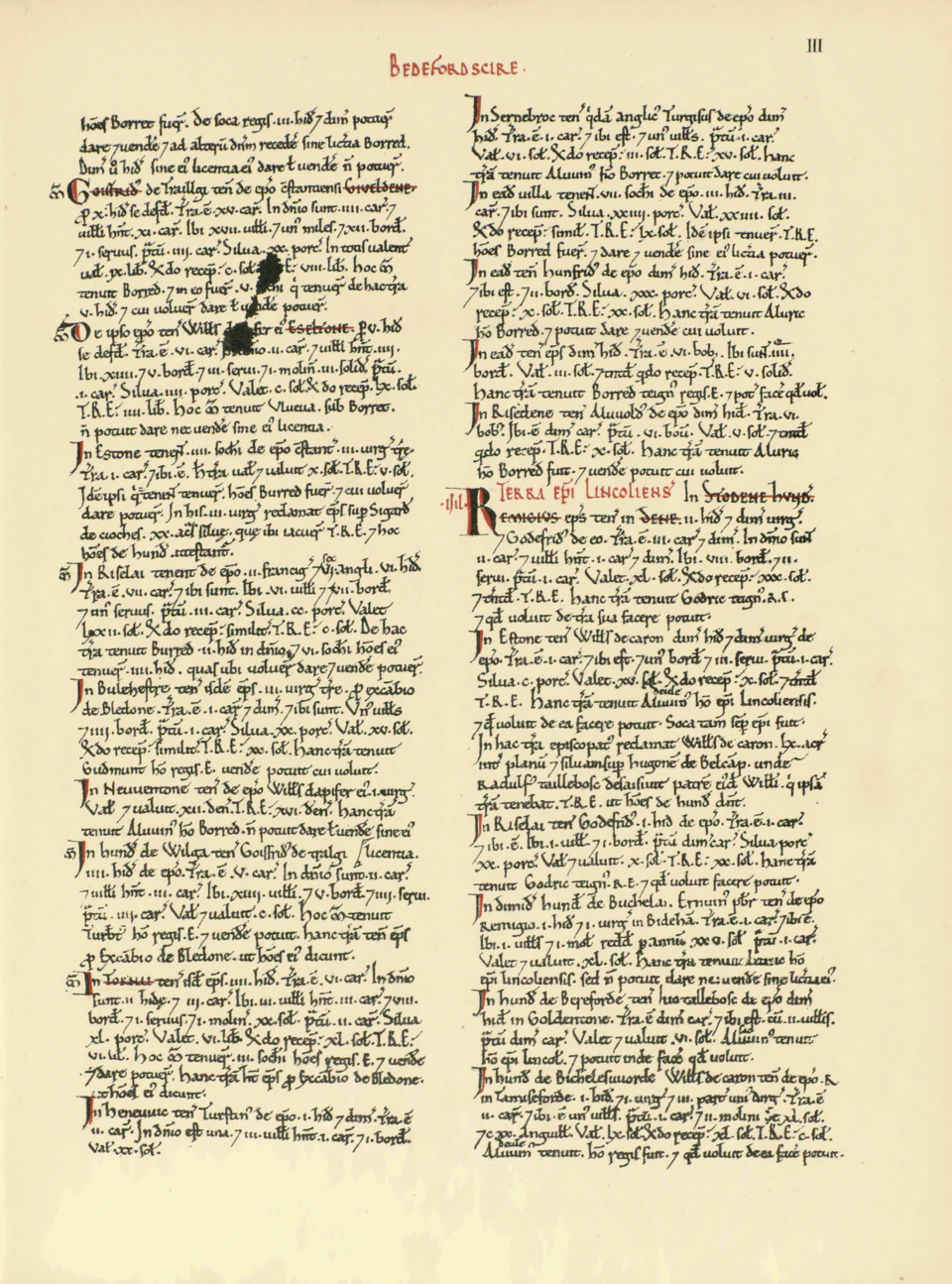
document image
डायनामाइट डॉक्स

इसके लिए काम करें
Image text as Markdown
उदाहरण स्रोत
document image
- Headings
- Visible titles become # headings
- Paragraphs
- Line fragments join into editable text
- Lists
- Bullets and checklists keep item boundaries
Scanned words become editable text.
Turn visible text in a scan, photo or screenshot into editable Markdown.
Upload one document image. The selected OCR provider reads its pixels and rebuilds headings, paragraphs, lists and simple tables in Markdown. Keep the image open beside the text and check names, punctuation, numbers and narrow table cells before you copy or download anything.
समीक्षा की गई सामग्री .
Copy and Markdown download are available from the Text viewer after conversion. See Free limits.
अनाम मूल फाइलें ब्राउज़र स्टोरेज में रहती हैं, क्लाउड फाइल स्टोरेज में नहीं। एक्सट्रैक्शन के दौरान दस्तावेज़ की सामग्री चयनित एआई प्रदाता को भेजी जा सकती है।
Upload a document image. JPG, PNG, WebP, GIF, TIFF or AVIF image files are supported up to 50 MB.
28 दिन का निःशुल्क परीक्षण · 25 पृष्ठों के समतुल्य · 5 होस्ट किए गए पृष्ठ/दस्तावेज़
How does image to Markdown conversion work?
Dynamite Docs uses AI OCR to read visible text from a document photo, scan, or screenshot and turn it into editable Markdown. Review the wording, reading order, headings, lists, and table cells beside the image.
Markdown keeps text structure, not the original design. Blur, cropping, columns, handwriting, formulas, and diagrams can require manual correction.
How do you transcribe text and tables from an image into clean Markdown syntax?
Use Image to Markdown when a scanned page, document photo, or screenshot contains text, headings, lists, or simple tables that you need to convert into editable Markdown syntax. Capture the document with sharp focus, even lighting, and minimal perspective tilt to ensure optical character recognition can distinguish character details.
After extraction, review the generated Markdown document from top to bottom. Verify heading depth (# to ###), check that lists retain proper numbering and bullet nesting, verify table pipes and column alignments, and check character accuracy in proper nouns, dates, and alphanumeric codes.
If the original file is a PDF with selectable digital text, use PDF to Markdown for private, zero-upload local conversion in your browser. Choose Image to Excel or Image to CSV when tabular calculations and cell types are the primary focus, or Image to JSON for structured application schemas. For confidential data, review AI provider routing and data-residency policies in workspace settings.
मासिक प्रोसेसिंग भत्ते और योजना सीमाओं की तुलना करें या चरण-दर-चरण निष्कर्षण और समीक्षा मार्गदर्शिका पढ़ें ।
इन नमूना फ़ाइलों के साथ डायनामाइट डॉक्स में दस्तावेज़ निष्कर्षण परिणामों की जाँच करें
German handwritten invoice
Open image Download image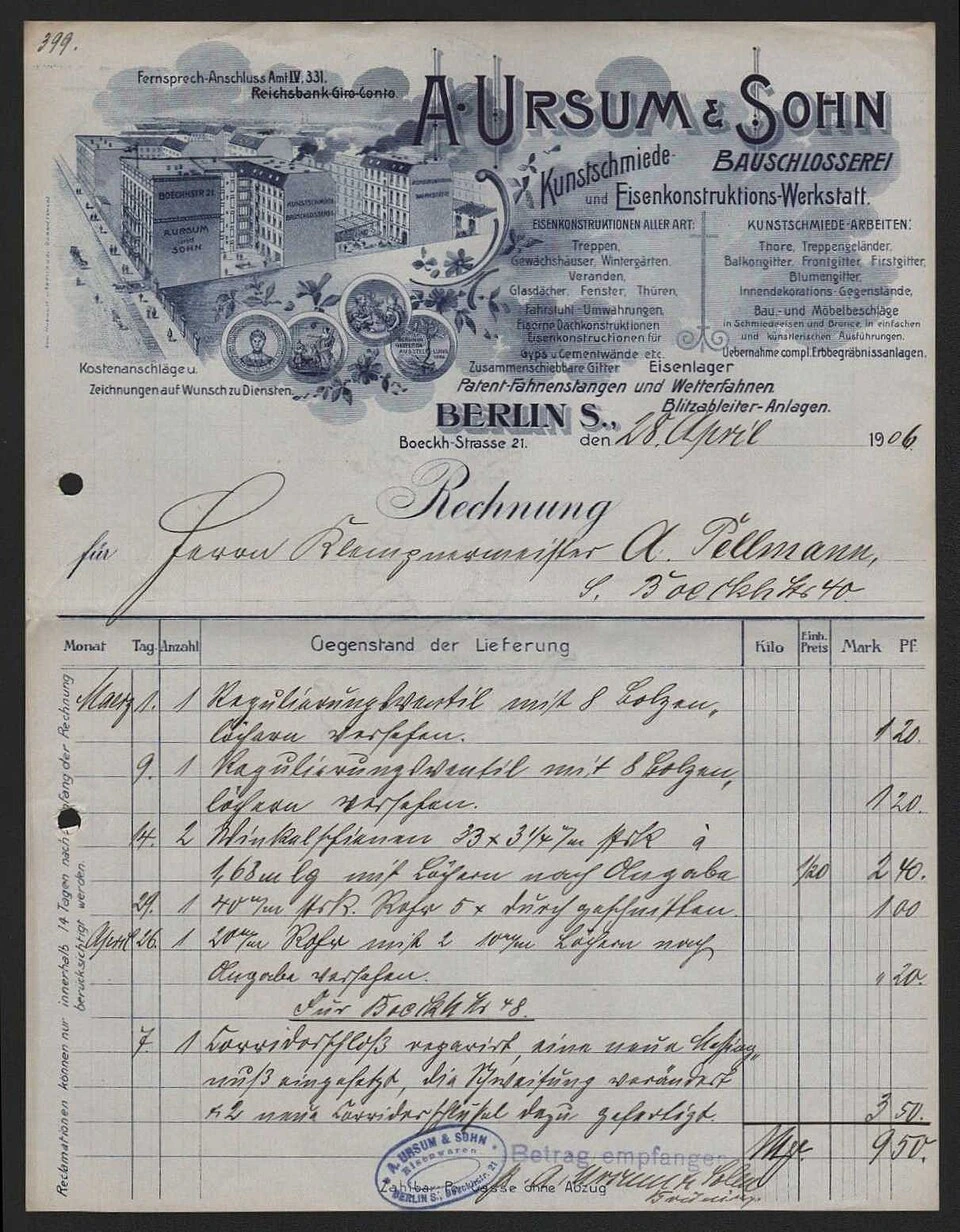
परिणाम साक्ष्य के साथ ही रहता है।
Dynamite Docs स्रोत और संरचित परिणाम को एक ही समीक्षा कार्यक्षेत्र में रखता है। दस्तावेज़ फ़ील्ड और दोहराई जाने वाली पंक्तियों का अनुमान लगाएं, पृष्ठ के अनुसार मानों को सही करें, चेतावनियों का निरीक्षण करें और स्वीकृत परिणाम निर्यात करें।
यह सिर्फ एक साधारण OCR ट्रांसक्रिप्ट से कहीं अधिक है। परिणाम में फ़ील्ड, लाइन आइटम, कुल योग और नोट्स को अलग-अलग किया जाता है ताकि कोई व्यक्ति Excel, CSV, JSON, Google Sheets, Google Drive, वेबहुक या API पर डेटा भेजने से पहले उसकी संरचना की जांच कर सके।
किसी एआई प्रदाता से जुड़ें और एक कुंजी प्राप्त करें
डेटा निकालने के लिए होस्टेड मॉडल चुनें या अपनी खुद की प्रोवाइडर कुंजी कनेक्ट करें।
प्रदाता कुंजी को संग्रहण से पहले एन्क्रिप्ट किया जाता है। प्रोसेसिंग विकल्पों की तुलना करें या सेटअप गाइड का पालन करें ।
What the editable Markdown contains
- Visible headings and paragraphs become editable Markdown after the selected OCR provider reads the image pixels.
- Lists and simple tables can retain Markdown structure instead of arriving as one unbroken block of OCR text.
- The source image remains available beside the Text viewer so characters, punctuation, and table cells can be checked before reuse.
- The output preserves visible wording rather than summarizing the page. Reviewers can change heading levels, list nesting or table syntax without treating an OCR guess as part of the source.
- Markdown captures semantic structure, not the original design. Fonts, colors, precise spacing, complex diagrams and decorative placement are not recreated in the text file.
From visible pixels to Markdown
An image contains pixels rather than selectable text. OCR must recognize the characters first, then the extraction step can rebuild useful document structure.
- Headings: Visible titles become # headings
- Paragraphs: Line fragments join into editable text
- Lists: Bullets and checklists keep item boundaries
- Tables: Simple grids become Markdown pipe tables
- Numbers: Dates and amounts remain reviewable text
- Source: The image stays beside the Text viewer
पहले निकाल लें, फिर तय करें कि क्या रखना है
- Upload and extract one document image without creating an account.
- स्रोत दस्तावेज़ के बगल में कम विश्वास वाले मूल्यों की समीक्षा करें।
- Copy and Markdown download are available from the Text viewer after conversion.
- स्टार्टर और उससे ऊपर के प्लान में स्टोर्ड फाइल्स, बैच जॉब्स और कनेक्टेड एक्सपोर्ट्स की सुविधा शामिल है। ईमेल प्राप्त करने के लिए प्रो या स्केल प्लान आवश्यक है। फाइल और प्रोसेसिंग की सीमाएं आपके प्लान पर निर्भर करती हैं।
बैच-प्रोसेसिंग योजनाओं की तुलना करें या जानें कि निष्कर्षण और समीक्षा कैसे काम करती है ।
Check every character that carries meaning
OCR mistakes are often plausible. Compare names, dates, decimal points, identifiers, punctuation, and narrow table columns with the source. Retake a photo when blur, glare, perspective, or cropping hides part of the page.
जिन मामलों की मैन्युअल समीक्षा की आवश्यकता है
- Blur, glare, low contrast, aggressive JPEG compression, and very small text can replace or drop characters during OCR.
- A screenshot cropped through a heading, label, or table edge removes context that no parser can reliably reconstruct.
- Handwriting, formulas, diagrams, overlapping annotations, and dense multi-column pages may need substantial manual correction.
- A plausible character substitution in a name, date, amount or code may read naturally and still change the meaning.
- Multi-column screenshots can interleave paragraphs when the reading order is unclear, even if individual words are recognized.
- Turn a document screenshot into editable notes
- Recover text from a photographed page
- Convert a scan for use in a Markdown knowledge base
- Check a small table before copying it into documentation
Read the image OCR guide for photo, screenshot, scan, and table quality before choosing an output format.
नौकरी के लिए पेज चुनें
Use Image to Markdown when a scanned page, document photo, or screenshot contains text, headings, lists, or simple tables that you need to convert into editable Markdown syntax. Capture the document with sharp focus, even lighting, and minimal perspective tilt to ensure optical character recognition can distinguish character details.
After extraction, review the generated Markdown document from top to bottom. Verify heading depth (# to ###), check that lists retain proper numbering and bullet nesting, verify table pipes and column alignments, and check character accuracy in proper nouns, dates, and alphanumeric codes.
If the original file is a PDF with selectable digital text, use PDF to Markdown for private, zero-upload local conversion in your browser. Choose Image to Excel or Image to CSV when tabular calculations and cell types are the primary focus, or Image to JSON for structured application schemas. For confidential data, review AI provider routing and data-residency policies in workspace settings.
Questions about Convert scanned document images to Markdown with AI
28 दिनों के निःशुल्क परीक्षण में होस्टेड और स्वयं-कुंजी प्रसंस्करण द्वारा साझा किए गए 25 पृष्ठ-समकक्ष प्रति माह, प्रति दस्तावेज़ 5 होस्टेड पृष्ठ और प्रति दिन 5 दस्तावेज़ शामिल हैं। अनाम परीक्षणों के लिए अलग दैनिक सीमाएँ हैं।
Is Image to Markdown browser-only?
No. Images need OCR because they have no embedded text layer. This workflow may send the image to the provider selected in the workspace. The page states that difference before upload.
Which image formats can I use?
The tool accepts JPG, JPEG, PNG, WebP, GIF, TIFF, and AVIF. The original image usually works better than a compressed copy from email or a messaging app.
Can it preserve a table?
It can express a clear, simple grid as a Markdown pipe table. Merged cells, nested headers, faint rules, and severe perspective distortion can need manual correction.
When should I use PDF to Markdown instead?
Use PDF to Markdown when the PDF already has selectable text. That path runs locally with no AI call. Use Image to Markdown for scans, photos, and screenshots that require OCR.
What should I review before reusing the Markdown?
Read the complete output in order. Compare names, dates, amounts, codes and punctuation with the image, then check heading levels, list nesting, paragraph sequence and table cells. If blur or cropping hides source text, retake the image rather than guessing the missing content.
अधिक निःशुल्क दस्तावेज़ उपकरण
- Convert selectable-text PDFs to Markdown on Windows without AI: Convert a text PDF to Markdown in your browser. No upload. No AI model.
- Extract structured fields from document images to JSON using AI: Read fields and tables from an image, then export reviewed JSON.
- Convert document images to Excel with AI on Windows: Turn a table photo or screenshot into real Excel cells, not an image inside a sheet.
के साथ शुरू
document image
डायनामाइट डॉक्स
इसके लिए काम करें
Image text as Markdown
- 01 स्रोत फ़ाइल का चयन करें
- 02 फ़ील्ड और पंक्तियों की समीक्षा करें
- 03Download editable Markdown
के साथ शुरू
document image
डायनामाइट डॉक्स
इसके लिए काम करें
Image text as Markdown
उदाहरण स्रोत
document image
- Headings
- Visible titles become # headings
- Paragraphs
- Line fragments join into editable text
- Lists
- Bullets and checklists keep item boundaries
Scanned words become editable text.