Extract supplier GSTINs, taxable amounts, and line items from tax invoices
By Dynamite Docs. Published . Updated .
Turn GST invoices into clean, reviewed data for Excel and Tally.
GST invoice data extraction is the recurring workflow for turning digital PDFs, scans and phone photos into fields a finance reviewer can check. Use [GST invoice OCR](/accounting/india/gst-invoice-ocr-using-ai) when the immediate problem is reading one scan, [GST invoice to Excel](/accounting/india/convert-gst-invoices-to-excel-with-ai) when the required deliverable is a workbook, or the [free invoice OCR tool](/extract-invoice-data-with-ai) for a quick one-file test. This workflow proposes supplier and recipient GSTINs, [invoice](/accounting/india/extract-purchase-invoices-using-ai) identity, HSN or SAC codes, taxable values, tax components and totals as confidence-scored rows. Compare those values with the source, keep credit and debit notes distinct, and export only reviewed data. It prepares records; it does not validate tax eligibility or file a return.
Try a GST invoice or compare its storage, processing, and export limits.
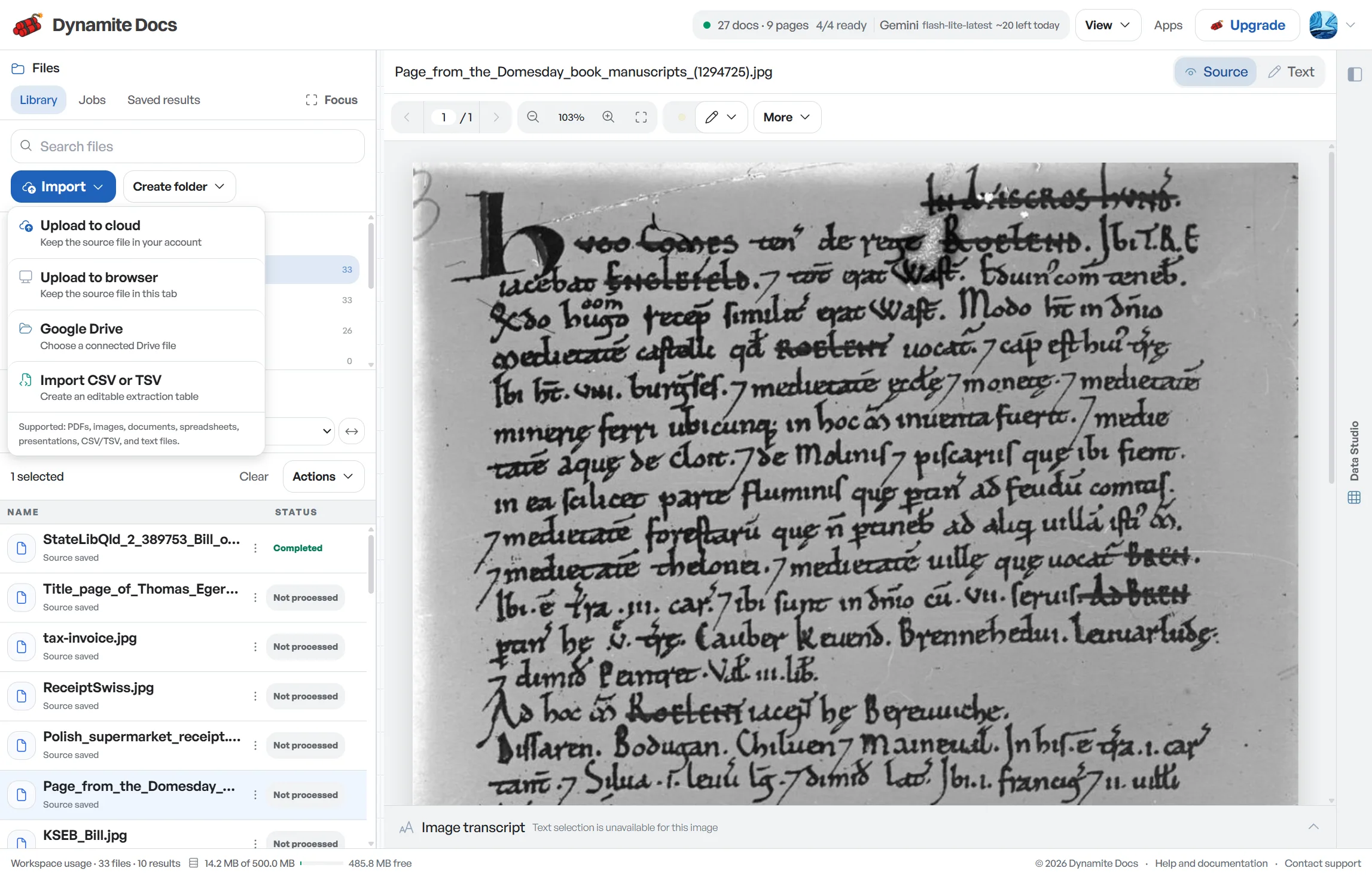
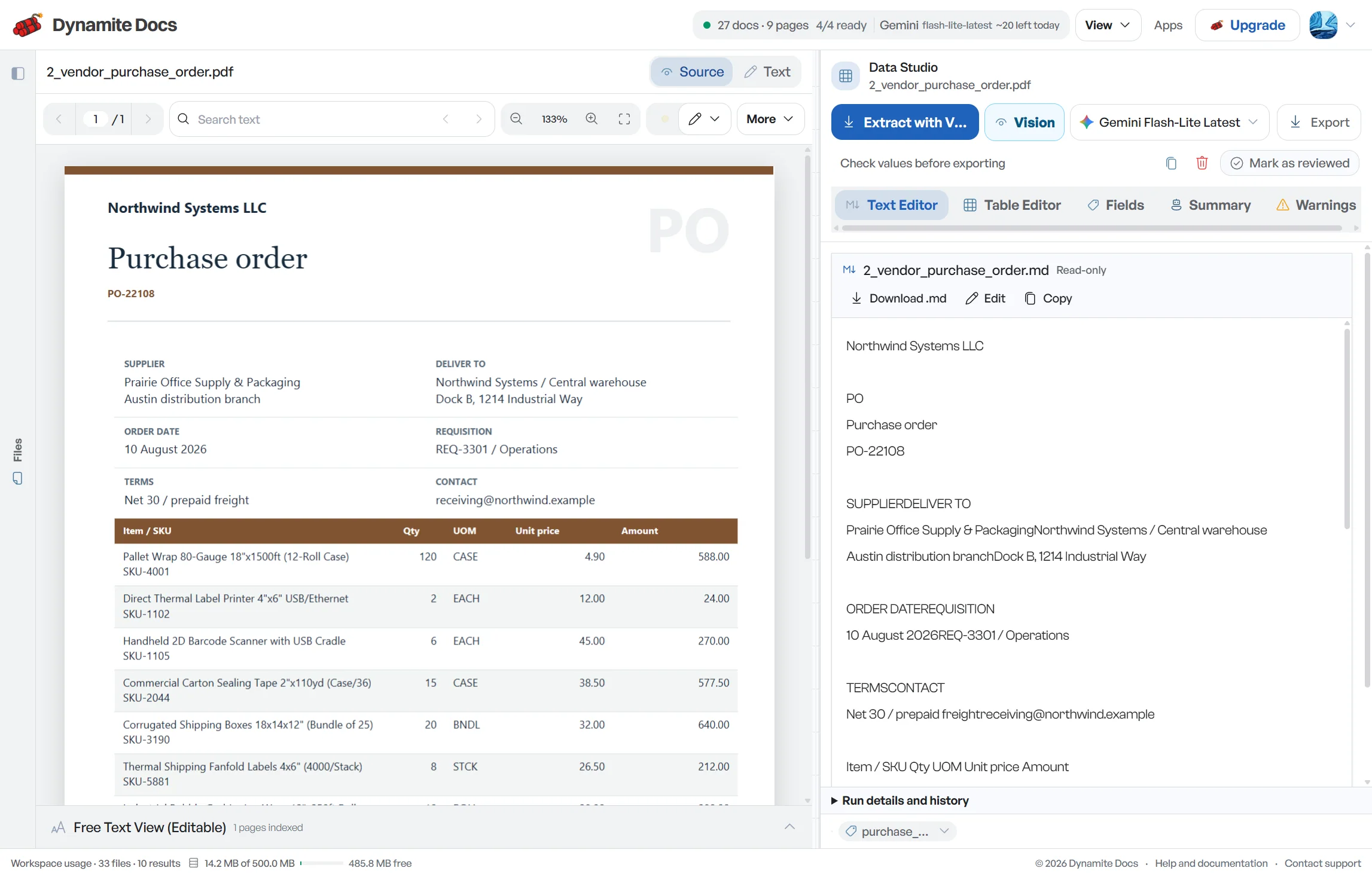
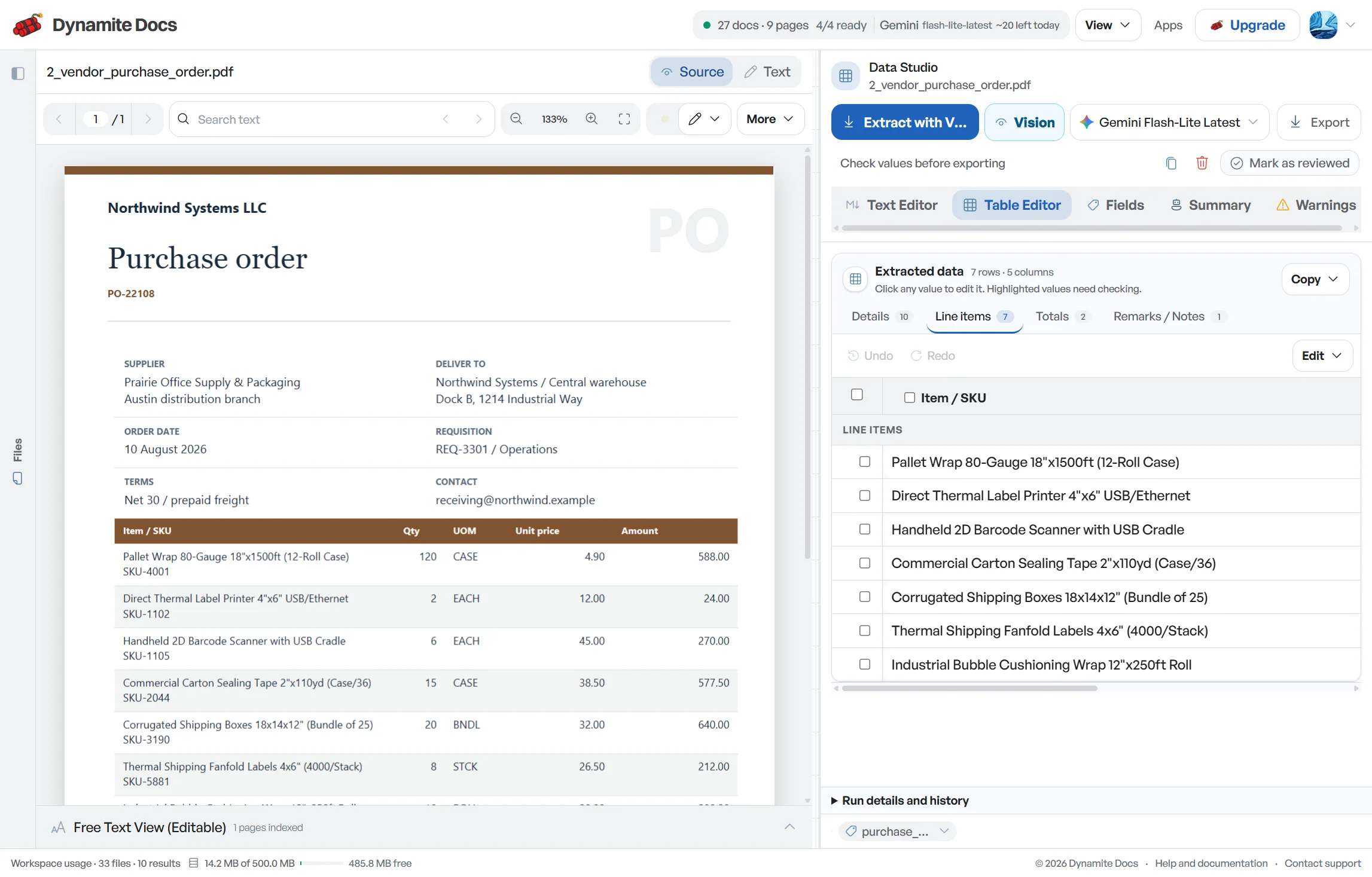
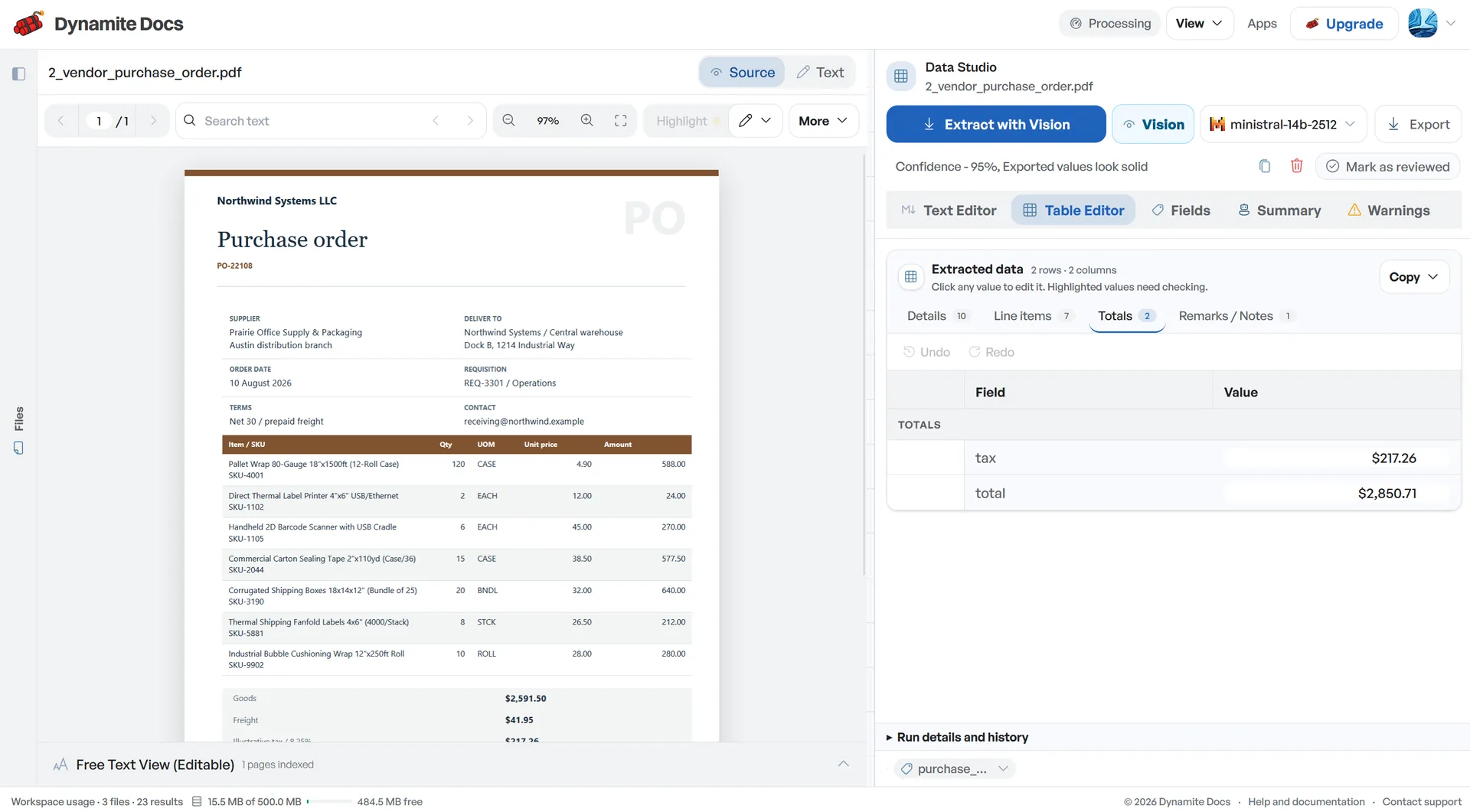
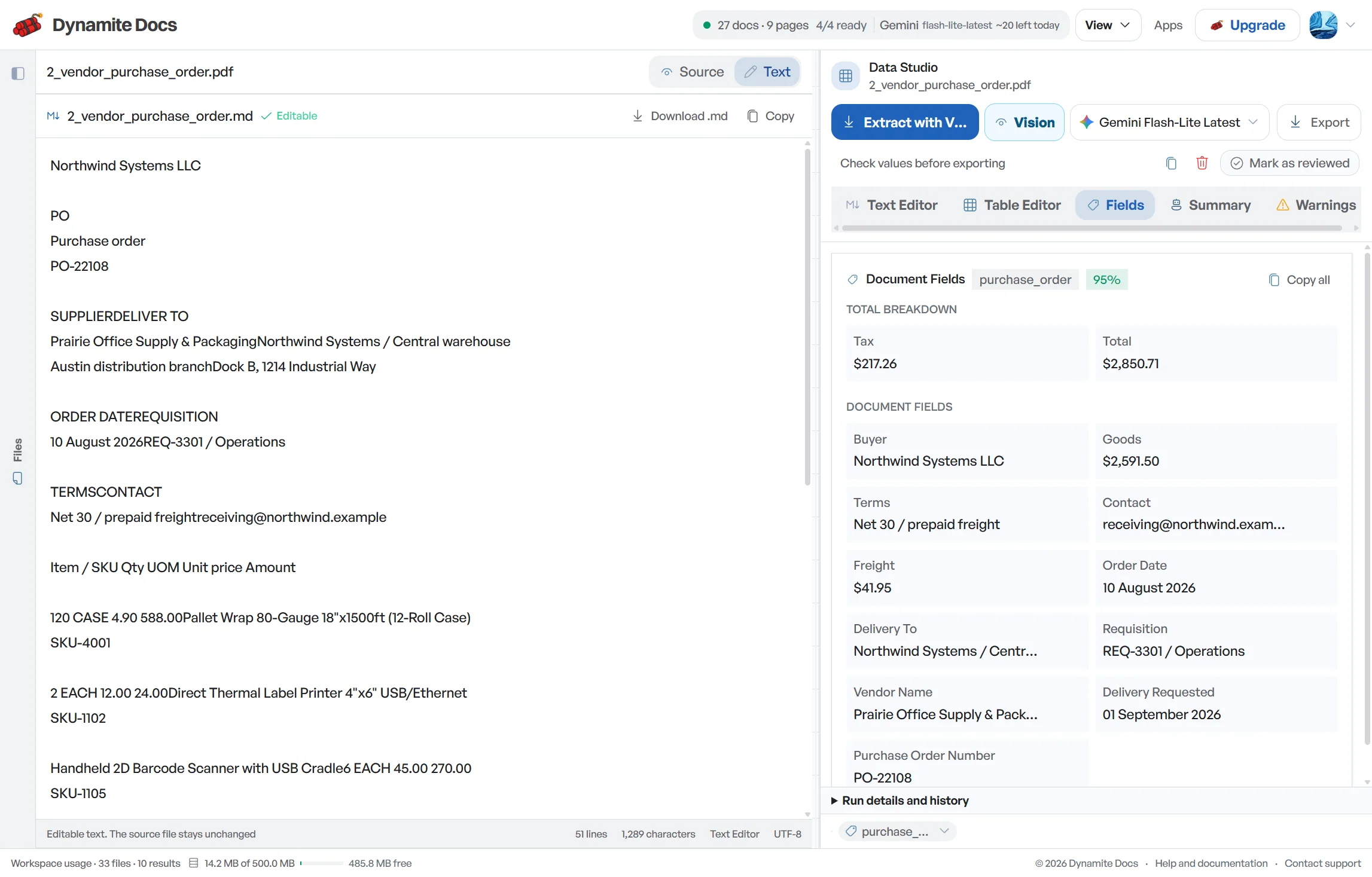
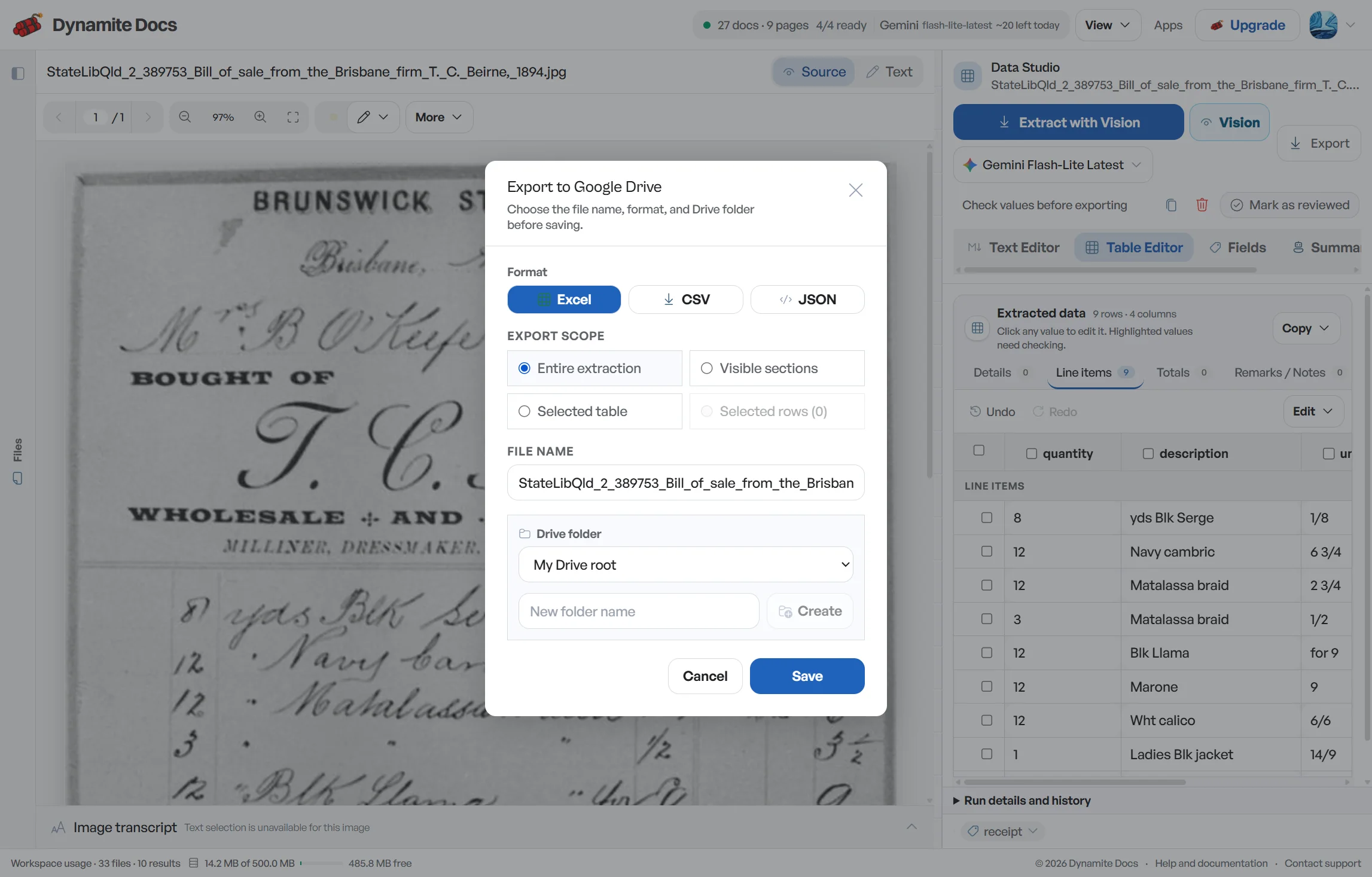

Every supplier uses a different invoice format
- Invoices arrive as Tally PDF exports, billing-software printouts, paper scans, and mobile photos. Their layouts and table structures vary by supplier.
- The essential fields repeat on every invoice, such as GSTIN, invoice date, HSN/SAC, line items, taxable value, and the tax split, but suppliers place them in different corners of the page.
- A single mistyped character in a 15-digit GSTIN (combining the 2-digit state code, 10-digit PAN, entity code, and check digit) or a flipped CGST/SGST amount can create reconciliation issues later.
- Entering invoices one by one creates a recurring review burden, especially when one purchase register combines many supplier layouts.
Document types this workflow handles
- Digital GST invoice PDFs: e-invoices and billing software exports
- Smartphone invoice photos: WhatsApp photos and camera captures
- Tally & billing software exports: digital text-layer PDFs read directly
- Debit & credit notes: tax adjustments for returns and discounts
What gets extracted from a GST invoice
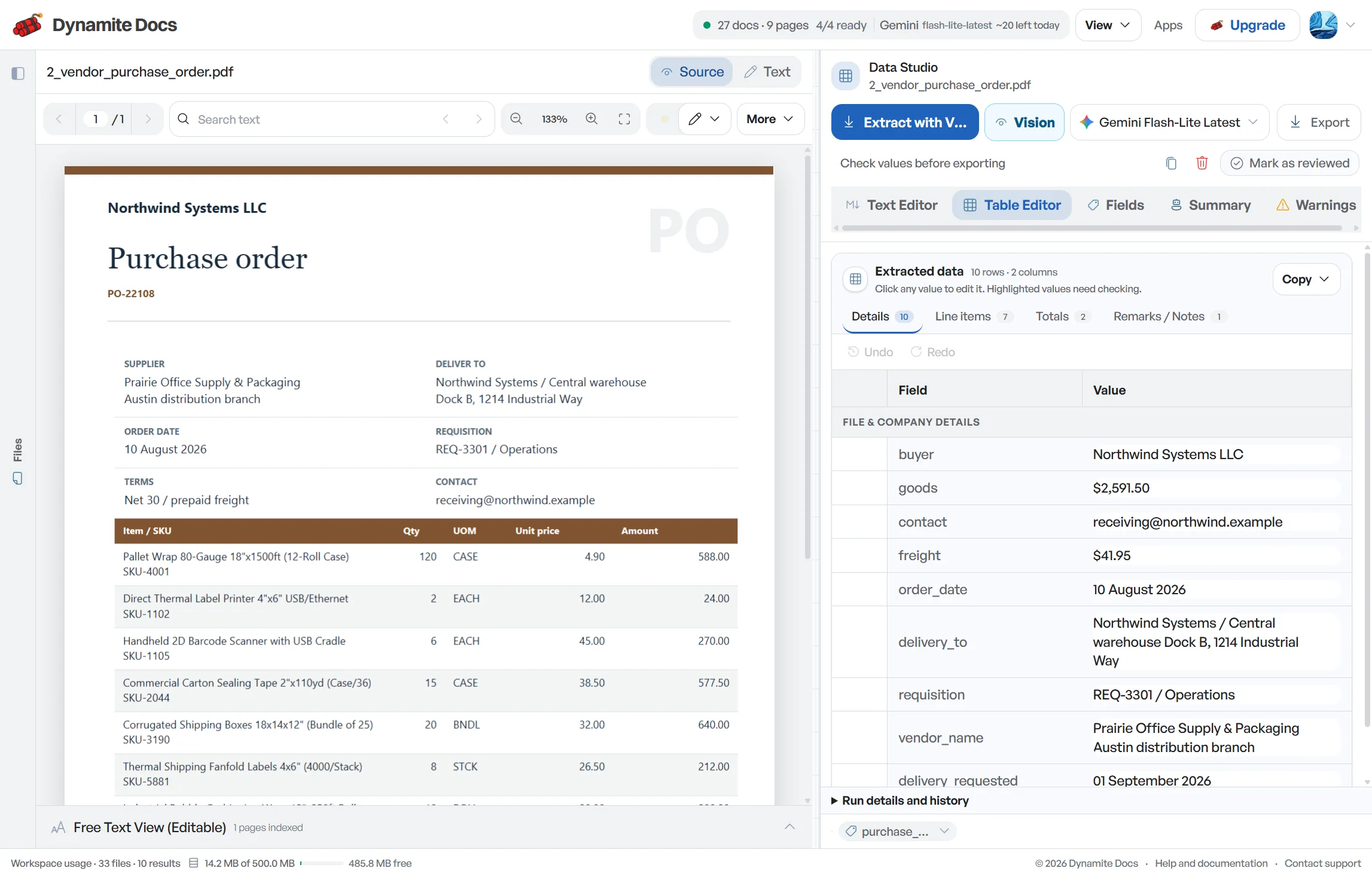
The exact fields adjust to each invoice layout. A typical extraction provides:
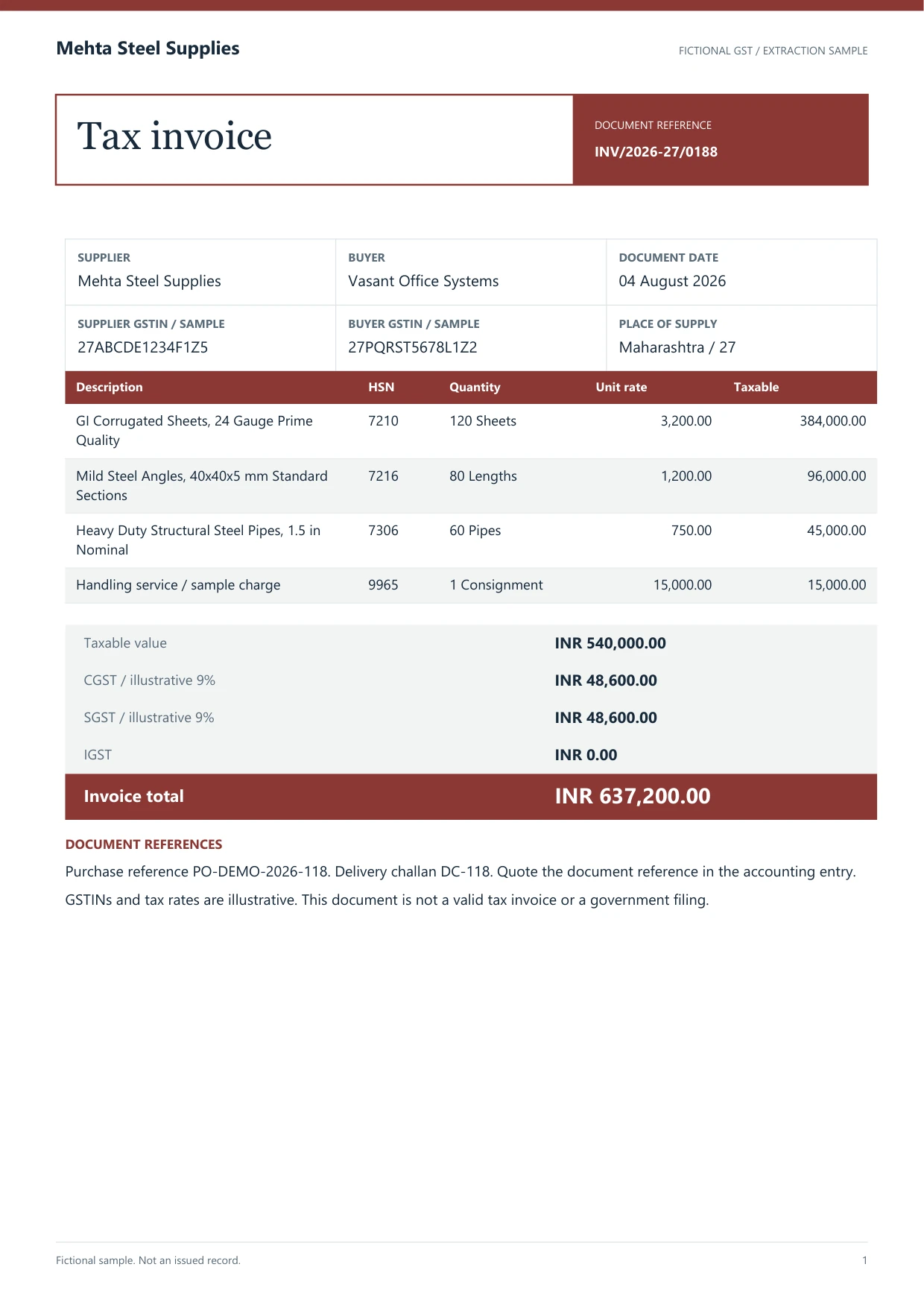
- GSTIN (supplier): 27AABCT1429P1ZM
- GSTIN (customer): 29AABFG2874Q1ZX
- Invoice number: INV/2026-27/0188
- Invoice date: 2026-08-11
- Vendor / customer: Mehta Steel Supplies
- HSN / SAC code: 7210
- Item & quantity: GI sheets x 120
- Taxable value: ₹5,40,000.00
- CGST (rate · amount): 9% · ₹48,600.00
- IGST (rate · amount): 18% · ₹40,500.00
A realistic example
Sample data. Not a real invoice or filing record.
A batch of purchase invoices extracts into organized rows like these, ready for review and export:
| Invoice # | Date | Vendor | GSTIN | HSN/SAC | Item | Qty | Taxable value | CGST | SGST | IGST | Total |
|---|---|---|---|---|---|---|---|---|---|---|---|
| INV/2026-27/0188 | 2026-08-11 | Mehta Steel Supplies | 27AABCT1429P1ZM | 7210 | GI sheets | 120 | ₹5,40,000 | ₹48,600 | ₹48,600 | Not applicable | ₹6,37,200 |
| INV/2026-27/0191 | 2026-08-12 | Chandra Textiles | 29AABFG2874Q1ZX | 5511 | Cotton yarn | 50 | ₹2,25,000 | Not applicable | Not applicable | ₹40,500 | ₹2,65,500 |
| ST-0927 | 2026-08-13 | Vardhan Packaging | 27AAECS4458H1ZF | 4819 | Corrugated boxes | 800 | ₹36,000 | ₹3,240 | ₹3,240 | Not applicable | ₹42,480 |
What to validate before export
Validation issue
Reconcile taxable value, tax components, and invoice total against the source.
Limitation
The output does not determine GST compliance or prepare a return.
Reviewed by Dynamite Docs content team. Last verified 2026-09-30.
Template-free extraction for Indian accounting teams
Supplier layouts change, but the review questions remain stable. Confirm the supplier and recipient legal names, GSTIN roles, invoice number, invoice date, document type, place of supply and currency before checking line items. A GSTIN that passes a format check can still belong to the wrong party, so compare it with the invoice label and your vendor master.
Review HSN or SAC, quantity, unit, rate, discount and taxable value at line level when the document provides them. Then compare the line totals with the invoice summary. Rounding, freight, insurance, other charges and discounts can explain a difference. Do not force the rows to match by changing a printed value without recording the reason.
The tax split needs business context. Intra-state supplies commonly show CGST and SGST or UTGST, while inter-state supplies commonly show IGST, but place-of-supply and registration facts drive the treatment. The extraction table makes the printed components easier to compare; it does not determine whether the supplier applied GST correctly or whether input tax credit is available.
Keep credit notes, debit notes and revised invoices distinct from ordinary purchase invoices. Their signs, references and reporting treatment can differ. Capture the original-invoice reference when printed so a reviewer can connect the adjustment to the right transaction instead of netting unrelated rows.
Test the workflow with invoices from several suppliers, including one scan and one multi-rate invoice. Agree on the exact export columns needed by the purchase register or accounting import. Saved corrections can help when a layout repeats, but each batch still needs GSTIN, document identity, taxable value, tax split and total checks.
Dynamite Docs extracts visible data and preserves the source for review. Your tax professional or finance team remains responsible for vendor-master checks, tax eligibility, reconciliation, return preparation and filing.
Choose how GST invoices are processed
GST invoices contain commercial and tax information. Use hosted processing, connect a supported provider key, or use the local companion when its available model can read the document. Check the current processing options before selecting a route for sensitive records.
A digital PDF may provide machine-readable text. Scans and photos need a vision-capable model, but both formats use the same review step because text recognition alone does not settle GSTIN roles, line boundaries or tax treatment.
All supplier patterns and corrections you confirm remain stored in your workspace, keeping your data portable and ready for export.
Questions, answered
Do I need to build templates for each supplier or billing software?
No supplier-specific template is required to begin. The system proposes the supplier GSTIN, invoice number, HSN/SAC, taxable value, tax split, and total amount from each document. A reviewer still needs to verify the proposed fields, and saved corrections can help when a supplier layout repeats.
Does it extract CGST, SGST, and IGST tax splits into separate columns?
Yes. CGST, SGST, and IGST tax splits, taxable value, cess, and invoice totals are extracted into distinct columns with confidence scores for easy review.
Can I export invoice data to Excel, CSV, or JSON?
Yes. You can export each reviewed extraction to Excel, CSV, or JSON, or send data directly to Google Sheets.
Does Dynamite Docs file GST returns directly with the government?
No. Dynamite Docs is a document extraction and data preparation tool. It organizes your invoice data so you and your CA can review and verify figures before filing through the GST portal.
Related extraction articles
Open the document extraction workspace, no credit card required.