Private document AI
Zero-egress document data extraction for regulated enterprise teams
Bring your own AI OCR or run local inference without third-party data retention.
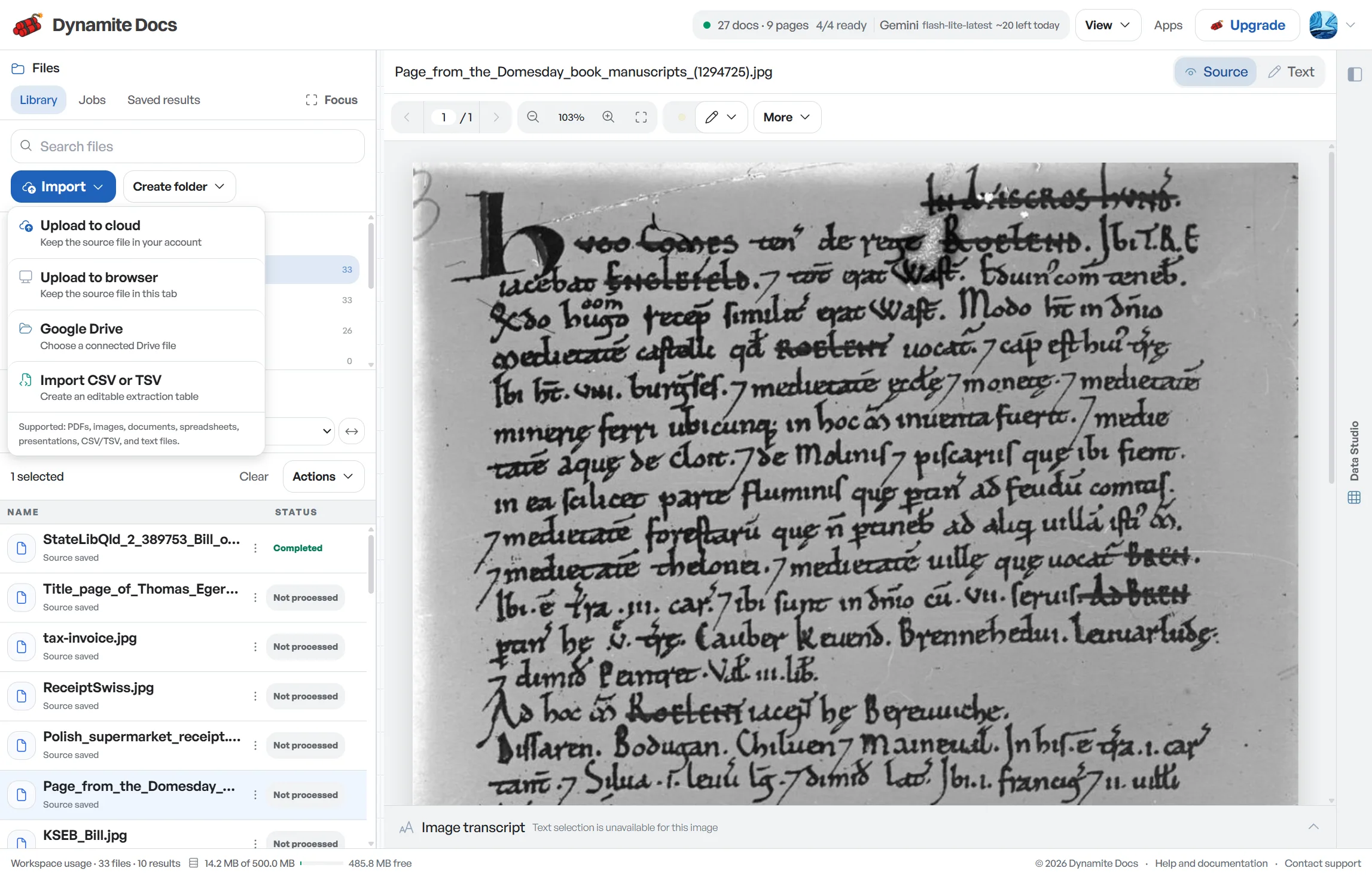
Document privacy is a chain of choices, not one toggle. File storage, model routing, provider retention, account data and deletion all have separate boundaries. Dynamite Docs lets teams bring their own AI provider keys or run zero data egress workflows without vendor lock-in.
Use browser-only files for a quick trial, encrypted cloud storage when documents must persist, own-key routing when the provider account should stay under your control, or the local Ollama companion when model inference should run on your computer.
Try a private workflow. Free files stay browser-only. Every plan supports BYOK; BYOK on Pro and Scale is unlimited.
Choose the control before the upload
- Browser-only files: Anonymous and Free uploads do not become R2-backed library files.
- Encrypted cloud files: Starter, Pro, and Scale can store supported files for later work.
- Provider-controlled inference: Every plan can connect encrypted provider keys.
- Local model inference: Starter, Pro, and Scale can use the signed Ollama companion.
Controls that affect sensitive documents
Each control answers a different question. Check the route as a whole before treating it as suitable for financial, identity or legal records.
- File storage: Browser-only or encrypted R2-backed library
- Provider choice: Hosted route, own key or local Ollama
- Training policy: Sensitive and no-training-only routing rules
- Residency policy: EU-only policy on Pro and Scale
- Retention: Delete files or use published retention controls
- Audit evidence: Extraction and account events on eligible plans
From file to reviewed result
- 1. Classify the document. Decide whether the file contains personal, financial, legal or regulated information.
- 2. Choose storage. Keep the file browser-only or use paid cloud storage when cross-device persistence is required.
- 3. Set the model rule. Use hosted routing, your provider key, a no-training policy or local-only inference.
- 4. Review and delete. Check the extraction, export only what is needed and remove stored files under your retention policy.
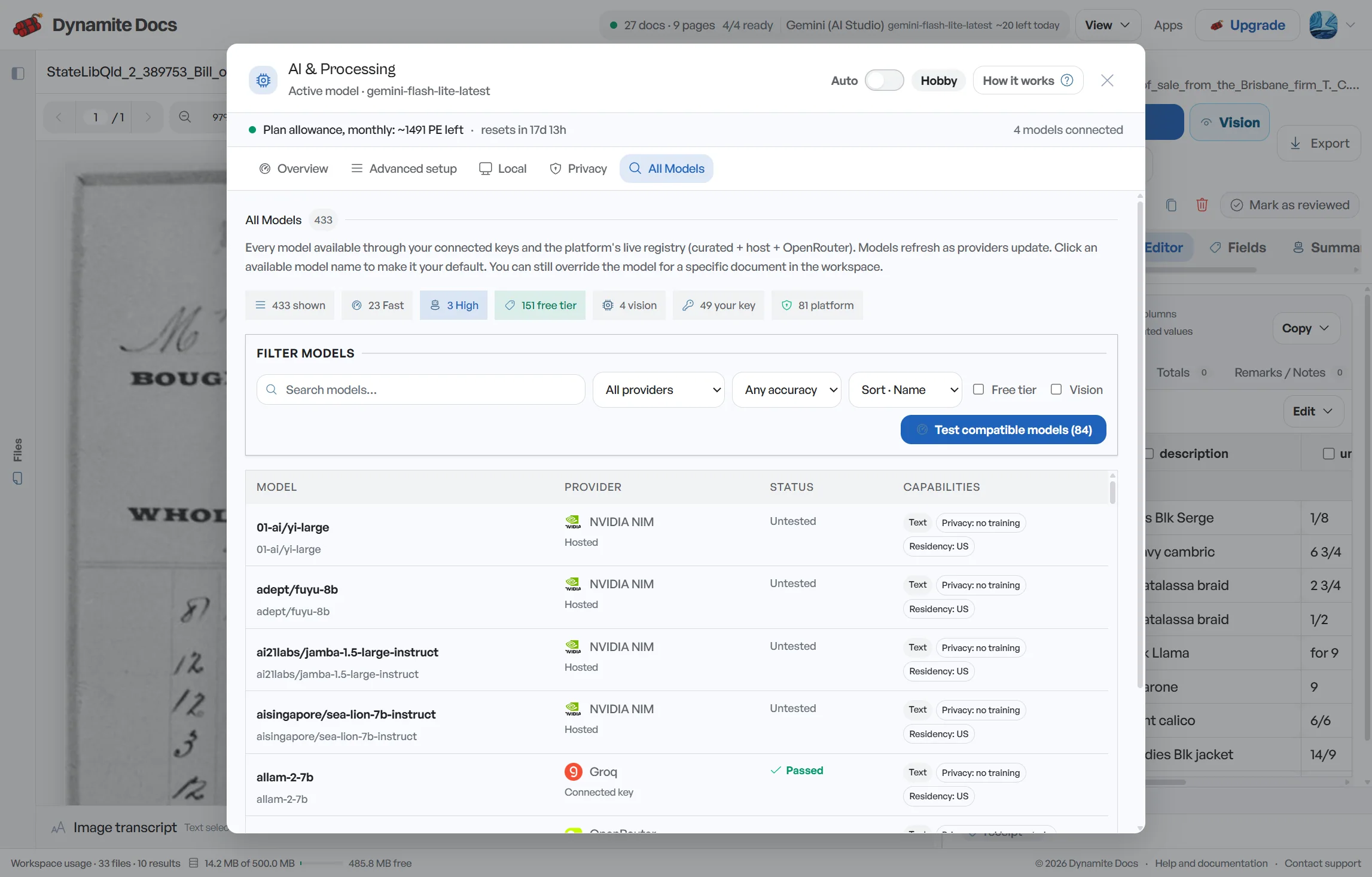
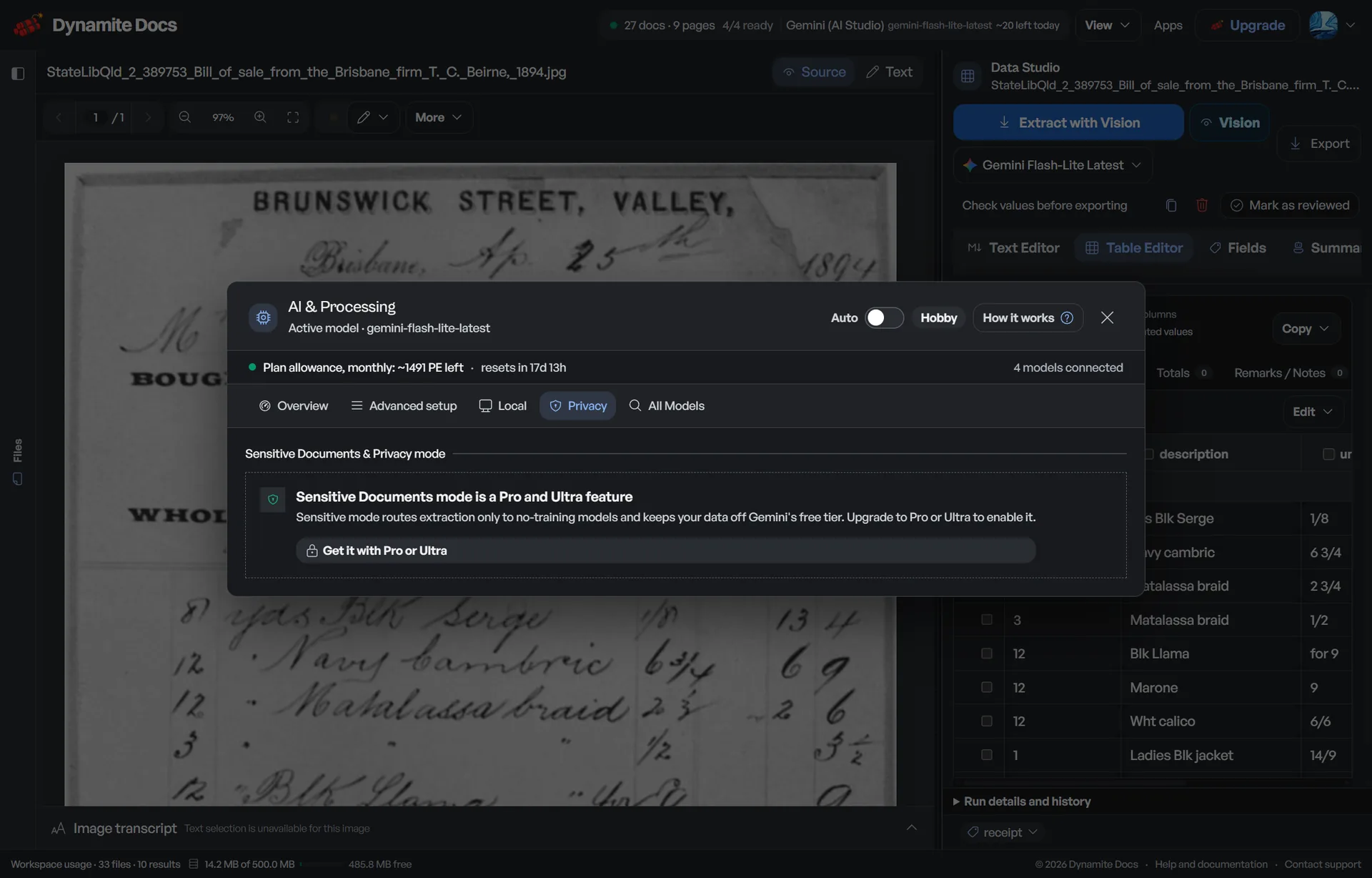
Provider and policy controls are visible
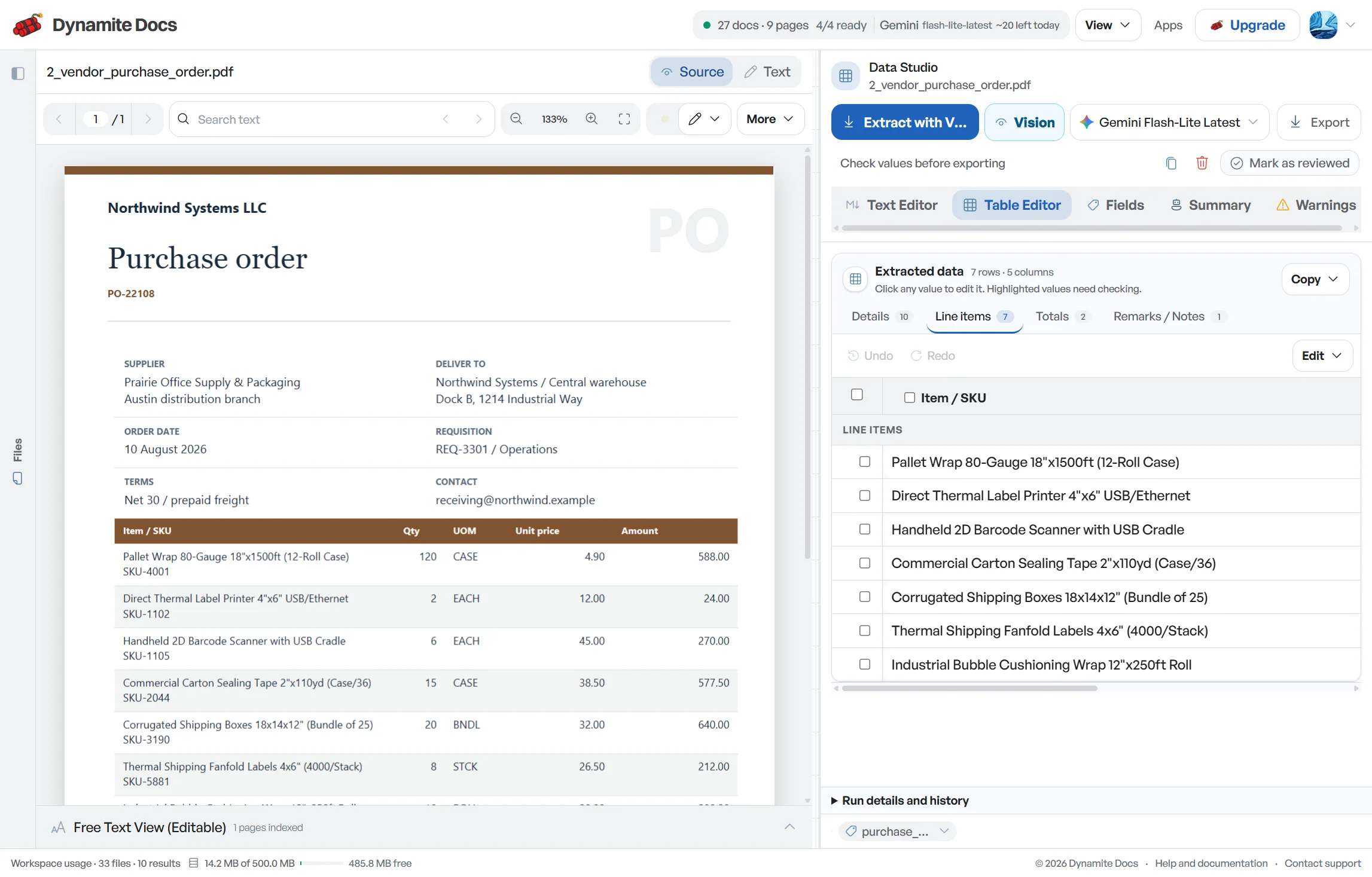
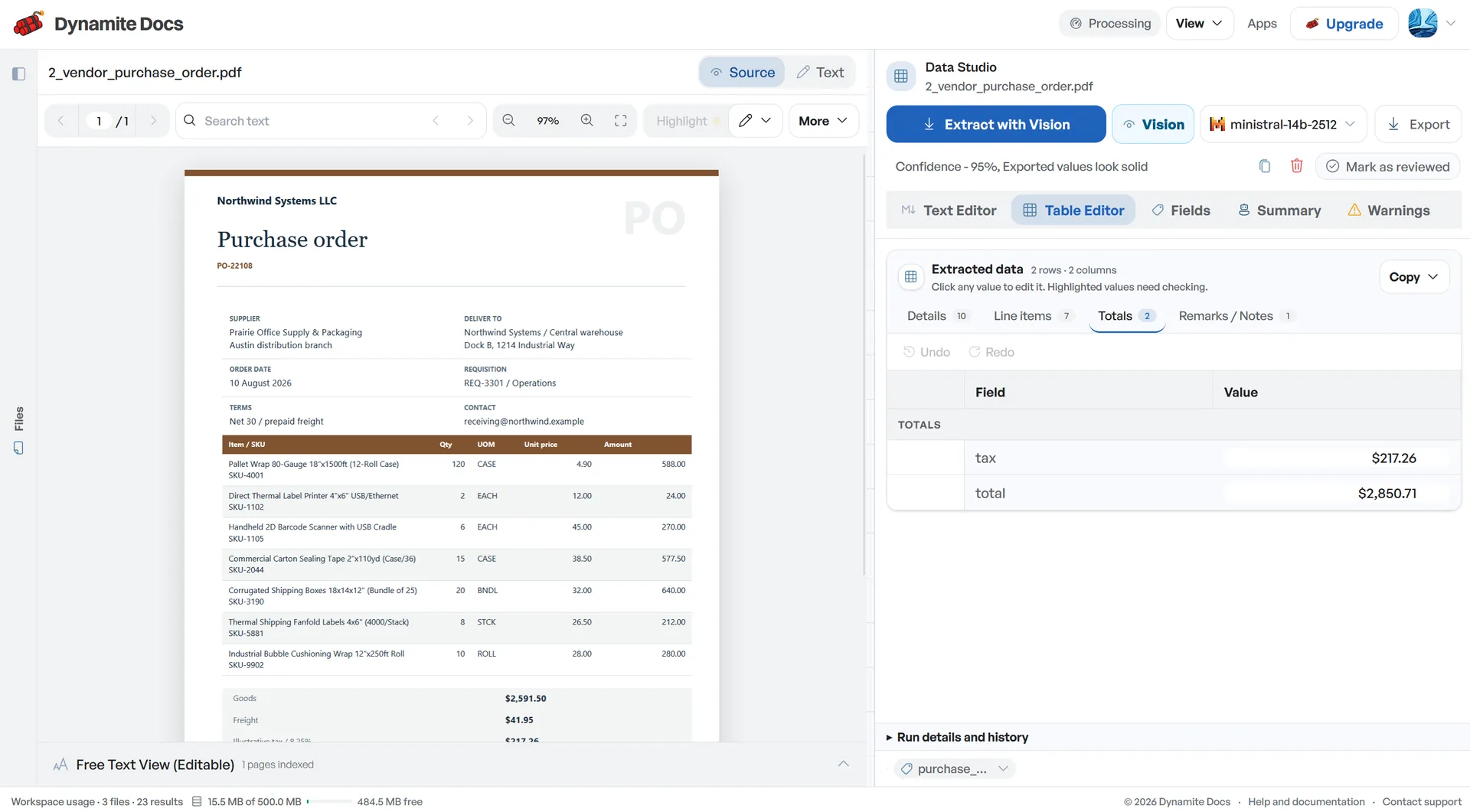
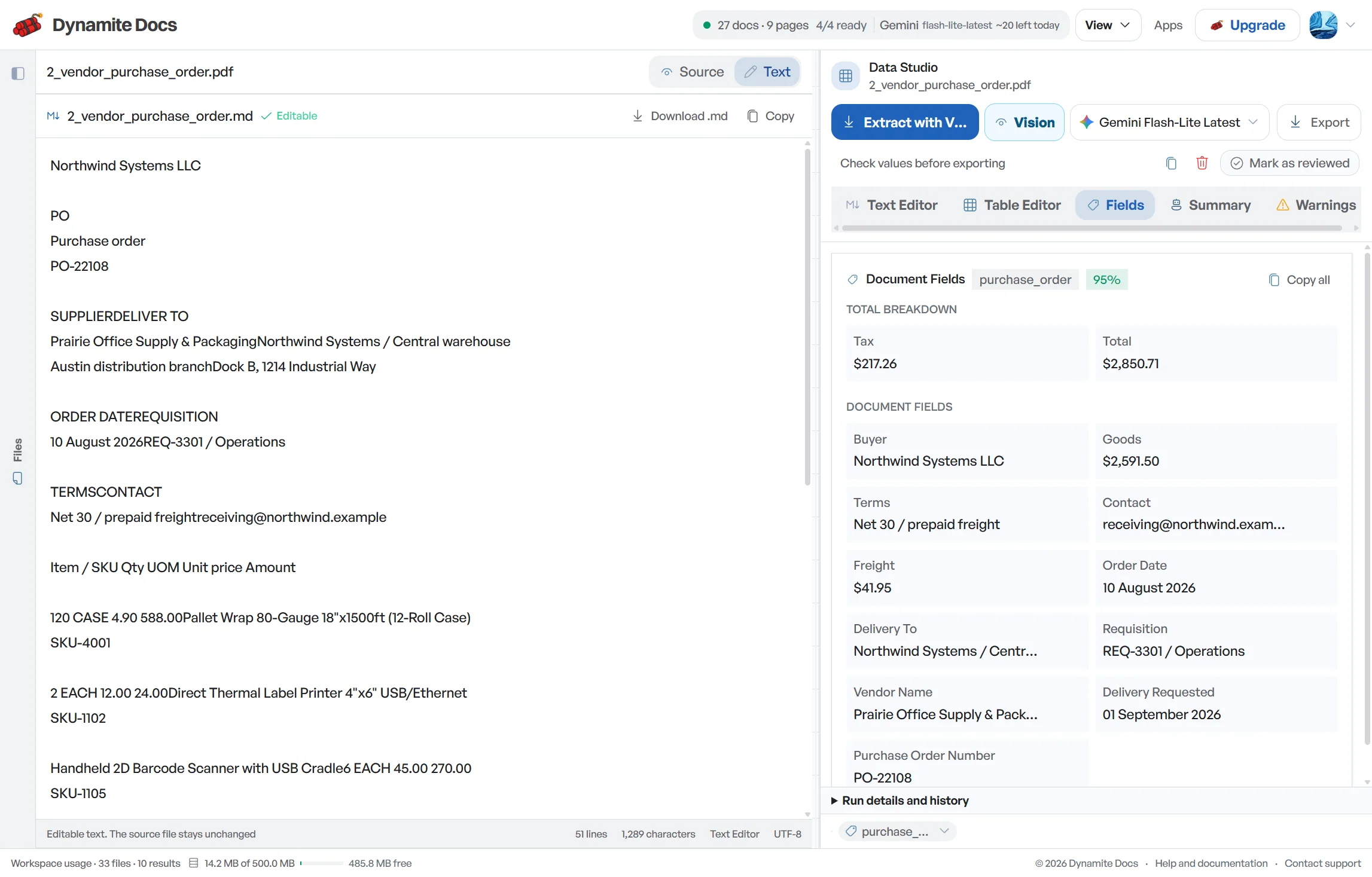
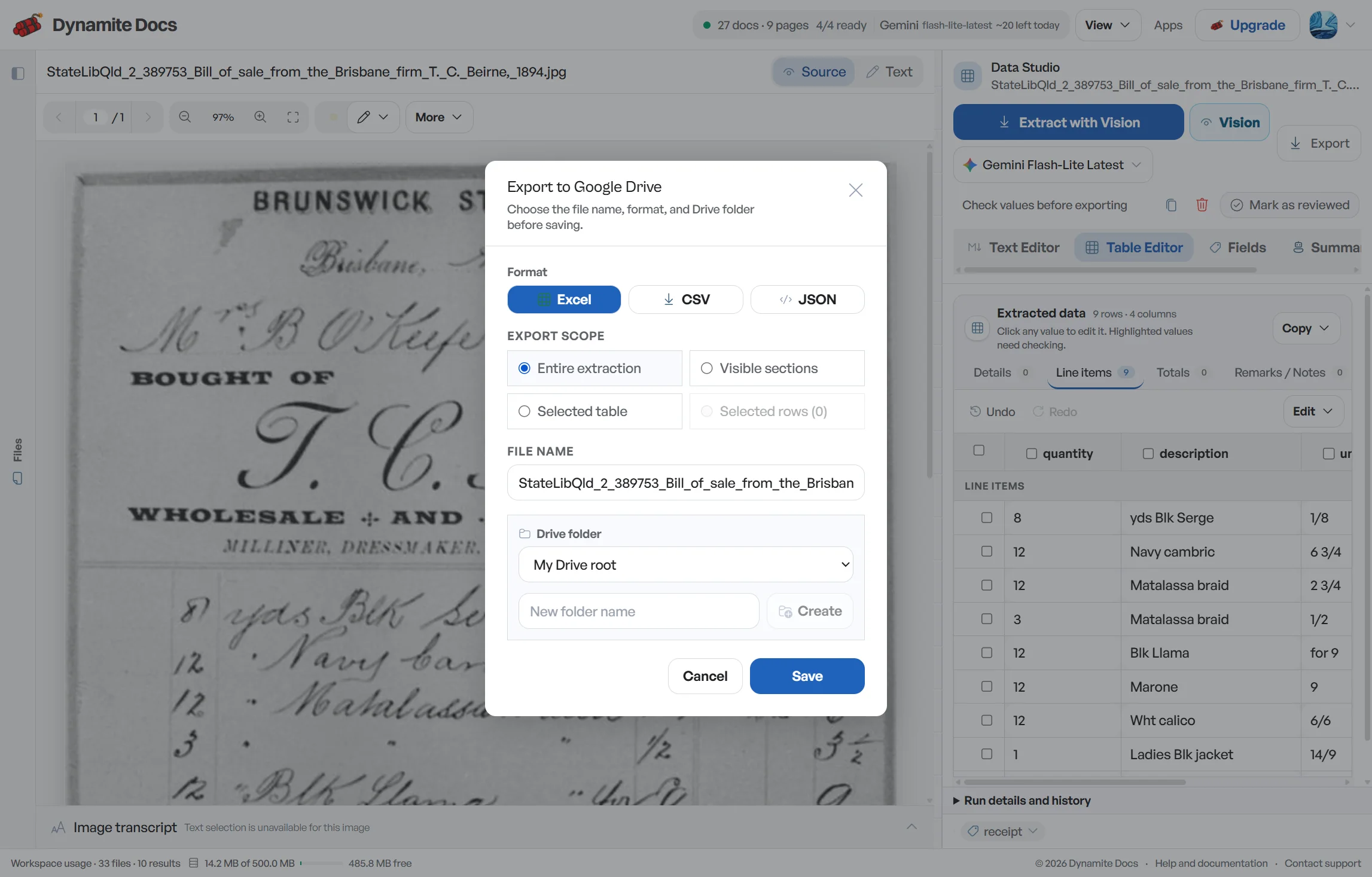
AI Settings shows available providers, keys and routing rules. A policy can narrow eligible models, but the selected provider terms and your account configuration still matter.
Control is different at each layer
The table separates what runs in the browser, the Dynamite Docs service, an external provider account and the optional local companion.
| Layer | What it handles | What to verify |
|---|---|---|
| Browser | Upload handoff and local file state | Device access and browser storage |
| Dynamite Docs | Account, workspace, routing and optional cloud files | Plan, policy, deletion and retention |
| AI provider | Model inference for routed documents | Provider terms, region and retention |
| Local companion | Model inference through Ollama on your machine | Local host, model and hardware |
Privacy controls do not replace document review
Confidence
A private route can still return an uncertain value. Keep source review, validation and approval separate from the processing path.
Accuracy
Provider choice affects capability as well as policy. A model that meets the routing rule may still struggle with handwriting, dense tables or poor scans.
Failure state
A restrictive policy may leave no eligible provider. Local inference also fails when the companion, Ollama or selected model is unavailable.
Product boundary
The local companion moves model inference to the user's computer. It is not a self-hosted copy of the account, workspace, billing or token service.
Shared responsibility for private extraction
Dynamite Docs publishes the controls it operates. Customers still choose a plan, provider, policy, access model and retention schedule that fit their obligations.
| Area | Dynamite Docs | Customer |
|---|---|---|
| Access | Authenticated workspace and capability gates | Manage users, devices and shared exports |
| Provider keys | [AES-256-GCM encrypted storage](/docs/document-security-and-data-residency) on every signed-in plan | Choose the provider account and rotate keys |
| Files | Browser-only option and encrypted paid storage | Classify, upload and delete the right documents |
| AI routing | Policy engine and eligible-provider filtering | Select policies and review provider terms |
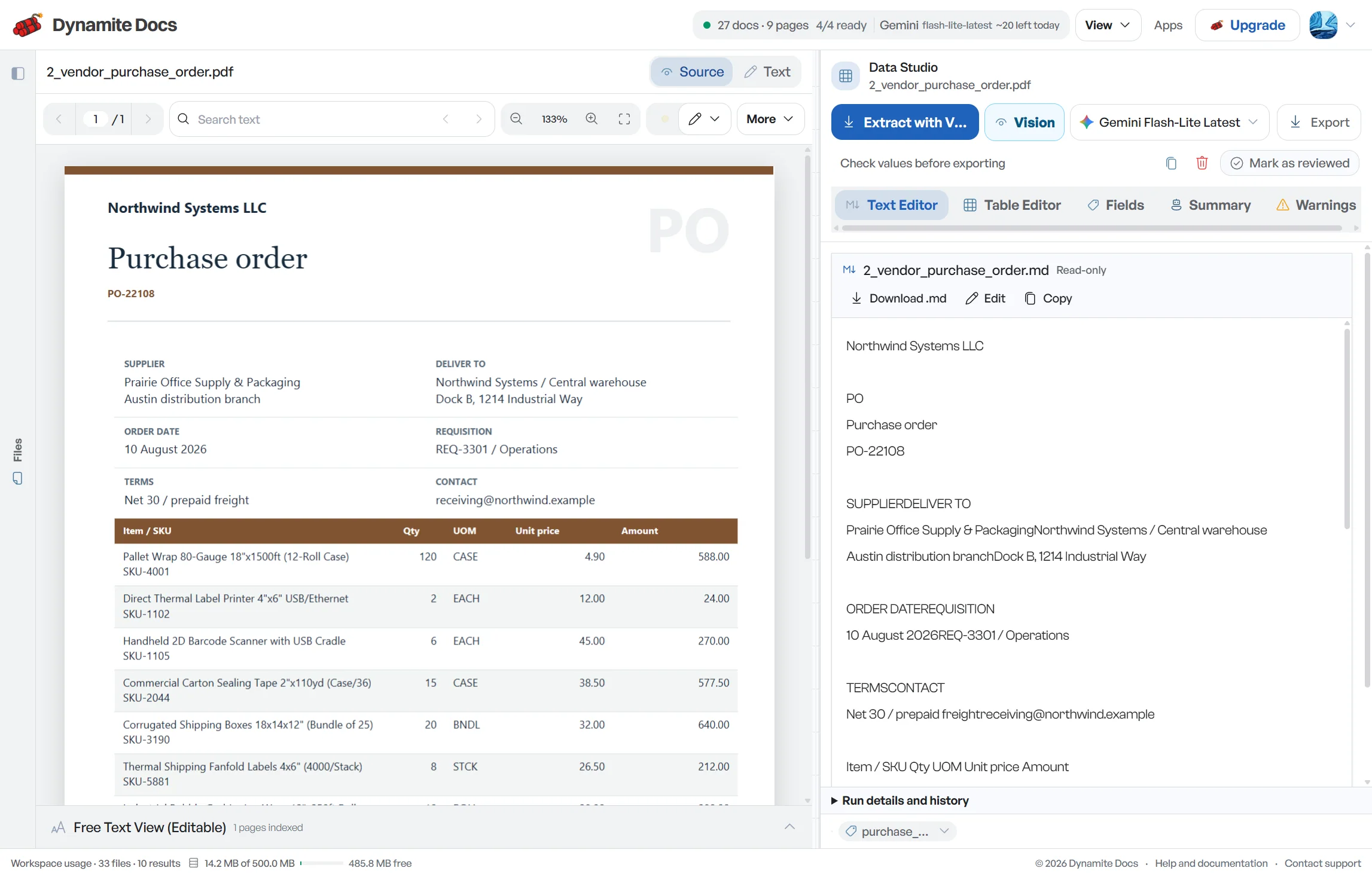
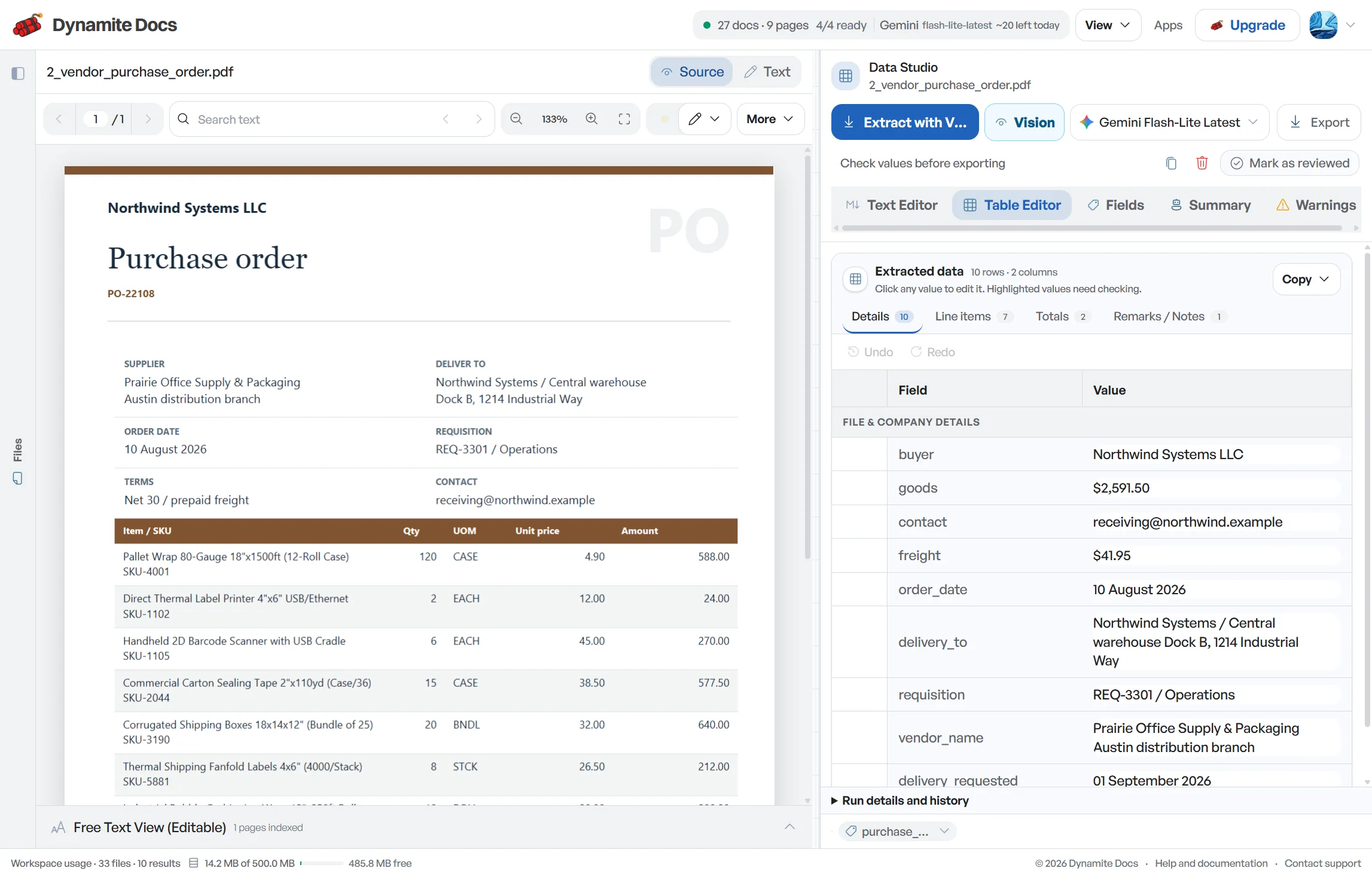
| Results | Confidence signals and editable tables | Validate values before operational use |
Read the policy pages before a security review
The Security page documents encryption and provider controls. The Data Processing Agreement covers customer data processing, and the retention policy explains how stored records and deletion work.
Dynamite Docs does not claim a certification until it has been issued. Security questionnaires should use the published controls and current contractual documents, not assumptions from a logo or marketing phrase.
Questions about private document ai
Is BYOK available on every plan?
Yes. Free and Starter own-key processing uses monthly PE. Pro and Scale BYOK is unlimited and does not use hosted PE.
Does local AI make the whole product self-hosted?
No. The companion performs model inference on your computer. Account, workspace and token issuance remain hosted services.
Can I prevent routing to training-permitted providers?
Yes. Sensitive Documents mode and no-training-only rules restrict eligible providers. Confirm the active rule and current provider terms before processing a sensitive file.
What is the difference between per-page OCR billing and BYOK unlimited extraction?
Metered OCR bills for provider usage under the vendor's pricing rules. BYOK routes model calls through your chosen provider account, while local Ollama runs inference on your machine. Pro and Scale do not charge Dynamite Docs PE for BYOK runs, but the external provider may still bill its own usage.
Choose the next document task
- Security controls: Encryption, model routing and operational boundaries.
- Data Processing Agreement: Customer data roles, subprocessors and contractual terms.
- Data retention and deletion: How long records remain and how deletion works.
- Windows companion download: Run 100% on-device document extraction with local Ollama models.
- AI providers and routing: Compare hosted, own-key and local model paths.
- Local document AI with Ollama: Run model inference on the user's computer.
- Provider key setup: Connect a key on any plan and select a model.
- Compare Pro and Scale: Review BYOK, policy and storage entitlements.
Related Workflows
Try a private workflow or compare processing, storage and integration limits.