Extract supplier GSTINs, taxable amounts, and line items from tax invoices
Extract GSTIN, HSN/SAC, line items, taxable value, and CGST/SGST/IGST into reviewed rows for Excel and manual Tally mapping workflows.
Use this hub to choose the India accounting task before you upload a document. Start with GST invoice OCR for a paper scan or phone photo, GST invoice to Excel for spreadsheet output, GST invoice to JSON for software mapping, or the Tally pages when reviewed source rows need company-specific import mapping.
The India workflows below cover GST invoice extraction, OCR for scans and photos, Excel and JSON output, source rows for Tally or BUSY mapping, e-way bills, GSTR-1 preparation, GSTR-2B purchase reconciliation, receipts and bank statements. Each page defines its input, output fields, review steps, sample table and limitations. Choose the page that matches the document or control you are working on.
The operating pattern is simple: define the fields, upload a representative batch, review low-confidence and high-risk values, run arithmetic or duplicate checks, and export only the accepted rows. Saved corrections can help with repeated supplier layouts. They do not make a new invoice automatically correct, so identifiers, dates, tax values and totals still need source review.
Keep extraction separate from compliance decisions. The software can read a printed GSTIN, tax split or HSN code and calculate whether visible amounts add up. It cannot establish registration status, choose the legally correct classification, decide input tax credit eligibility or file a return. Preserve the source, reviewed values, exception reason and approval record so your finance team or Chartered Accountant can make those decisions with traceable evidence.
Review GSTIN, HSN/SAC, tax splits, line items, and totals, then export rows for Excel or a manual Tally mapping workflow. Dynamite Docs does not claim a native Tally integration.
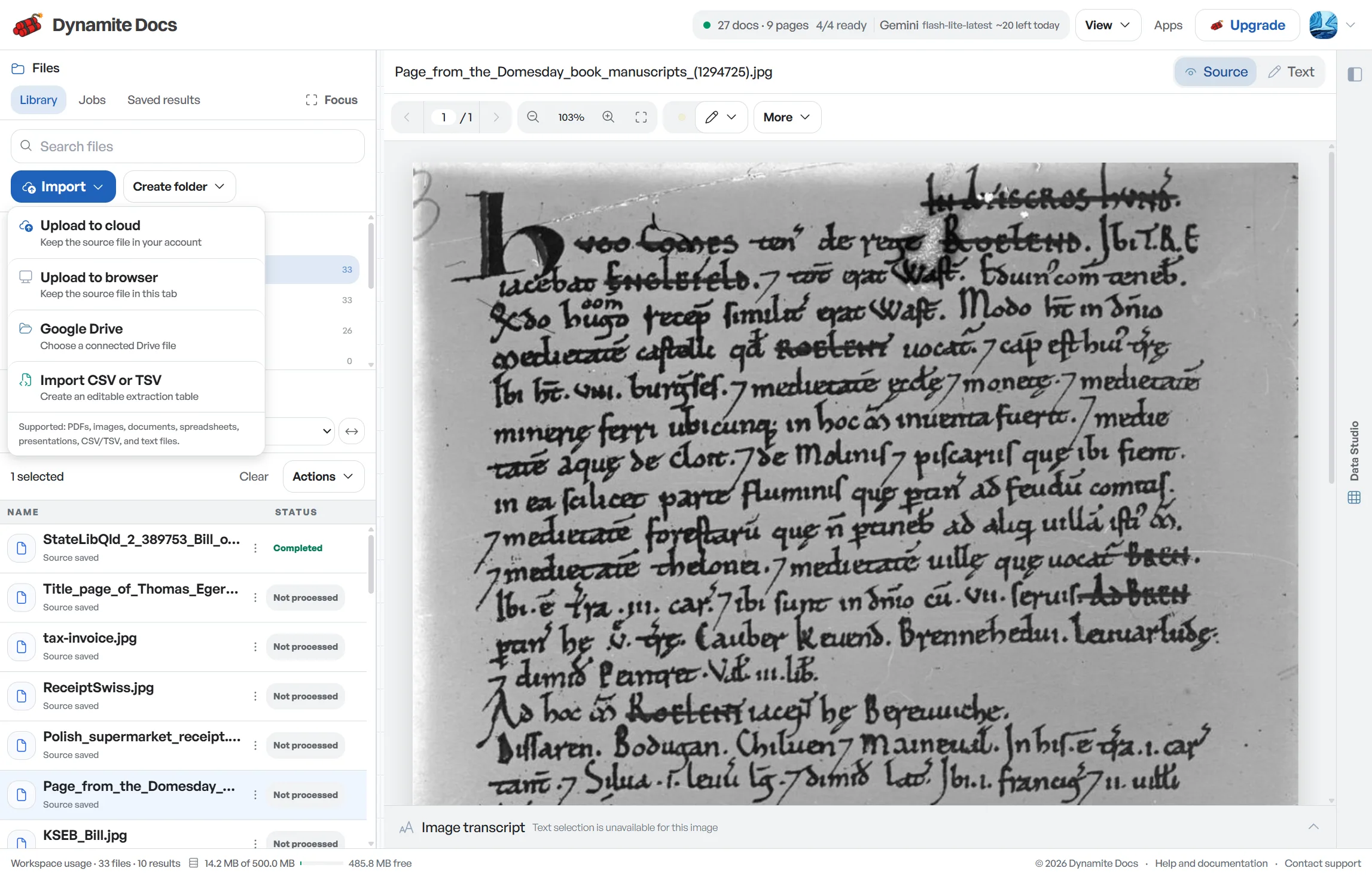
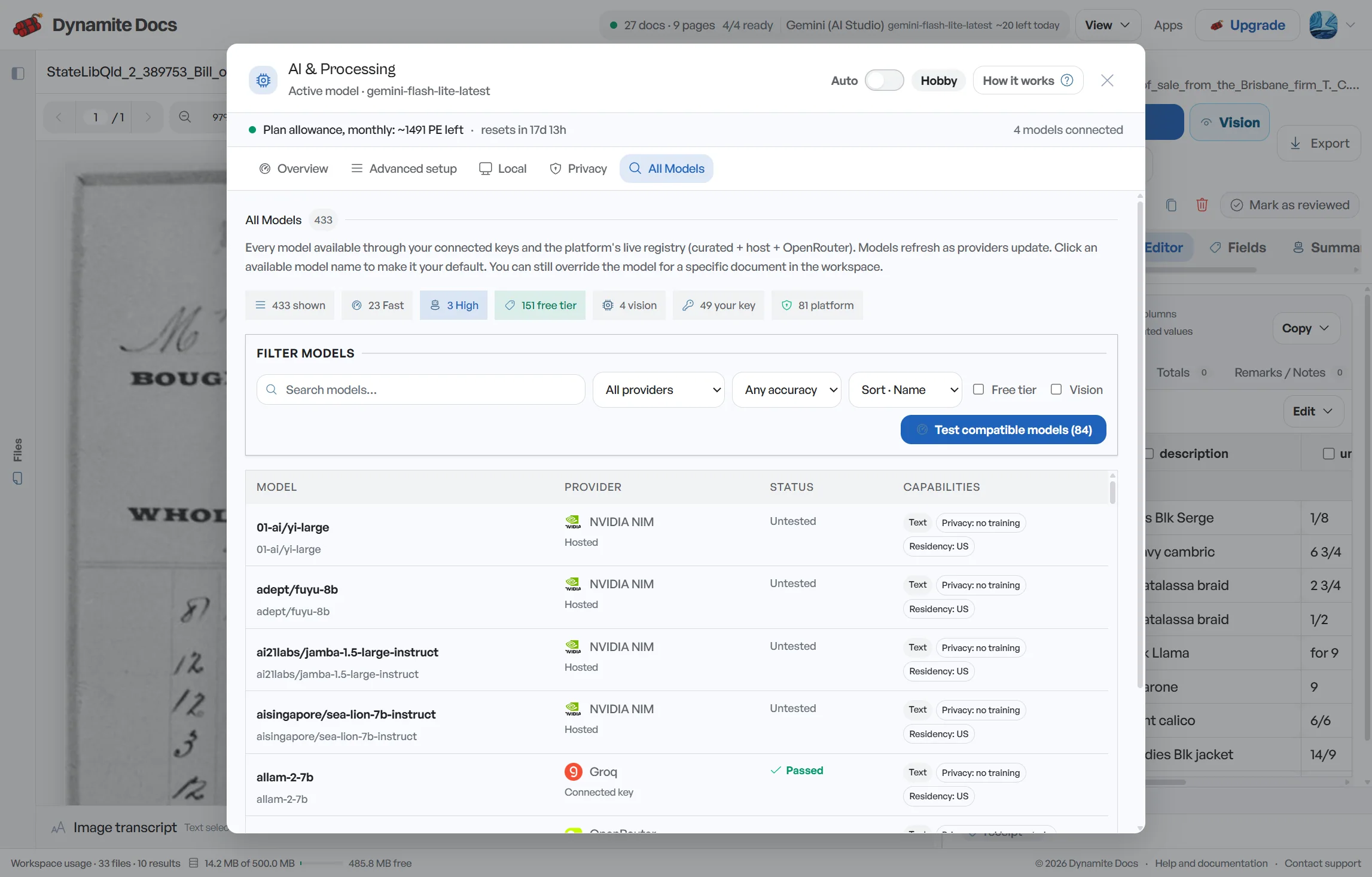
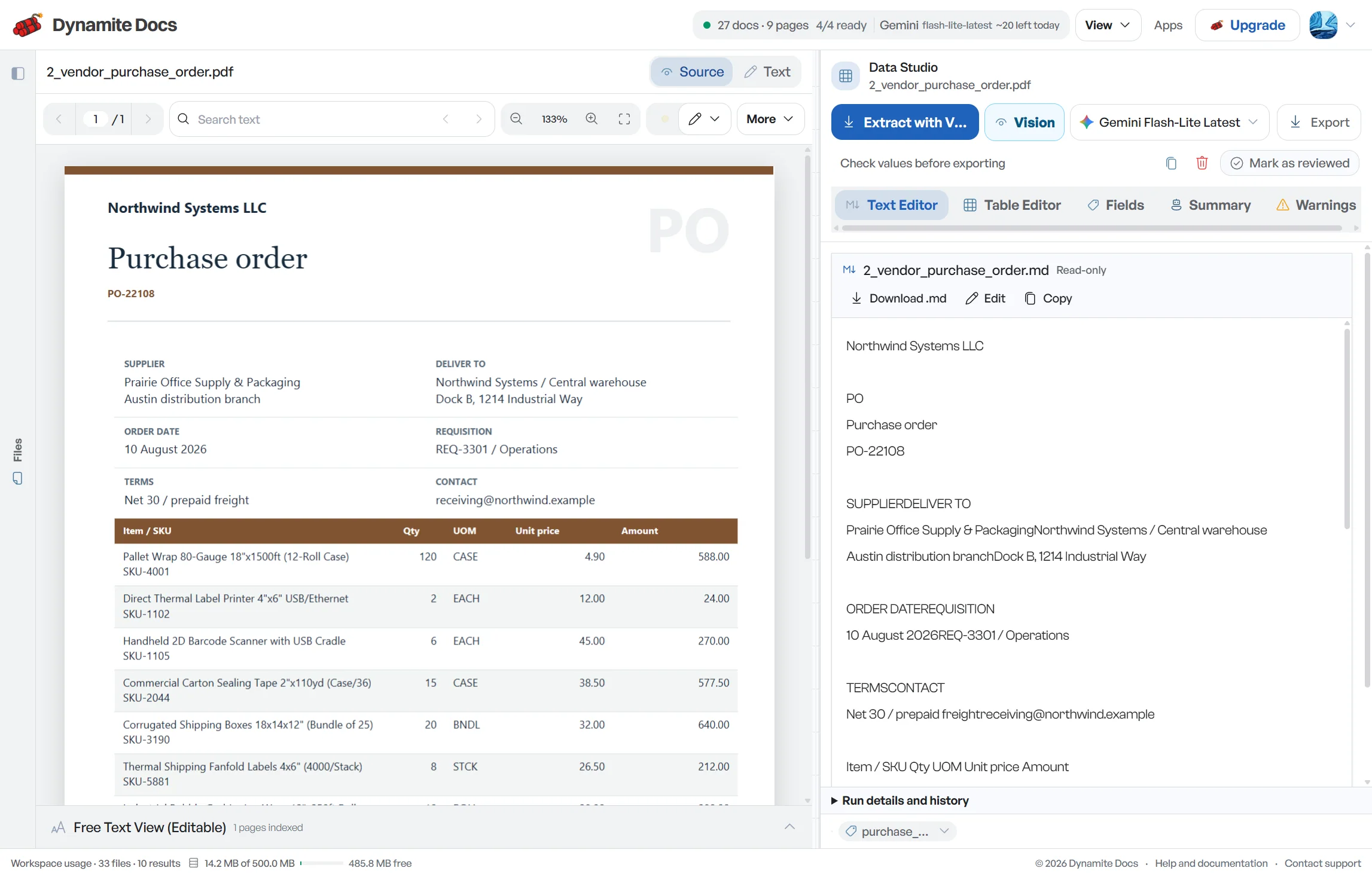
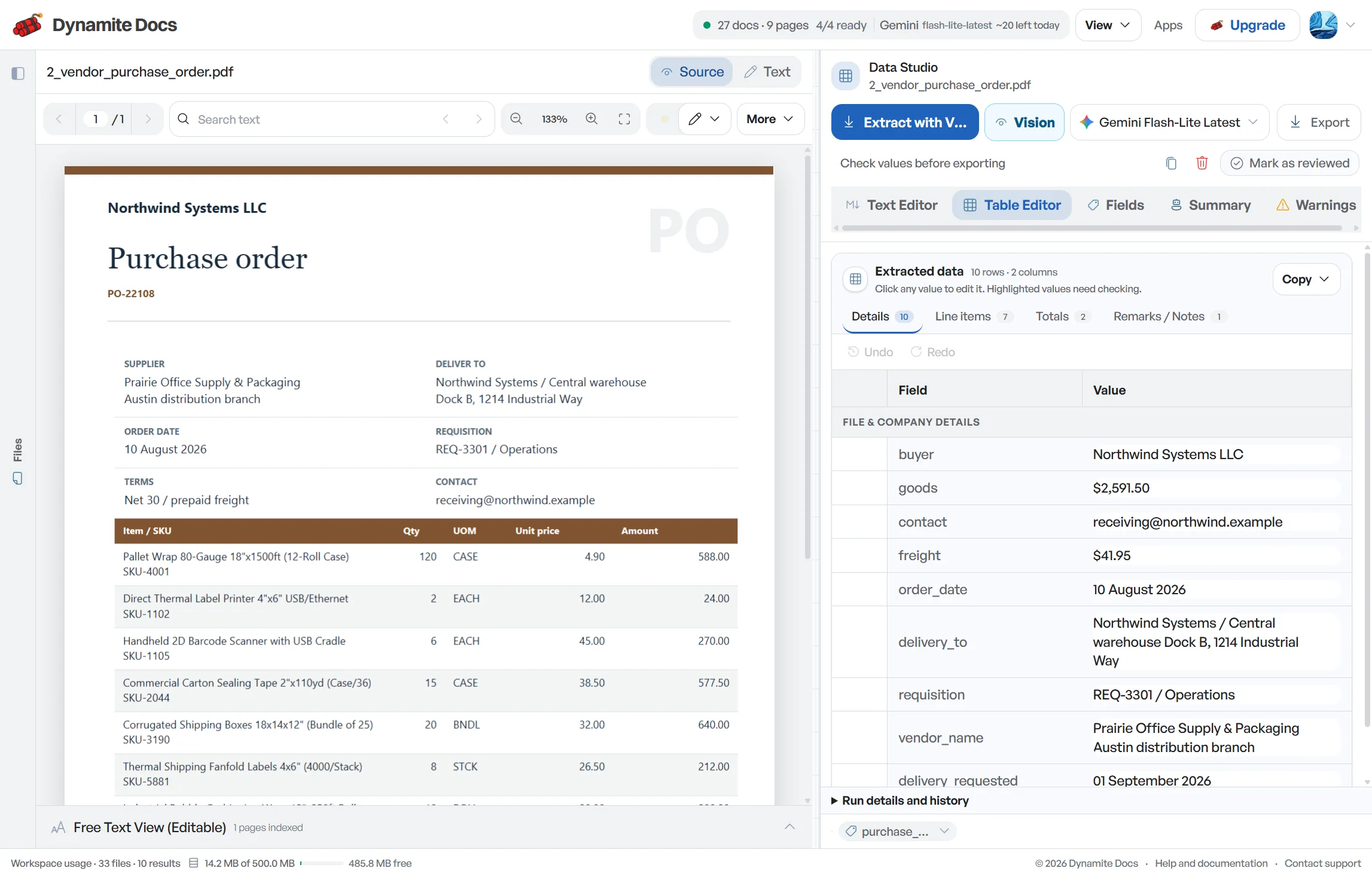
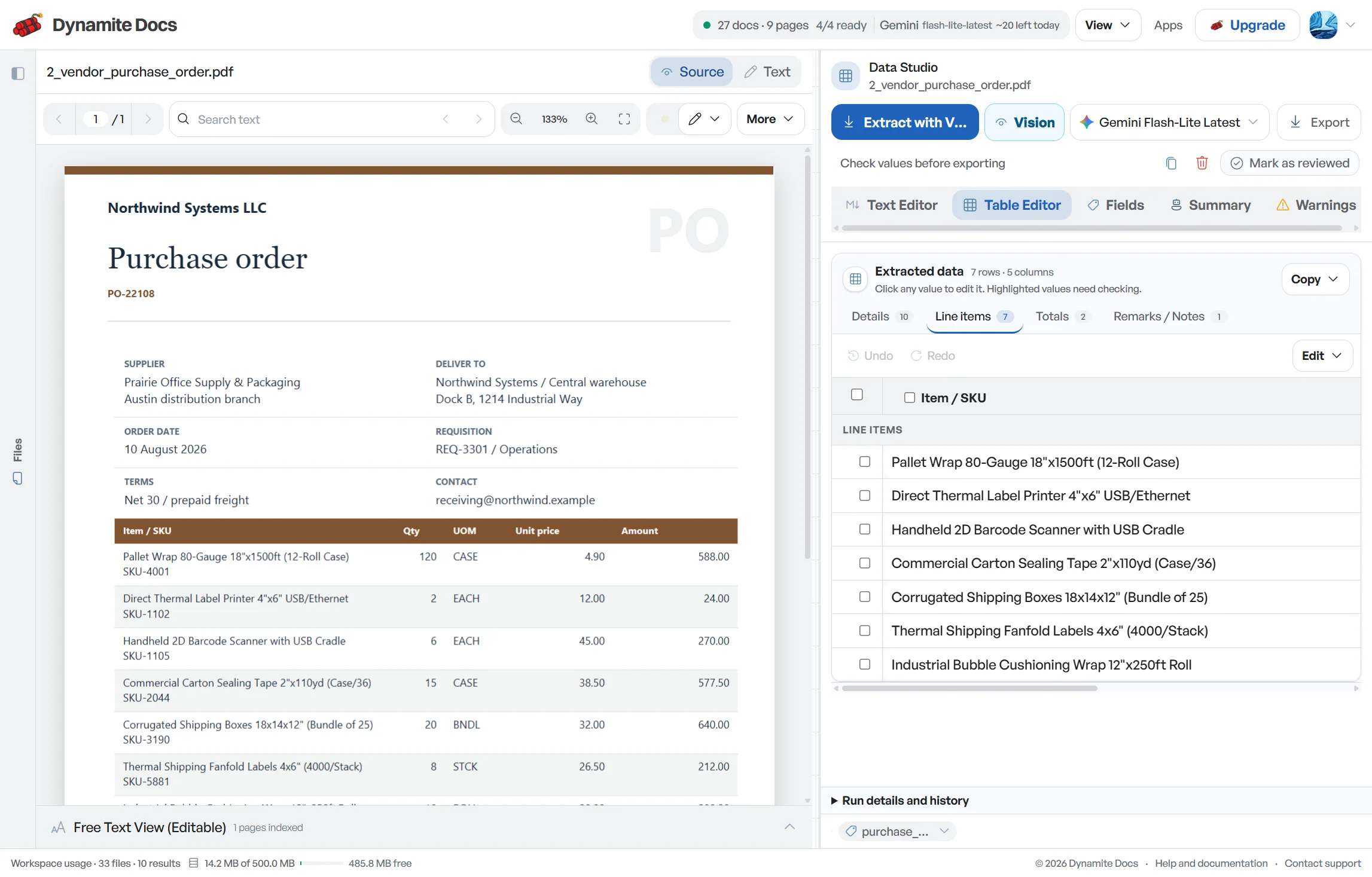
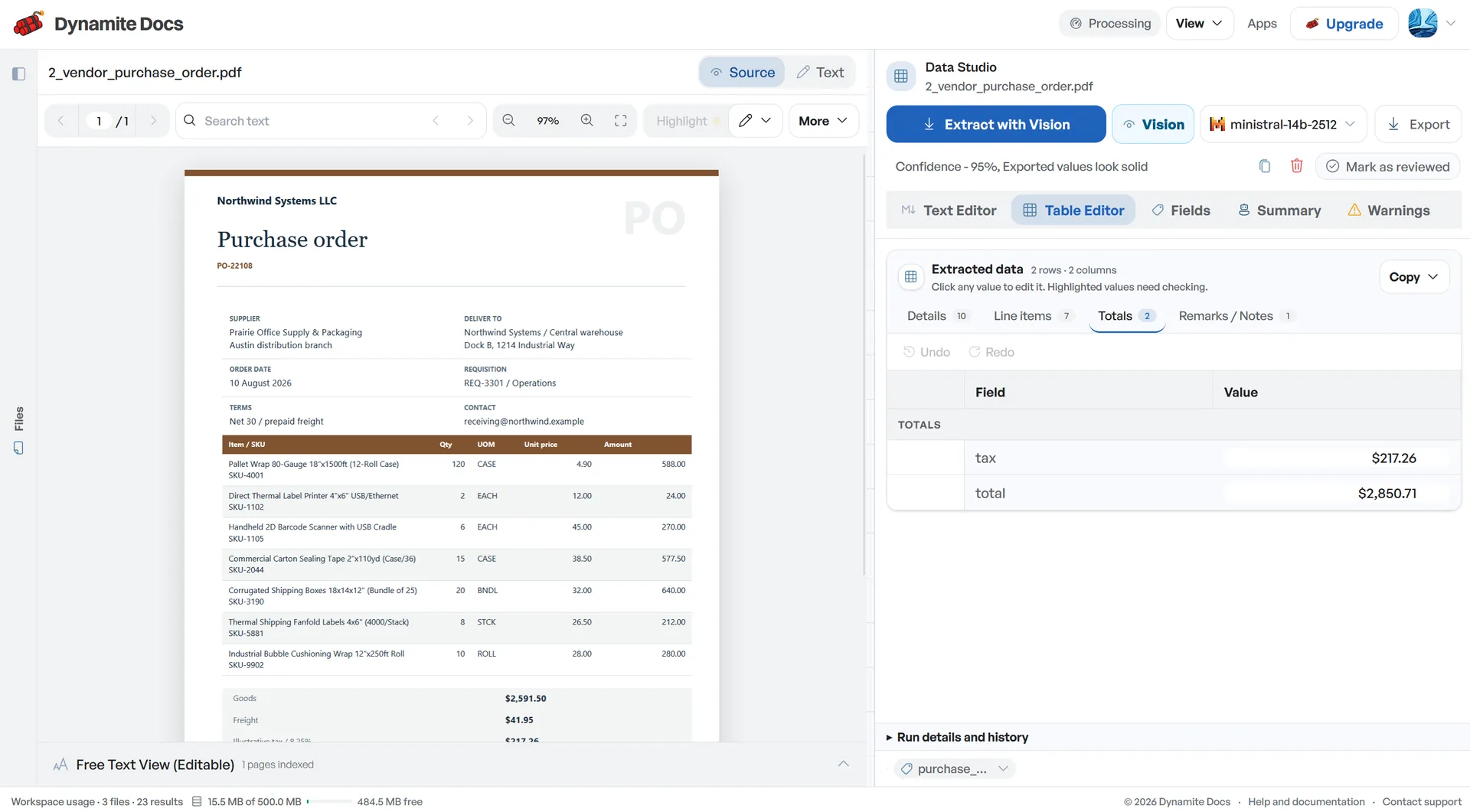
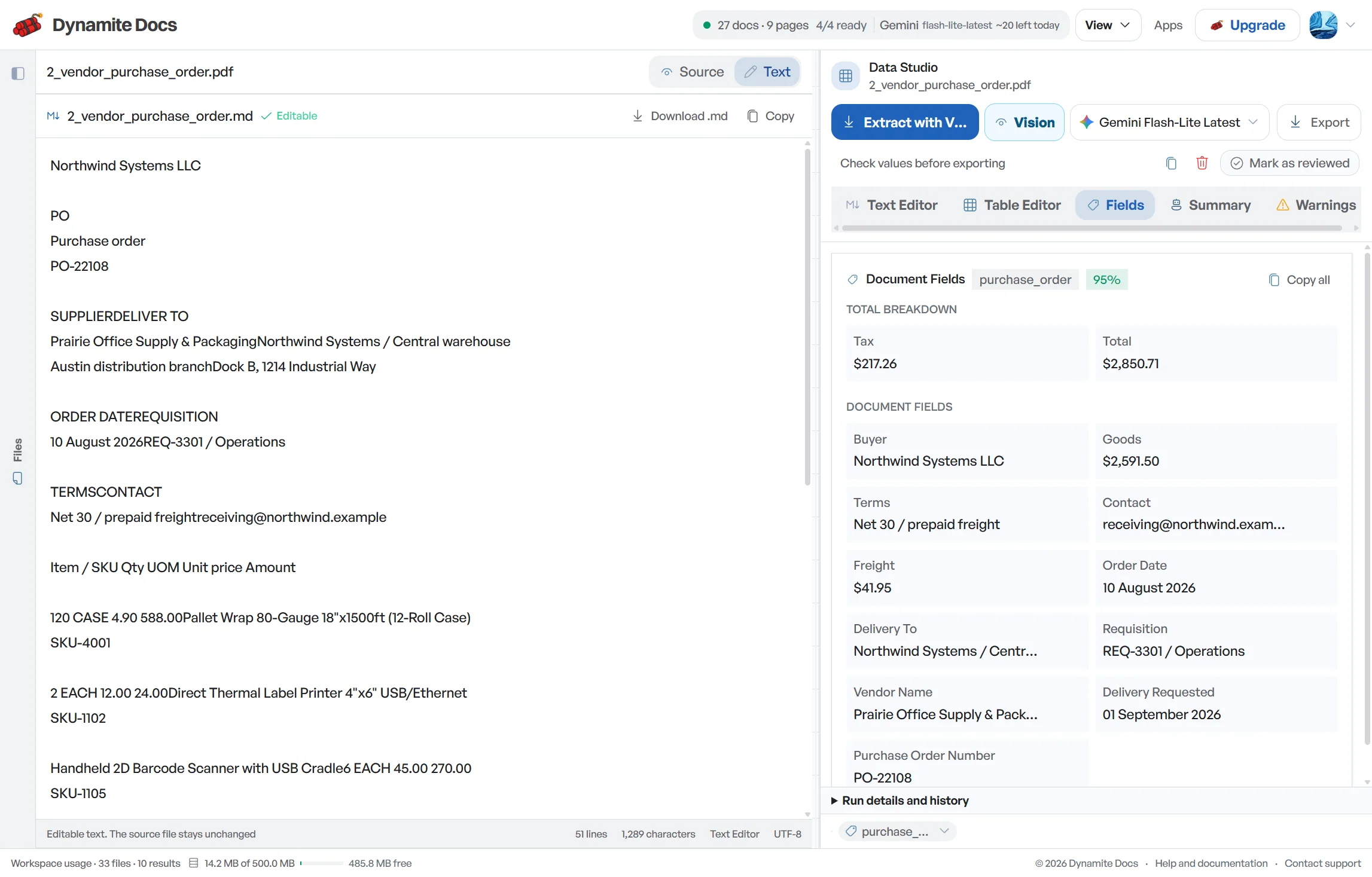
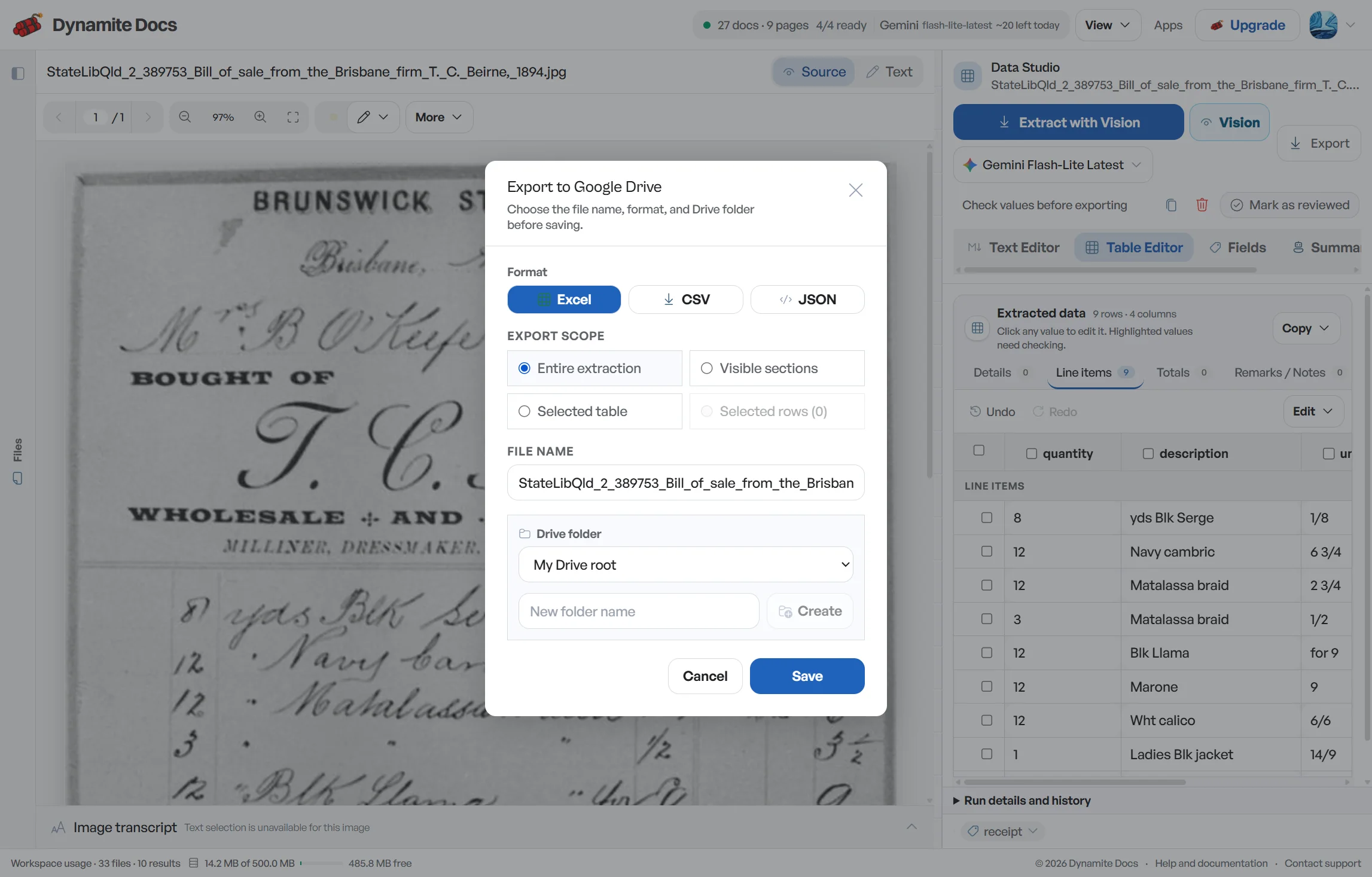
On Pro and Scale, forward invoice attachments to a private Dynamite Docs address for automatic extraction, dashboard review, and export.
Extract GSTIN, HSN/SAC, line items, taxable value, and CGST/SGST/IGST into reviewed rows for Excel and manual Tally mapping workflows.
Read scanned paper and photographed GST invoices, verify GSTIN and tax fields, and export structured rows to Excel, CSV, or JSON.
Convert GST invoices into reviewed Excel spreadsheets with GSTIN, HSN/SAC, line items, taxable value, tax splits, and totals.
Export reviewed GST invoice fields and line items as structured JSON for accounting software, ERP mappings, APIs, and automation workflows.
Extract supplier GSTIN, HSN/SAC, tax splits, line items, and totals from purchase invoices into reviewable rows for accounting workflows.
Extract outward sales invoice fields, credit notes, and debit notes into structured rows for accounting and GSTR-1 preparation.
Extract and review Indian vendor invoices, preparing clean supplier, tax, line-item, and total data for PO matching and accounting workflows.
Extract GST e-invoice fields including the 64-character IRN, supplier and buyer GSTINs, HSN/SAC codes, and tax totals into structured spreadsheets.
Prepare outward-supply invoice details, credit notes, and debit notes as reviewed rows for GSTR-1 working papers before return filing.
Extract purchase invoice fields for matching against GSTR-2B auto-drafted data, with reviewed GSTIN, invoice, value, and tax columns.
Extract GST invoice fields into reviewed rows for Tally voucher preparation, including party, invoice, ledger, tax, and total mapping inputs.
Export reviewed GST invoice rows to Excel with stable headers, then map them to TallyPrime masters and transactions using your company rules.
Extract GST bill data for BUSY accounting. Review supplier GSTIN, HSN or SAC, taxable value, CGST, SGST, IGST and totals in Excel-ready rows.
Extract e-way bill fields including Part A supplier and buyer details, invoice references, goods values, and Part B vehicle transport records.
Extract merchant names, dates, amounts, GSTINs, and UPI transaction references from Indian retail receipts and digital payment slips.
Extract transaction dates, descriptions, debits, credits, balances, UTR numbers, and account details from Indian bank statements for review.
Extract purchase order numbers, vendor GSTINs, line items, HSN/SAC codes, quantities, and prices from Indian PO documents.
Extract HSN and SAC classification codes with item descriptions, taxable values, rates, and source context from GST invoice line items.
Extract 15-character GSTIN values from invoices, e-invoices, and e-way bills, label each party role, and flag malformed values for review.
Extract CGST, SGST or UTGST, IGST, and cess into separate reviewed columns, then tie tax amounts back to taxable value and invoice total.
Extract core GST invoice numbers, dates, taxable values, tax components, currency, and totals into reviewed fields linked to the source.
Use a hosted model or connect a supported provider key on any signed-in tier. Free and Hobby own-key pages draw from the plan's monthly PE allowance; Pro and Ultra own-key runs do not consume PE. Provider charges, availability and file limits still apply. Local Ollama processing is available on the applicable paid plan.
Digital invoices may expose embedded text, while paper scans and messaging-app photos need visual extraction. Text layers can have broken reading order and images can contain glare, blur or cropped totals. Scan quality and model choice affect the result, but neither removes the need to compare important fields with the source.
Export reviewed rows to Excel, CSV or JSON, or push them to Google Sheets when connected. Use those rows to prepare Tally or BUSY mappings, registers and reconciliation schedules. Posting, filing, portal validation and approval remain separate steps in your accounting process.
A useful pilot includes more than one supplier layout, a multi-line invoice, an adjustment document and at least one known exception. Compare document counts and batch totals before and after extraction. That small control tells you more about readiness than a single clean invoice demo.
You can upload digital PDFs exported from Tally, BUSY, Marg, Zoho and other billing tools. Some contain usable embedded text; others have incomplete or out-of-order text layers and may need model inference. Scanned and photographed invoices use visual extraction. Review a representative sample before processing a full batch.
The workflow proposes taxable value, CGST, SGST or UTGST, IGST, cess and invoice total as distinct fields with confidence scores. Check the printed tax labels, place-of-supply context and arithmetic before updating your books.
Yes. You can download a reviewed extraction as Excel XLSX, CSV or JSON, or push it to Google Sheets after connecting the integration. Map and test the data before importing it into an accounting system.
The workflow extracts supplier GSTIN, invoice number, date, taxable value and tax components into match-ready rows. Your reconciliation can compare those fields with GSTR-2B data and place exact matches, value differences, missing records and duplicates into separate review queues. Final eligibility and filing decisions remain with your tax process.
No. Dynamite Docs is a document extraction and data preparation tool. It reads and organizes the numbers from your invoices. Final tax review, return filing, and compliance determinations remain with your Chartered Accountant or finance team.
Yes. Every signed-in tier can connect supported provider keys. Free and Hobby own-key pages use monthly PE; Pro and Ultra own-key runs do not consume PE. Review the selected provider and your organization's data policy for sensitive files. The local Ollama companion is available on Hobby, Pro and Ultra.