Receipt OCR and processing for recurring expense review
By Dynamite Docs. Published . Updated .
Stop typing invoices into spreadsheets.
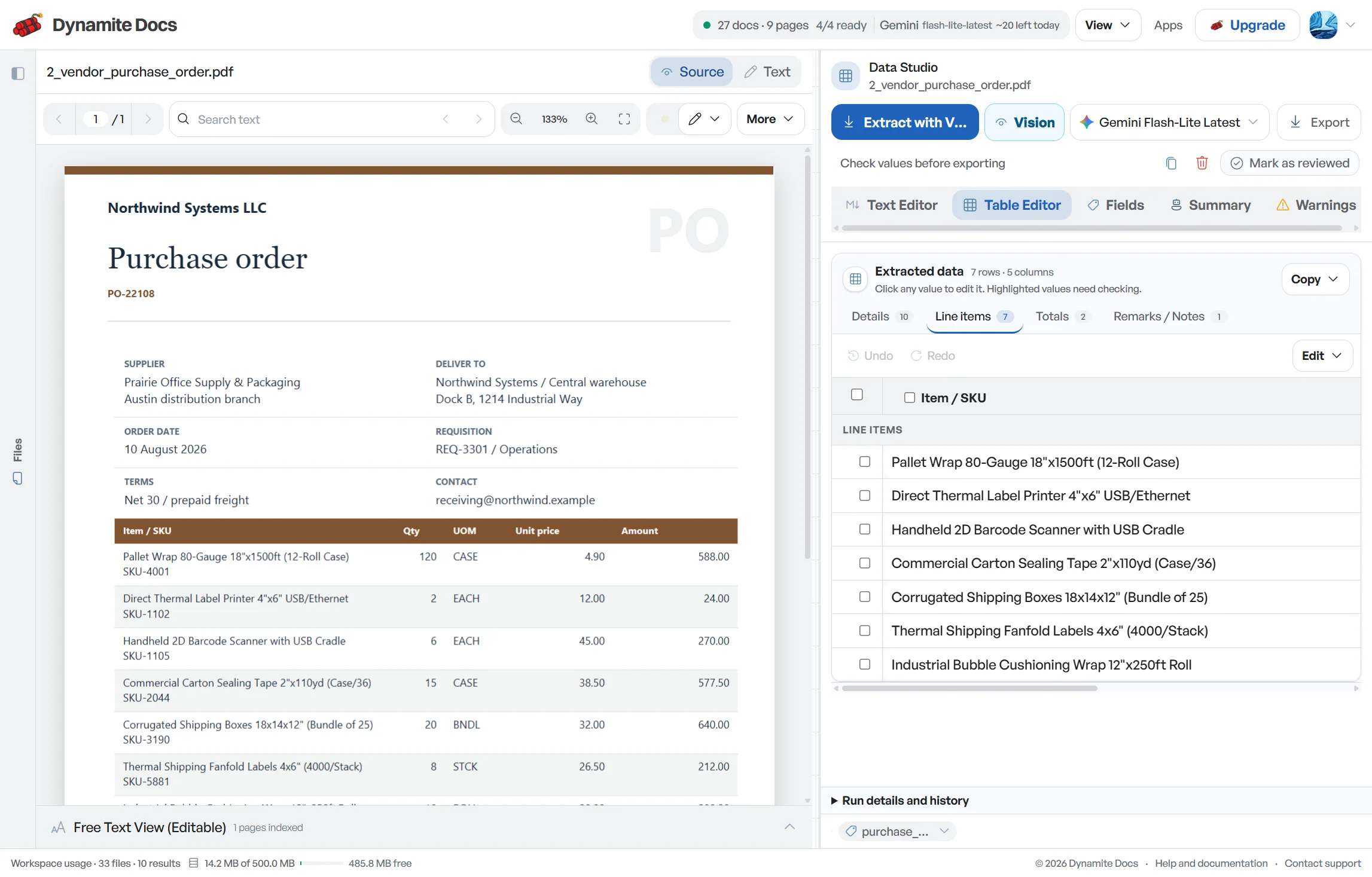
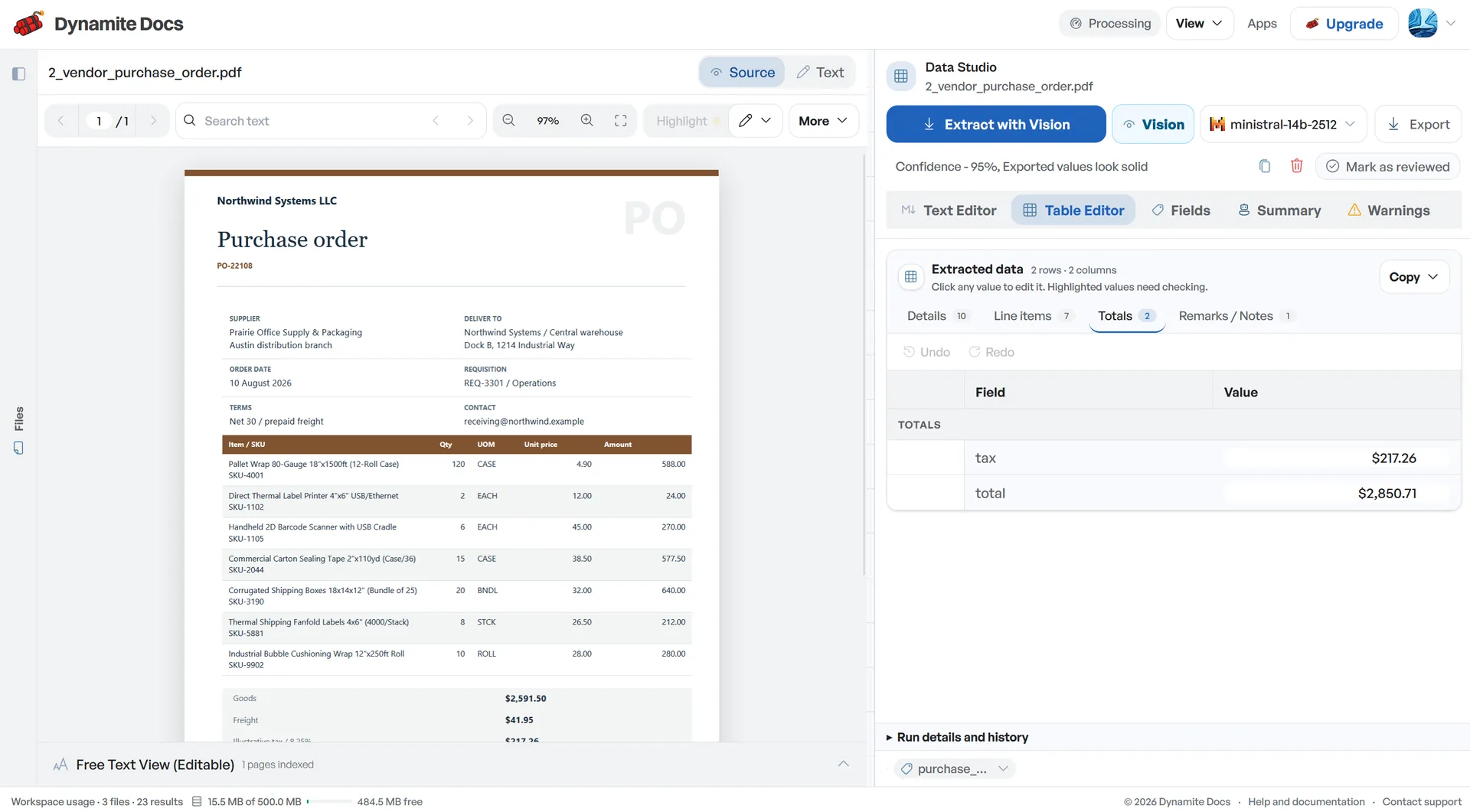
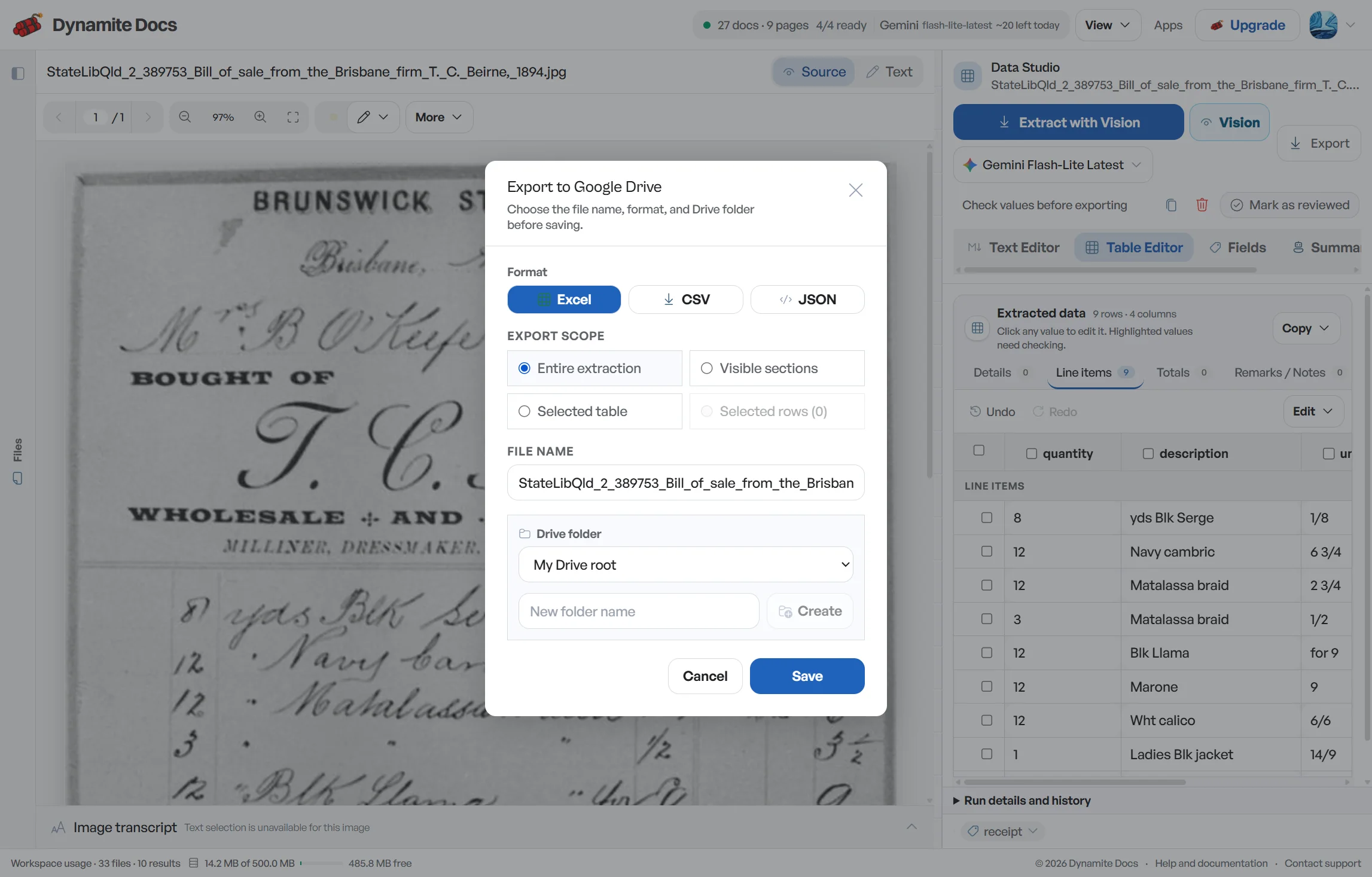
Receipt OCR is useful when the result stays tied to the slip that produced it. Collect paper receipts, emailed PDFs and phone photos for an expense period, then extract merchant details, dates, totals and item rows into one review queue. Check faint numbers, duplicate submissions, tax and tips before preparing the bookkeeping handoff. Add the business purpose and expense category during review because a merchant name alone cannot explain why a purchase belongs in the books. Keeping the source reference with every row also gives finance teams somewhere to look when a reimbursement or card charge is questioned later.
Try a receipt or compare its storage, processing, and export limits.
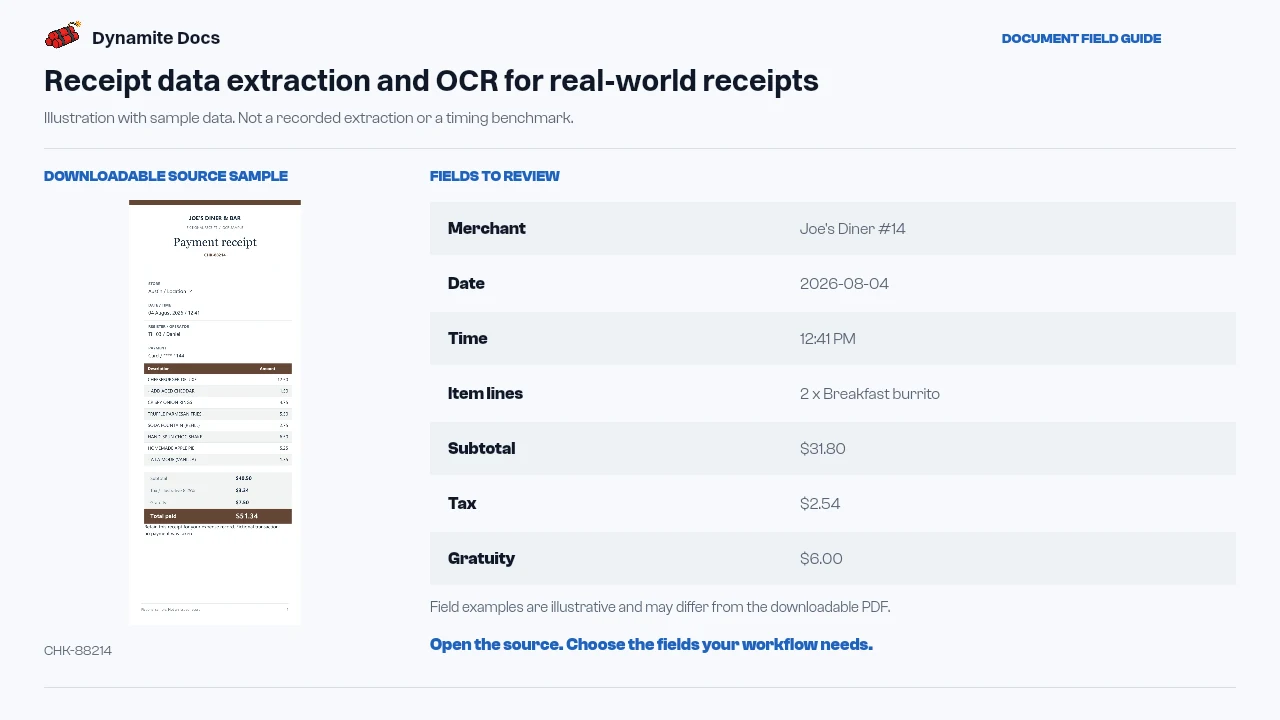
Receipts are messy, high volume, and easy to fall behind on
- A single week of team travel can generate dozens of receipts across different stores, currencies, and tax rates.
- Thermal paper fades quickly, and numbers often get cut off or smudged in wallets and pockets.
- Itemized receipts list individual food or supply items alongside subtotal, sales tax, and tips, making quick manual entry tricky.
- Entering receipts into expense spreadsheets by hand takes valuable hours away from core business tasks.
Document types this workflow handles
- Thermal paper receipts: restaurant, fuel, and retail store slips
- Smartphone photos: photos taken at any angle or in low light
- PDF receipts & e-bills: software subscriptions, travel, and hotel receipts
- Itemized meal receipts: line items, subtotal, sales tax, and gratuity
What gets extracted from a receipt
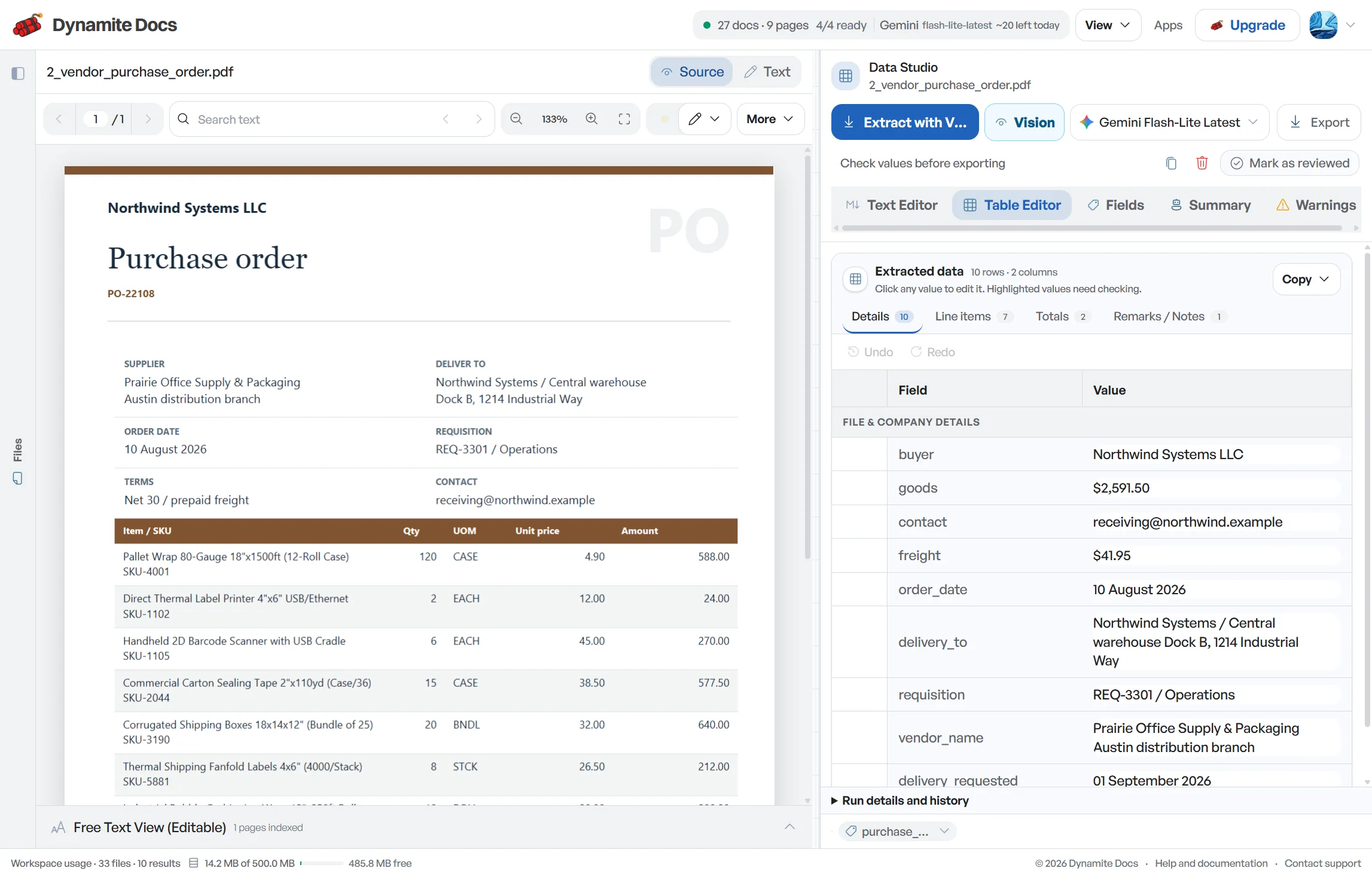
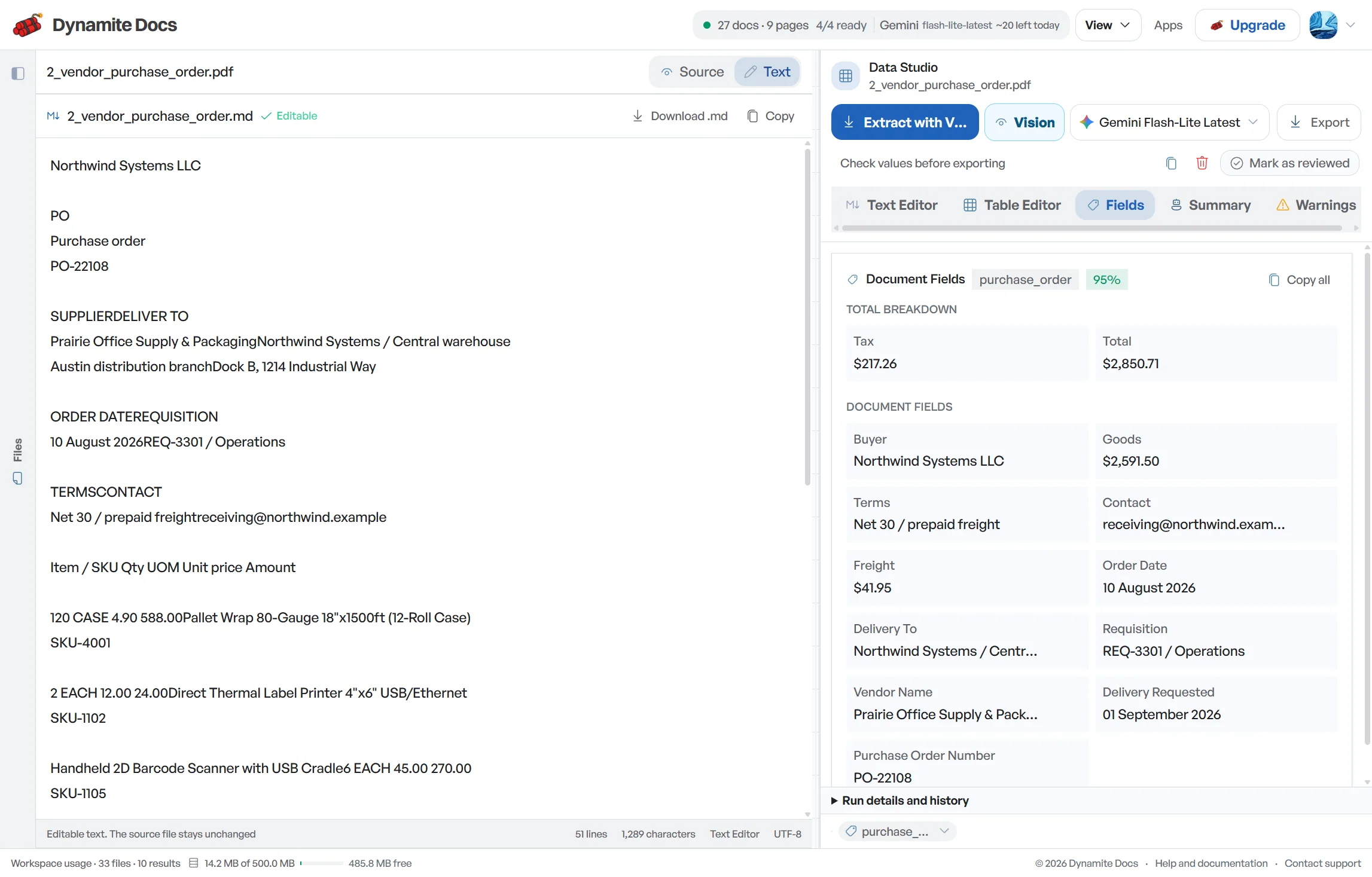
Fields are recognized from each receipt layout. A typical extraction provides:
- Merchant: Joe's Diner #14
- Date: 2026-08-04
- Time: 12:41 PM
- Item lines: 2 x Breakfast burrito
- Subtotal: $31.80
- Tax: $2.54
- Gratuity: $6.00
- Total: $40.34
- Payment method: Visa ending 2104
- Currency: USD
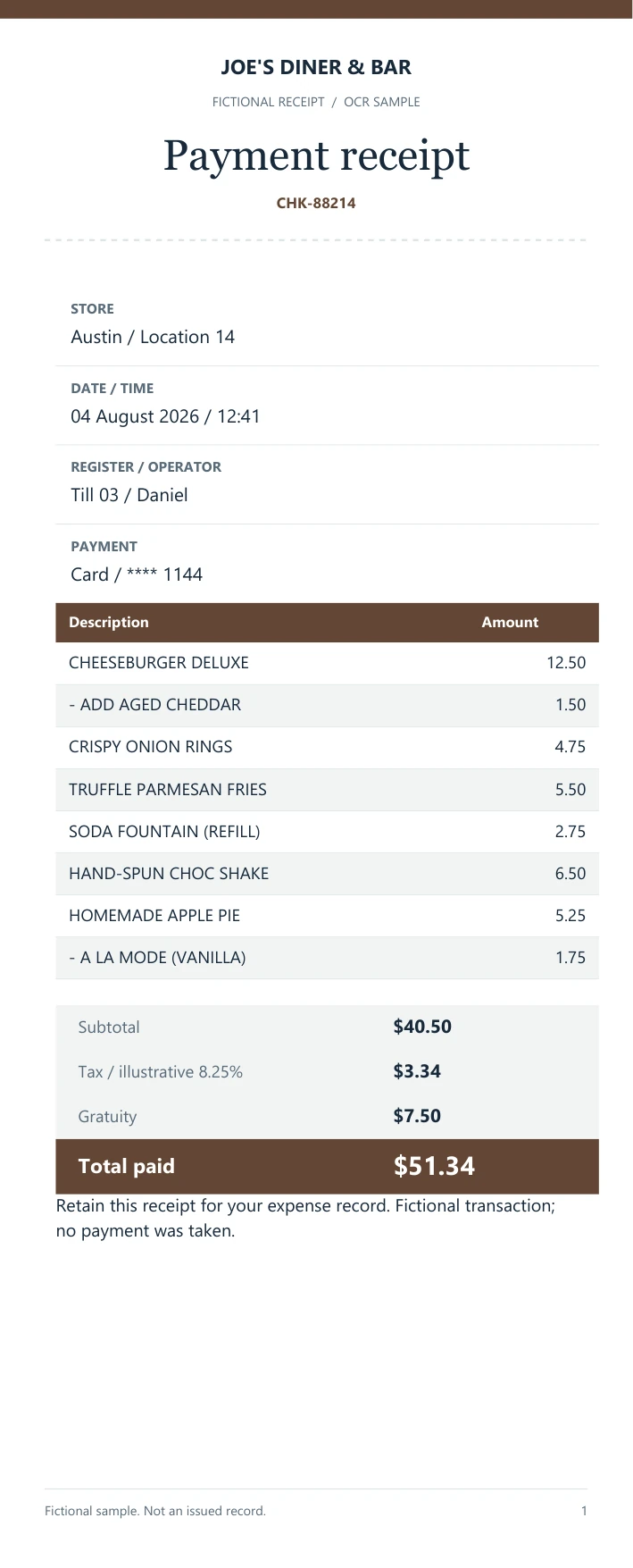
A realistic example
Sample data. Not a real invoice or filing record.
A batch of business receipts extracts into clean rows like these, ready for an [expense report](/blog/receipt-processing-for-expenses):
| Merchant | Date | Category | Total | Currency | Payment |
|---|---|---|---|---|---|
| Joe's Diner #14 | 2026-08-04 | Meals & entertainment | $40.34 | USD | Visa ending 2104 |
| Uber BV | 2026-08-04 | Travel | $18.20 | EUR | Corporate card |
| STAPLES | 2026-08-05 | Office supplies | $63.97 | USD | Amex ending 8012 |
What to validate before export
Validation issue
Faded totals and ambiguous merchant names need source-image review.
Limitation
The extractor does not decide whether an expense is reimbursable or tax-deductible.
Reviewed by Dynamite Docs content team. Last verified 2026-09-11.
How to keep your expense tracking up to date
Business expenses arrive as gas-station slips, restaurant bills, hotel folios, ride receipts and emailed confirmations. Small amounts are easy to postpone, so the folder grows until month end. By then, the person who made the purchase may not remember the client, trip or project behind it. A faster extraction pass helps, but the missing context still has to come from the cardholder or approver.
Turn each receipt into a reviewable row while the purchase is still fresh. Keep the image beside the proposed merchant, date, currency, subtotal, tax, tip and total. Then add the business purpose, expense category, project or cost centre, cardholder and reimbursement status required by your process. Saved patterns can help with recurring layouts, but they should never assign the business reason for a transaction.
Check the arithmetic before classification. For an itemized meal, compare the line items with the subtotal, then confirm tax, tip and final total. For a refund, confirm the sign and original payment method. For a foreign-currency receipt, retain the source amount and currency even if your expense system later records a separate converted amount. This avoids treating an exchange-rate difference as an OCR mistake.
Duplicate control needs more than matching totals. Two taxi receipts can share the same amount on the same day, while the same restaurant receipt may appear once as a photo and again inside a card statement. Compare merchant, date, time, total and payment reference, and keep possible duplicates in review until someone resolves them.
Test the workflow with the receipts that cause the most cleanup, not only the clearest examples. Faded thermal paper, long hotel folios and phone photos with shadows expose weak spots early. Once reviewers agree on the required columns and exception rules, the same checklist can be used for each weekly or monthly batch.
Privacy and cost efficiency for expense receipts
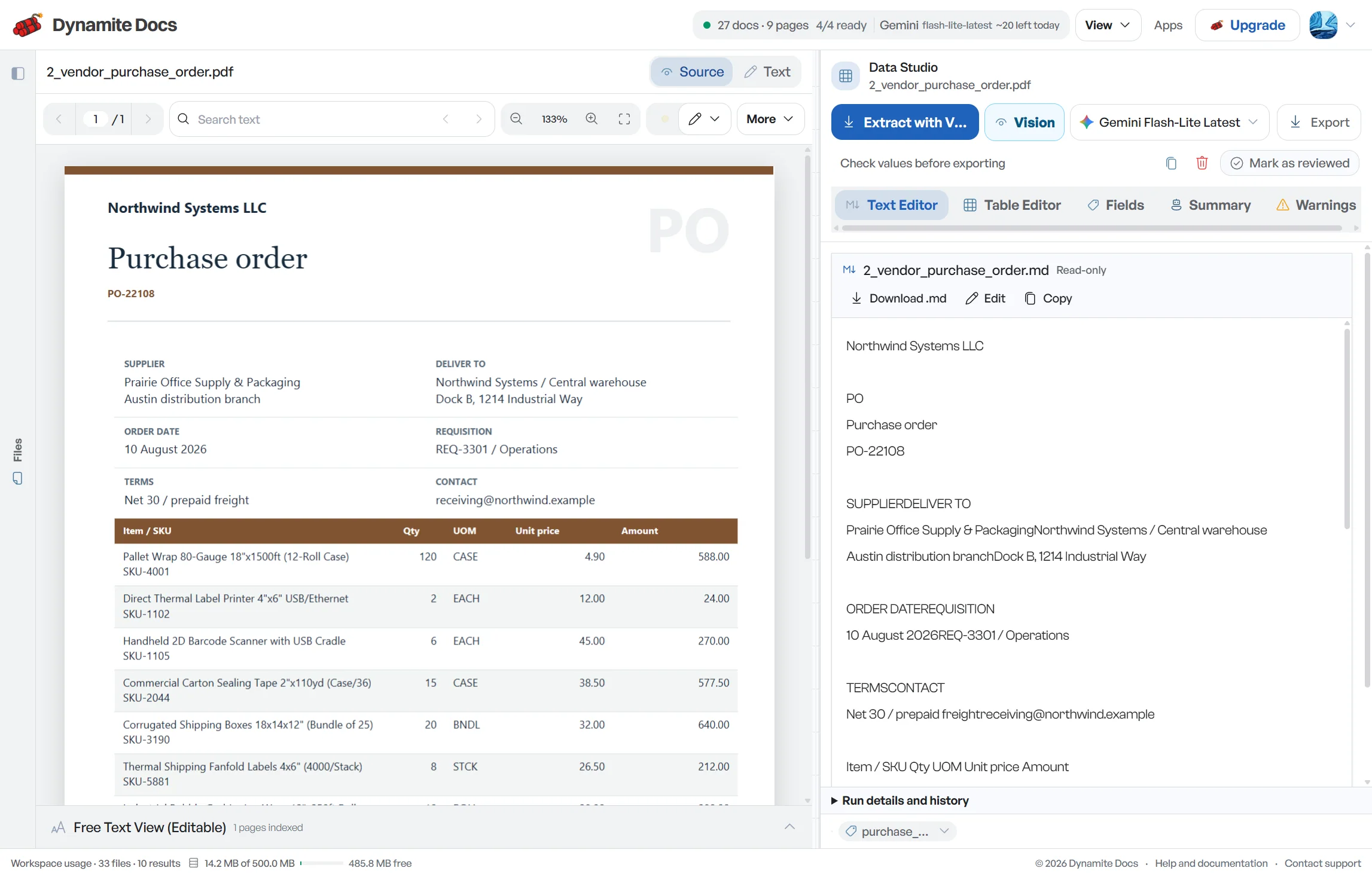
Scans and photos need a vision-capable model because they have no dependable text layer. Dynamite Docs lets you choose a hosted provider, connect your own key, or use the local Ollama companion on Hobby, Pro and Ultra.
Receipts may show personal purchases, travel locations and partial card numbers. Check the selected provider and data policy before uploading sensitive documents. Local model inference keeps that model call on your computer, while the Dynamite Docs account and workspace remain hosted.
Categories, merchant preferences and corrected extraction patterns stay attached to your workflow. Review those suggestions rather than accepting them as accounting decisions.
Questions, answered
Can it read receipts taken at an angle or with low lighting?
A vision-capable model can read many angled or unevenly lit photos, but image quality still matters. Crop the full receipt, avoid glare and compare any low-confidence field with the source before export.
Does it separate tips and taxes from the main total?
Yes. Item lines, subtotal, tax, and gratuity are separated into distinct fields so your accounting total matches the receipt math.
Can it handle receipts in different currencies?
Yes. The currency is detected for each receipt (such as USD, EUR, GBP, or INR) and included in the exported row.
How is this different from the expense report workflow?
Receipt processing focuses on individual slips and bills. If you need to manage a multi-page employee expense submission with combined summary sheets, check our expense report workflow.
How does the system handle faded thermal receipt OCR?
A vision-capable provider reads the visible print and returns confidence indicators with the proposed fields. It cannot recover a digit that is no longer visible. Improve the photo lighting or scan contrast when possible, then compare item prices, subtotal, tax and total during human review.
Related document workflows
Related extraction articles
Open the document extraction workspace, no credit card required.