Invoice data extraction for recurring supplier batches
Extract invoice fields and line items from supplier batches, check exceptions beside the source, reuse corrections and export reviewed bookkeeping data.
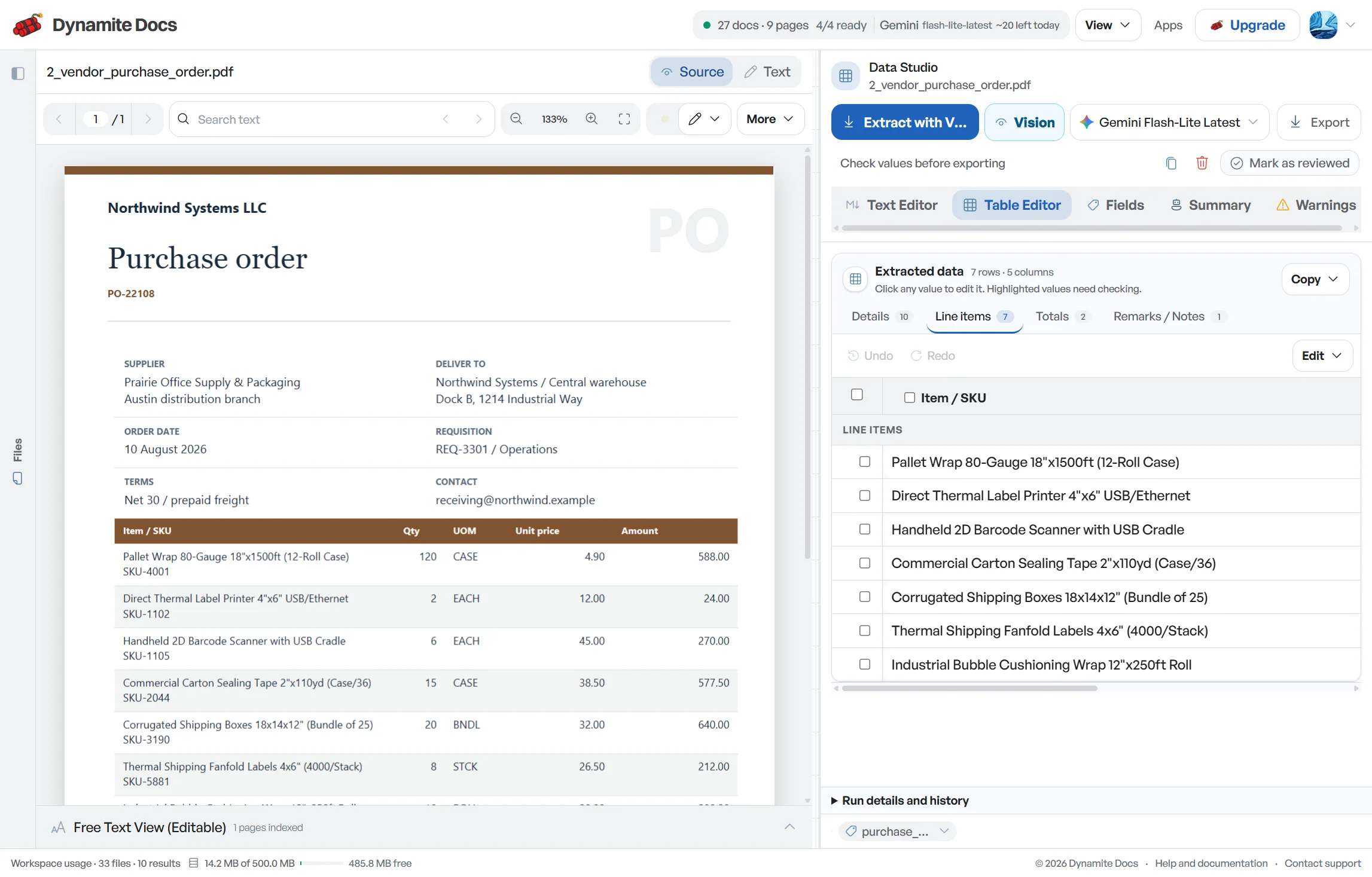
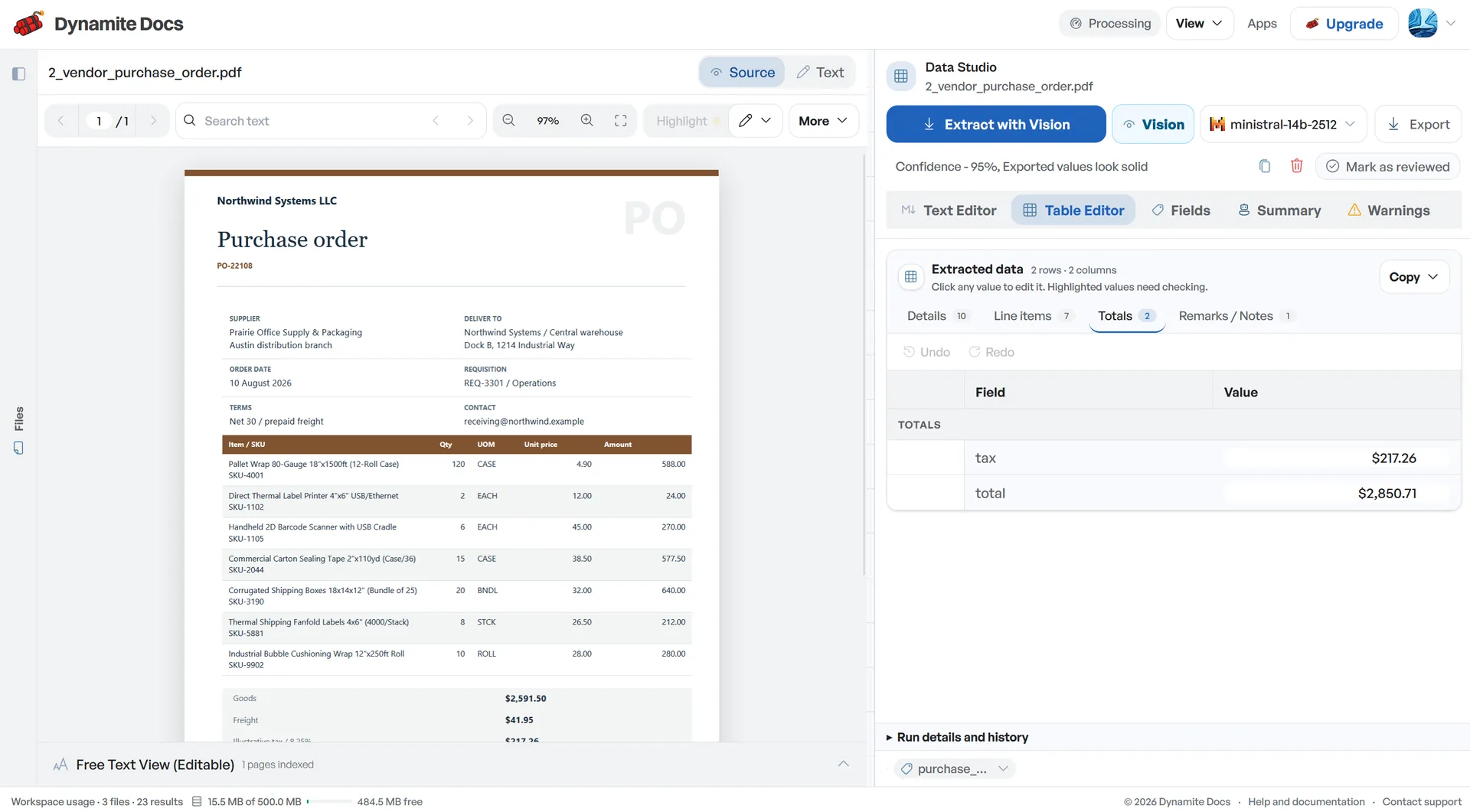
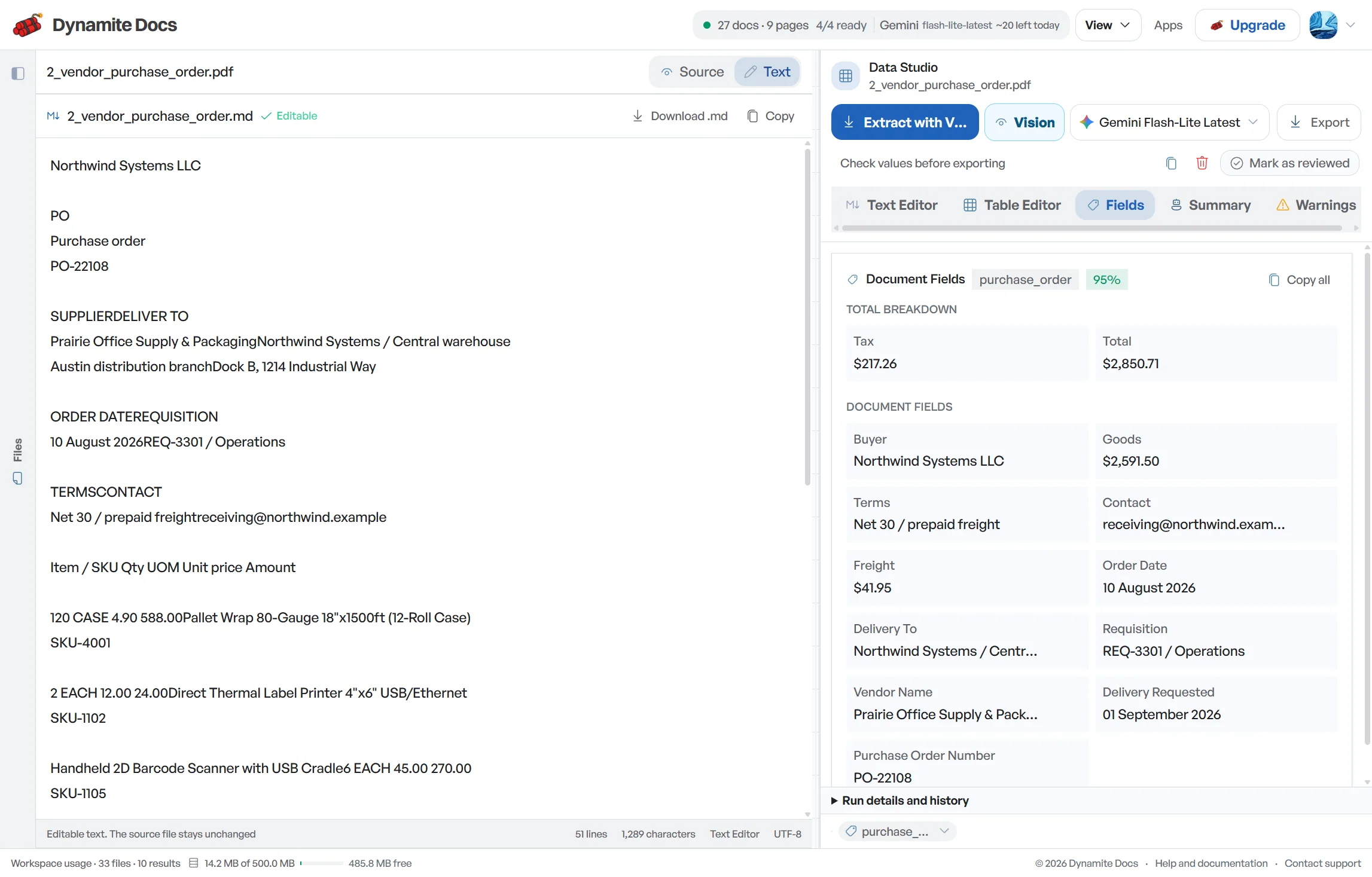
Accounting document automation starts before a journal entry. Invoices, receipts, statements, purchase orders and card records have to become reliable rows with traceable links to their sources. Dynamite Docs extracts proposed fields, shows them beside the original document and lets a reviewer correct the result before export. The system reduces transcription work; it does not approve transactions, choose accounting treatment or close the books.
Each workflow below focuses on a specific document and the controls that matter for it. An invoice needs supplier, date, number, line and total checks. A bank statement needs transaction boundaries and running-balance proof. A purchase order needs header and line separation before it can support matching. Choose the workflow closest to the document in front of you rather than forcing every file into one generic schema.
Start with a representative batch, not the easiest sample available. Include a clean digital PDF, a scan, a multi-page table and at least one known exception. Review the fields, decide which columns are required downstream, and compare exported totals with a control total from the source batch. Once that small run is dependable, document the exception owners and expand the volume.
Most teams begin where repeated typing is highest, often invoices or receipts. Pro and Ultra plans can also route email attachments into the extraction flow. Whatever the intake channel, keep approval separate from capture and retain the source document, reviewed values and export together. That creates a defensible path from evidence to spreadsheet or system import.
Try an invoice. Upload, extract, review, then export; account creation is not required before extraction.
On Pro and Scale, forward invoice attachments to a private Dynamite Docs address. The files are stored in your account, extracted automatically, and placed in the dashboard for review and export.
Extract invoice fields and line items from supplier batches, check exceptions beside the source, reuse corrections and export reviewed bookkeeping data.
Automate invoice capture for accounts payable without rigid templates. Review flagged fields, then send approved data through exports, webhooks or the API.
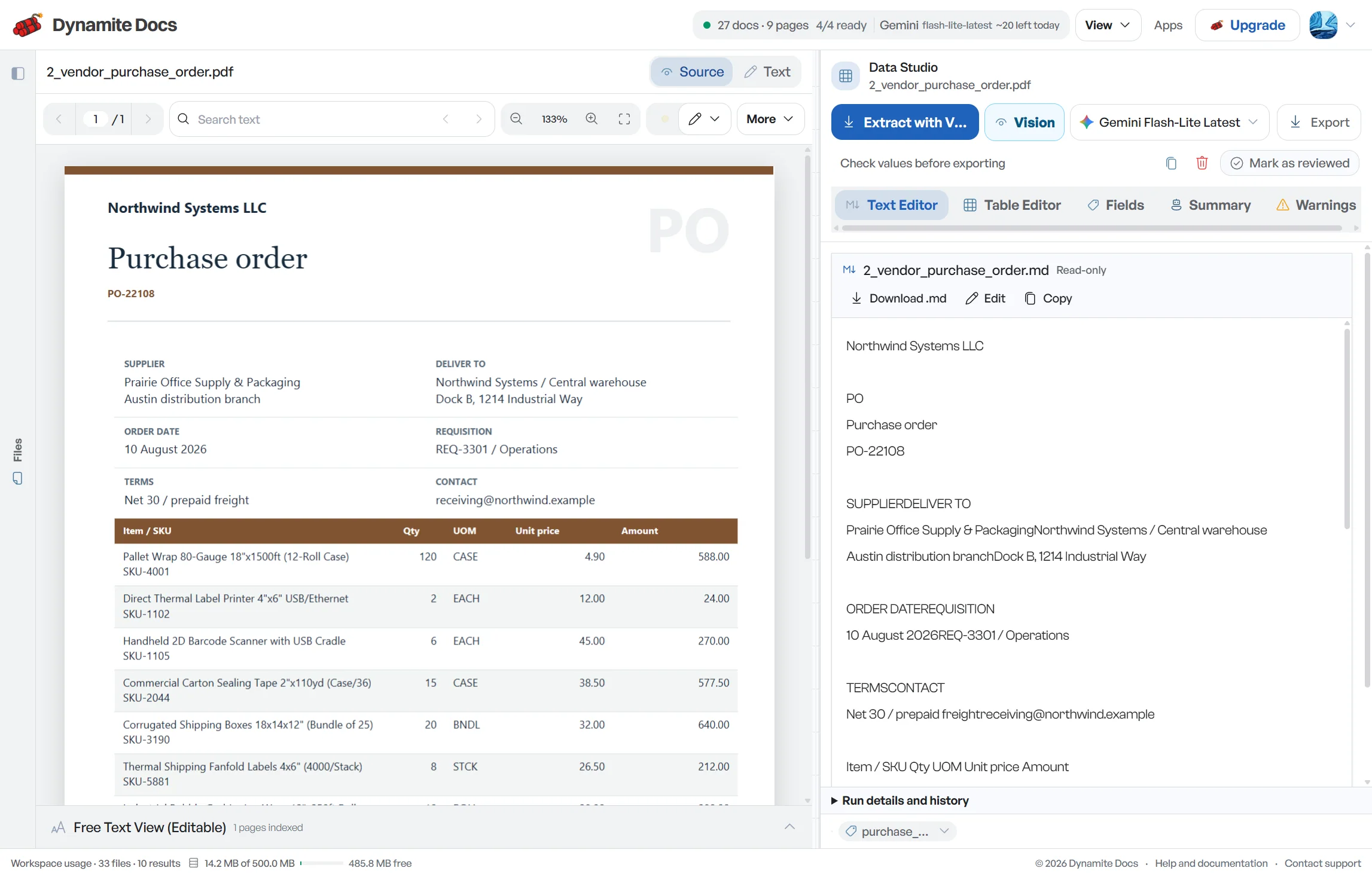
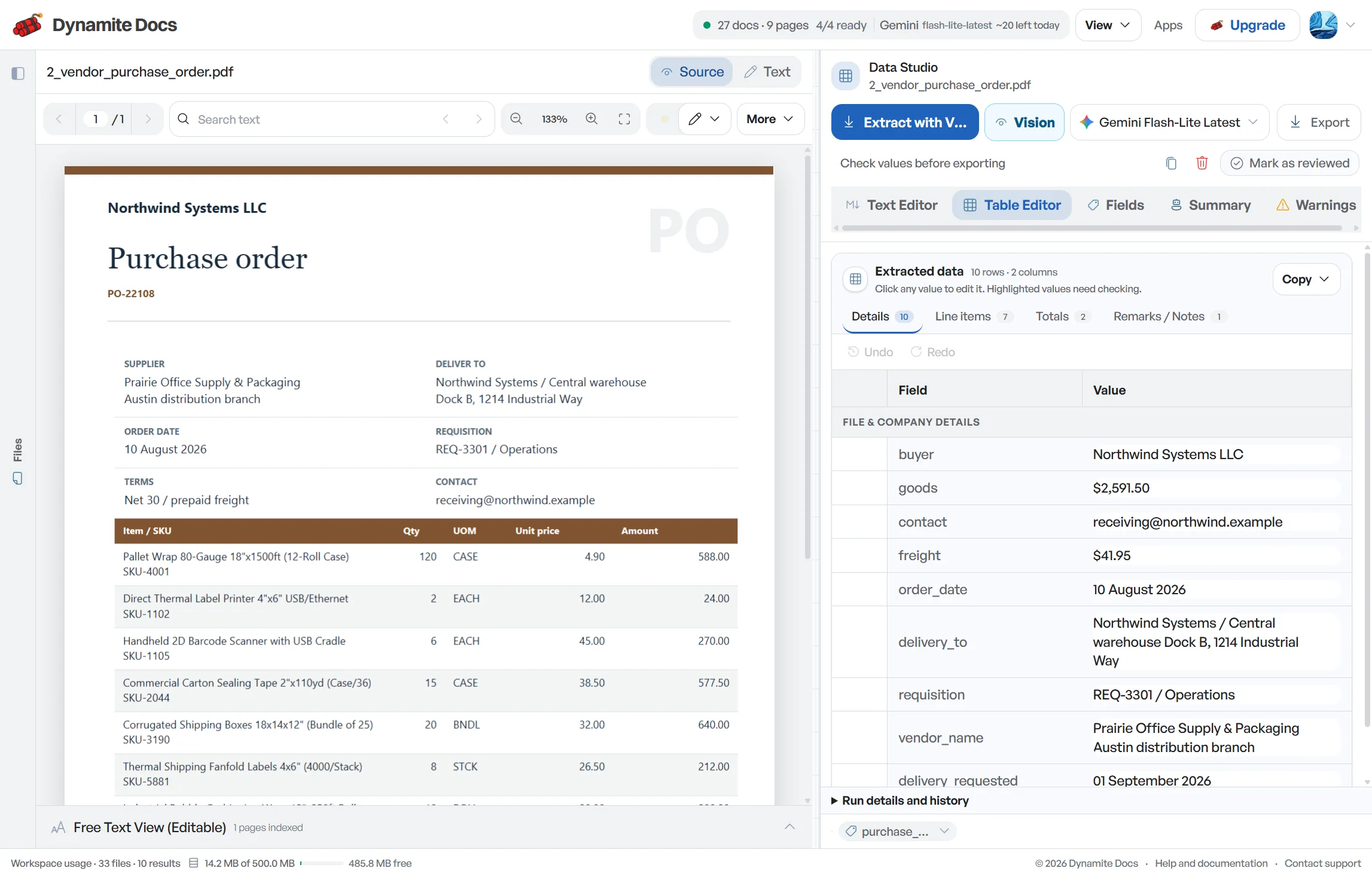
Extract PO numbers, vendor names, quantities, unit prices, delivery dates, and line items into reviewed spreadsheet rows for matching.
Convert digital or scanned bank statements into review-ready rows with dates, descriptions, debits, credits and balances for Excel or CSV.
Extract credit card statement transactions into reviewable rows, separate purchases, refunds and fees, then export checked spreadsheets for reconciliation.
Use receipt OCR to collect expense batches, check duplicates, tax and tips beside each source, then export reviewed rows for bookkeeping or reimbursement.
Extract employee expense reports and receipt details into reviewable rows, record exceptions and prepare checked data for reimbursement and bookkeeping.
Capture GSTIN, HSN/SAC, CGST, SGST, IGST, line items and totals from Indian invoices, then review the result before exporting to Excel.
Use a hosted model, connect a supported provider key on any signed-in tier, or use the local Ollama companion on the applicable paid plan. Free and Hobby own-key runs draw from their monthly PE allowance. Pro and Ultra own-key runs do not consume PE, although provider charges and technical limits still apply.
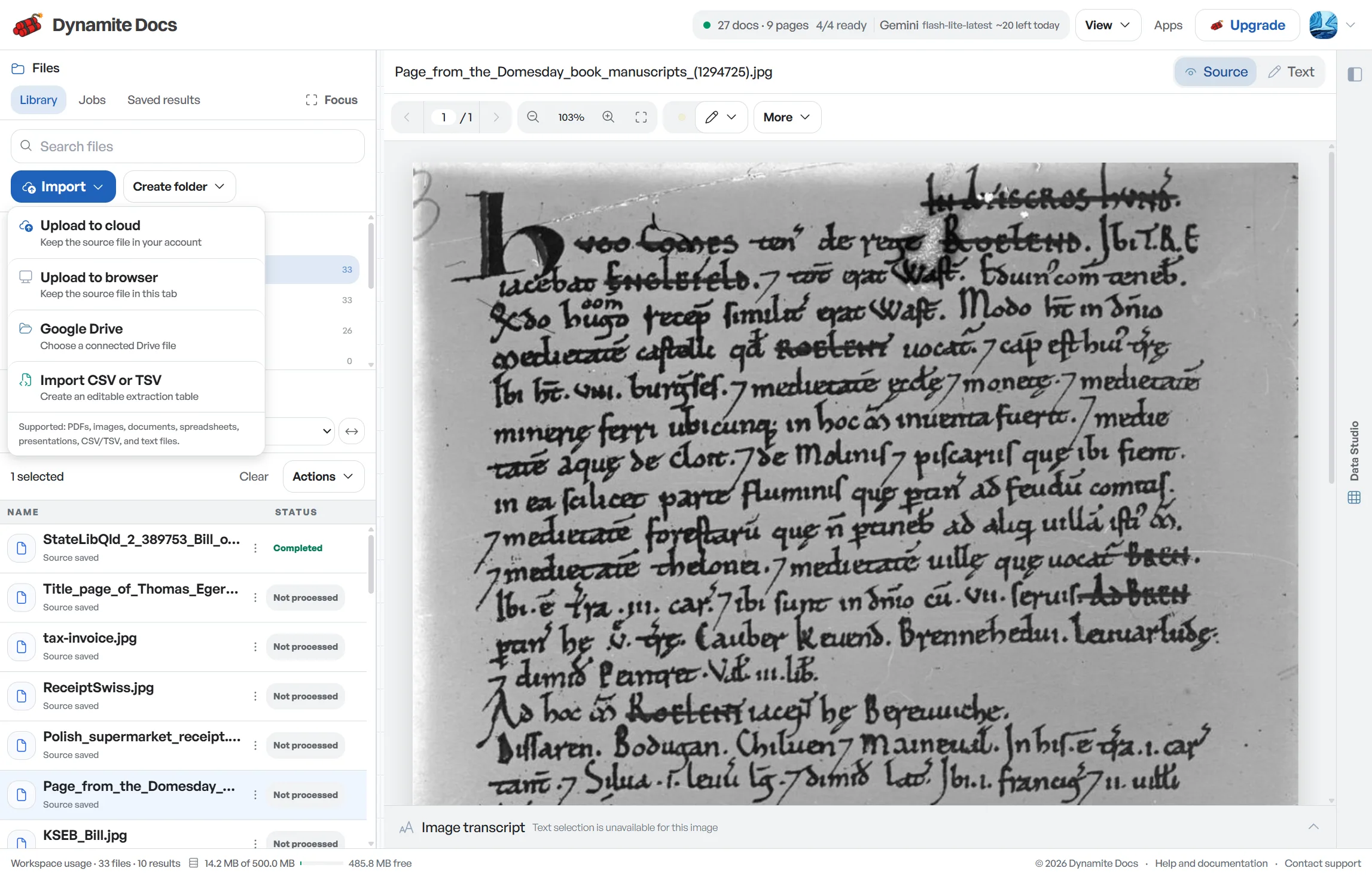
Digital PDFs may expose embedded text. Scanned documents and mobile photos need visual extraction. A text layer can still be out of reading order, and OCR can still confuse digits or merge table rows, so input type should change the review emphasis rather than remove the review.
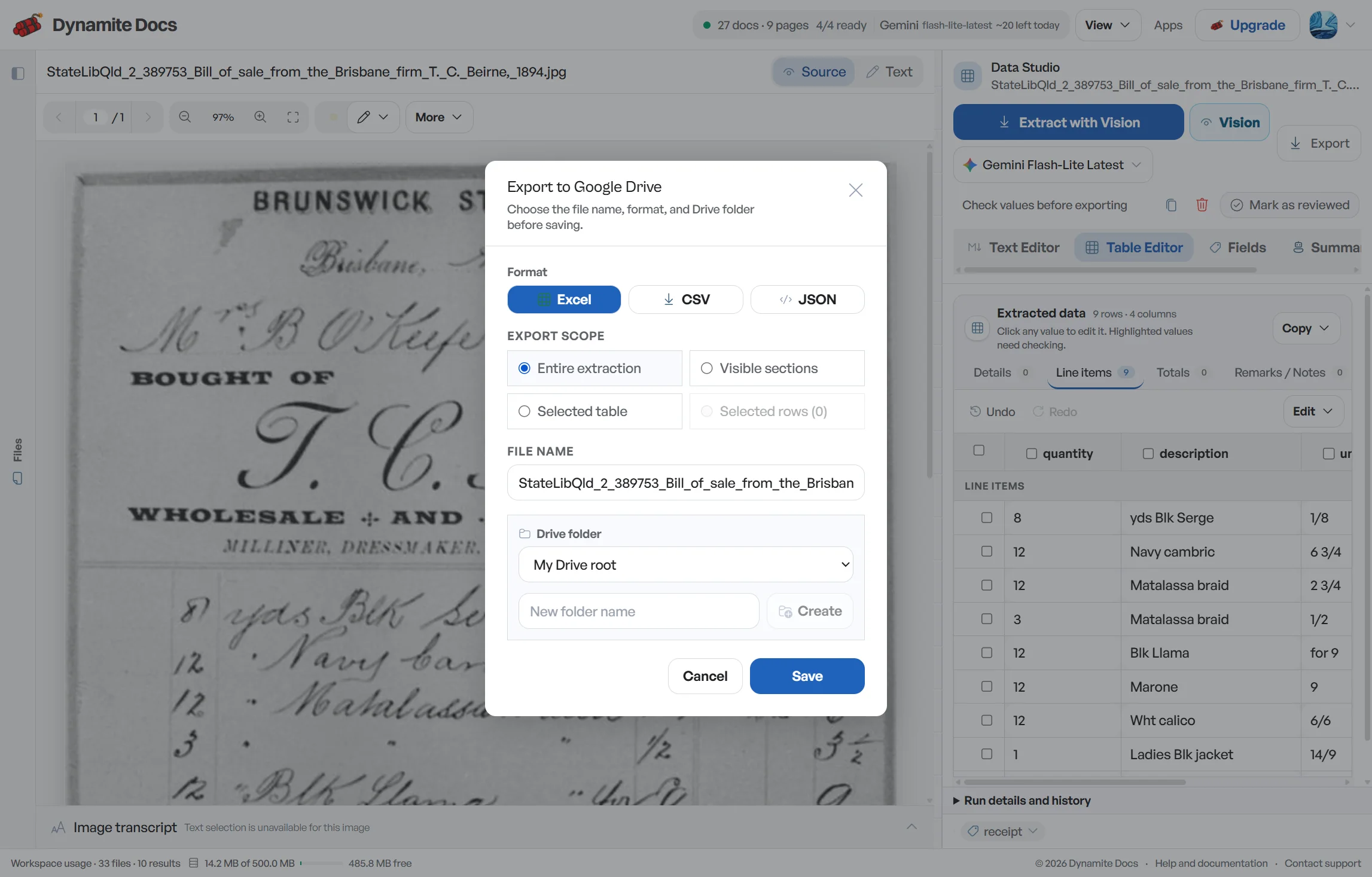
Exports are portable: reviewed tables can be downloaded as CSV, JSON or XLSX, and connected workflows can send data to Google Sheets or downstream services. Keep the original document and correction history with the exported data so a later question can be traced to evidence.
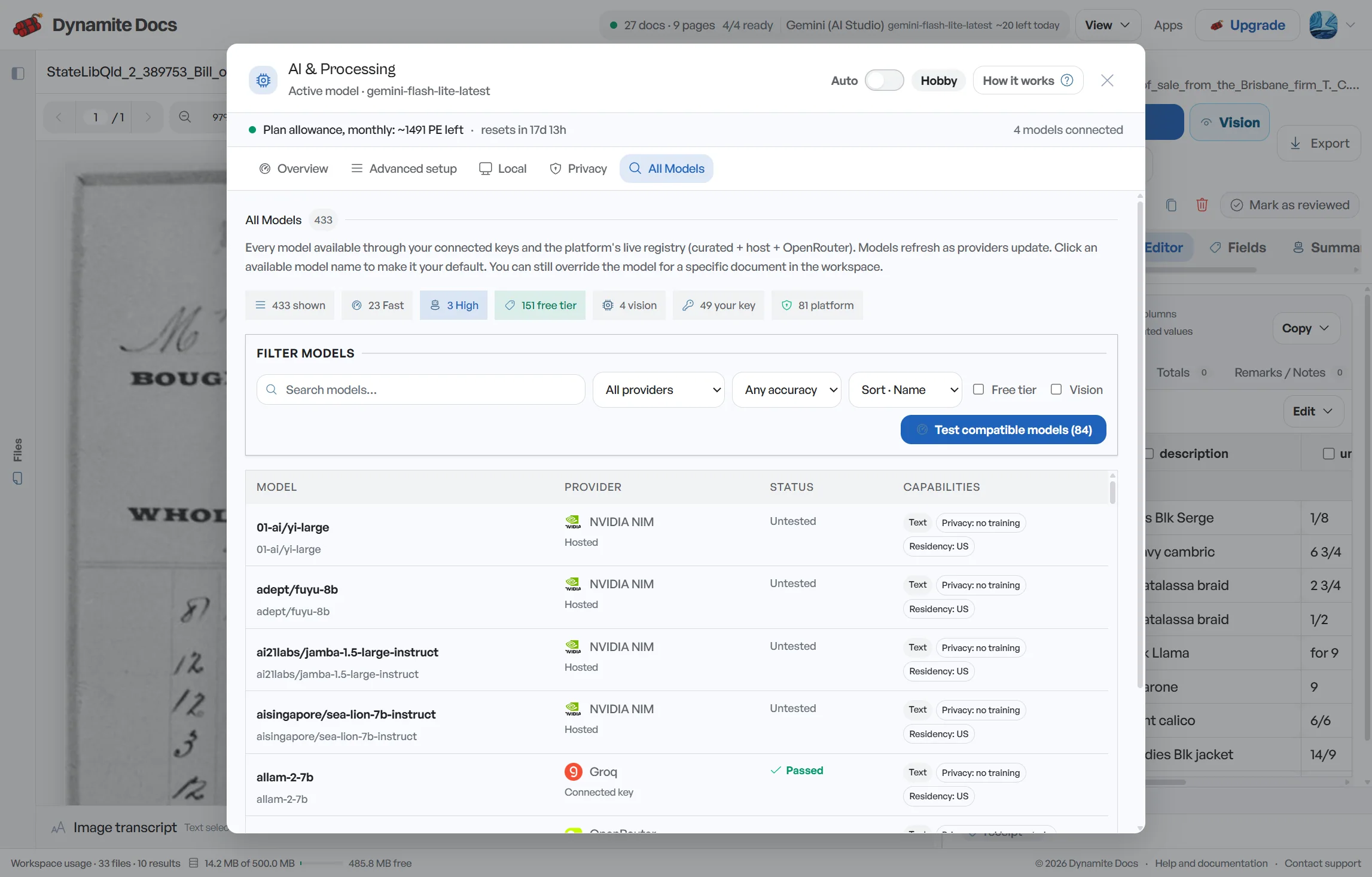
Model choice is practical because document quality and sensitivity vary. Test the chosen route with your own layouts, review the provider’s terms when using a key, and use confidence scores to prioritize attention. Confidence is a triage signal, not a guarantee of accounting accuracy.
Template-based systems define fixed coordinates or supplier-specific rules. Template-free extraction uses the document’s text and visual structure to propose fields across changing layouts. It reduces initial setup, but it still needs a declared schema, representative testing and review rules.
You define boxes or field rules for each layout. This can be dependable for stable, high-volume forms, but version changes and new suppliers require maintenance. The tradeoff is more setup in exchange for tightly controlled layouts.
The system uses document text and layout to propose [fields without coordinate templates](/blog/invoice-data-extraction-without-templates). You still define the output you need and review exceptions. Saved corrections can help with similar supplier layouts, while new identifiers, dates, quantities and totals remain document-specific.
Start with the document type that creates the most repeated transcription and has a clear downstream owner. Invoices and receipts are common starting points. The Free tier provides a 28-day trial with 25 monthly page equivalents and no credit card requirement.
You do not need coordinate templates. You do need to choose the fields required by your process and review the proposed result. Saved corrections can help with similar supplier layouts, but every new document still needs appropriate checks.
Yes. Every signed-in tier can connect supported provider keys. Free and Hobby own-key pages use the plan’s monthly PE allowance; Pro and Ultra own-key runs use no PE. The provider’s charges, model availability and file limits still apply.
Reviewed tables can be downloaded as CSV, Excel XLSX or JSON after signup. Paid plans add the applicable connected exports and integration features, including Google workflows, API tokens and webhooks. Mapping and approval remain part of your downstream process.
The workspace uses document-specific field sets and review guidance for invoices, receipts, bank statements, purchase orders and other accounting records. It combines that context with a common source viewer, correction flow and export format.
No coordinate template is required. The system proposes fields from each layout, and confirmed corrections can inform similar future files. Test layout changes and review important values rather than assuming a remembered pattern makes later documents error-free.