Credit card statement extraction for expense review
By Dynamite Docs. Published . Updated .
Stop typing invoices into spreadsheets.
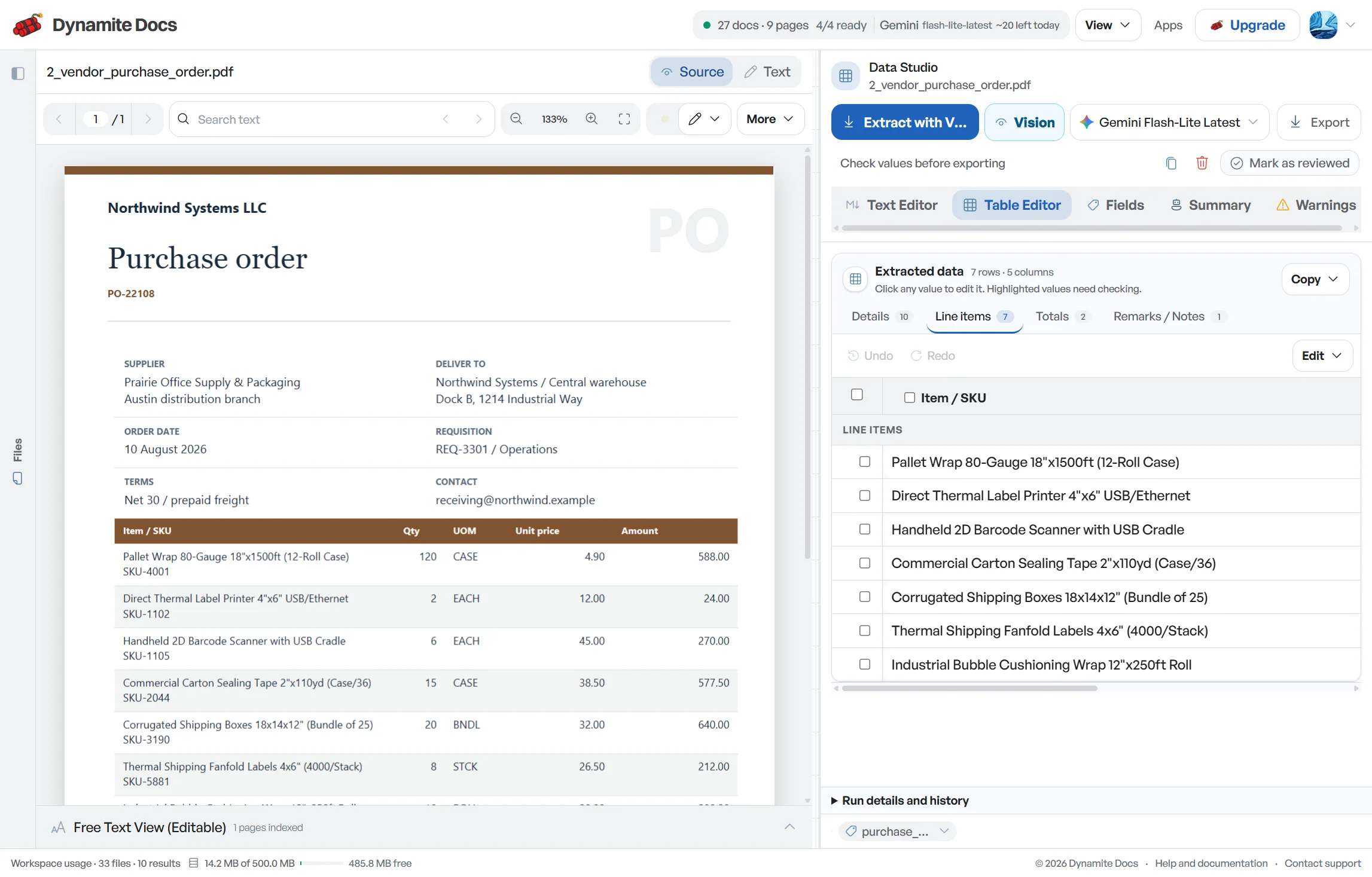
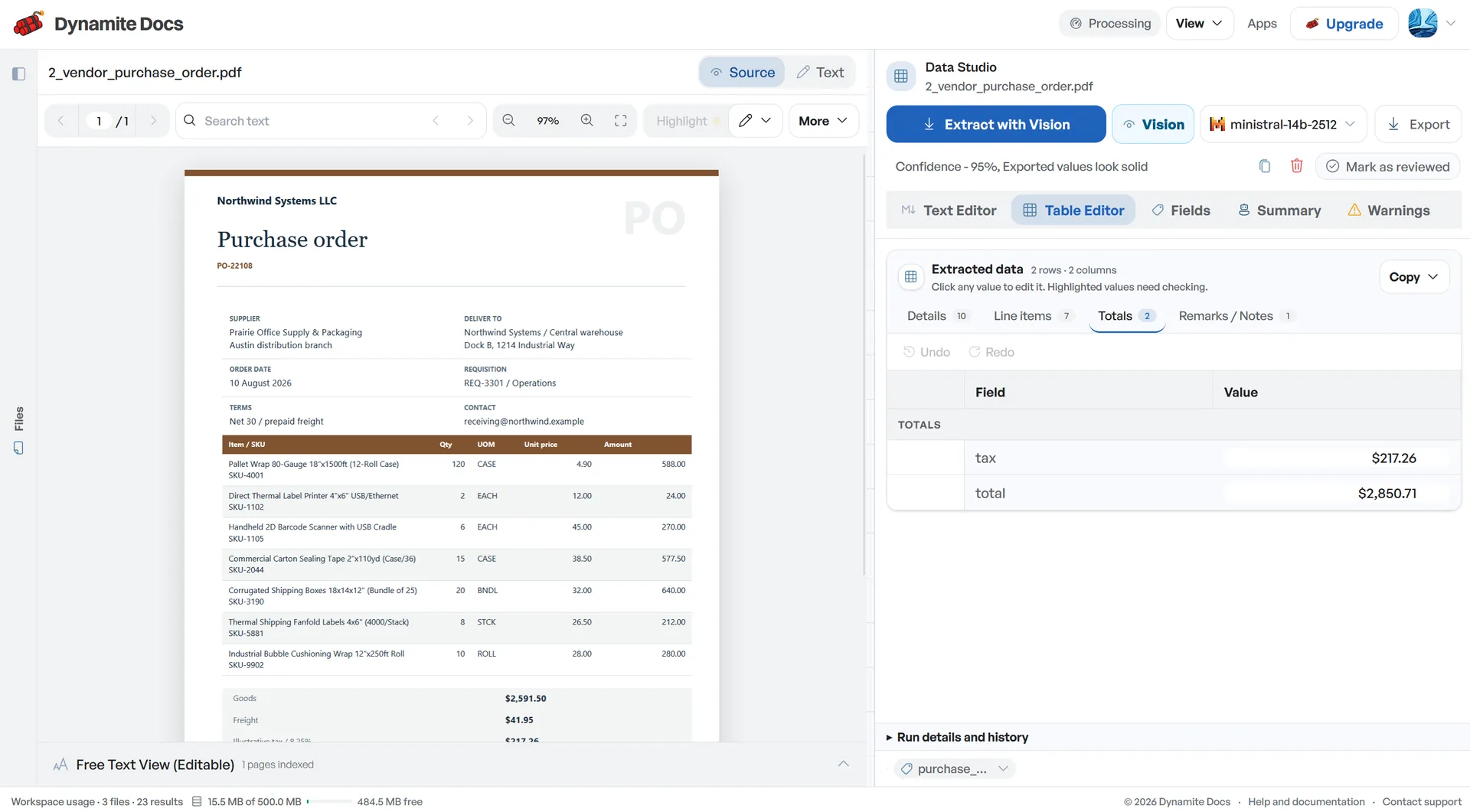
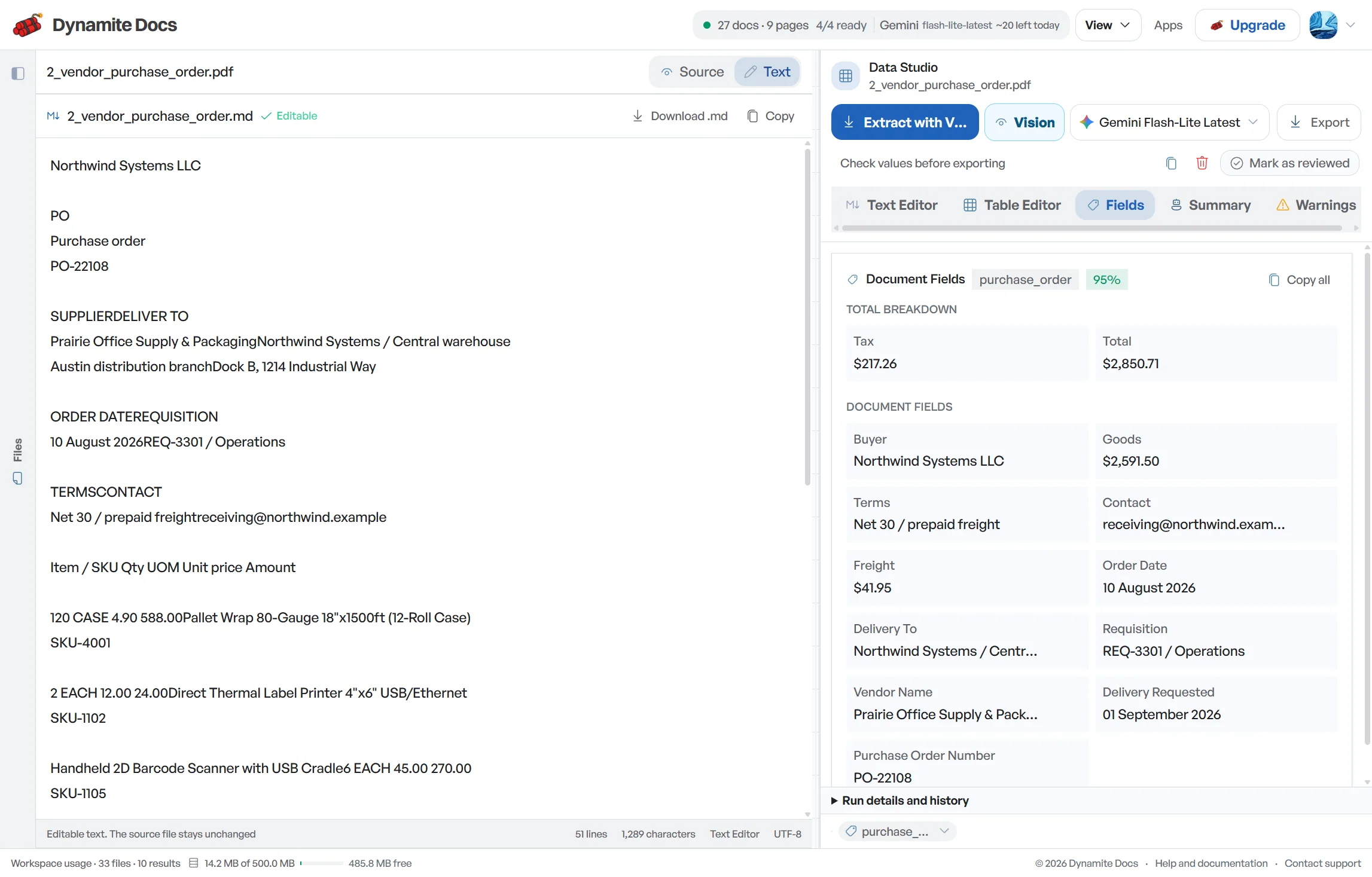
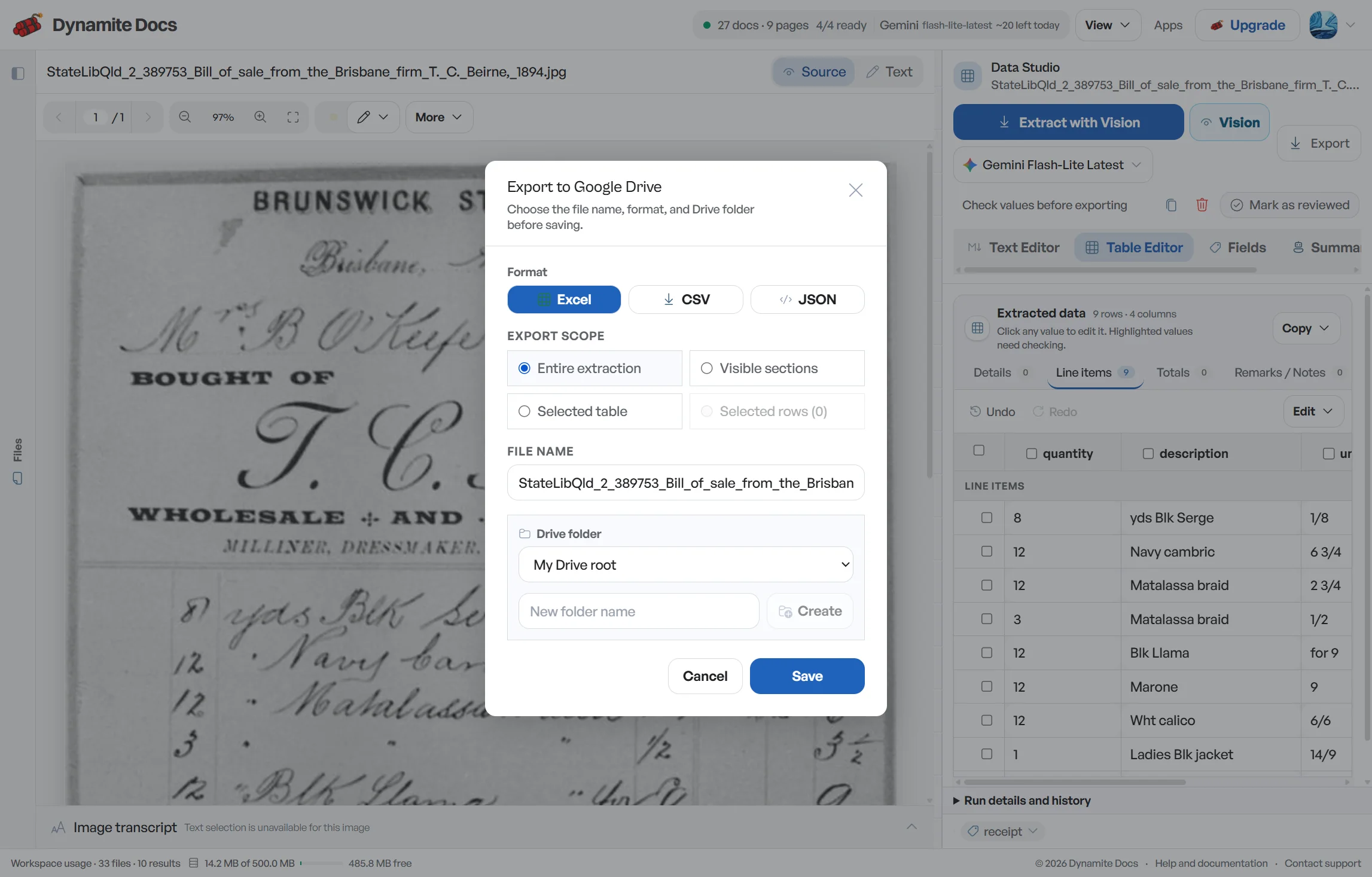
Credit card statement extraction should preserve the difference between a purchase, a refund, a payment, a cash advance, interest and a fee. Dynamite Docs proposes transaction dates, posting dates, merchant descriptions, amounts and card references as rows, with the source statement available for review. Confirm the statement period and balance first. Then resolve amount signs, wrapped descriptions and possible duplicate charges before adding accounting categories. The reviewed table can move to Excel, CSV, JSON or Google Sheets for reconciliation, but expense policy and ledger coding remain human decisions.
Try a bank statement or compare its storage, processing, and export limits.
Credit card statements are dense and easy to miscategorize
- A single monthly statement combines purchases, vendor credits, cash advances, annual fees, and interest charges.
- Merchant descriptions on card statements are often abbreviated or formatted strangely, making manual sorting confusing.
- Managing separate statements for multiple team members creates repetitive data-entry work each month.
- Manual entry can easily lead to missed expense deductions or misassigned general ledger categories.
Document types this workflow handles
- Digital card statement PDFs: monthly statements from card issuers
- Corporate card statements: multi-cardholder accounts and business credit lines
- Scanned paper statements: paper statements read with visual character recognition
- Multi-card batches: multiple card statements processed together
What gets extracted from a card statement
Fields are identified from each statement format. A typical run provides:
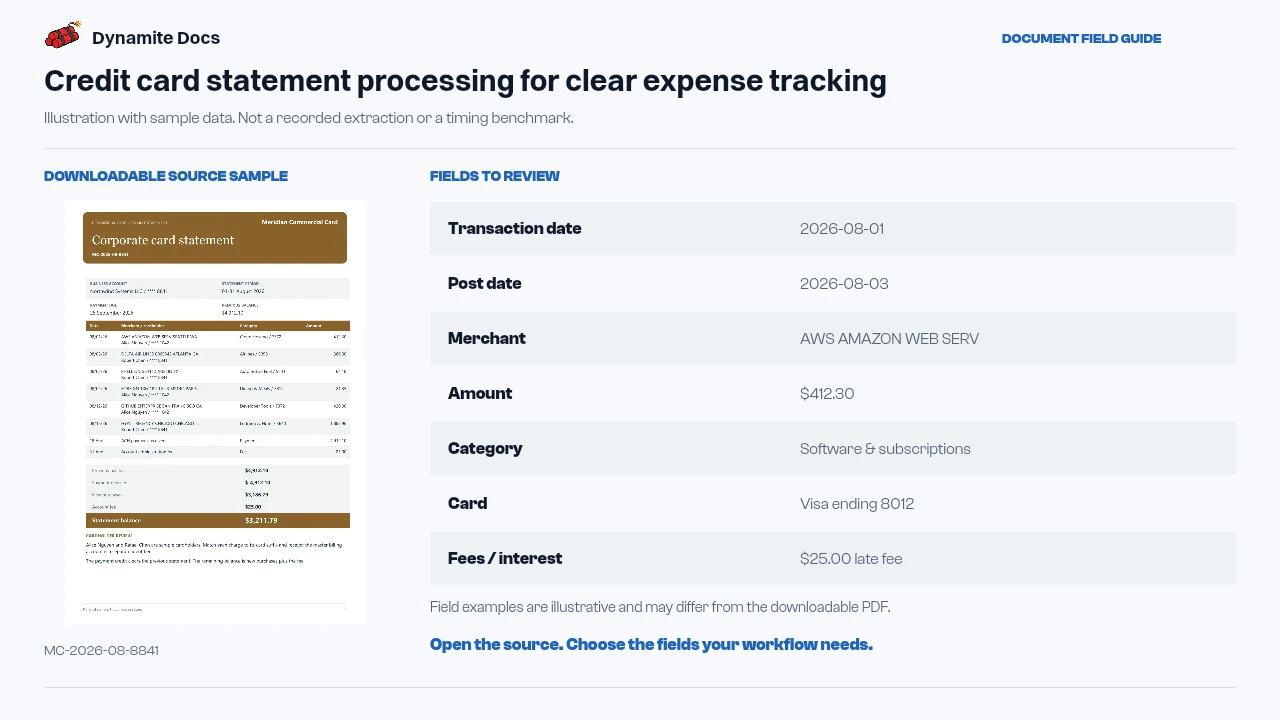
- Transaction date: 2026-08-01
- Post date: 2026-08-03
- Merchant: AWS AMAZON WEB SERV
- Amount: $412.30
- Category: Software & subscriptions
- Card: Visa ending 8012
- Fees / interest: $25.00 late fee
- Payment due / balance: $4,912.10
- Currency: USD
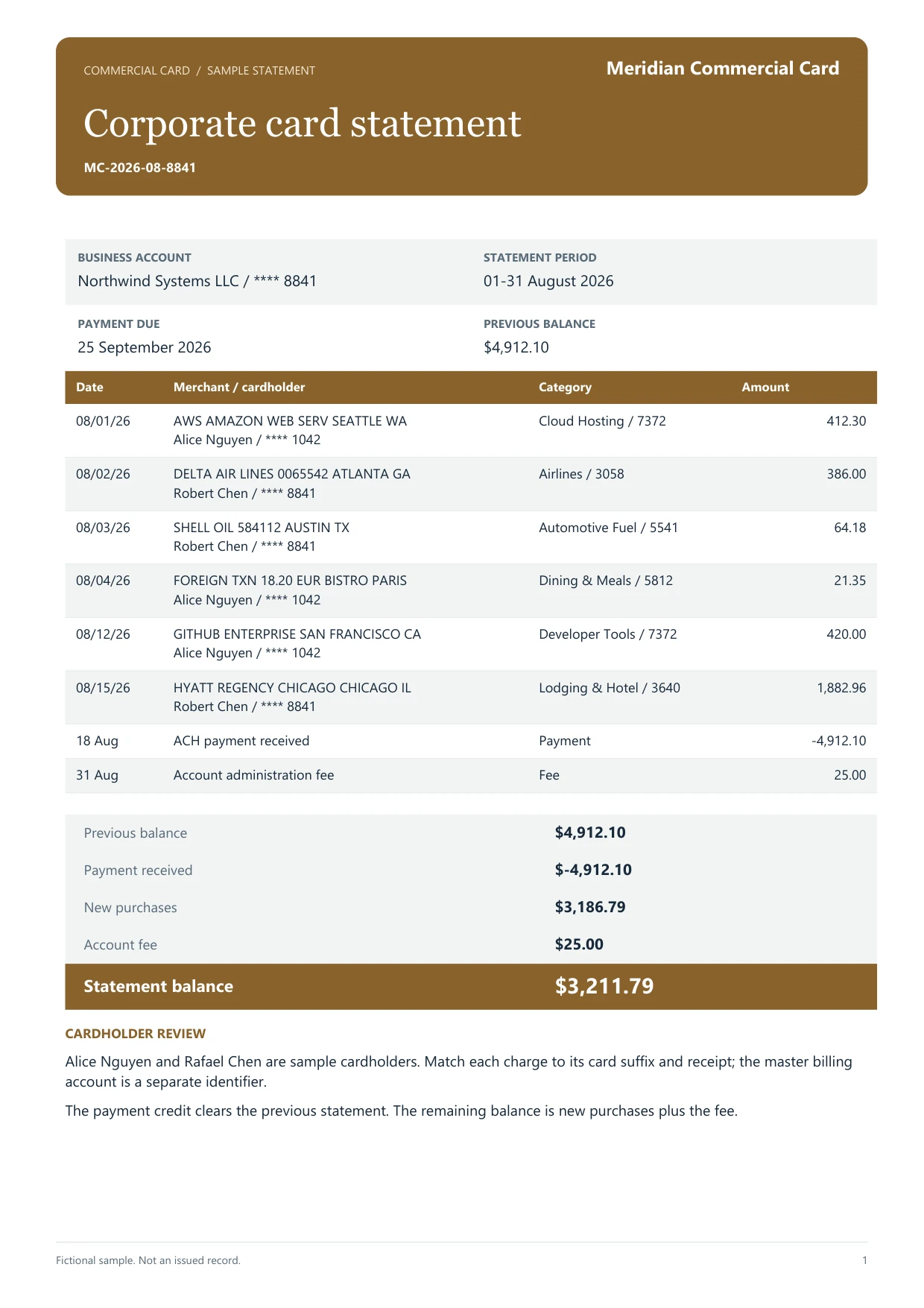
A realistic example
Sample data. Not a real invoice or filing record.
A corporate card statement extracts into clean rows like these, ready for expense categorization:
| Date | Merchant | Category | Amount |
|---|---|---|---|
| 2026-08-01 | AWS AMAZON WEB SERV | Software & subscriptions | $412.30 |
| 2026-08-02 | DELTA AIR LINES 0065542 | Travel | $386.00 |
| 2026-08-03 | SHELL OIL 584112 | Fuel | $64.18 |
| 2026-08-04 | FOREIGN TXN 18.20 EUR | Travel | $21.35 |
What to validate before export
Validation issue
Credits, reversals, and foreign-currency amounts require sign and currency checks.
Limitation
The output does not determine cardholder policy compliance.
Reviewed by Dynamite Docs content team. Last verified 2026-09-11.
Organizing card transactions for accounting and tax review
Reconcile the statement structure before assigning expense categories. Confirm the prior balance, purchases, refunds, payments, cash advances, fees, interest and new balance using the signs printed by the issuer. A payment reduces what the company owes but is not a negative expense. A merchant refund also needs a link to the original charge if the books expect that relationship.
Keep transaction date and posting date in separate columns when both appear. The date of purchase may drive an expense report, while the posting date determines the statement period. Combining them can create apparent duplicates or timing differences at month end. The same applies to pending activity, which should not be mixed into a closed statement unless the source includes it in the balance.
Merchant text is evidence, not a complete accounting description. An issuer may shorten a legal name, add a city, or use a payment processor that masks the underlying seller. Keep the raw statement description during review. Add a cleaned merchant name only when the source or supporting receipt justifies it, and do not infer the business purpose from a familiar brand.
Foreign purchases often show an original currency amount, a converted card amount and a separate fee. Preserve each value in its own field when the statement provides them. Otherwise, a reviewer may treat the conversion difference as an extraction error or code the fee as part of the merchant purchase.
For employee cards, retain the cardholder and masked card number on every row. That makes missing-receipt follow-up possible after several statements have been combined. It also prevents two identical merchant charges on the same date from being treated as duplicates when they belong to different cards.
Start with one complete statement and compare the extracted transaction count with the source. Check a purchase, payment, refund, fee and any multi-line merchant description. Once the row shape works for the accounting destination, use the same review checklist for the next period. Saved corrections can help with repeated layouts, but every new statement still needs its balance and period confirmed.
Affordable and private card statement extraction
Monthly statements add recurring volume. Any signed-in plan can use a supported provider key, and the provider bills its usage directly. Pro and Ultra BYOK runs do not spend Dynamite Docs PE, though provider and file-size limits still apply.
Card statements contain sensitive company purchase records. Review the selected provider and policy settings, or process model inference on your computer with the Ollama companion on Hobby, Pro and Ultra.
Saved corrections and review history stay in the workspace so later batches can follow the same extraction shape. Reviewers still own merchant cleanup, expense purpose, coding and approval.
Questions, answered
Does it separate purchases from interest charges and fees?
The extractor can propose a transaction type for purchases, refunds, payments, interest and fees when the statement identifies them. Review the signs and statement totals before relying on those labels for reconciliation.
Can I process statements for multiple cardholders at once?
Yes. You can upload multiple statements together in a batch. Each statement preserves its cardholder or card identifier so records stay organized.
Does it suggest expense categories automatically?
You can include a category in the reviewed output and reuse corrections for recurring layouts. A merchant name does not prove business purpose or tax treatment, so a cardholder or accounting reviewer should approve the final category.
Can it read scanned paper card statements?
Yes. Scans and photos are read with optical character recognition (OCR), converting printed text into editable spreadsheet data.
Related document workflows
Related extraction articles
Open the document extraction workspace, no credit card required.