Core GST invoice fields extraction
By Dynamite Docs. Published . Updated .
Turn GST invoices into clean, reviewed data for Excel and Tally.
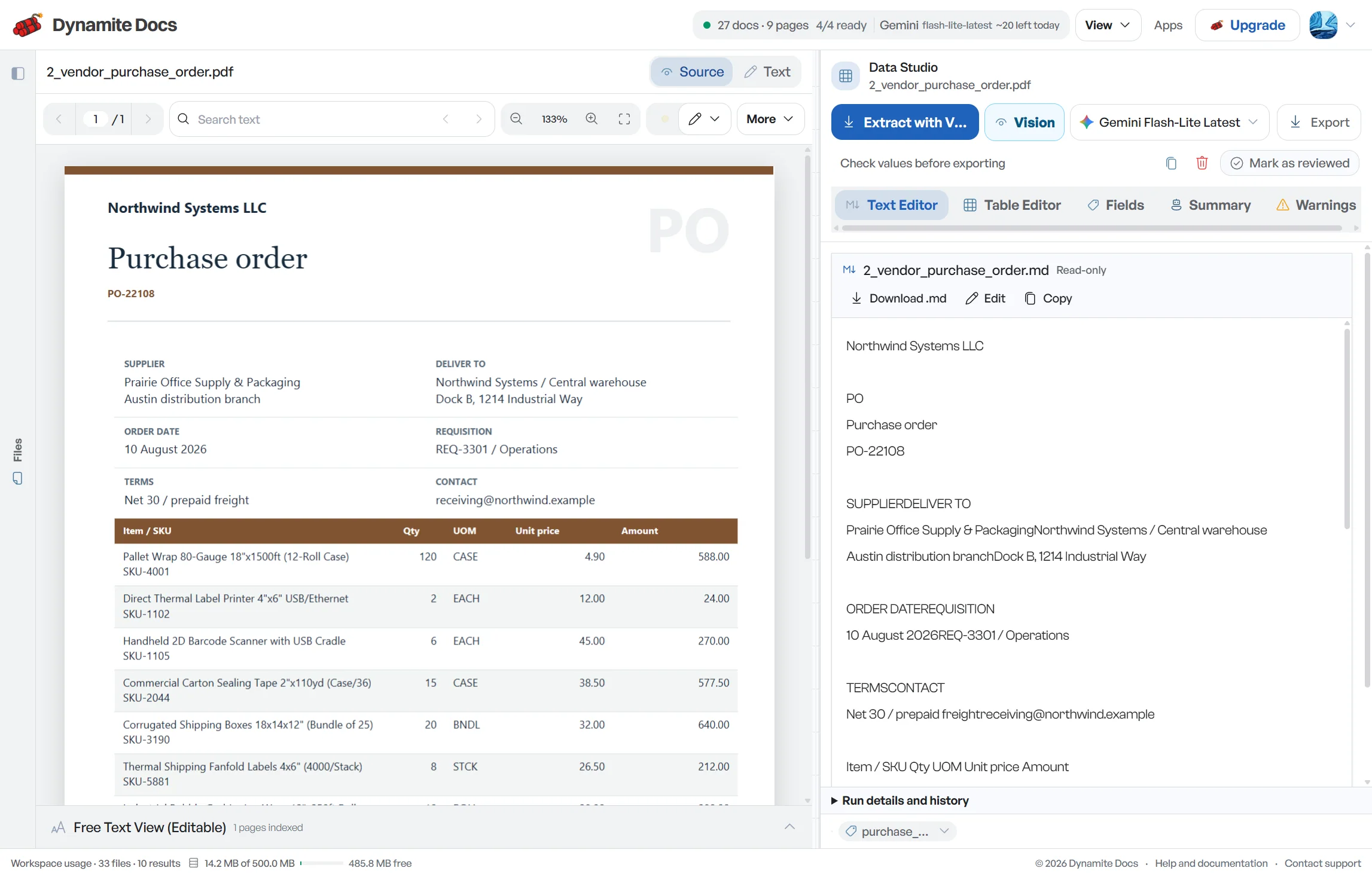
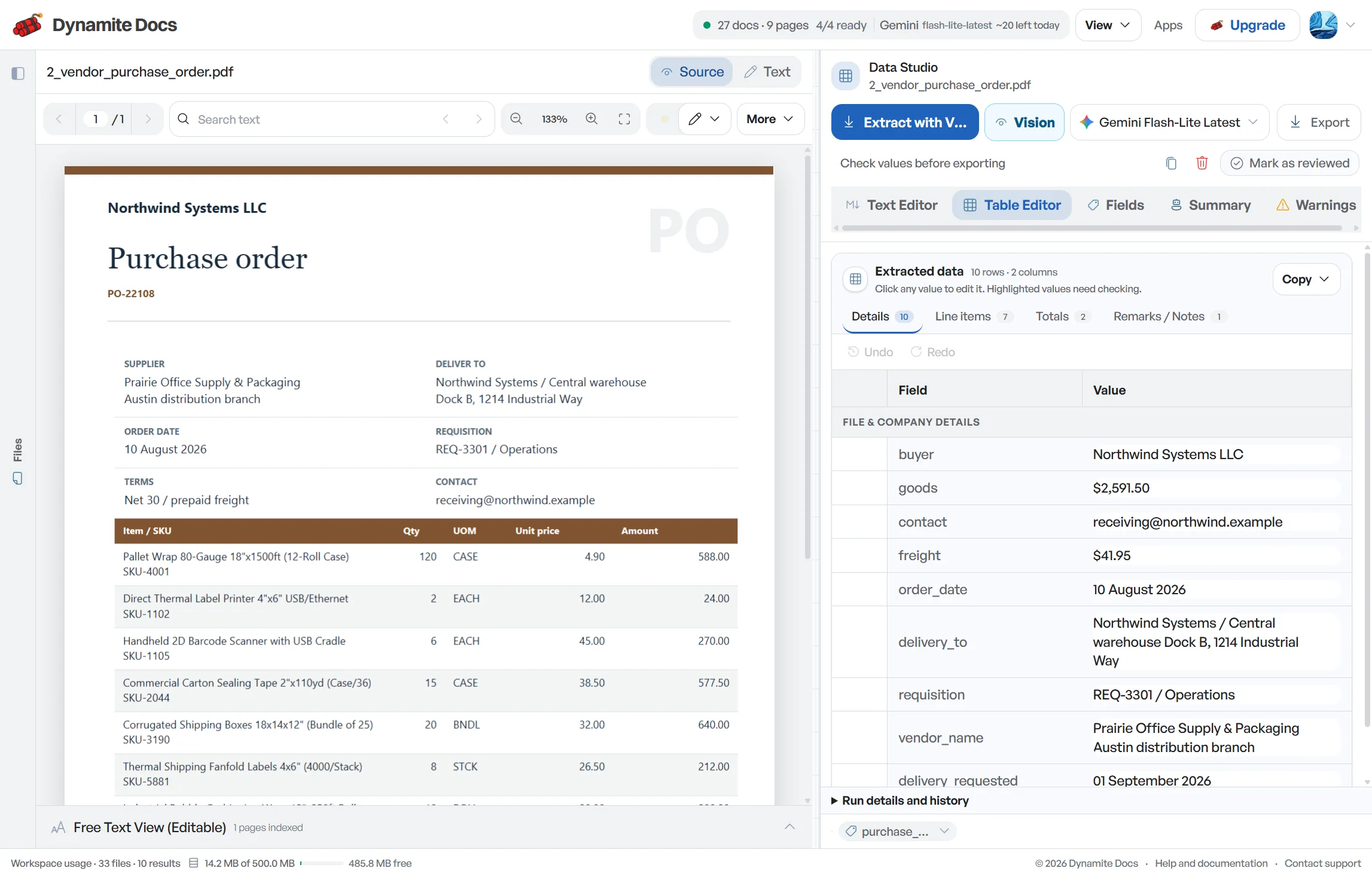
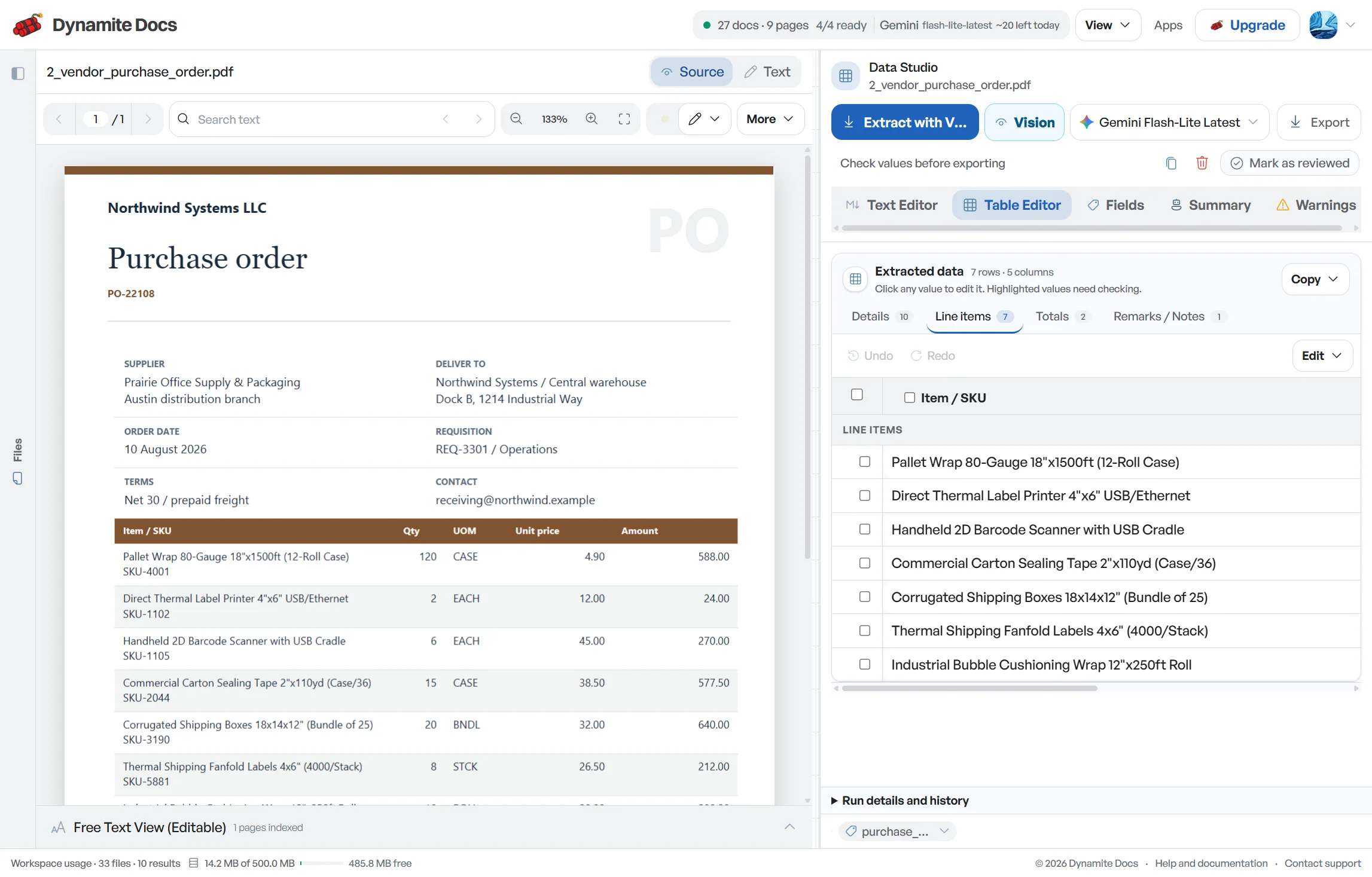
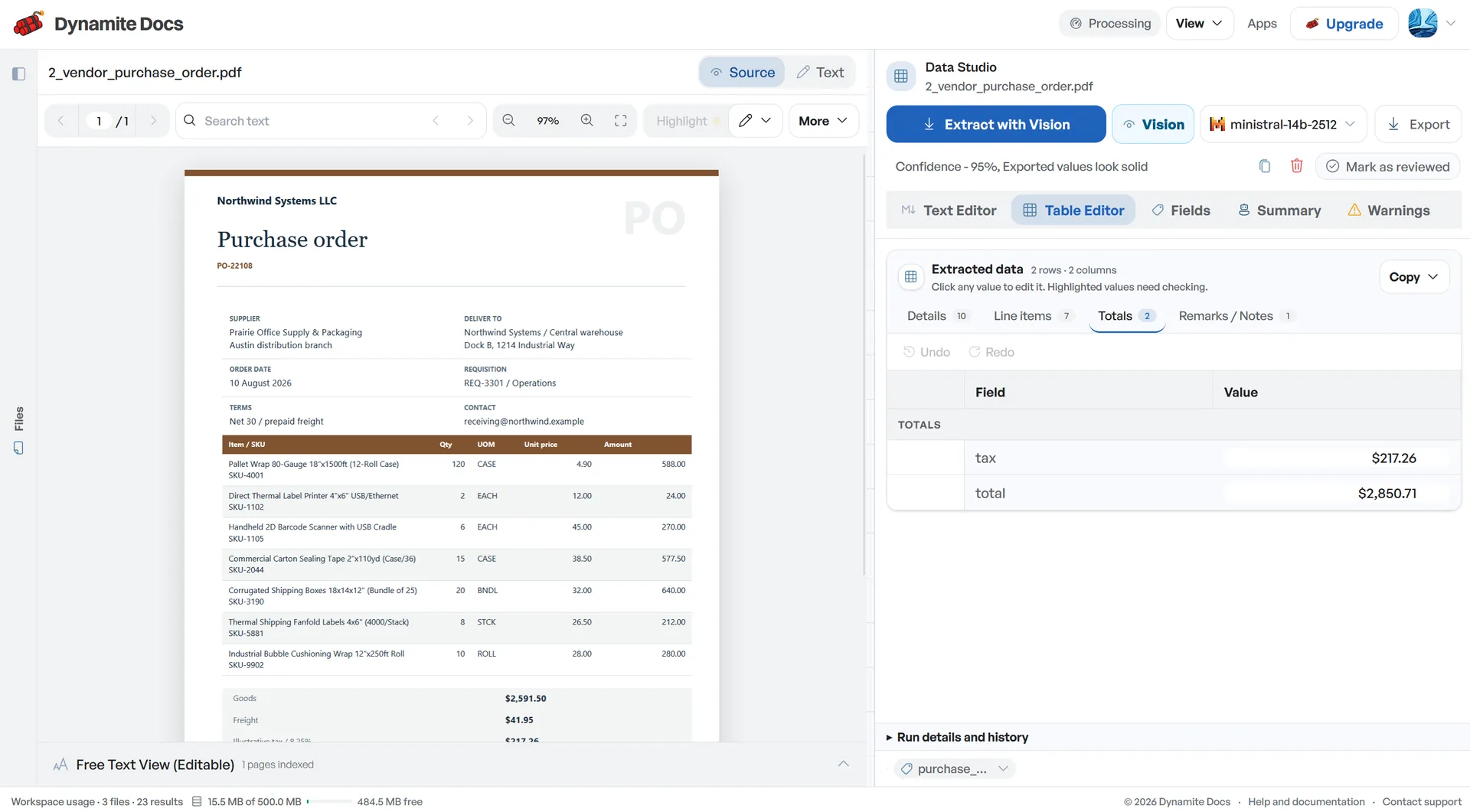
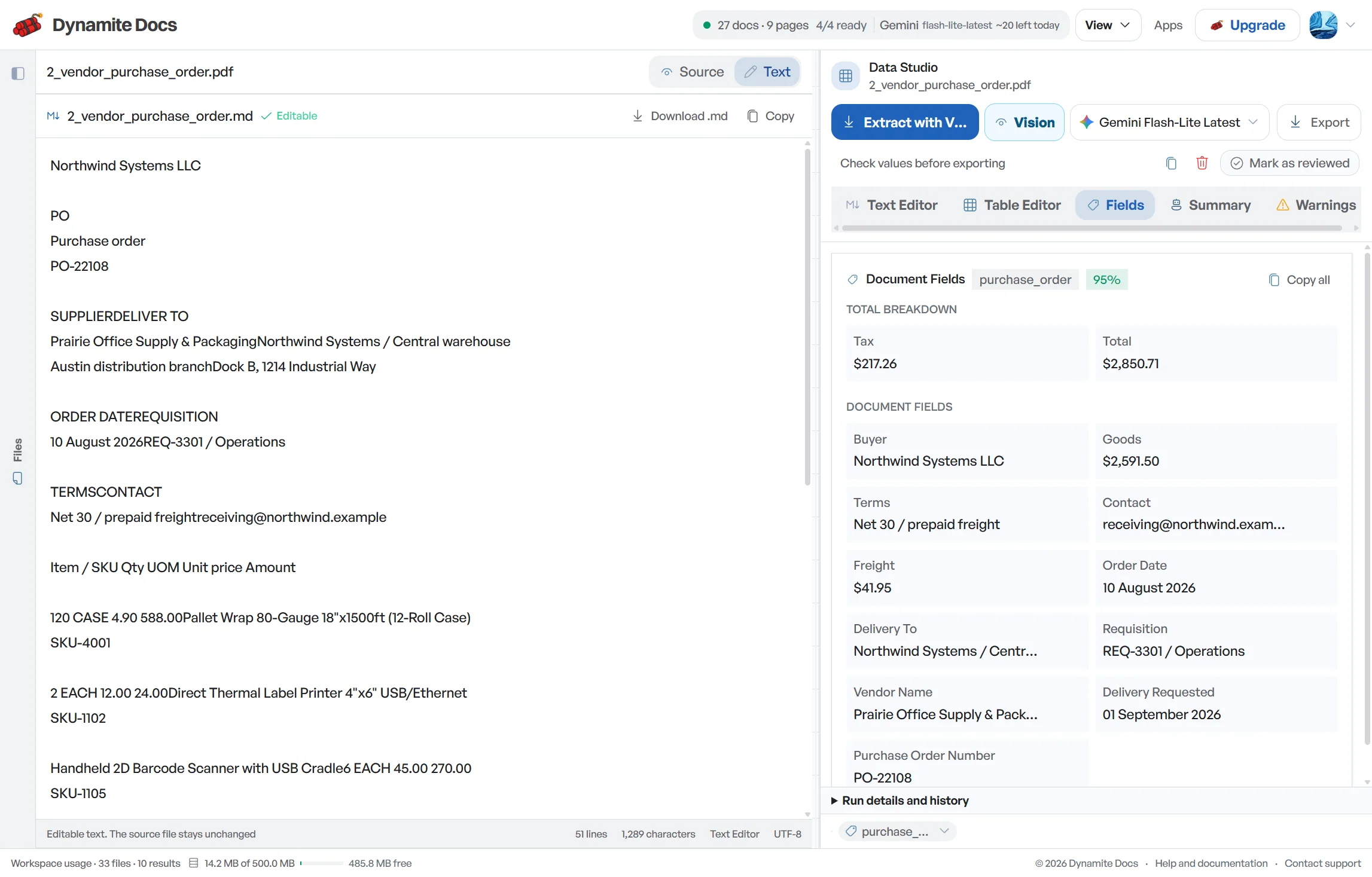
The first pass through a GST invoice should capture its identity and arithmetic without losing the source format. Dynamite Docs extracts the full [invoice](/accounting/india/gst-invoice-to-excel) number, printed date, normalized date, taxable value, tax components, round-off and grand total into reviewable fields. It preserves the printed value beside any normalized version so prefixes and ambiguous dates remain visible. Arithmetic checks can flag a difference, but they do not establish that an invoice is compliant, the tax treatment is correct or a credit is eligible.
Try a GST invoice or compare its storage, processing, and export limits.
Data entry mistakes in core invoice fields create accounting headaches
- Invoice serial numbers often include prefixes like "INV/26-27/". Truncating these prefixes into bare numbers causes duplicate entry errors in accounting databases.
- Indian invoices use DD/MM/YYYY date formatting. Automated systems can sometimes confuse "04/09/2026" as April 9th instead of September 4th.
- Confusing taxable values with grand totals can distort expense registers and input tax credit claims.
- Small rounding adjustments (to the nearest rupee) can create false balance alerts unless tracked as distinct balancing entries.
Document types this workflow handles
- Standard tax invoices: B2B and B2C sales invoices with full particulars
- Vendor purchase bills: bills with alphanumeric serial numbers and prefixes
- Sales invoices: outward sales records for ledger reconciliation
- Credit & debit notes: original invoice reference numbers and adjustment dates
What gets extracted from every invoice
Core invoice fields land in normalized, confidence-scored columns ready for review:
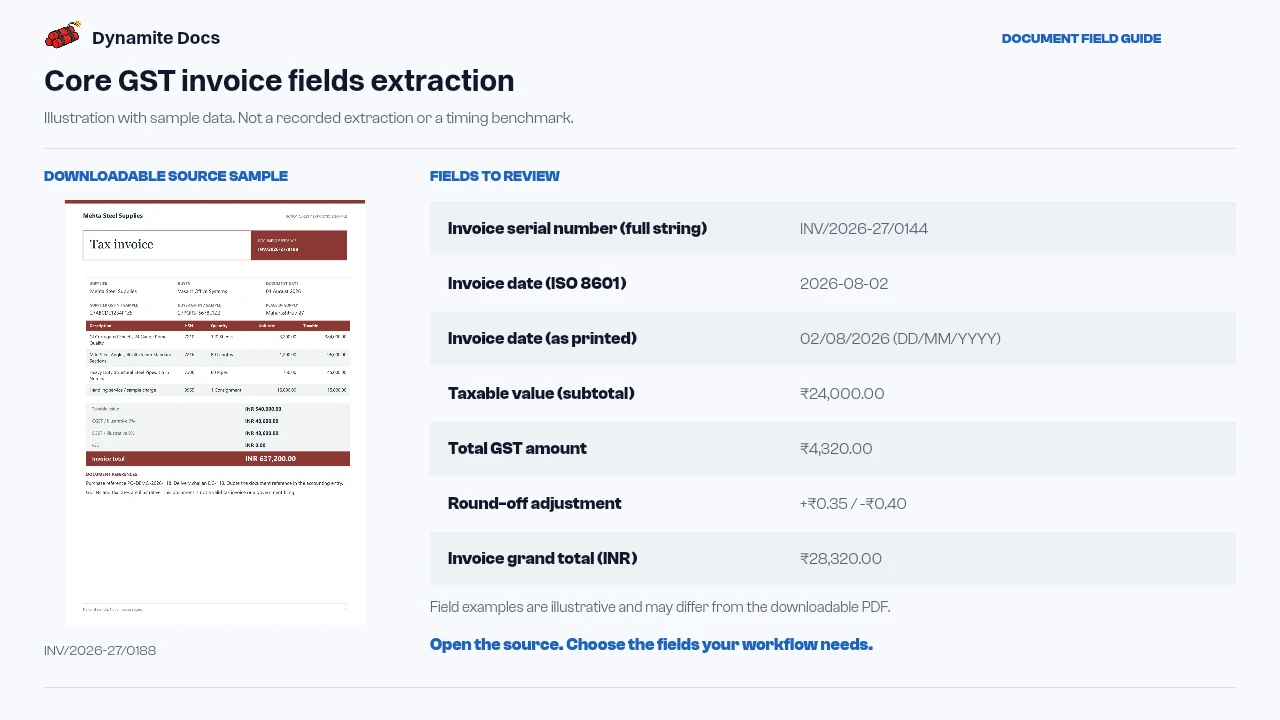
- Invoice serial number (full string): INV/2026-27/0144
- Invoice date (ISO 8601): 2026-08-02
- Invoice date (as printed): 02/08/2026 (DD/MM/YYYY)
- Taxable value (subtotal): ₹24,000.00
- Total GST amount: ₹4,320.00
- Round-off adjustment: +₹0.35 / -₹0.40
- Invoice grand total (INR): ₹28,320.00
- Review status: Arithmetic pass; source reviewed
A realistic example
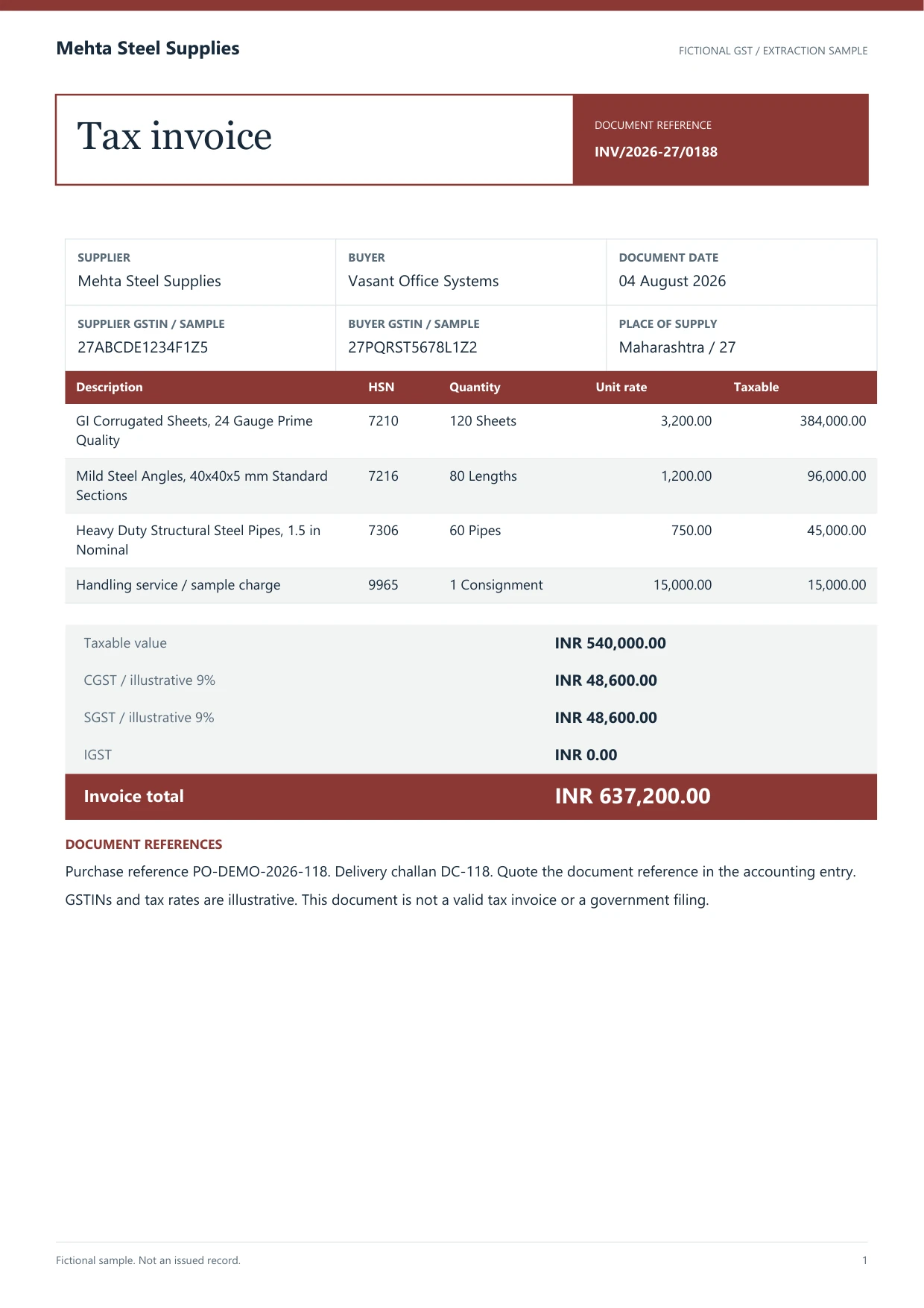
Sample data. Not a real invoice or filing record.
A batch of vendor bills extracts into normalized rows with full serial strings and standard dates:
| Invoice # (Raw String) | Printed Date | Normalized ISO Date | Taxable Value | Total GST | Round-Off | Grand Total |
|---|---|---|---|---|---|---|
| INV/2026-27/0144 | 02/08/2026 | 2026-08-02 | ₹24,000.00 | ₹4,320.00 | ₹0.00 | ₹28,320.00 |
| MH-PUN-0842/26 | 14/08/2026 | 2026-08-14 | ₹1,86,000.00 | ₹33,480.00 | +₹0.40 | ₹2,19,480.40 |
| SI-2627-0912A | 19/08/2026 | 2026-08-19 | ₹12,000.45 | ₹1,440.05 | -₹0.50 | ₹13,440.00 |
What to validate before export
Validation issue
Check field presence, labels, values, and cross-field total consistency.
Limitation
Field extraction does not establish that the invoice meets Rule 46 or other law.
Reviewed by Dynamite Docs content team. Last verified 2026-09-11.
Preserving full invoice numbers and standardizing date formats
Vendor invoice numbers frequently include financial-year codes, branch markers, slashes, hyphens and leading zeroes. Store the complete value as text. A spreadsheet that turns “INV/26-27/0014” into a number has damaged a primary match key. If your accounting system needs a cleaned identifier, create it in a second column and retain the original.
Keep the date as printed as well as a normalized ISO date. A value such as 04/09/2026 should not be normalized until the document context supports the intended day and month. Preserve the fiscal period separately from the supplier’s invoice date and your eventual posting date. These dates answer different questions and should not overwrite one another.
Arithmetic review should be explicit. Recalculate the sum of line taxable values, total each tax component, include other charges and apply the printed round-off. Compare that result with the grand total and record the difference. A zero difference confirms only the arithmetic represented in the table; it does not validate classification, rate, place of supply or document eligibility.
Run document-level controls across a batch as well. Check for duplicate combinations of supplier GSTIN and full invoice number, dates outside the expected period, missing currency, negative values on an ordinary invoice and credit or debit notes without an original reference. Route exceptions with a reason and owner instead of editing source values until they pass.
Separating taxable value, tax and total gives bookkeeping and tax reviewers a useful common schedule. Preserve the original invoice and correction history with that export. Any accounting entry, tax claim or filing still needs the organization’s approval and compliance checks.
Reliable extraction of core invoice details
Every signed-in tier can connect a supported provider key. Free and Hobby own-key pages use monthly PE; Pro and Ultra own-key runs do not consume PE.
Digital PDFs may expose embedded text, while scans need visual extraction. Calculation checks help identify exceptions but do not replace source review.
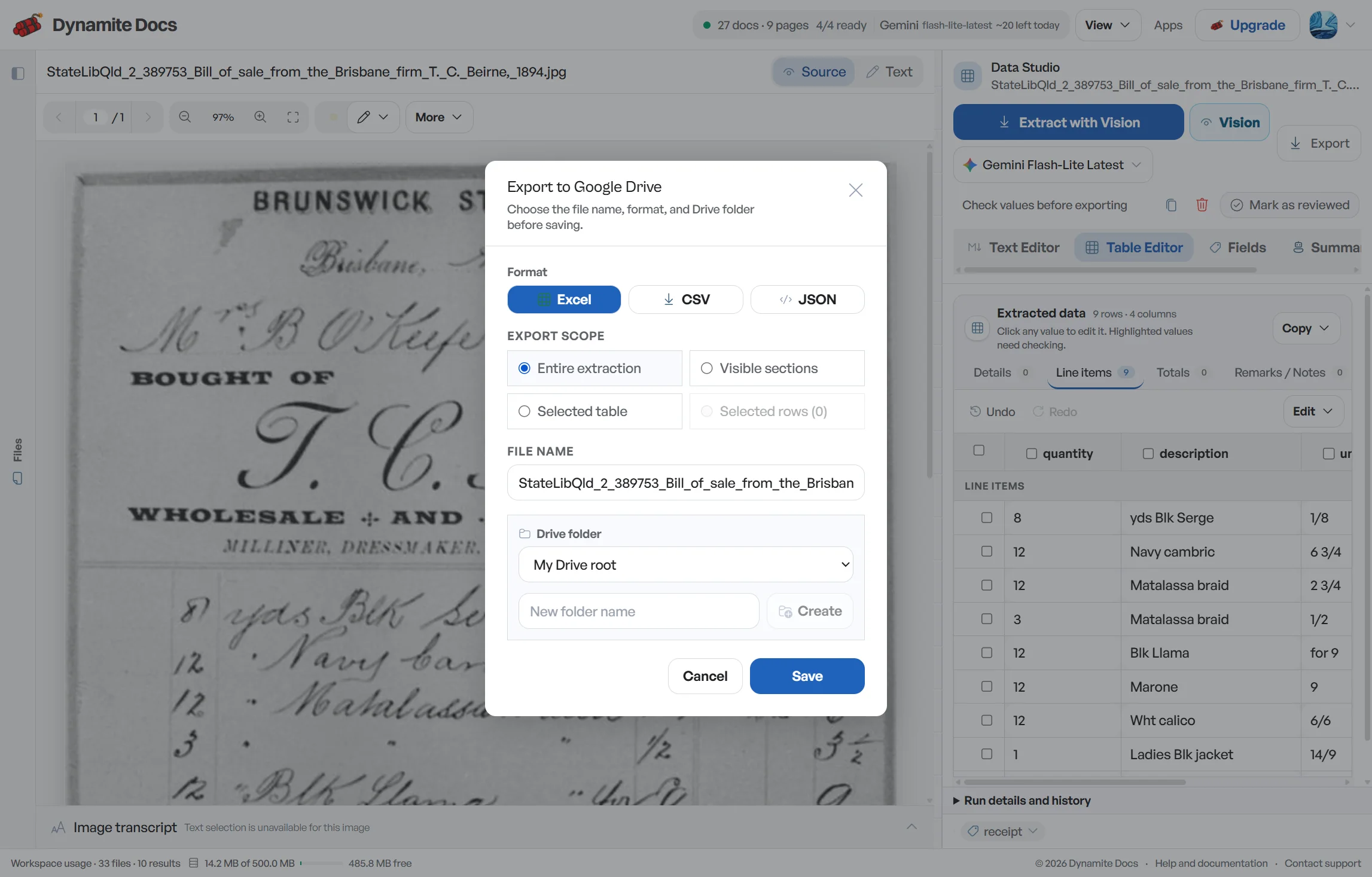
Reviewed fields can be exported to Excel, CSV or JSON, or pushed to Google Sheets with both printed and normalized values available for your workflow.
Questions, answered
Why is preserving full invoice number prefixes important?
Invoice numbers often contain financial year prefixes (such as "INV/26-27/"). Preserving the entire prefix prevents duplicate record conflicts in accounting databases.
How are Indian date formats (DD/MM/YYYY) handled?
The output can retain the printed date and propose an ISO date in a separate field. Review ambiguous values before export so day and month are not silently reversed.
How are small rounding differences handled?
The system extracts a printed round-off into a separate column and calculates the resulting tie-out. If the value is missing or the difference remains, the record is flagged instead of adjusted automatically.
What happens if an invoice does not state a combined GST total?
The workflow can calculate a derived total while preserving the individual printed components. Label that total as calculated, then compare it with the invoice arithmetic before use.
Related document workflows
Related extraction articles
Open the document extraction workspace, no credit card required.