HSN/SAC code extraction from invoices
By Dynamite Docs. Published . Updated .
Turn GST invoices into clean, reviewed data for Excel and Tally.
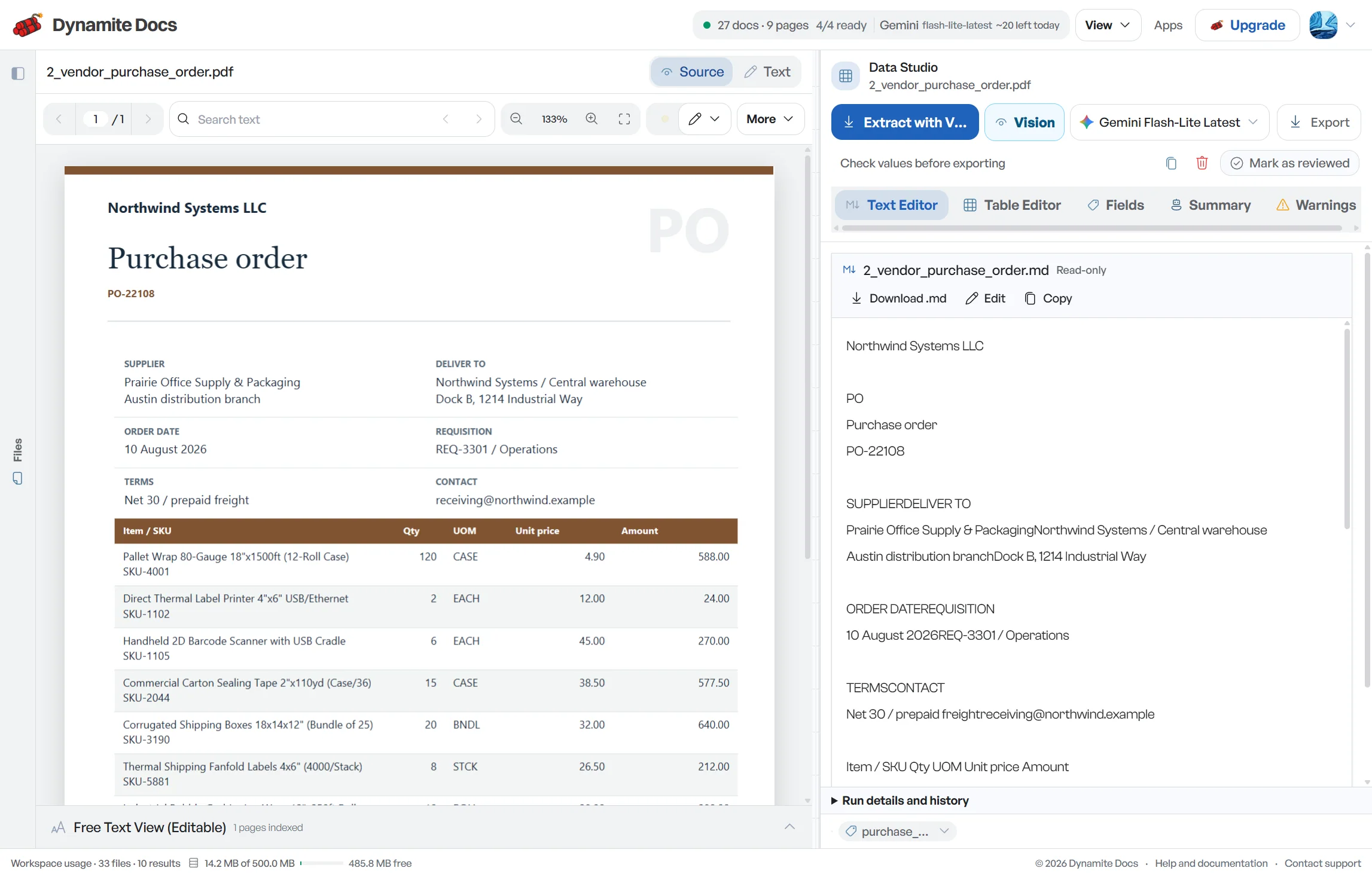
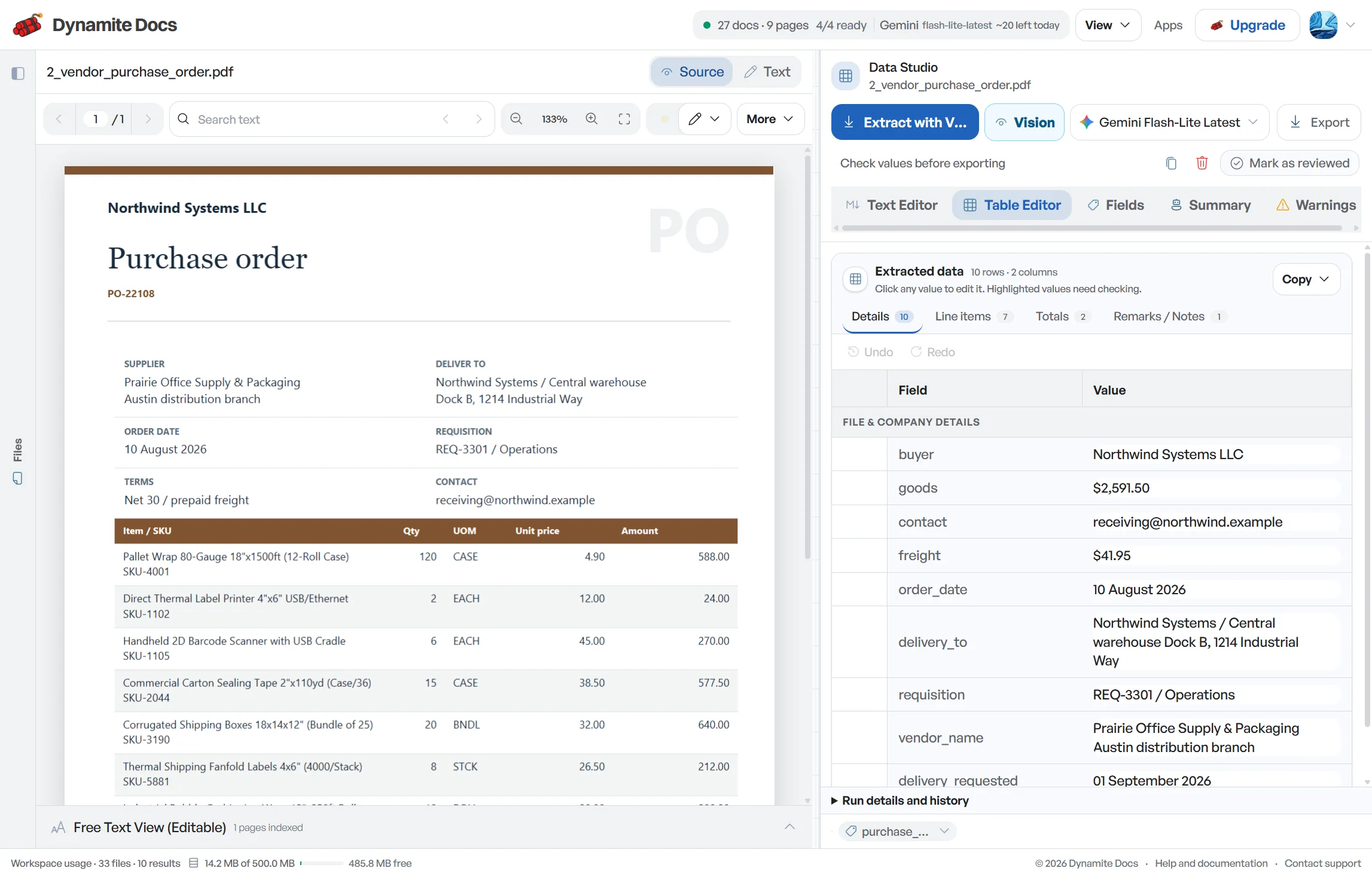
GST invoices may show an HSN or SAC beside each line, inside the description, or only in a summary table. Dynamite Docs extracts the code as printed and keeps it with the related description, quantity, taxable value and tax rate. This creates a reviewable line-item schedule for purchase registers and return preparation. It does not determine the correct classification or rate for a product or service. When the source is missing, inconsistent or ambiguous, the code should be routed to the person responsible for tax classification rather than inferred and treated as final.
Try a document or compare its storage, processing, and export limits.
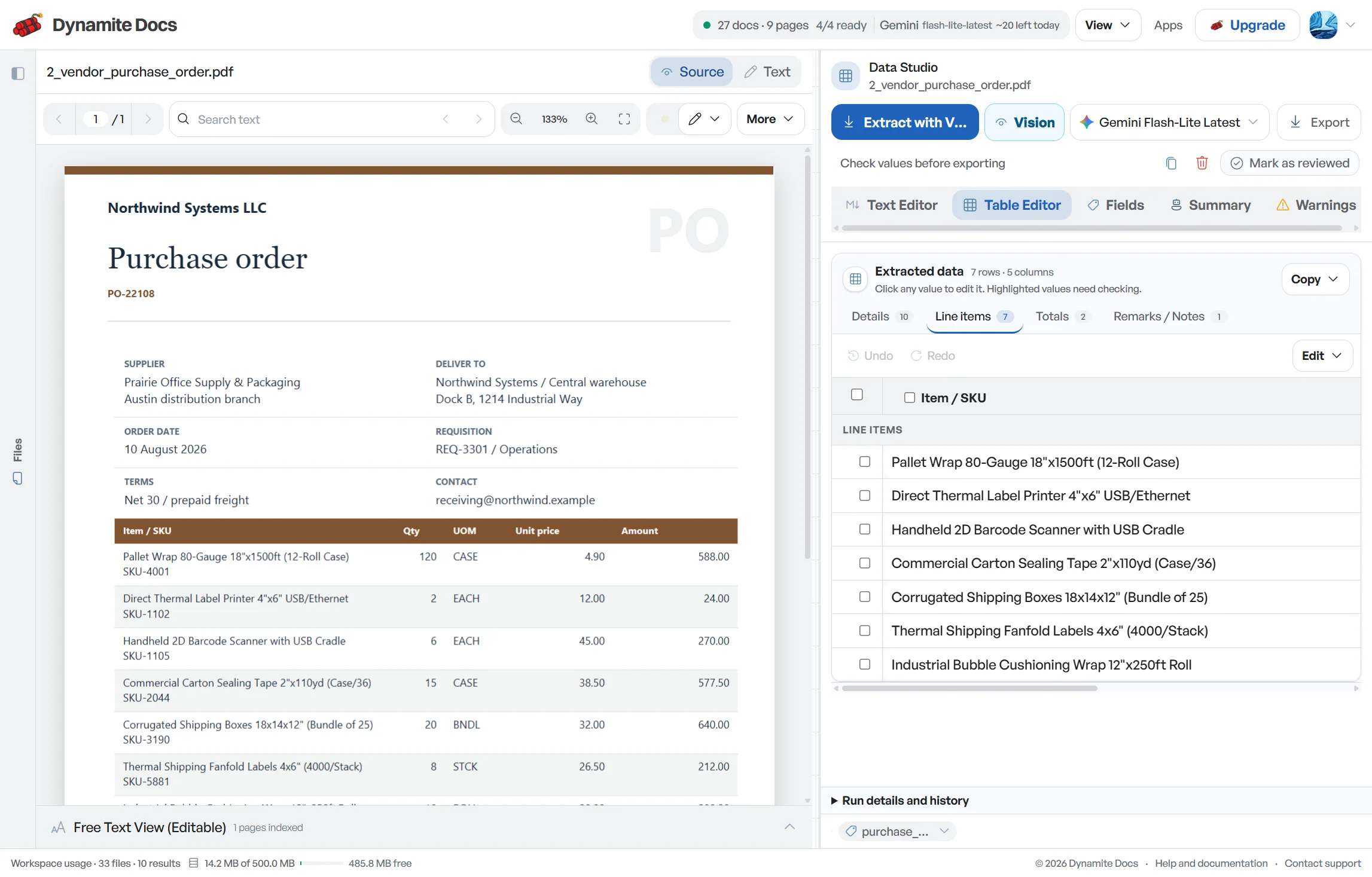
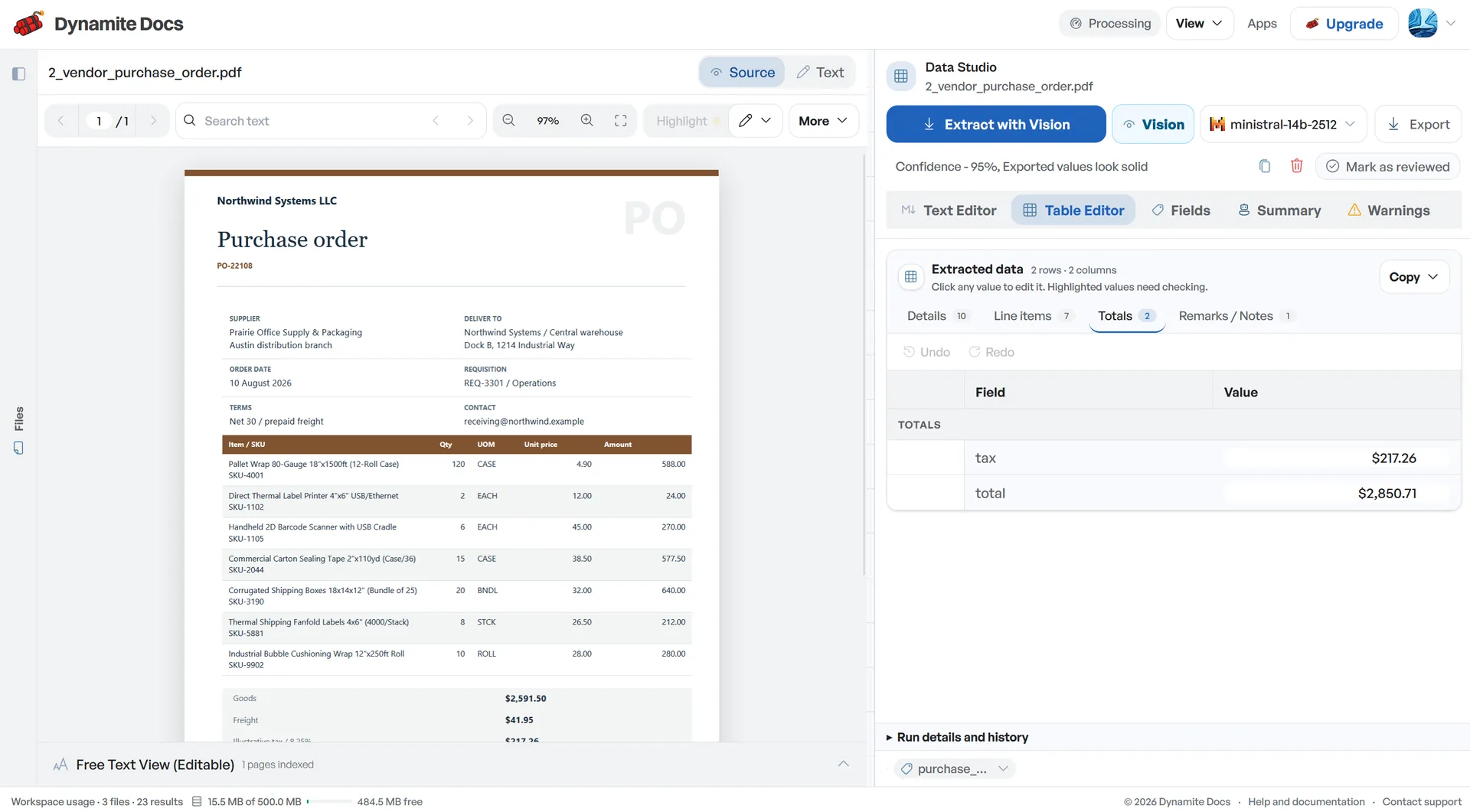
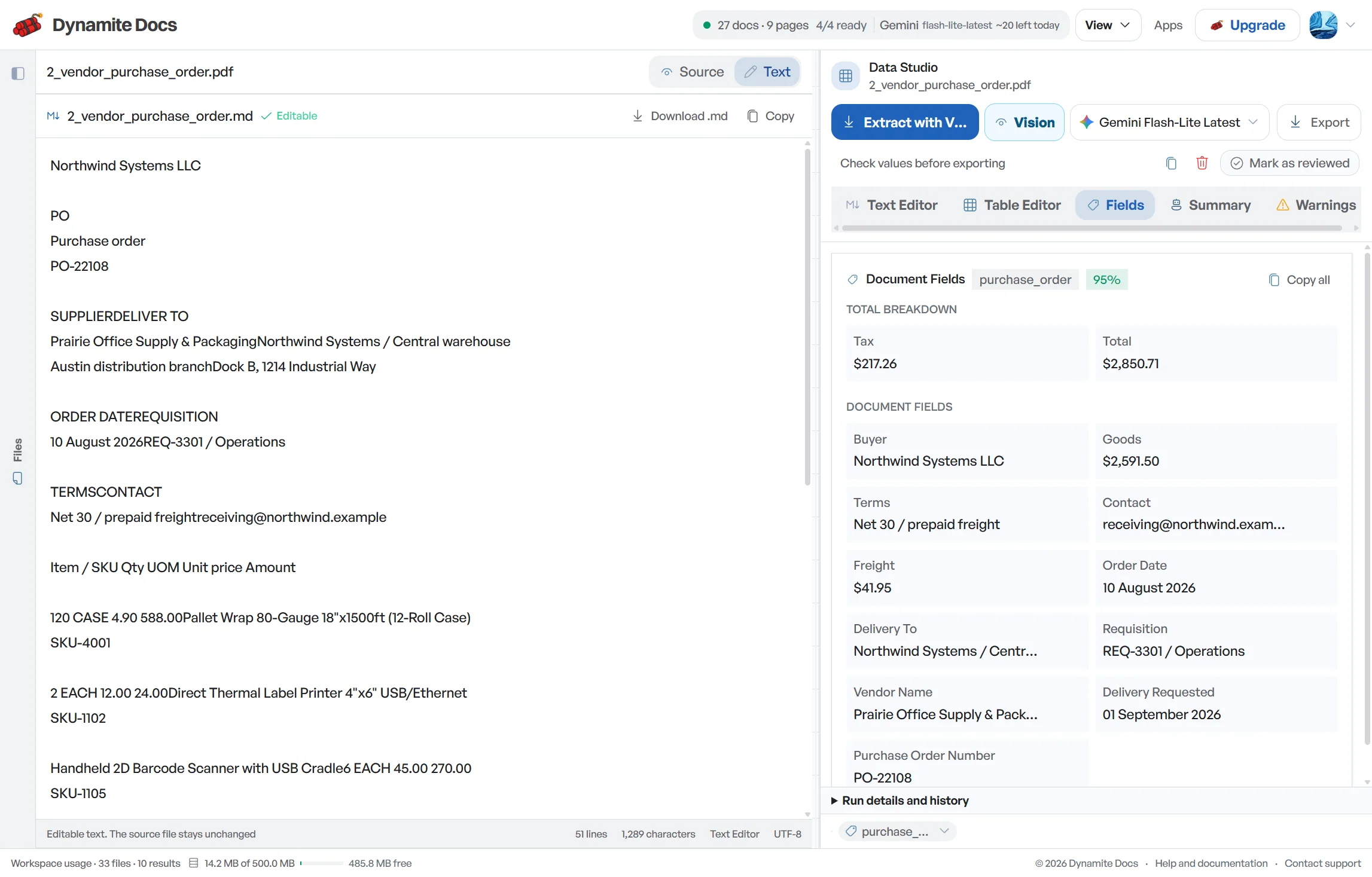
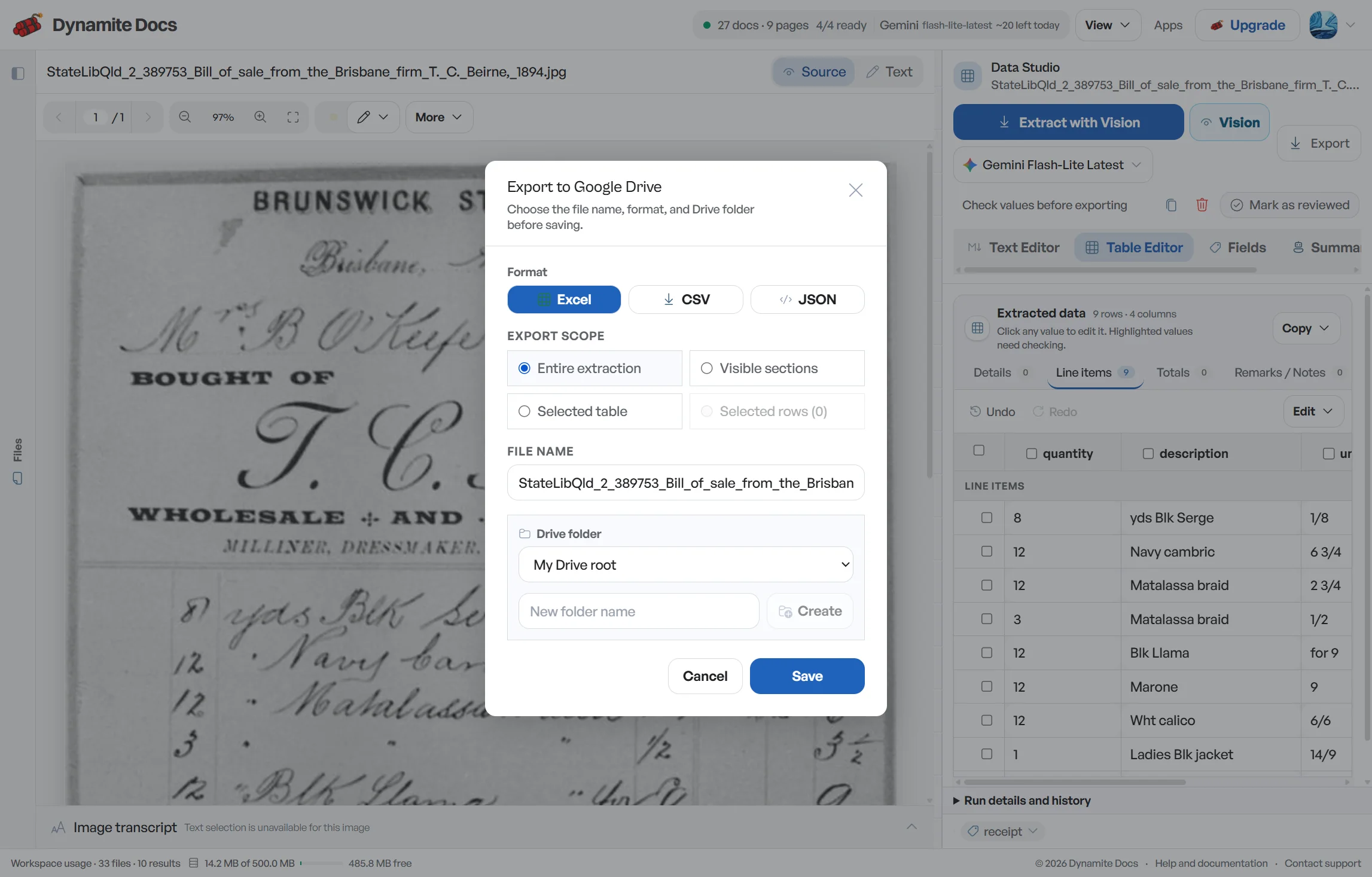
Product classification codes are easy to misread when entered manually
- Businesses with turnover above ₹5 Crore must report 6-digit HSN codes, while businesses up to ₹5 Crore report 4-digit codes. Missing digits can lead to return filing discrepancies.
- Invoices often place the tariff code directly inside the description text (for example, "A4 Copier Paper 80GSM HSN:4820"), making manual copying slow.
- Mixed invoices combining goods with freight or transport services require distinguishing goods tariff headings from Chapter 99 service codes.
- Reviewing product codes line by line takes hours when processing dozens of multi-item invoices every month.
Document types this workflow handles
- Goods tax invoices: 4, 6, and 8-digit HSN codes per line
- Service invoices: 6-digit Chapter 99 SAC codes
- Mixed supply invoices: combined goods and transport lines
- Credit & debit notes: tariff adjustments against original invoices
What gets extracted per line
Every line item receives complete classification context, confidence-scored and normalized for accounting entries:
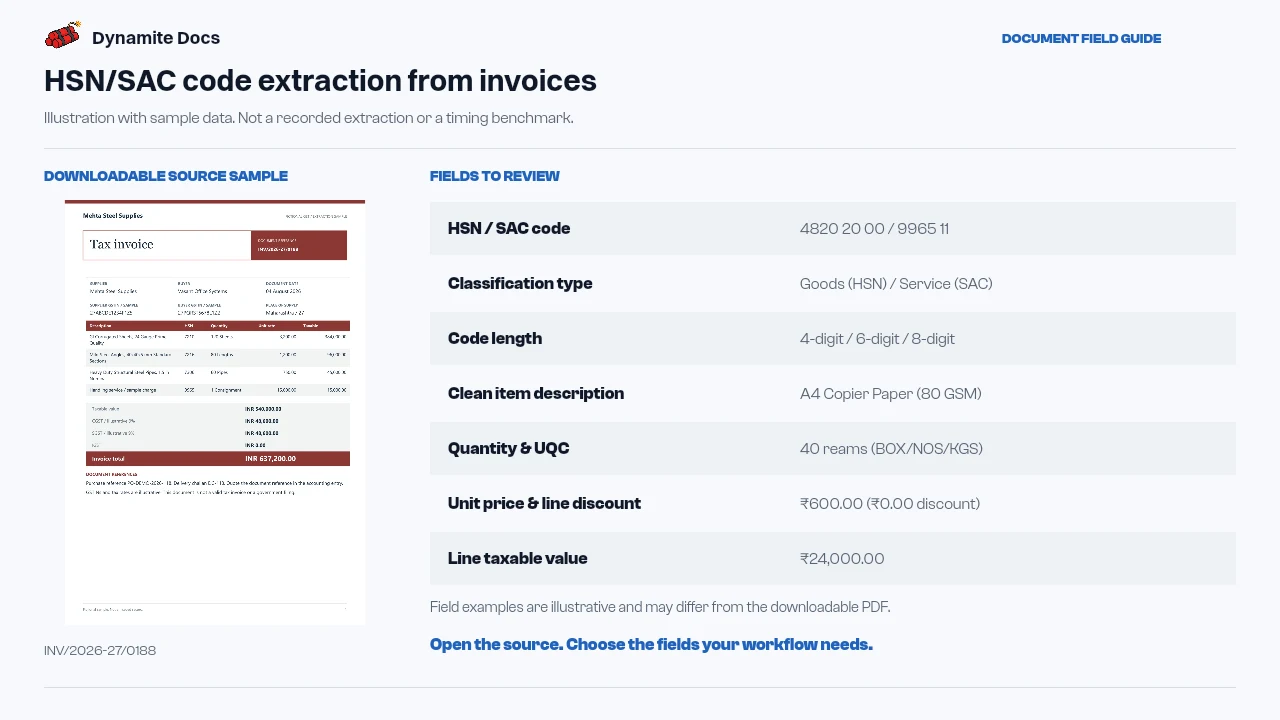
- HSN / SAC code: 4820 20 00 / 9965 11
- Classification type: Goods (HSN) / Service (SAC)
- Code length: 4-digit / 6-digit / 8-digit
- Clean item description: A4 Copier Paper (80 GSM)
- Quantity & UQC: 40 reams (BOX/NOS/KGS)
- Unit price & line discount: ₹600.00 (₹0.00 discount)
- Line taxable value: ₹24,000.00
- Applicable GST rate: 12% (6% CGST + 6% SGST)
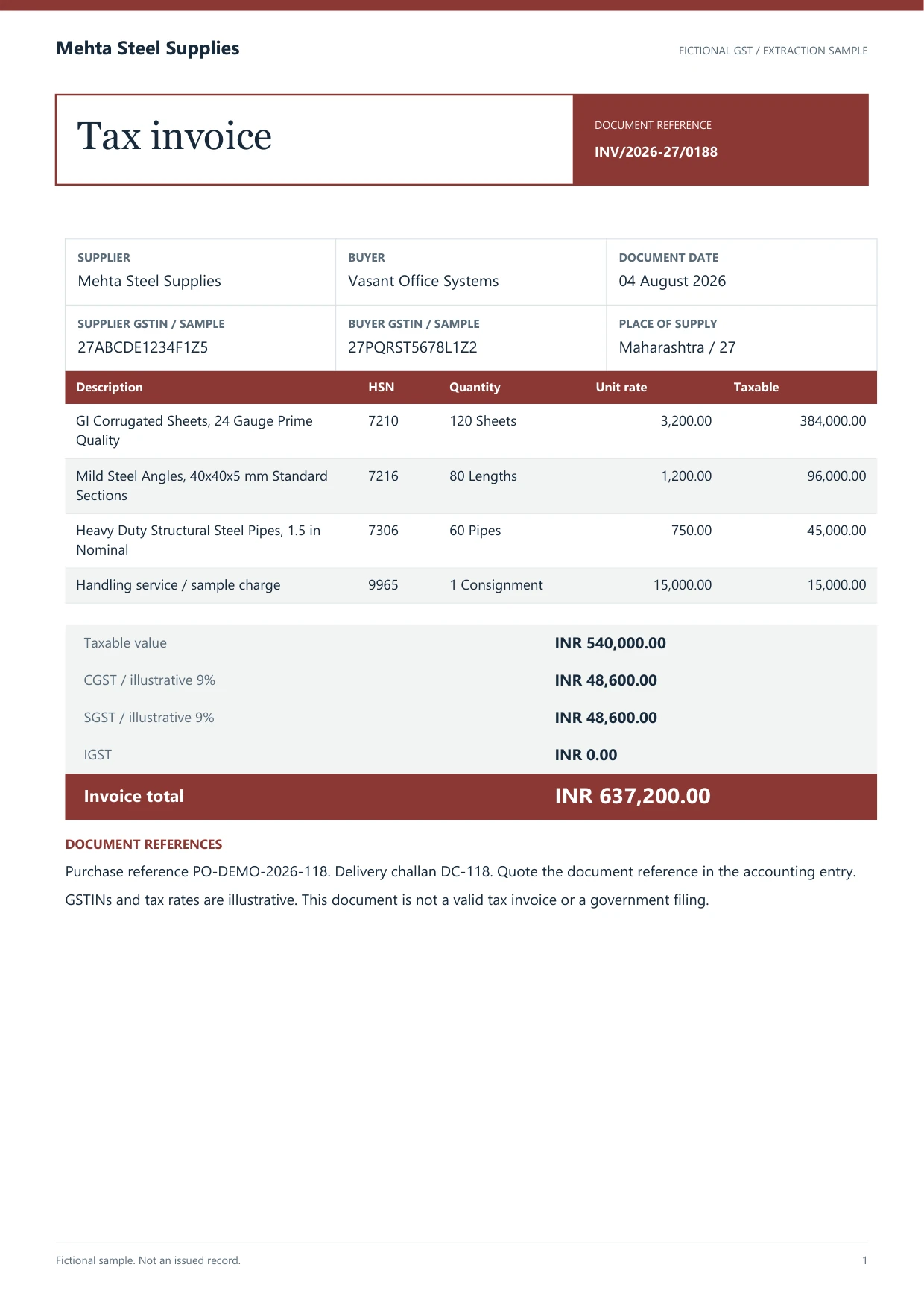
A realistic example
Sample data. Not a real invoice or filing record.
A multi-line tax invoice with mixed goods and transport services extracts to clean, structured line items:
| Line | Item Description | Classification | HSN/SAC | Qty & Unit | Rate | Taxable Value |
|---|---|---|---|---|---|---|
| 1 | A4 Copier Paper (80 GSM) | Goods | 4820 20 00 | 40 reams | 12% | ₹24,000.00 |
| 2 | Rotary Hammer Drill 800W | Goods | 8467 21 00 | 6 units | 18% | ₹1,86,000.00 |
| 3 | Freight & Handling (GTA) | Service | 9965 11 | 1 trip | 5% | ₹12,000.00 |
What to validate before export
Validation issue
Verify every code against the source line and current classification guidance.
Limitation
The extractor does not choose or certify the correct HSN or SAC classification.
Reviewed by Dynamite Docs content team. Last verified 2026-09-11.
Understanding HSN and SAC codes in GST invoices
HSN codes are used for goods and SAC codes for services. Extraction solves a document problem: finding the printed code and associating it with the correct line or summary value. Classification is a separate tax decision. A clearly read code can still be wrong on the supplier document, outdated for the transaction, or inappropriate for the buyer’s treatment.
When a supplier embeds a value inside a description, such as “Industrial Valve [HSN-84818030] 25mm,” the output can keep the printed code in its own column while preserving the full source description. Avoid deleting the original text during cleanup. It gives the reviewer context when a number could be a model number, SKU, internal item code or tax classification.
Multi-page invoices need an additional tie-out. Confirm that every extracted code is linked to the correct line and that all line taxable values reconcile to the invoice subtotal or HSN summary. Repeated table headers should not become false items. Freight, discounts and other charges may appear outside the main table, so review whether the source assigns them a separate SAC, HSN or tax treatment.
For recurring suppliers, maintain an approved item-to-classification mapping outside the raw extraction. Compare the printed value with that mapping and report differences as exceptions. Do not silently overwrite the source field. A useful review table has separate columns for printed code, approved code, variance reason, reviewer and review date.
Dynamite Docs extracts classification codes as printed on invoices. It does not validate them against a tariff database, choose a tax rate, determine turnover-based disclosure requirements or prepare a return. Classification accuracy and filing remain under the guidance of your tax team or Chartered Accountant.
Accurate line-item extraction with full model choice
Every signed-in tier can connect a supported provider key, and local Ollama is available on the applicable paid plan. Choose the processing route that fits the document quality and your data policy.
Digital PDFs may expose embedded text, while paper scans and mobile photos need visual extraction. Dense tables and small classification codes still require source review.
Reviewed classification rows can be exported to Excel, CSV or JSON, or pushed to Google Sheets when connected. Free and Hobby own-key pages use monthly PE; Pro and Ultra own-key runs do not consume PE.
Questions, answered
When is 6-digit HSN reporting required?
Under GST guidelines, businesses with annual aggregate turnover exceeding ₹5 Crore in the preceding financial year report 6-digit HSN/SAC codes on B2B invoices. Businesses with turnover up to ₹5 Crore report at least 4 digits.
How does the extractor handle HSN codes printed inside product descriptions?
The extractor can separate a visible 4, 6 or 8-digit tariff number from the surrounding description. Review the source context so a SKU, model number or quantity is not mistaken for an HSN value.
How are service codes (SAC) distinguished from goods HSN codes?
The extractor records the printed code and nearby label. It should not classify a line solely from a number pattern. Confirm whether the source describes goods or services and refer uncertain cases to your tax reviewer.
Can extracted HSN data assist with GSTR-1 Table 12 preparation?
The export can provide HSN or SAC, description, quantity and taxable value fields for a review schedule. Your filing process must confirm the applicable schema, aggregate the data correctly and validate it before submission.
Related document workflows
Related extraction articles
Open the document extraction workspace, no credit card required.