GSTR-1 invoice data preparation
By Dynamite Docs. Published . Updated .
Turn GST invoices into clean, reviewed data for Excel and Tally.
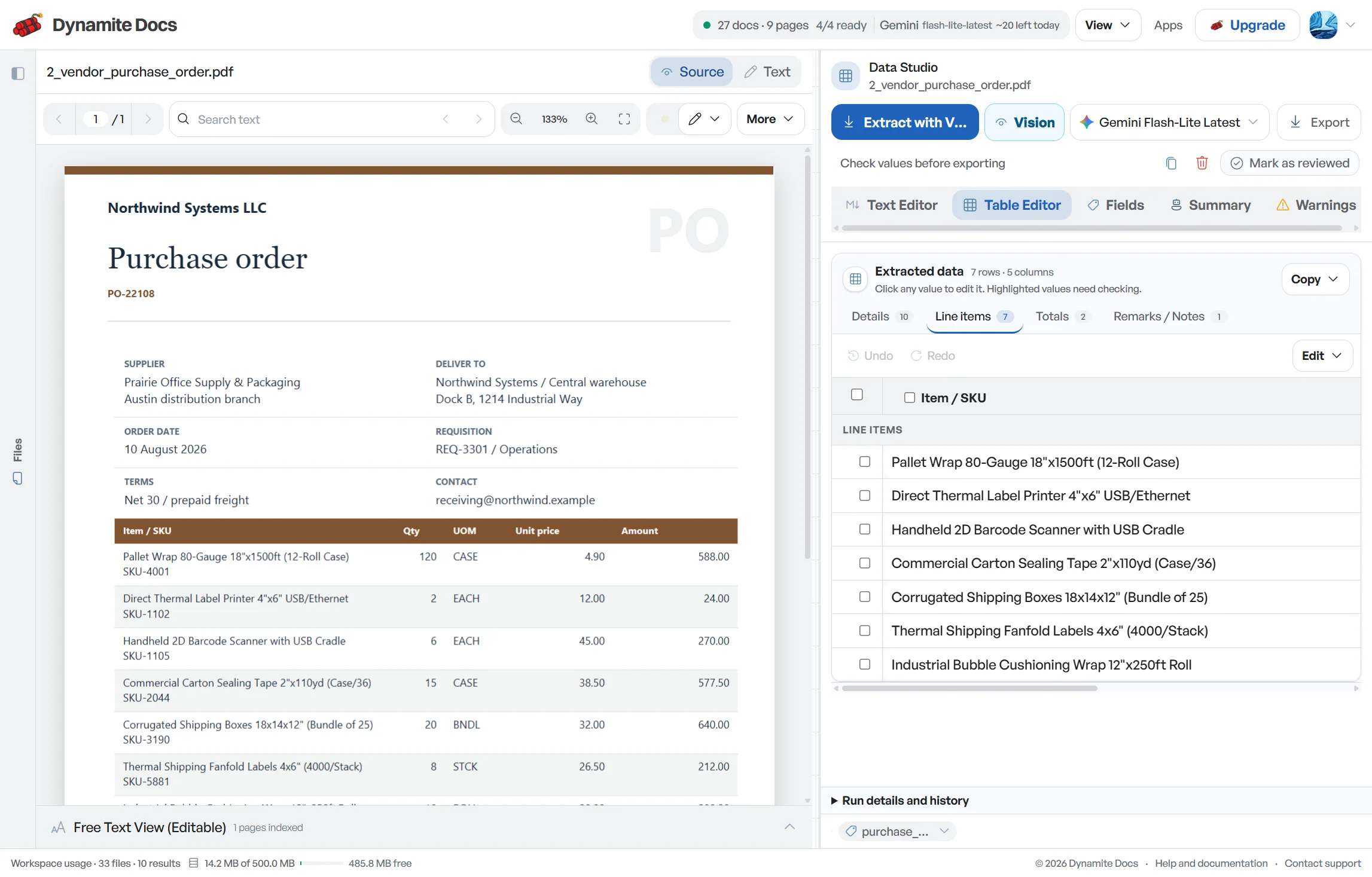
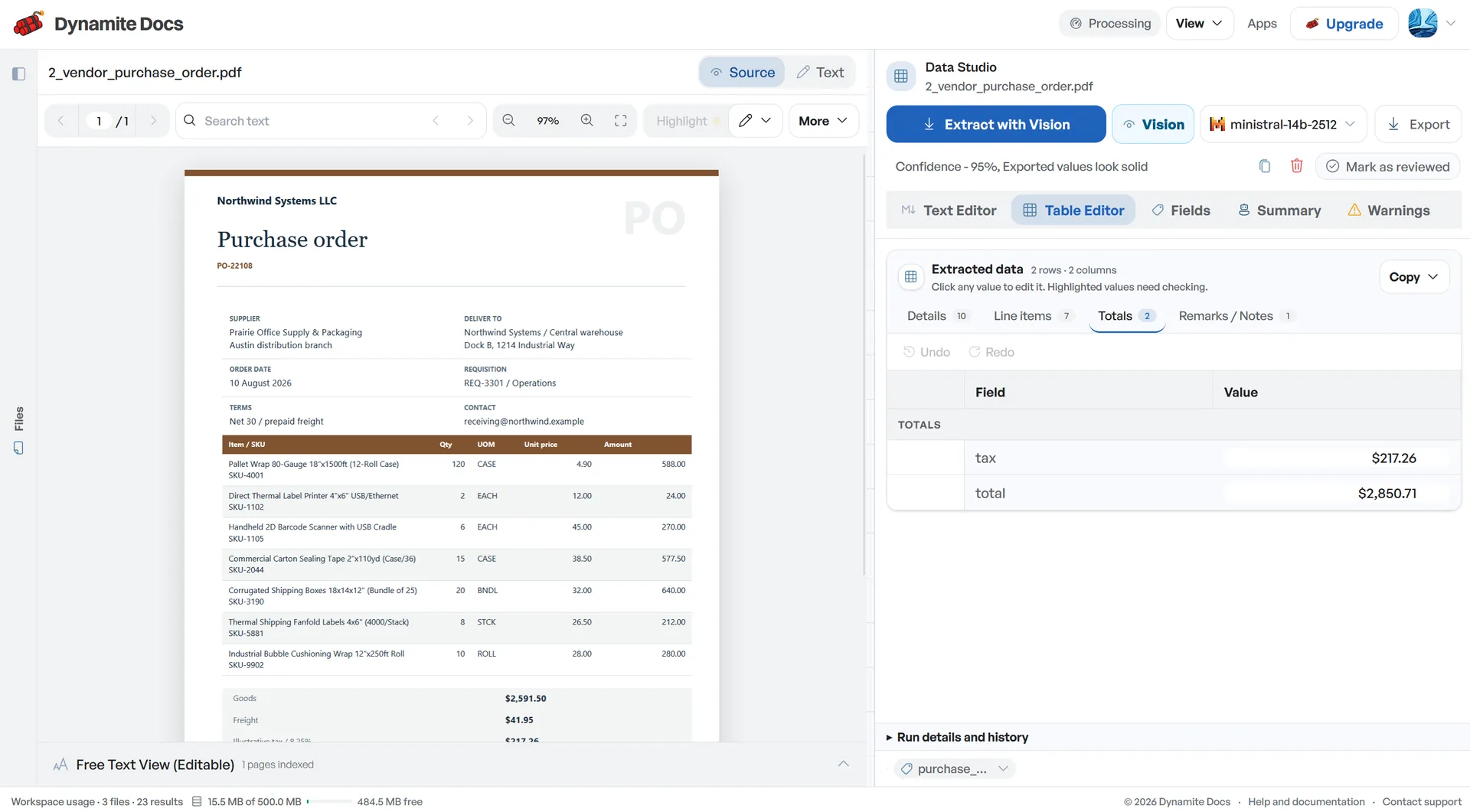
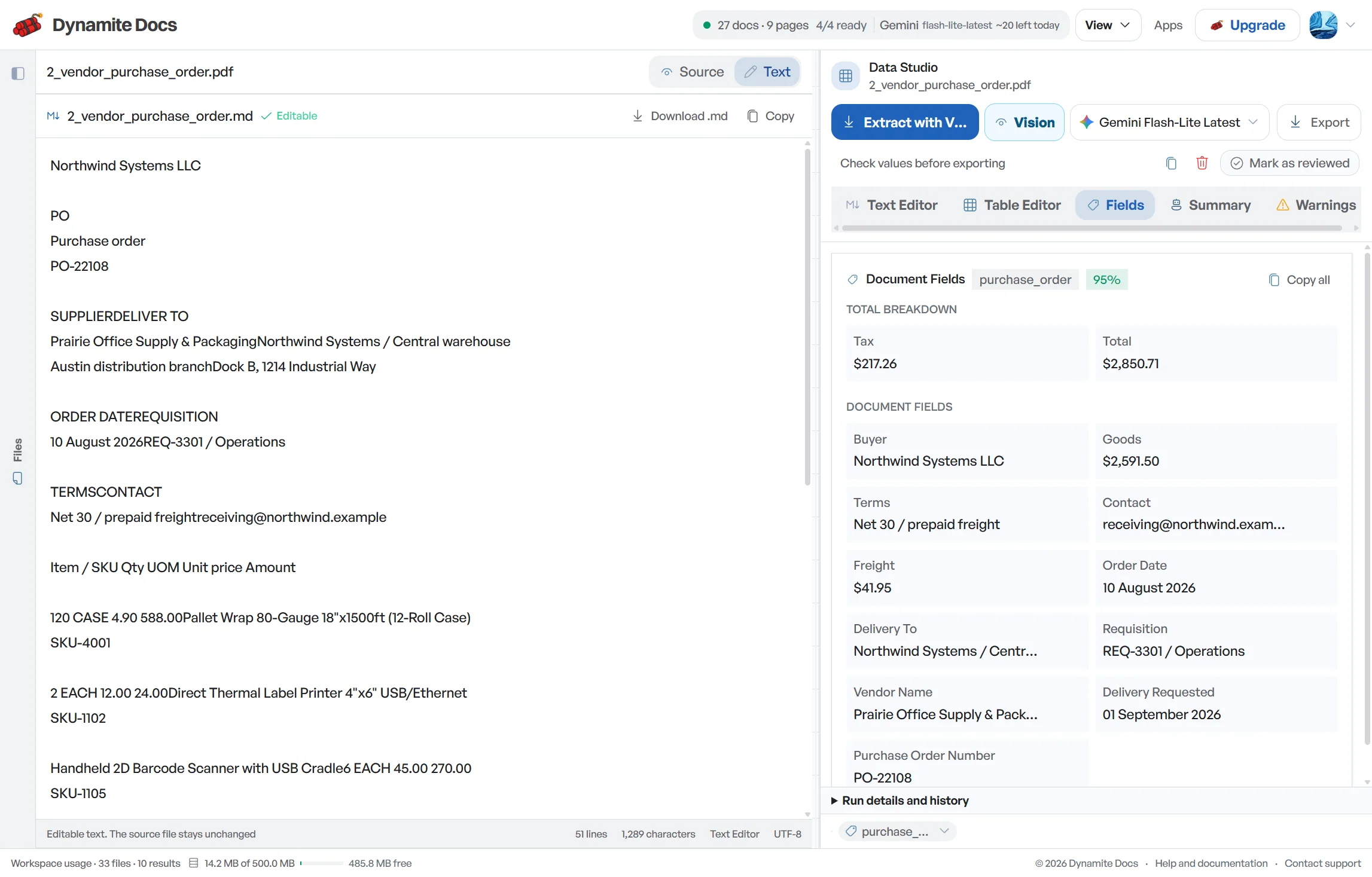
GSTR-1 invoice data preparation starts with outward sales documents, not with a completed return. Dynamite Docs proposes recipient GSTIN, document number and date, place of supply, HSN or SAC, taxable value and tax components from invoices, credit notes and debit notes. Review the rows against each source and the sales register, keep amendments and cancelled numbers visible, then export a working sheet for the person preparing the return. The product does not choose a filing table, calculate liability or submit GSTR-1.
Try a GST invoice or compare its storage, processing, and export limits.
Preparing outward sales data by hand takes too much time
- Sales invoices, credit notes, and debit notes arrive in different formats: billing software exports, email PDFs, and photographed receipts.
- The essential fields repeat on every document, but differing column structures make manual compilation slow.
- Mistyping a customer GSTIN or entering an incorrect tax split can lead to mismatches that are hard to resolve later.
- Compiling hundreds of invoices under monthly deadlines creates stress for accounting teams.
Document types this workflow handles
- B2B tax invoices: registered sales invoices with customer GSTINs
- B2C retail invoices: consumer sales without registered GSTINs
- Credit notes: reductions for product returns and discounts
- Debit notes: upward price adjustments and additional charges
What gets extracted from a sales document
Fields are recognized from each document layout. A typical outward supply run yields:
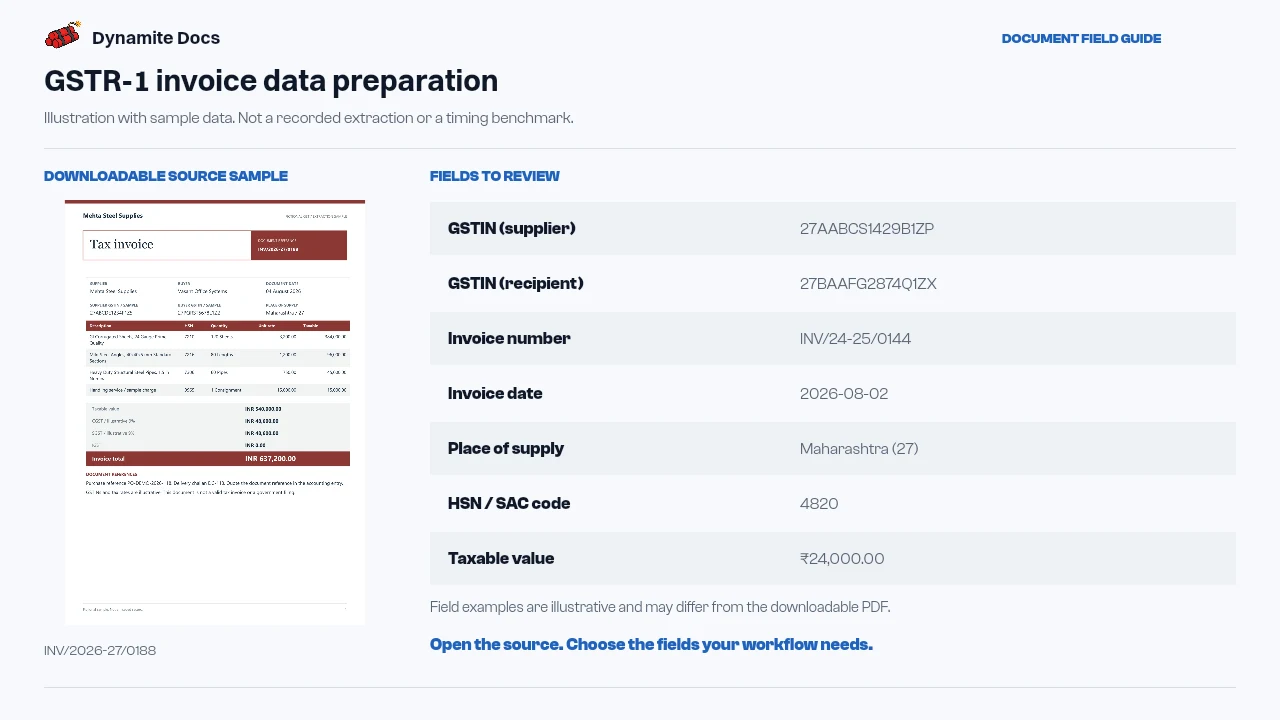
- GSTIN (supplier): 27AABCS1429B1ZP
- GSTIN (recipient): 27BAAFG2874Q1ZX
- Invoice number: INV/24-25/0144
- Invoice date: 2026-08-02
- Place of supply: Maharashtra (27)
- HSN / SAC code: 4820
- Taxable value: ₹24,000.00
- CGST amount: ₹2,160.00
- SGST / IGST amount: ₹2,160.00 / ₹33,480.00
- Invoice total (incl. tax): ₹28,320.00
A realistic example
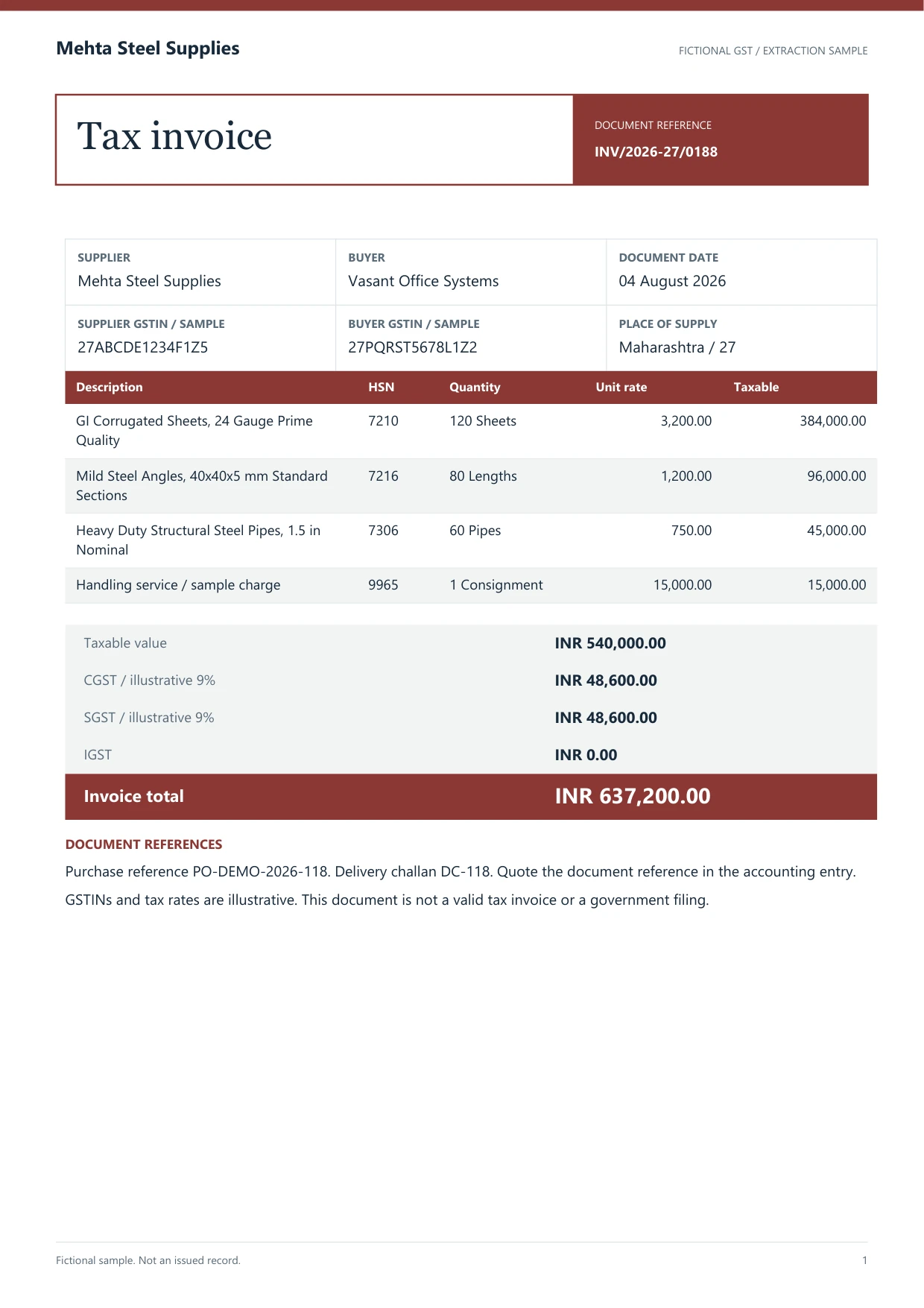
Sample data. Not a real invoice or filing record.
A batch of outward sales documents extracts into organized rows like these, ready for review and export:
| Invoice # | Date | Recipient GSTIN | Place of supply | HSN/SAC | Taxable value | CGST | SGST | IGST | Invoice value |
|---|---|---|---|---|---|---|---|---|---|
| INV/24-25/0144 | 2026-08-02 | 27BAAFG2874Q1ZX | Maharashtra (27) | 4820 | ₹24,000 | ₹2,160 | ₹2,160 | Not applicable | ₹28,320 |
| INV/24-25/0145 | 2026-08-03 | 33AAECR7614M1ZK | Tamil Nadu (33) | 8467 | ₹1,86,000 | Not applicable | Not applicable | ₹33,480 | ₹2,19,480 |
| CN/24-25/0031 | 2026-08-06 | 27BAAFG2874Q1ZX | Maharashtra (27) | 4820 | ₹4,000 | ₹360 | ₹360 | Not applicable | ₹4,720 |
What to validate before export
Validation issue
Check document type, recipient GSTIN, place of supply, and tax values.
Limitation
The output is a working table, not a filed GSTR-1 return.
Reviewed by Dynamite Docs content team. Last verified 2026-09-11.
Organizing outward invoices for monthly return preparation
GSTR-1 is the monthly or quarterly return of outward supplies. Filing accurate details requires reporting customer GSTINs, invoice numbers, places of supply, HSN/SAC codes, and tax breakdowns. Dynamite Docs prepares this data into structured spreadsheet rows so your finance team can review numbers without retyping invoices one by one.
Credit notes and debit notes are captured alongside regular sales invoices, ensuring that returns and rate adjustments are reflected in your monthly outward totals.
Prepare separate review views for B2B invoices, credit and debit notes, exports, and documents that need a different reporting treatment. Preserve the original document type, recipient GSTIN, invoice series, place of supply, reverse-charge flag, and tax rate on every row. A file named like an invoice is not enough evidence to classify it. The reviewer should compare the extracted document with the sales register and the current return period before assigning a reporting section.
Run control totals before creating the working paper. Count source documents, group taxable value and tax by rate, and compare those totals with the reviewed sales register. Record cancelled numbers and amendments as exceptions instead of deleting them from the sequence. Dynamite Docs supplies structured source data for this check; it does not upload the return, choose a filing table, or certify that an outward supply was reported correctly.
Dynamite Docs extracts and organizes your sales records into clean rows. Return preparation, tax liability determination, and filing on the GST portal remain the responsibility of your Chartered Accountant or finance team.
Flexible AI choice and transparent data processing
Preparing GSTR-1 working sheets requires accurate line items and tax figures. Dynamite Docs lets you use built-in models or connect your own API keys, paying standard provider rates with zero markup.
Digital PDFs may provide machine-readable text, while scans and photos need a vision-capable model. Source type does not remove the need to review document classification and tax rows.
Extracted sales data and layout preferences remain stored in your private workspace for future monthly cycles.
Questions, answered
Does Dynamite Docs file GSTR-1 directly on the GST portal?
No. Dynamite Docs extracts and organizes your sales invoices into structured rows. Reviewing, preparing, and filing the return on the GST portal remains with your team and Chartered Accountant.
Does it process credit notes and debit notes?
Yes. Credit notes and debit notes are extracted with their document numbers, dates, customer GSTINs, taxable values, and tax splits into the same working sheet.
Can I export outward sales data to Excel or CSV?
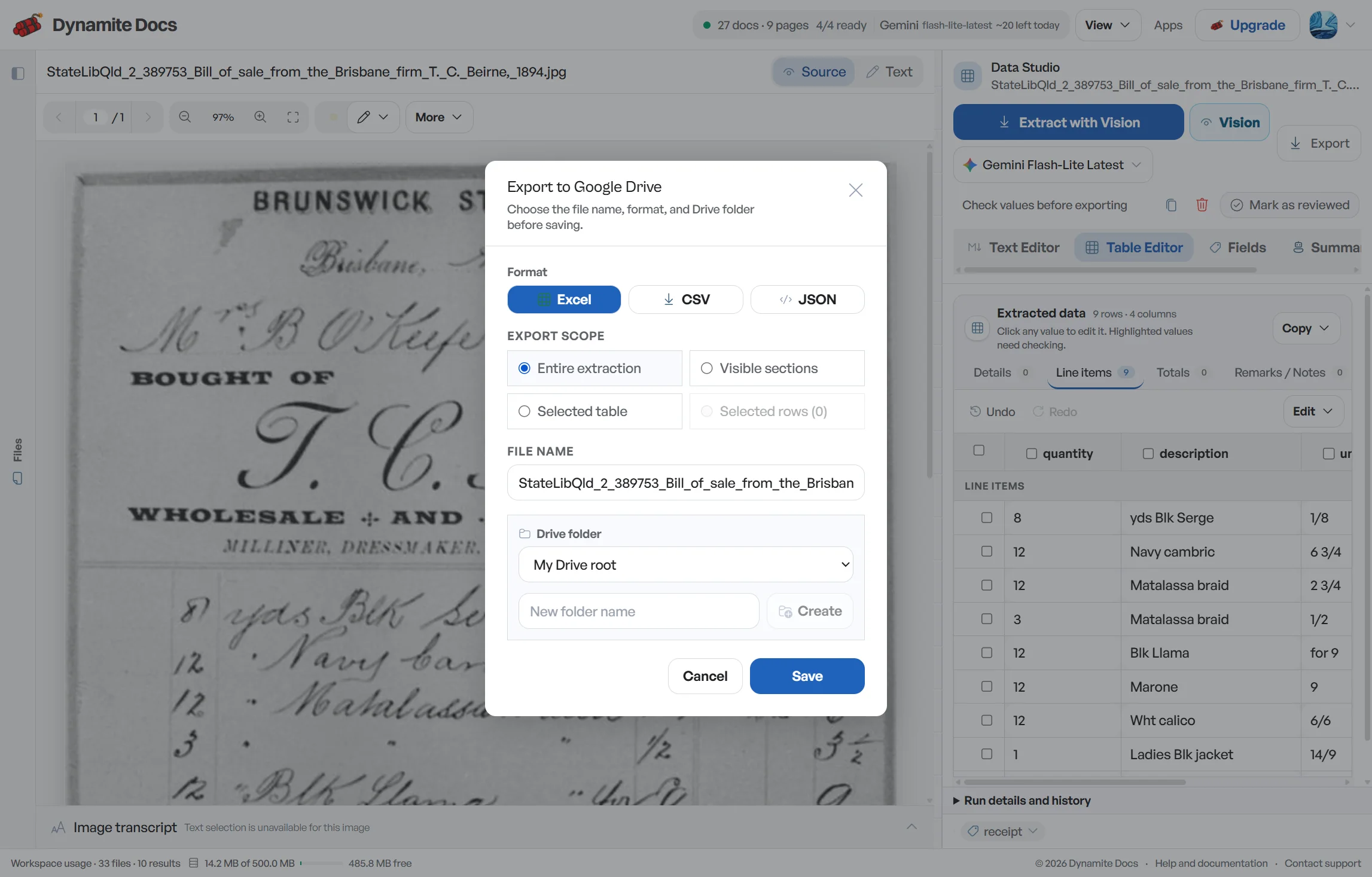
Yes. You can export your reviewed data to Excel, CSV, JSON, or Google Sheets to assist in return preparation.
How do confidence scores assist with review?
Confidence scores point to fields the extractor is less certain about. They do not validate tax calculations or reporting treatment, so recipient GSTINs, document type, taxable value and tax components still need deliberate checks.
Related document workflows
Related extraction articles
Open the document extraction workspace, no credit card required.