Indian purchase order extraction for procurement and 3-way matching
By Dynamite Docs. Published . Updated .
Turn GST invoices into clean, reviewed data for Excel and Tally.
A [purchase order](/accounting/purchase-order-processing) records what a buyer authorized: the supplier, items or services, quantities, rates, delivery terms and other commercial conditions. Dynamite Docs extracts those header and line values into structured rows for procurement review and downstream matching. It does not approve a purchase, confirm that goods were received or decide whether an invoice should be paid. The [exported PO data](/accounting/india/vendor-invoice-processing) becomes one input to a controlled match with the supplier invoice and the goods receipt or service confirmation.
Try a GST invoice or compare its storage, processing, and export limits.
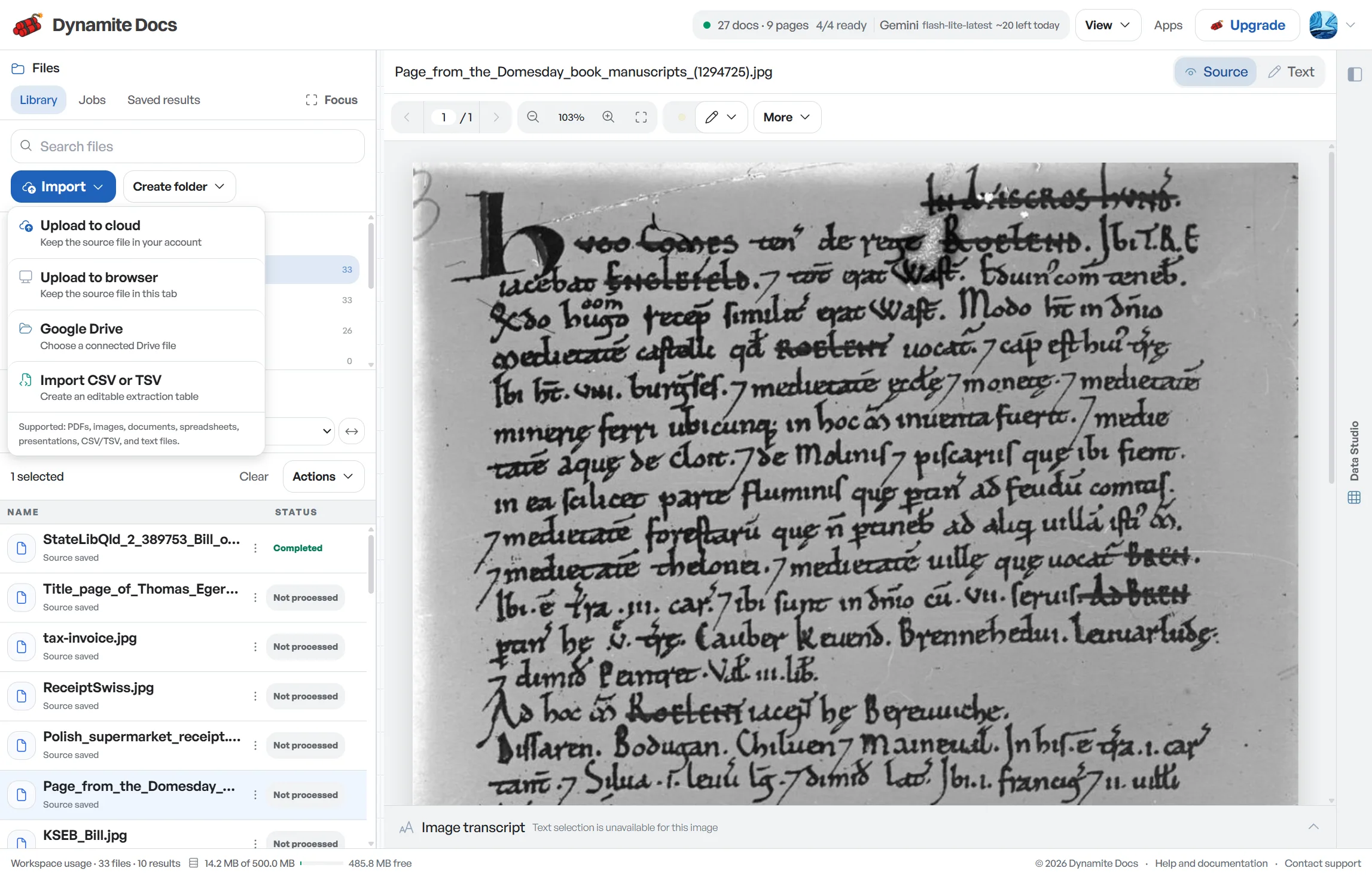
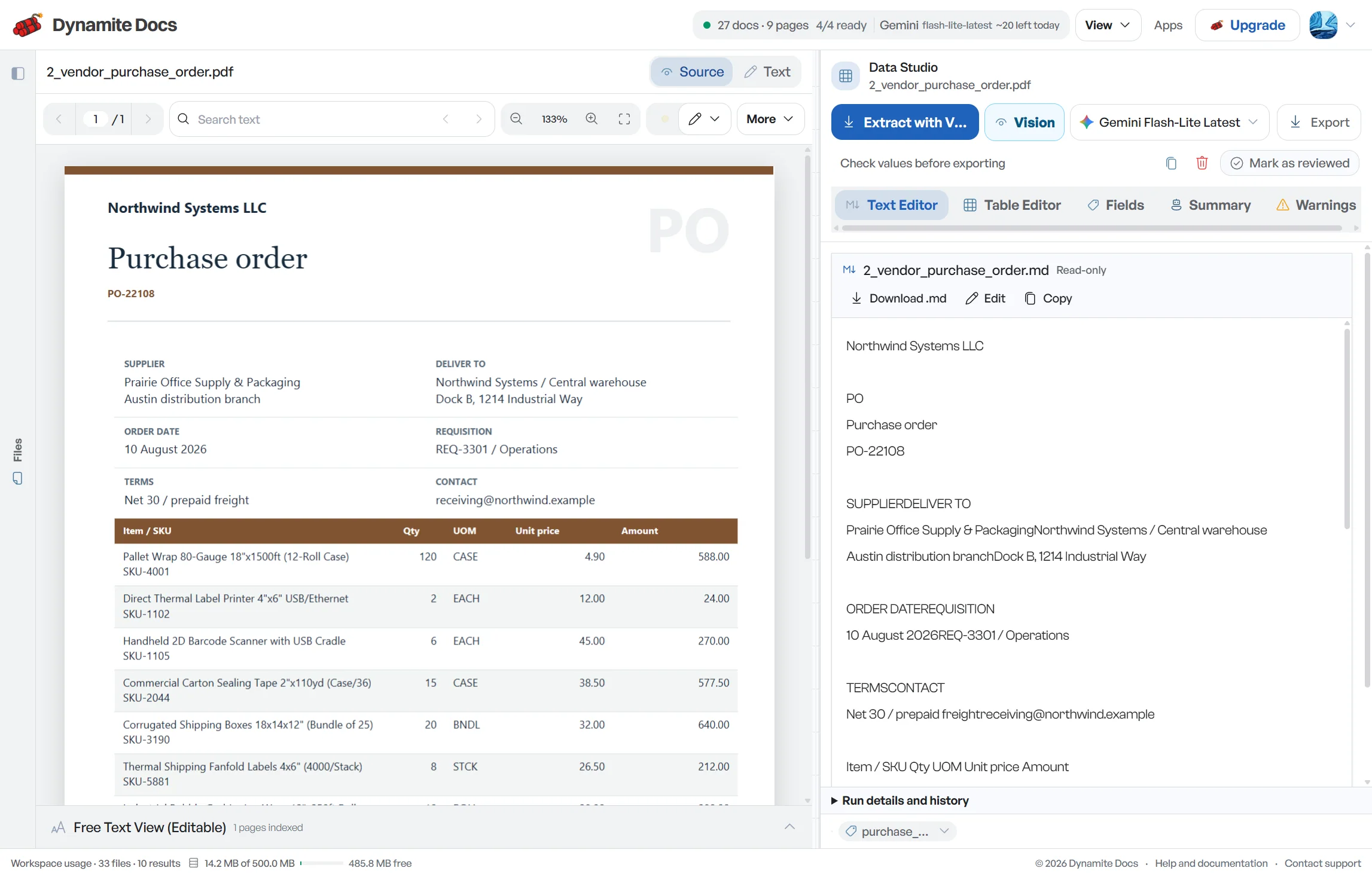
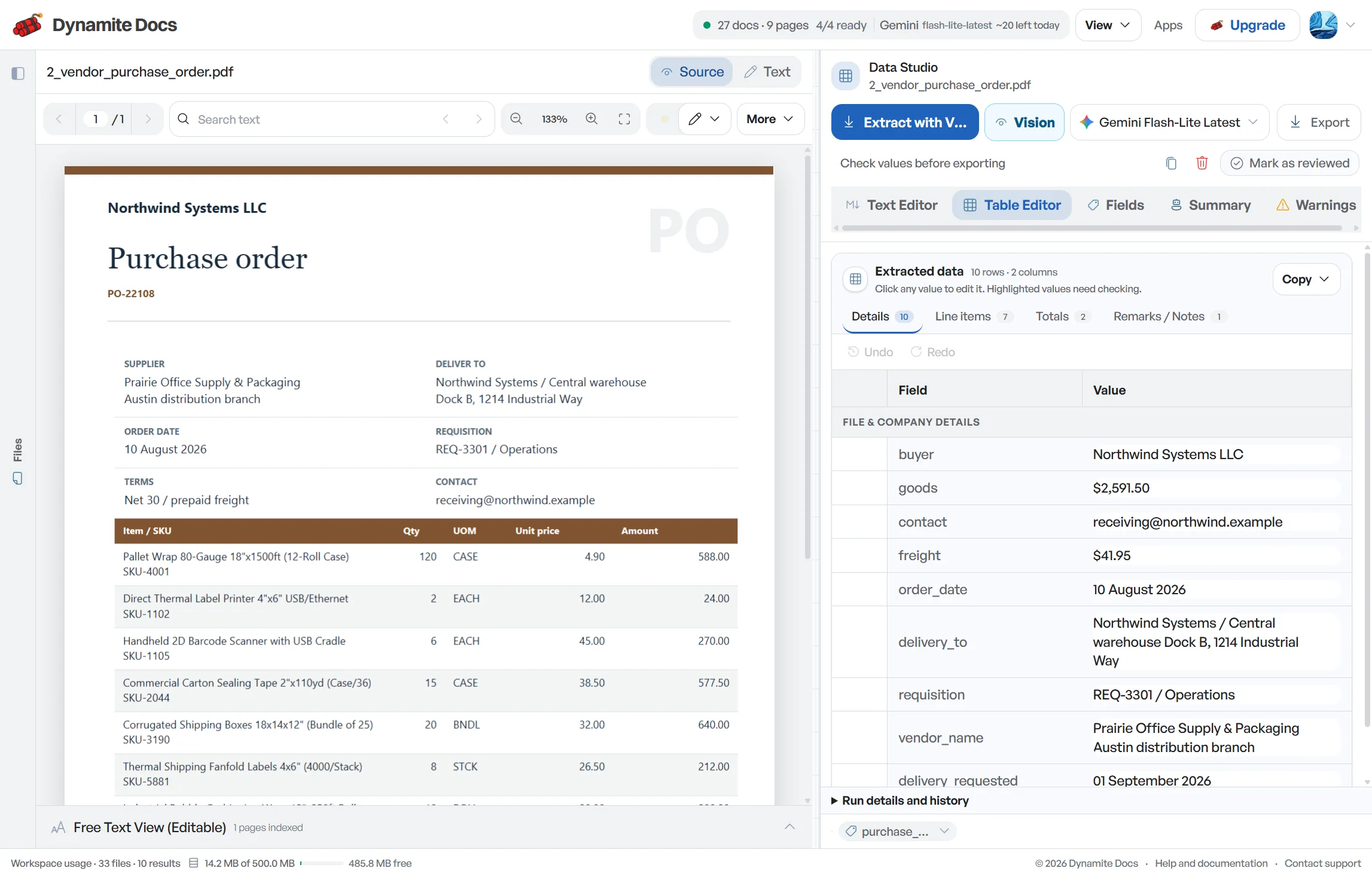
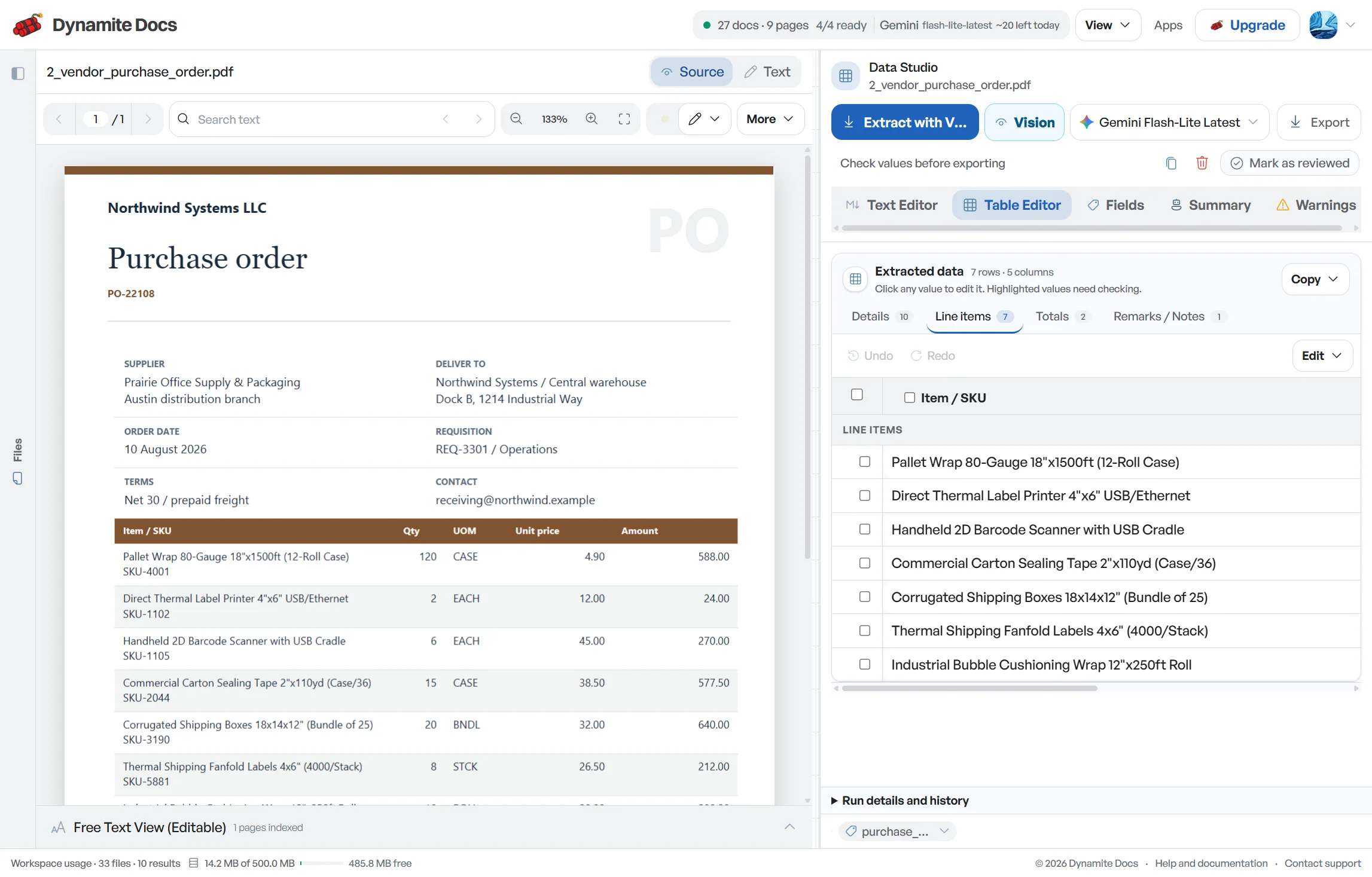
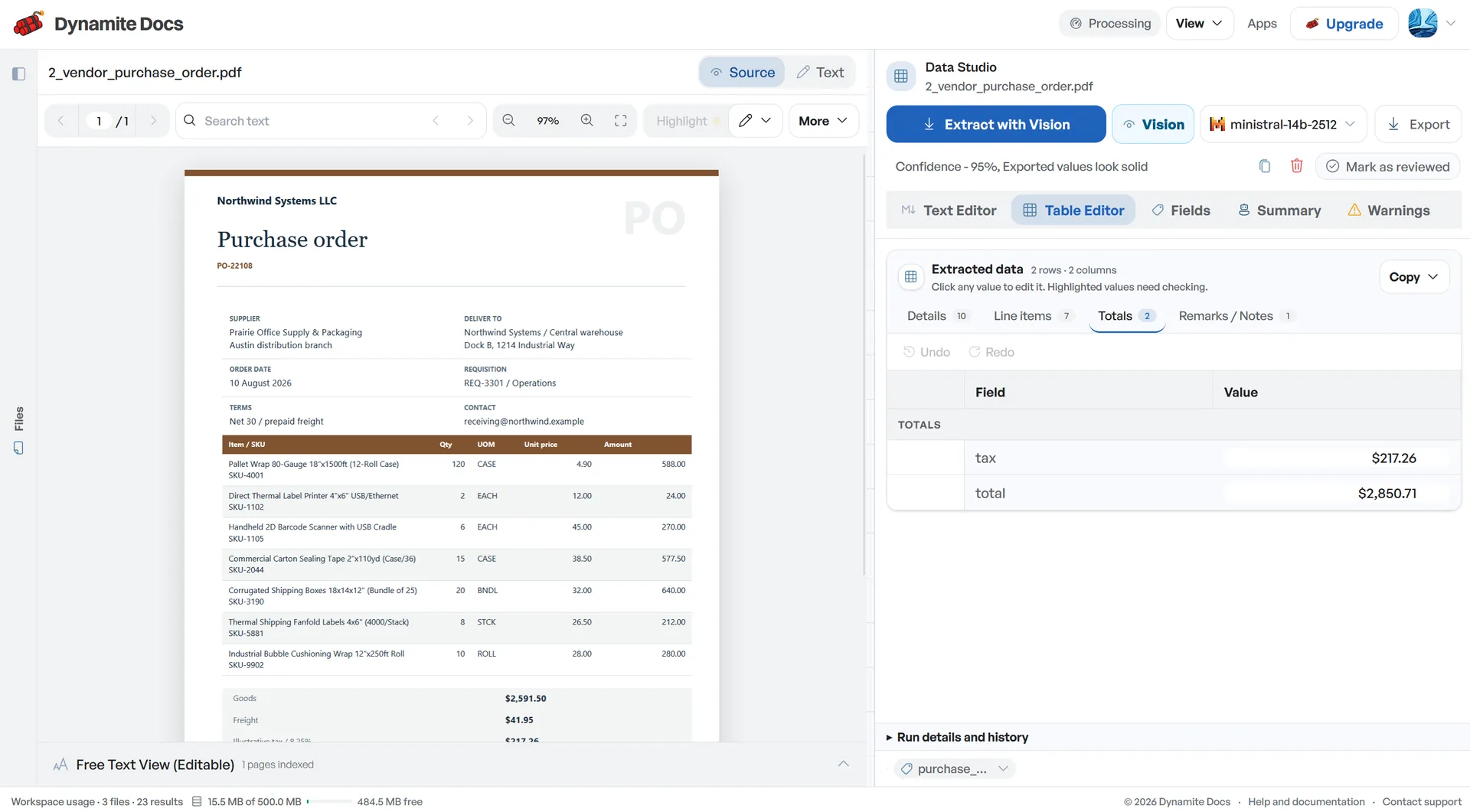
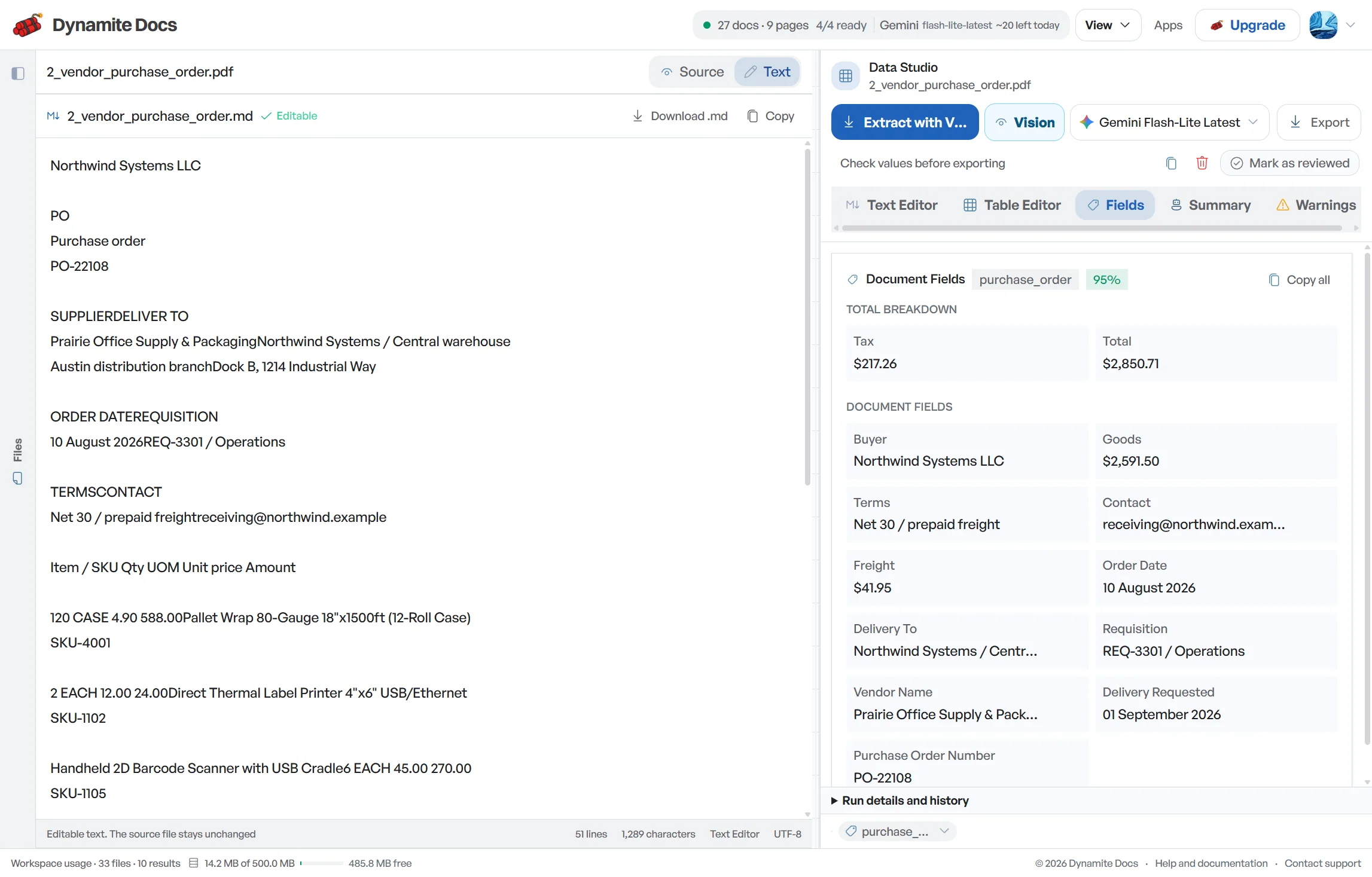
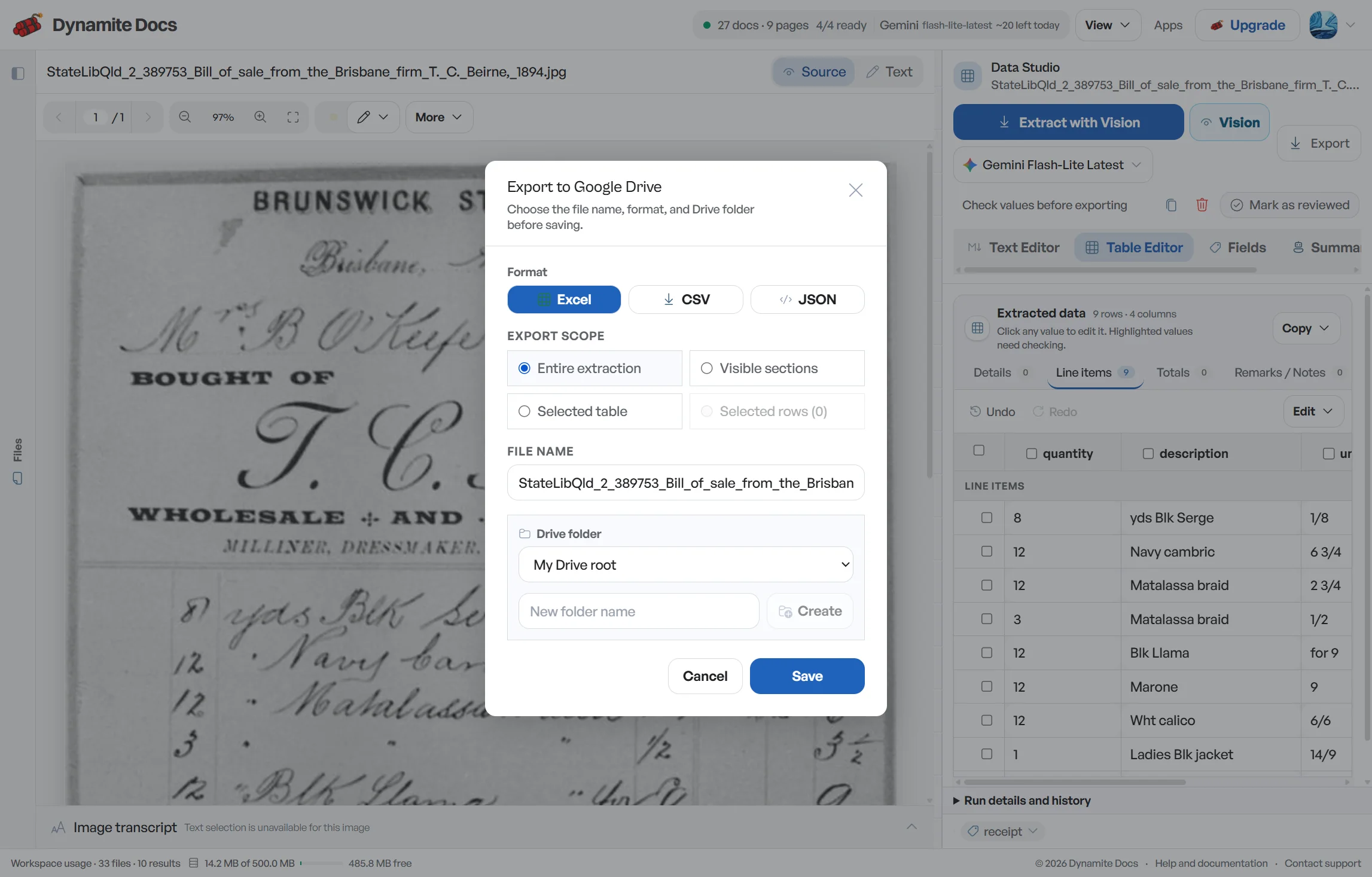
Multi-line purchase orders take too much time to retype
- Purchase orders contain extensive product tables where each line includes HSN/SAC codes, quantities, and agreed prices.
- Vendors and buyers format POs in various layouts, from ERP exports to Word documents and scanned PDFs.
- A single mistyped quantity or unit rate creates billing discrepancies when supplier invoices arrive.
- Three-way matching requires aligning PO numbers, vendor GSTINs, and line items across orders, bills, and e-way bills.
Document types this workflow handles
- Digital purchase order PDFs: ERP and billing software exports parsed directly from text
- Word & email PO files: text extracted from digital purchase documents
- Scanned paper POs: physical purchase orders processed via visual OCR
- PO and invoice batches: purchase orders matched directly against supplier bills
What gets extracted from an Indian purchase order
Fields are recognized from each PO structure. A typical extraction provides:
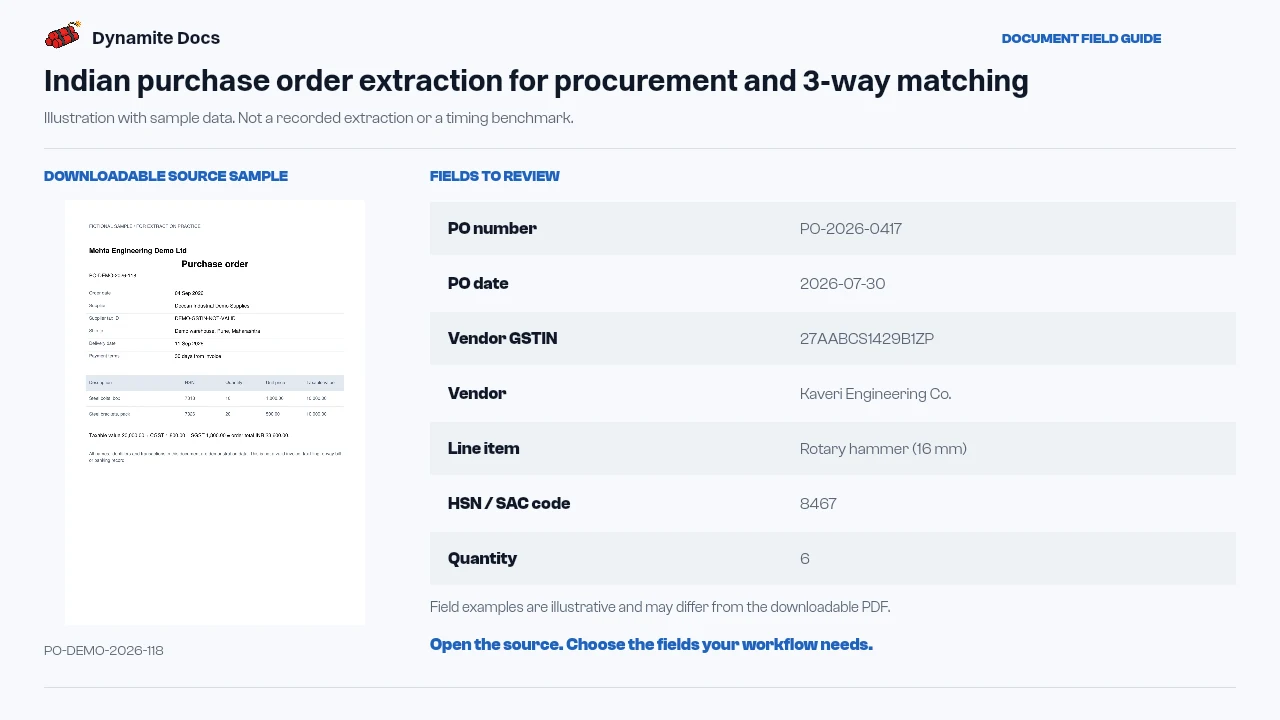
- PO number: PO-2026-0417
- PO date: 2026-07-30
- Vendor GSTIN: 27AABCS1429B1ZP
- Vendor: Kaveri Engineering Co.
- Line item: Rotary hammer (16 mm)
- HSN / SAC code: 8467
- Quantity: 6
- Unit price: ₹31,000
- Line total: ₹1,86,000
- Delivery terms: Delivered to Pune, freight prepaid
A realistic example
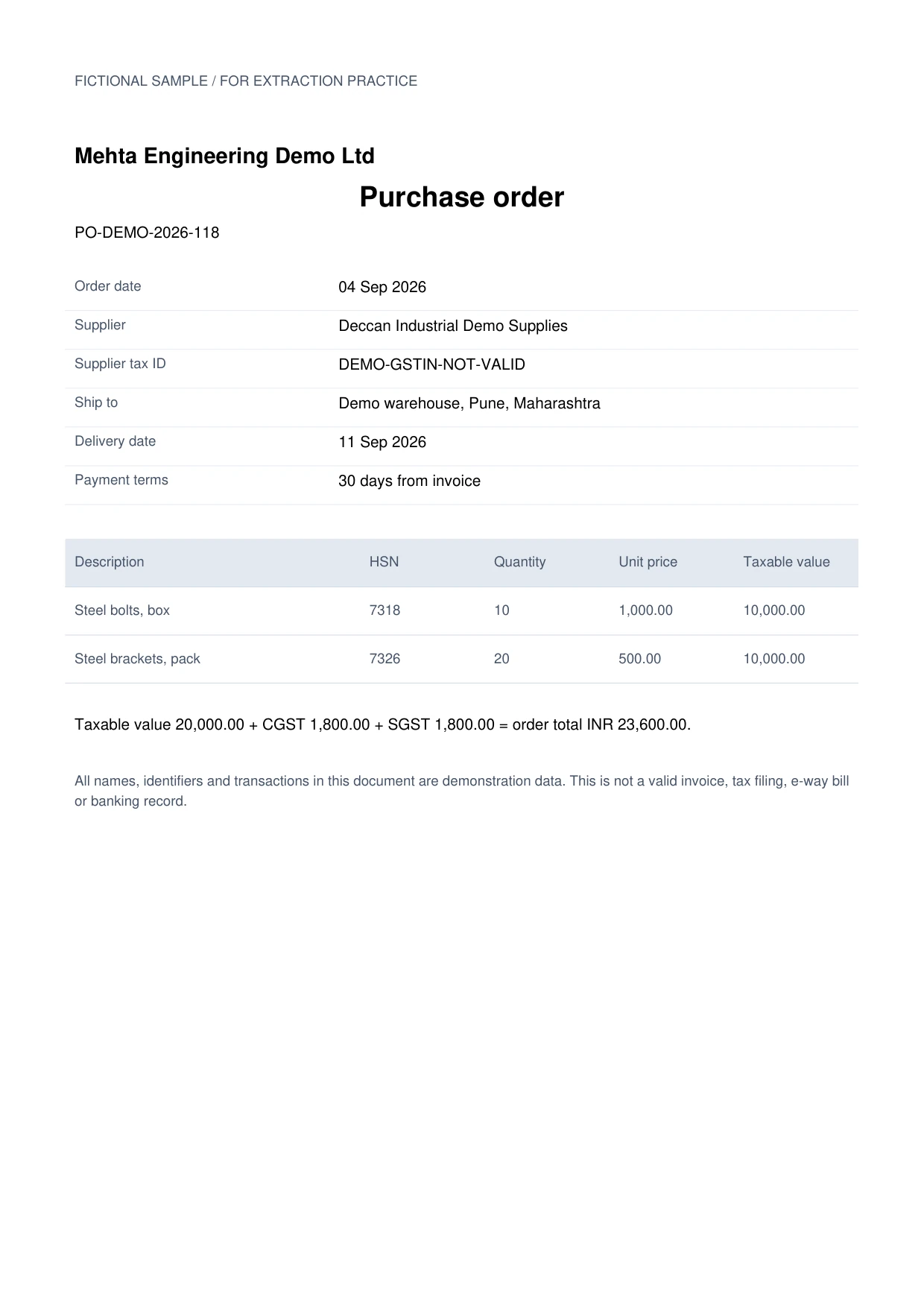
Sample data. Not a real invoice or filing record.
A purchase order extracts into line-item rows like these, ready for matching against invoices and e-way bills:
| PO # | Date | Vendor | GSTIN | Line item | HSN/SAC | Qty | Unit price | Line total |
|---|---|---|---|---|---|---|---|---|
| PO-2026-0417 | 2026-07-30 | Kaveri Engineering Co. | 33AABCC3456C1ZD | Rotary hammer (16 mm) | 8467 | 6 | ₹31,000 | ₹1,86,000 |
| PO-2026-0417 | 2026-07-30 | Kaveri Engineering Co. | 33AABCC3456C1ZD | Chisel set | 8207 | 12 | ₹1,250 | ₹15,000 |
| PO-2026-0418 | 2026-07-31 | Shri Balaji Traders | 27AABCS1429B1ZP | A4 copier paper (ream) | 4820 | 40 | ₹600 | ₹24,000 |
What to validate before export
Validation issue
Check GST terms, quantities, rates, and line totals before matching.
Limitation
The output does not approve the order or perform three-way matching.
Reviewed by Dynamite Docs content team. Last verified 2026-09-11.
Simplifying procurement workflows and three-way matching
A purchase order is the authorization side of procurement control. Its header usually identifies the buyer, supplier, PO number, date, currency, delivery location and payment terms. Its table carries item or service descriptions, quantities, units, rates, discounts and line totals. Keep header fields separate from line fields so a ten-line order does not create ten apparently different PO totals.
For matching, preserve a stable PO line identifier when one is printed. If the document has no line number, create a review key without changing the source description. Compare invoice quantity and rate with the PO, then compare received quantity with a goods receipt, delivery record or approved service entry. An e-way bill may help explain a dispatch, but it is not the same as proof that the buyer accepted the goods.
Define tolerances outside the extraction table. Your policy may allow a small rounding difference, partial delivery or an invoice quantity lower than the open PO quantity. It may require approval for price variance, freight not listed on the order, a changed GSTIN or an invoice without a PO reference. The extraction should surface those values clearly; it should not silently decide which difference is acceptable.
Use batch controls before importing PO data into another system. Count source documents, count unique PO numbers, compare extracted header totals with calculated line totals, and review duplicate PO identifiers. Keep cancelled, revised and amended orders distinguishable. If a later revision changes a rate or quantity, retain the version or effective date used for the invoice match.
Dynamite Docs structures purchase order data into organized rows. Purchase authorization, master-data mapping, supplier contracts, receipt confirmation, tax treatment and payment approval remain within your internal systems and review process.
Procurement data control and model flexibility
Purchase orders contain commercial pricing and supplier relationships. Every signed-in tier can connect a supported provider key. Review your selected provider and internal data policy before processing sensitive orders.
Digital PDFs may expose embedded text, while paper scans need visual extraction. Complex line tables, repeated headers and wrapped descriptions still require source review.
Reviewed PO rows can be exported to Excel, CSV or JSON, or pushed to Google Sheets when connected. Free and Hobby own-key pages use monthly PE; Pro and Ultra own-key runs do not consume PE.
Questions, answered
Does it extract vendor GSTINs from purchase orders?
When printed, the vendor GSTIN is proposed alongside the PO number, date and delivery terms. Verify each character and compare it with the supplier record before using it as a match key.
Does it extract individual line items, HSN codes, and quantities?
The extractor can return each visible line with its description, HSN or SAC, quantity, unit, rate and line amount. Review wrapped descriptions, merged cells and multi-page table continuations against the source.
Can it process scanned or photographed POs?
Yes. Visual extraction can process scanned printouts and clear mobile photos. Results depend on focus, lighting and table clarity, so test a representative sample and review flagged fields.
Does Dynamite Docs perform automated three-way matching?
No. Dynamite Docs prepares structured PO and invoice rows. Your procurement or accounting process must compare them with the goods receipt or approved service record, apply tolerances and route exceptions for approval.
Related document workflows
Related extraction articles
Open the document extraction workspace, no credit card required.