Indian receipt OCR for expenses and GST receipts
By Dynamite Docs. Published . Updated .
Turn GST invoices into clean, reviewed data for Excel and Tally.
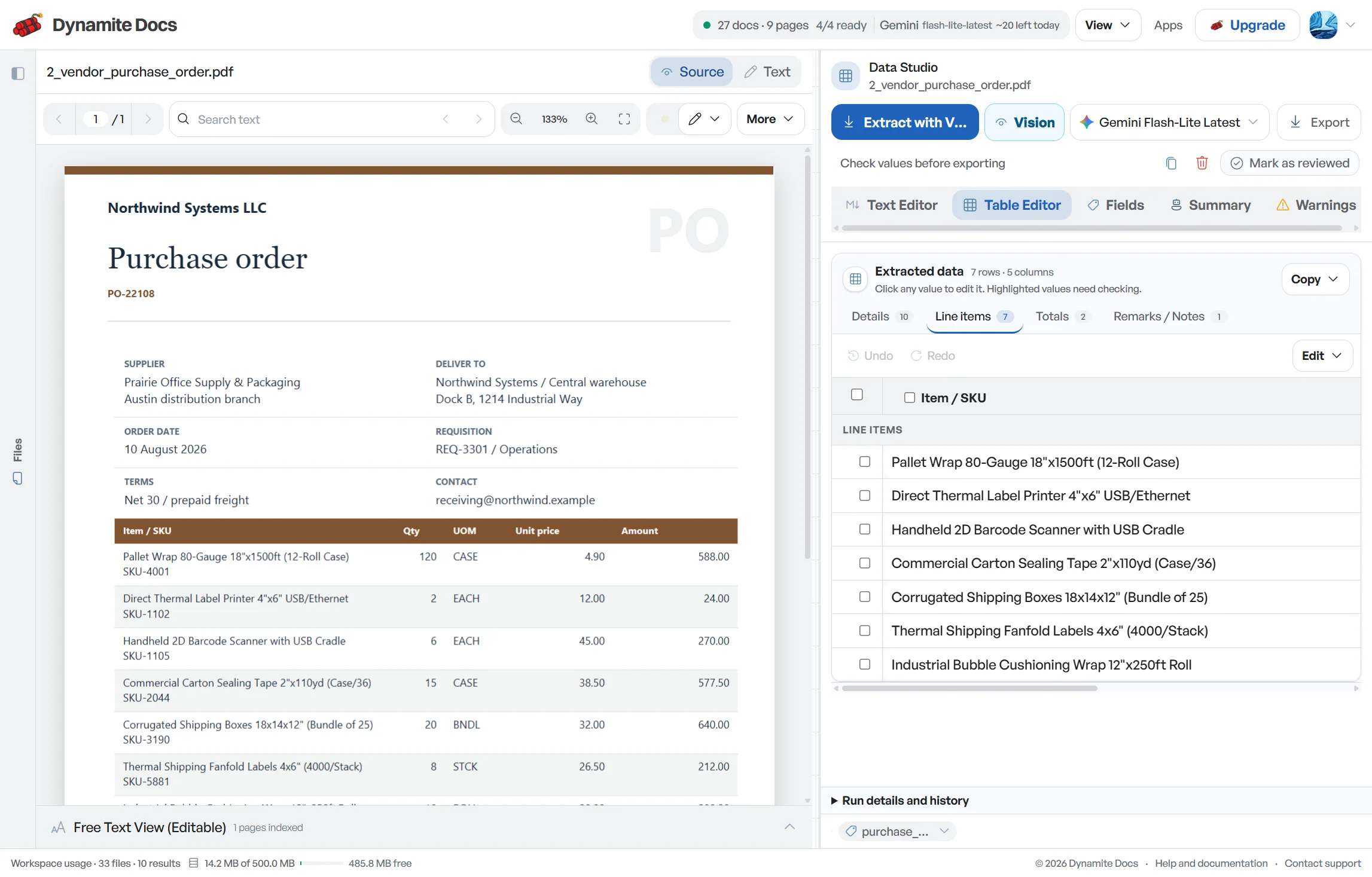
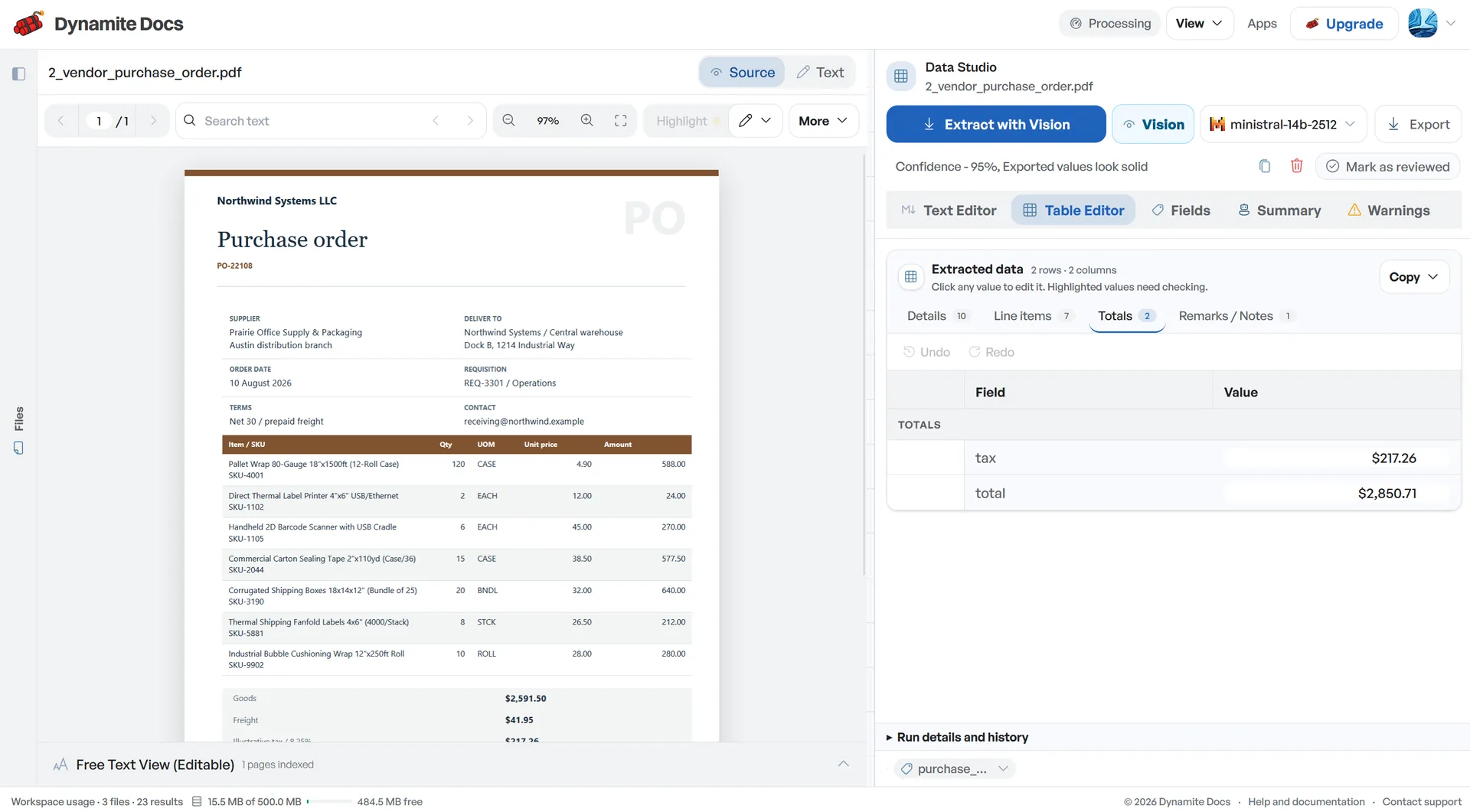
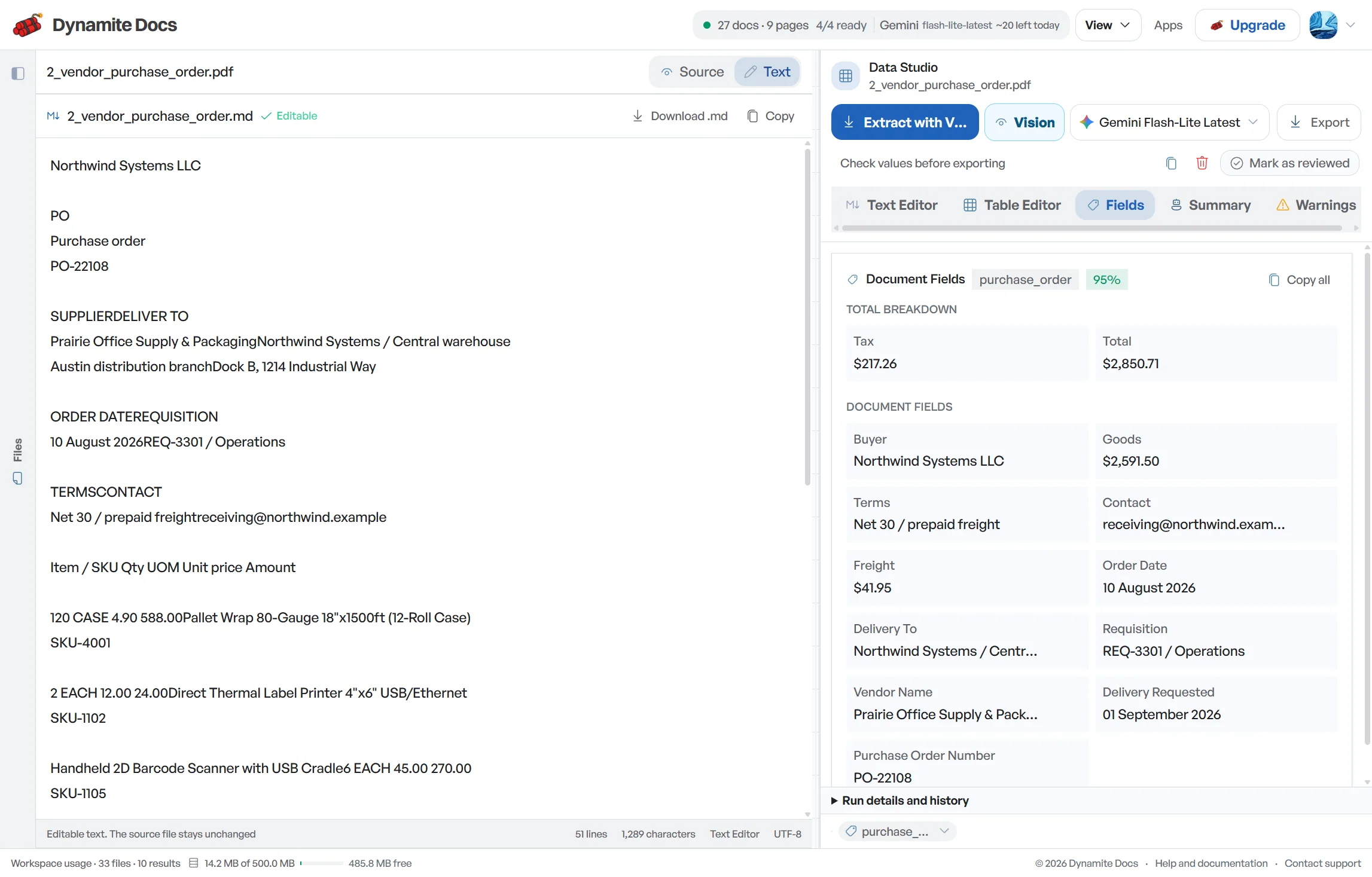
Business expenses in India arrive as retail GST receipts, digital e-receipts, petrol pump slips and UPI payment screenshots. These records answer different questions. A receipt may describe the purchase and tax, while a payment confirmation mainly shows that money moved. Dynamite Docs extracts merchant names, dates, amounts, GSTINs when printed, tax values and payment references into confidence-scored rows. Your reviewer can compare the result with the source, link supporting records and decide whether the expense is complete enough for reimbursement or bookkeeping.
Try a receipt or compare its storage, processing, and export limits.
Faded thermal receipts and phone photos are hard to process
- Retail receipts printed on thermal paper fade quickly and are often photographed in uneven lighting.
- GST retail receipts pack merchant GSTINs, tax-inclusive totals, and CGST/SGST splits into narrow printouts.
- UPI payment confirmations arrive as mobile screenshots with timestamps and 12-digit reference IDs.
- Reconciling reimbursement claims requires entering merchant names, dates, and amounts line by line.
Document types this workflow handles
- GST retail receipts: supermarket and store bills with merchant GSTINs
- Digital e-receipts: email receipts and PDF bills parsed directly from text
- UPI payment confirmations: screenshots from Google Pay, PhonePe, and Paytm
- Fuel & toll slips: thermal paper receipts from petrol pumps and toll plazas
What gets extracted from an Indian receipt
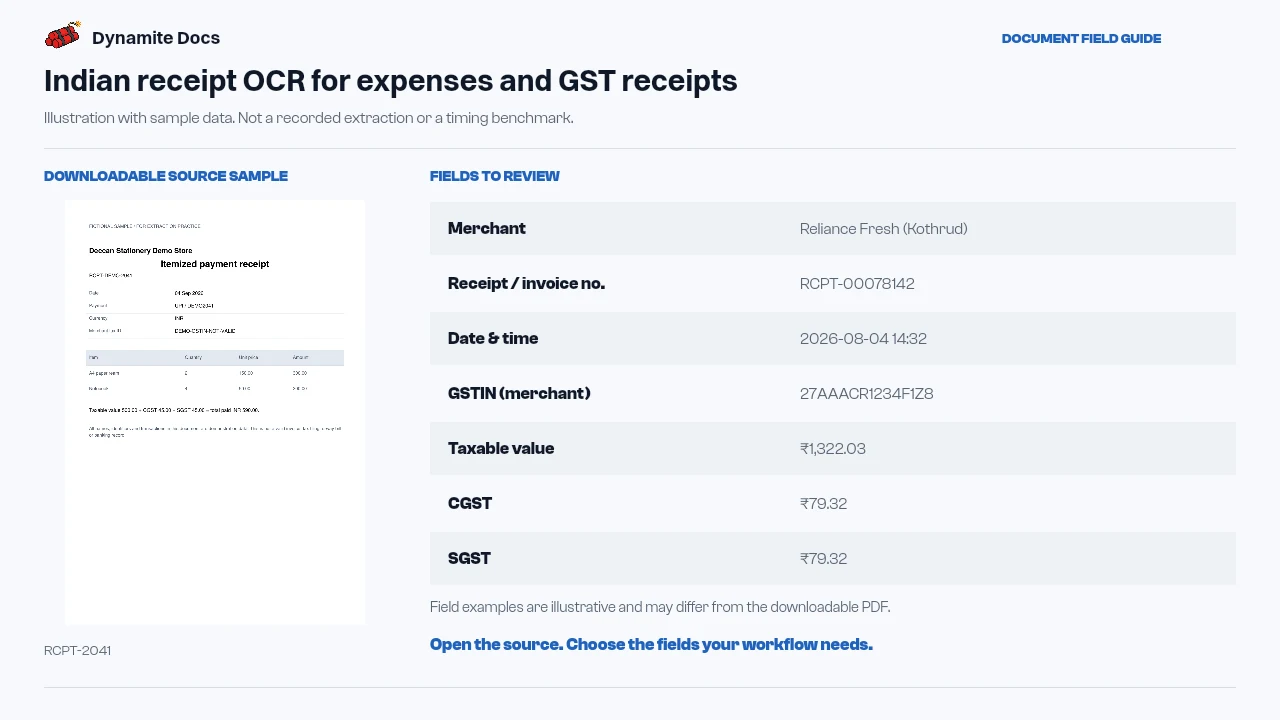
Fields are recognized from each receipt layout. A typical run provides:
- Merchant: Reliance Fresh (Kothrud)
- Receipt / invoice no.: RCPT-00078142
- Date & time: 2026-08-04 14:32
- GSTIN (merchant): 27AAACR1234F1Z8
- Taxable value: ₹1,322.03
- CGST: ₹79.32
- SGST: ₹79.32
- Total (incl. tax): ₹1,480.67
- Payment method: UPI ..2045
- UPI reference ID: 405194423881
A realistic example
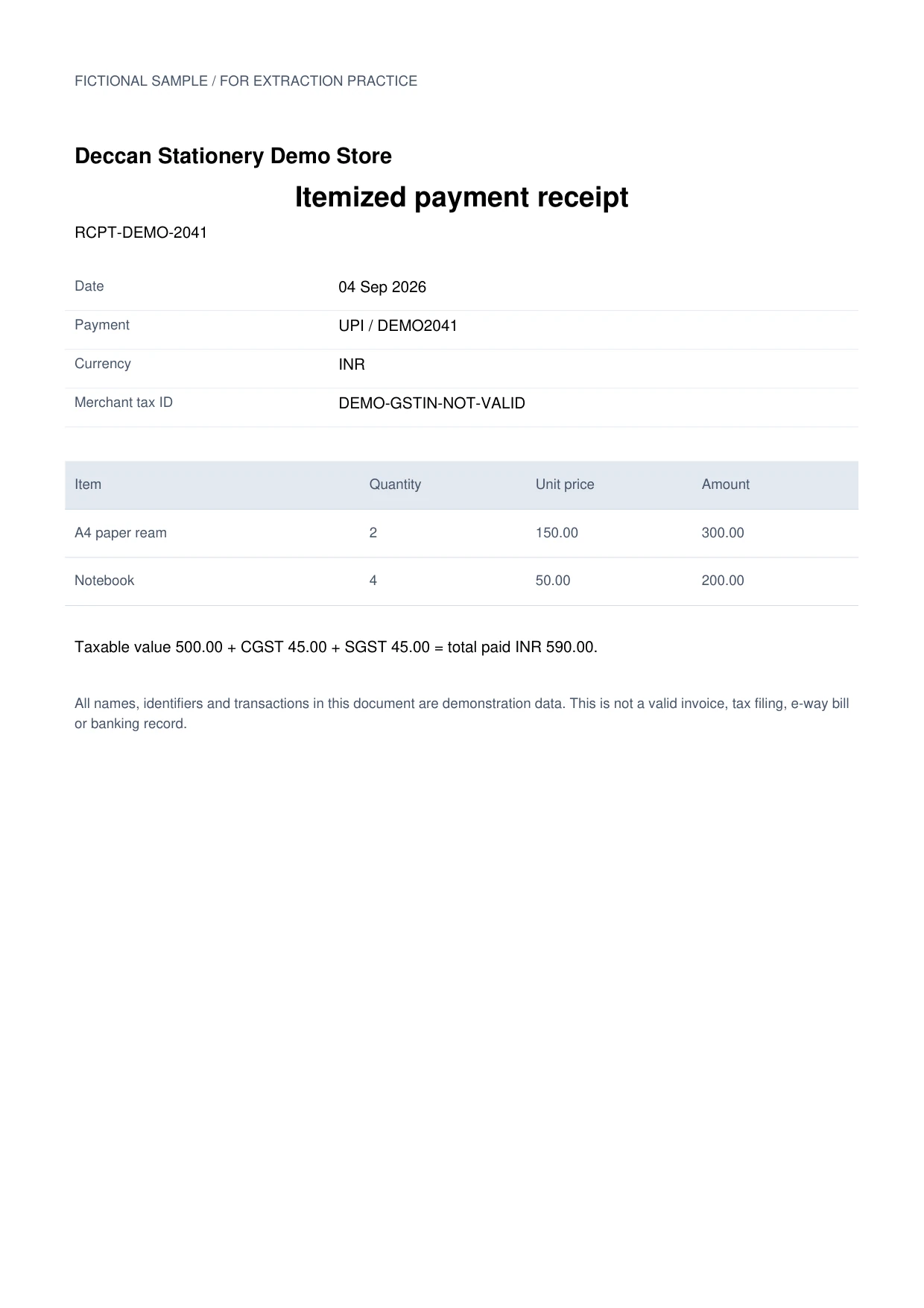
Sample data. Not a real invoice or filing record.
A mixed batch of retail receipts and UPI confirmations extracts into organized rows like these:
| Merchant | Receipt no. | Date | GSTIN | Total | Payment |
|---|---|---|---|---|---|
| Reliance Fresh (Kothrud) | RCPT-00078142 | 2026-08-04 | 27AAACR1234F1Z8 | ₹1,480.67 | UPI ..2045 |
| Indian Oil (Karve Rd) | None | 2026-08-05 | None | ₹2,000.00 | UPI ..3310 |
| Swiggy Instamart | ODR-88120544 | 2026-08-06 | 27AAHCS7788K1ZM | ₹412.50 | UPI ..2045 |
What to validate before export
Validation issue
Review faded totals, GSTIN characters, tax components, and payment method.
Limitation
The output does not decide expense eligibility or input-tax-credit treatment.
Reviewed by Dynamite Docs content team. Last verified 2026-09-11.
Standardizing diverse receipt formats into clean expense data
Expense reporting in India involves a wide variety of document types. A supermarket receipt includes a merchant GSTIN and a tax breakdown; an online order receipt is a clean digital PDF; and a local merchant receipt is often a UPI screenshot showing a 12-digit transaction ID. Dynamite Docs extracts all these documents into a single standardized table.
When a receipt includes a merchant GSTIN, taxable amount and tax split, extraction puts those values beside the expense record for review. It does not determine whether an input tax credit is eligible. Your tax team still needs the appropriate document, business purpose and applicable treatment before using the data in the books or a return.
A UPI screenshot should not be treated as a substitute for an itemized receipt. Use the transaction reference, amount and timestamp to match it with a merchant receipt, employee claim or card record. Keep separate columns for purchase evidence and payment evidence so a matching amount does not make an incomplete claim look fully supported.
For a monthly batch, add control fields such as employee, cost centre, expense category, business purpose, approval status and exception reason after extraction. Check for duplicate combinations of merchant, date and amount, and look for the same UPI reference on more than one claim. Reconcile the exported total to the reimbursement register before posting.
Thermal paper creates predictable OCR problems: faded decimals, truncated merchant names, creases, shadows and narrow tax tables. Photograph the full slip on a flat, contrasting surface and avoid cropping the header or total. Confidence scores help prioritize review, but the source image remains the authority. Dynamite Docs organizes records; approval, reimbursement and tax decisions remain with your finance team.
Privacy and flexible processing for company expenses
Receipts contain sensitive commercial and personal transaction data. Every signed-in tier can connect a supported provider key. Free and Hobby own-key pages use their monthly PE allowance; Pro and Ultra own-key runs do not consume PE.
Digital receipts may expose embedded text, while smartphone photos and paper slips need visual extraction. Both can contain incomplete or ambiguous values and require source review.
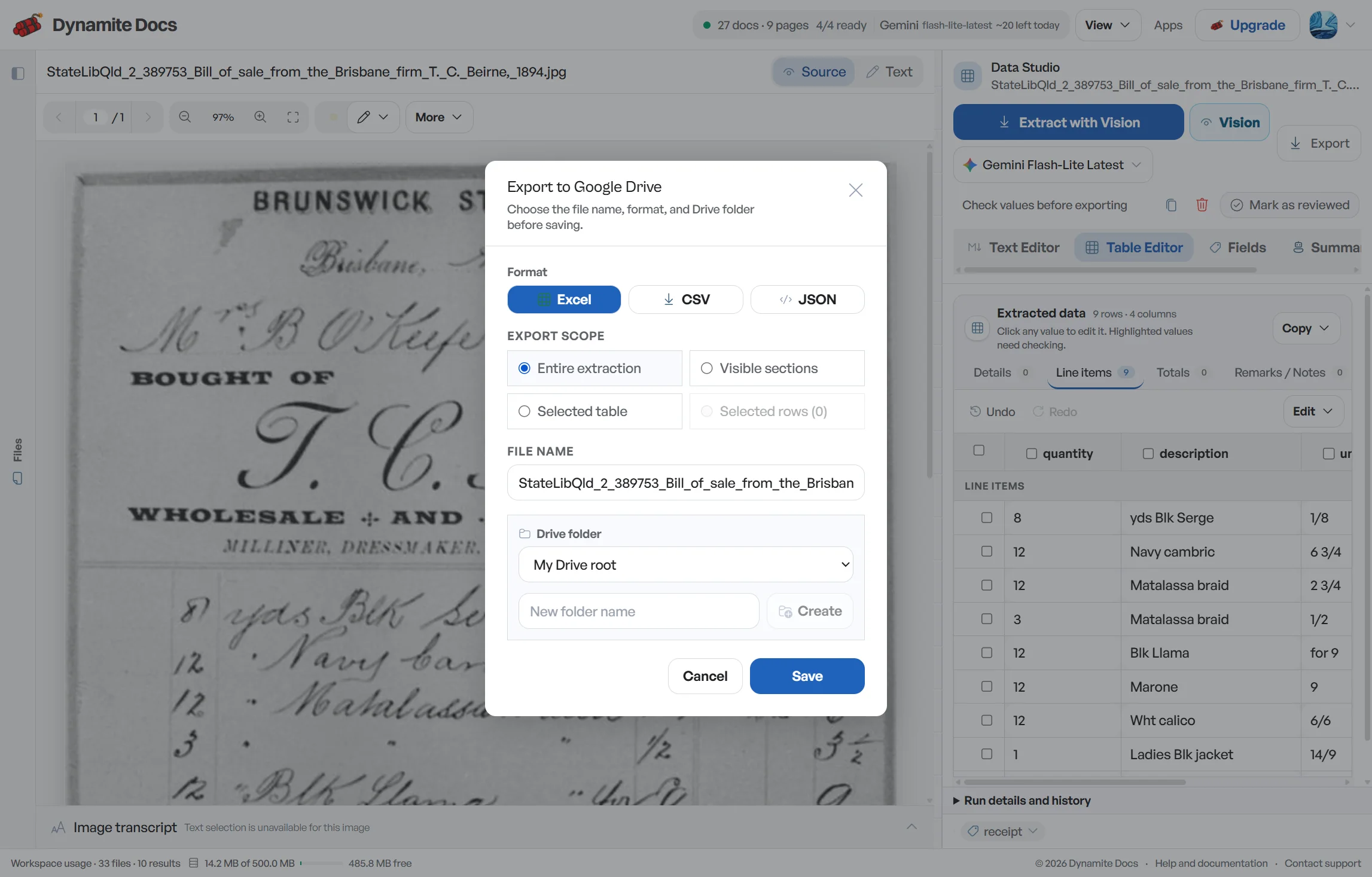
Reviewed expense data can be exported to Excel, CSV or JSON, or pushed to Google Sheets when connected. Mapping or posting that file into an ERP remains a separate step.
Questions, answered
Can it read smartphone photos of paper receipts?
Yes. Visual extraction can read mobile photos of thermal slips and paper bills. Results depend on focus, lighting, contrast and whether the full receipt is visible, so check unclear fields against the image.
Does it extract merchant GSTINs from store receipts?
When printed clearly, the merchant GSTIN is proposed alongside taxable values, CGST and SGST amounts. Confirm all characters against the receipt before using the field in a tax or accounting workflow.
Can it process UPI payment confirmation screenshots?
Yes. Screenshots from Google Pay, PhonePe, Paytm, and BHIM are read into structured rows with merchant names, transaction amounts, timestamps, and 12-digit UPI reference numbers.
Does Dynamite Docs file expense reimbursement claims automatically?
No. Dynamite Docs extracts and organizes receipt details into structured spreadsheet rows for your accounting and reimbursement review.
Related document workflows
Related extraction articles
Open the document extraction workspace, no credit card required.