BUSY invoice data extraction for GST bills
By Dynamite Docs. Published . Updated .
Turn GST invoices into clean, reviewed data for Excel and Tally.
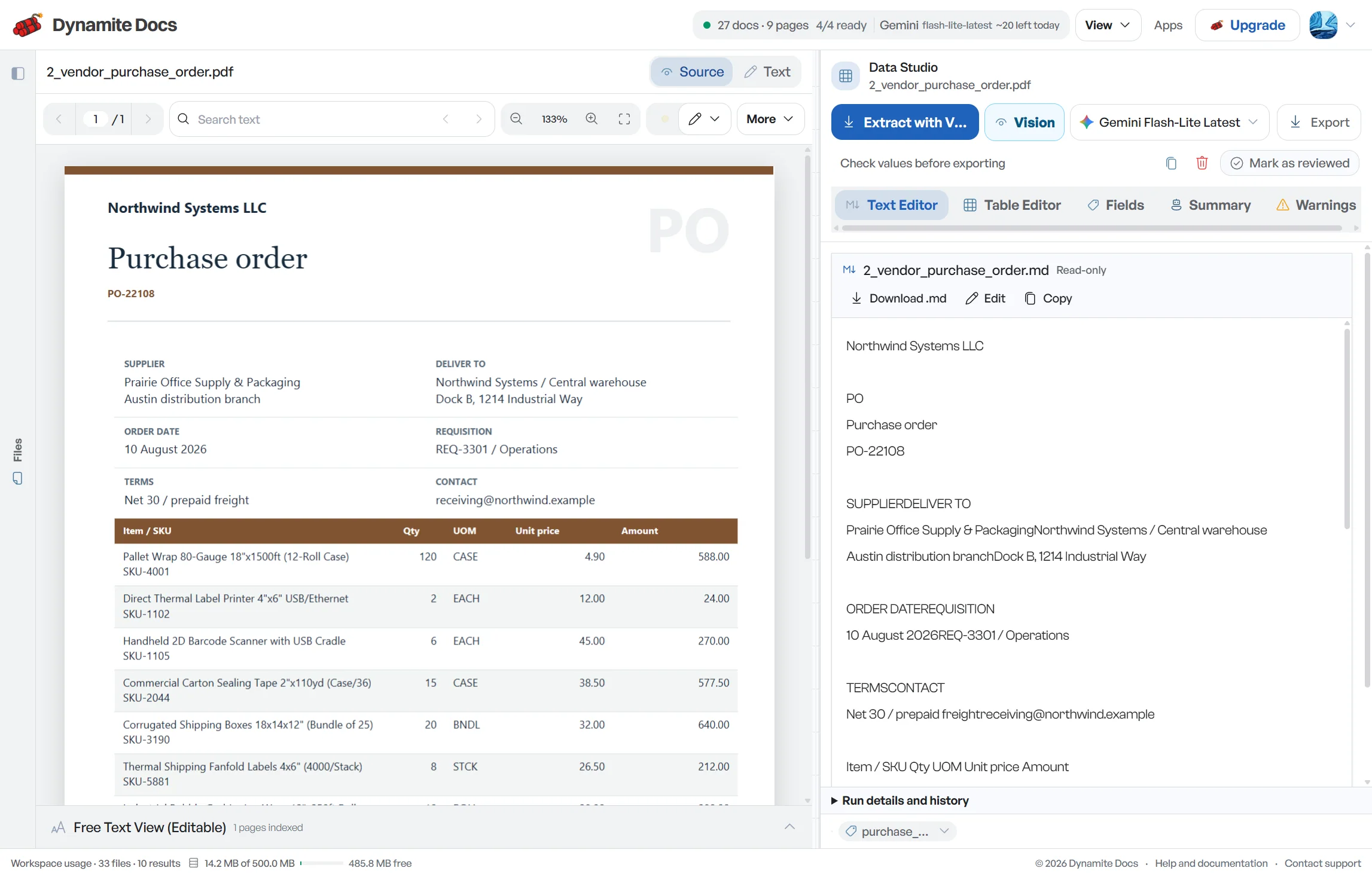
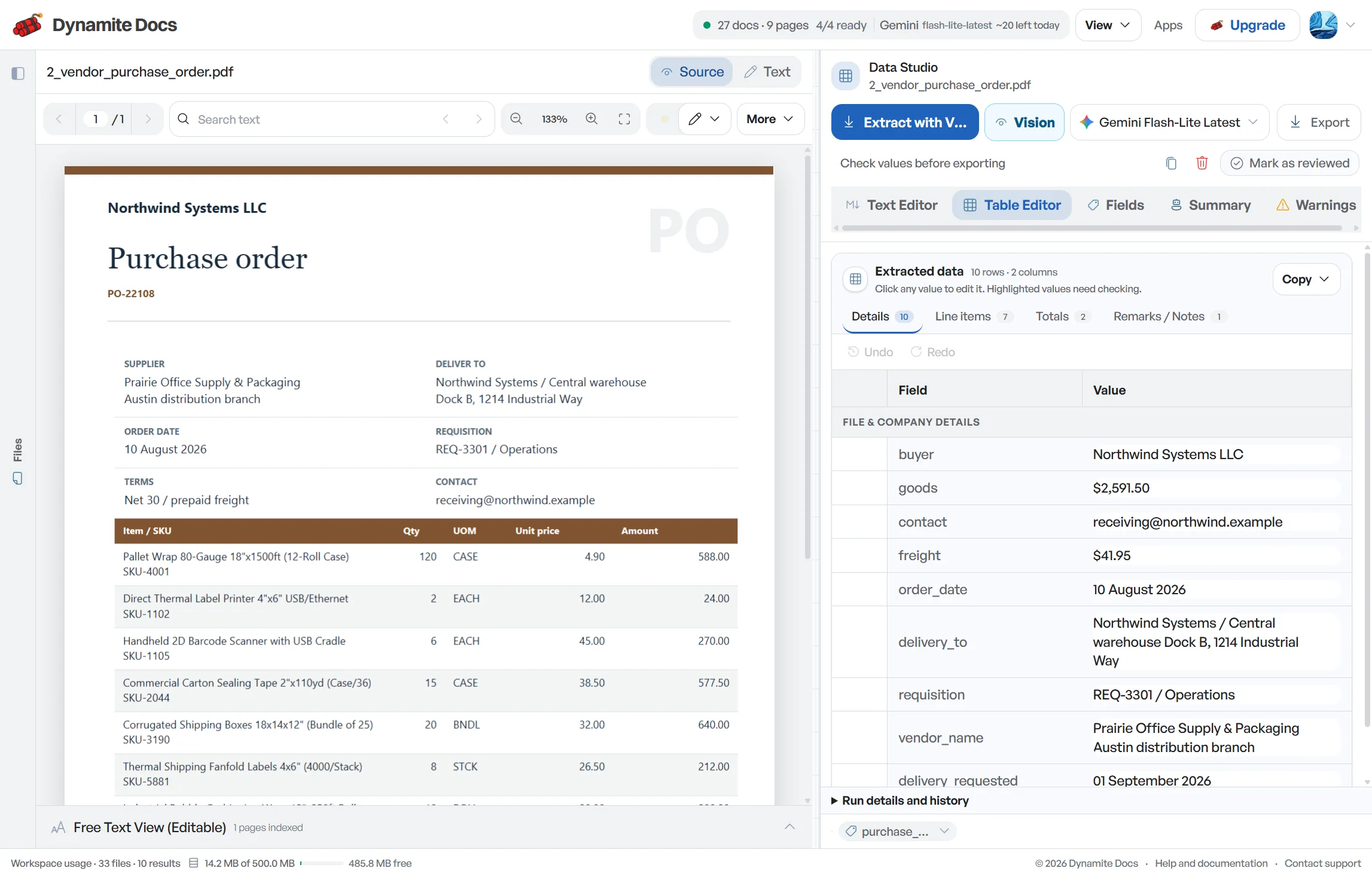
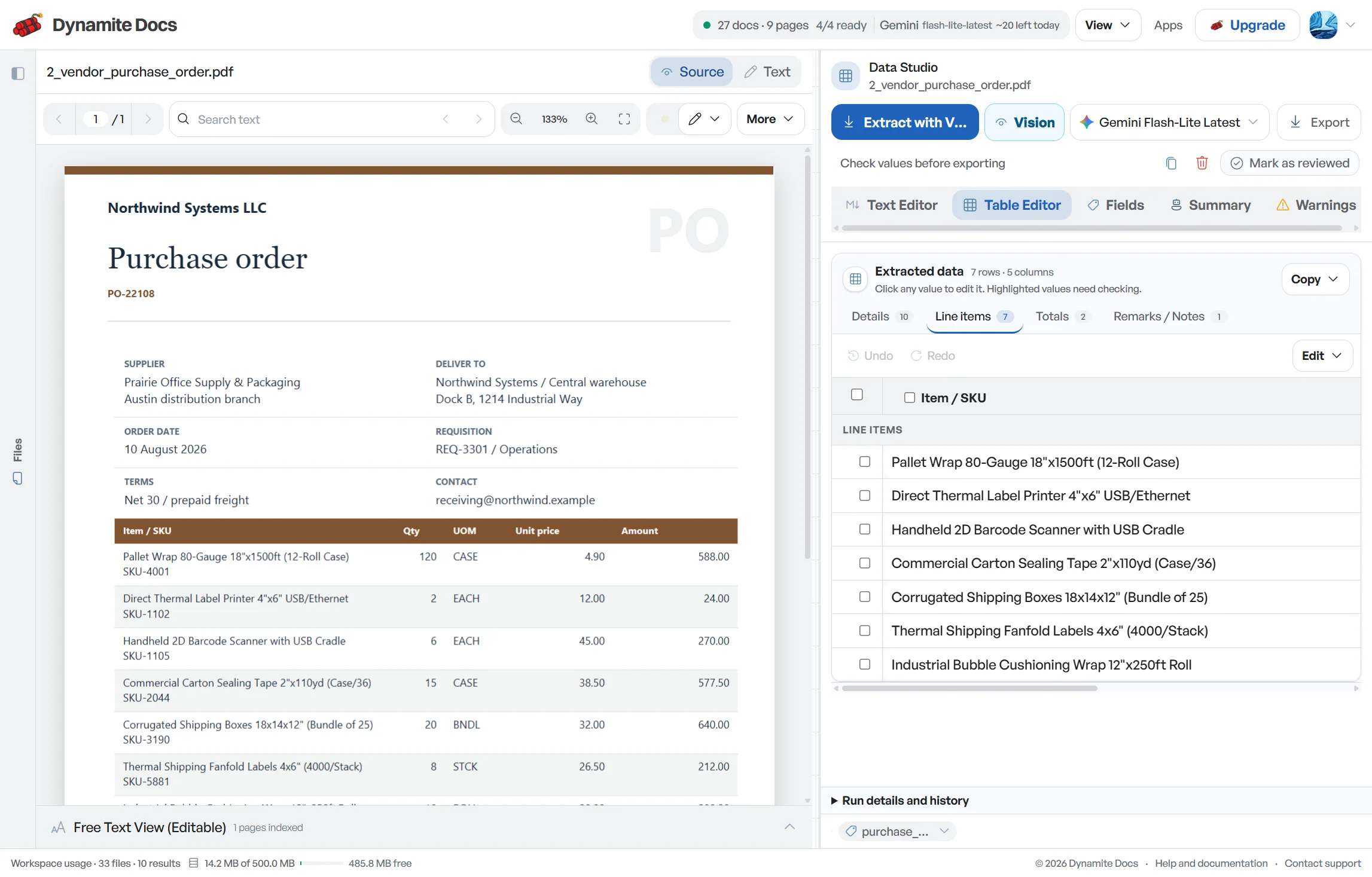
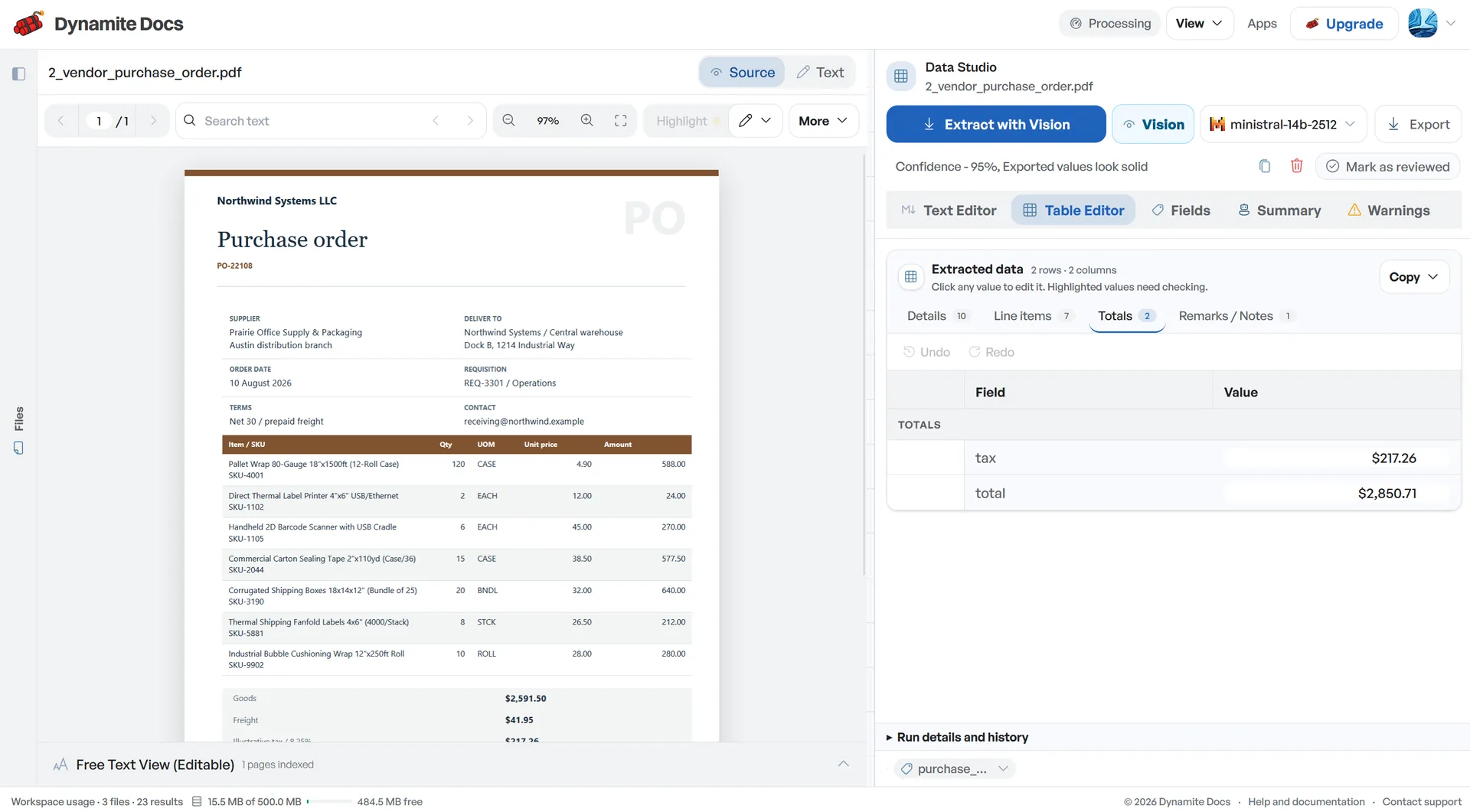
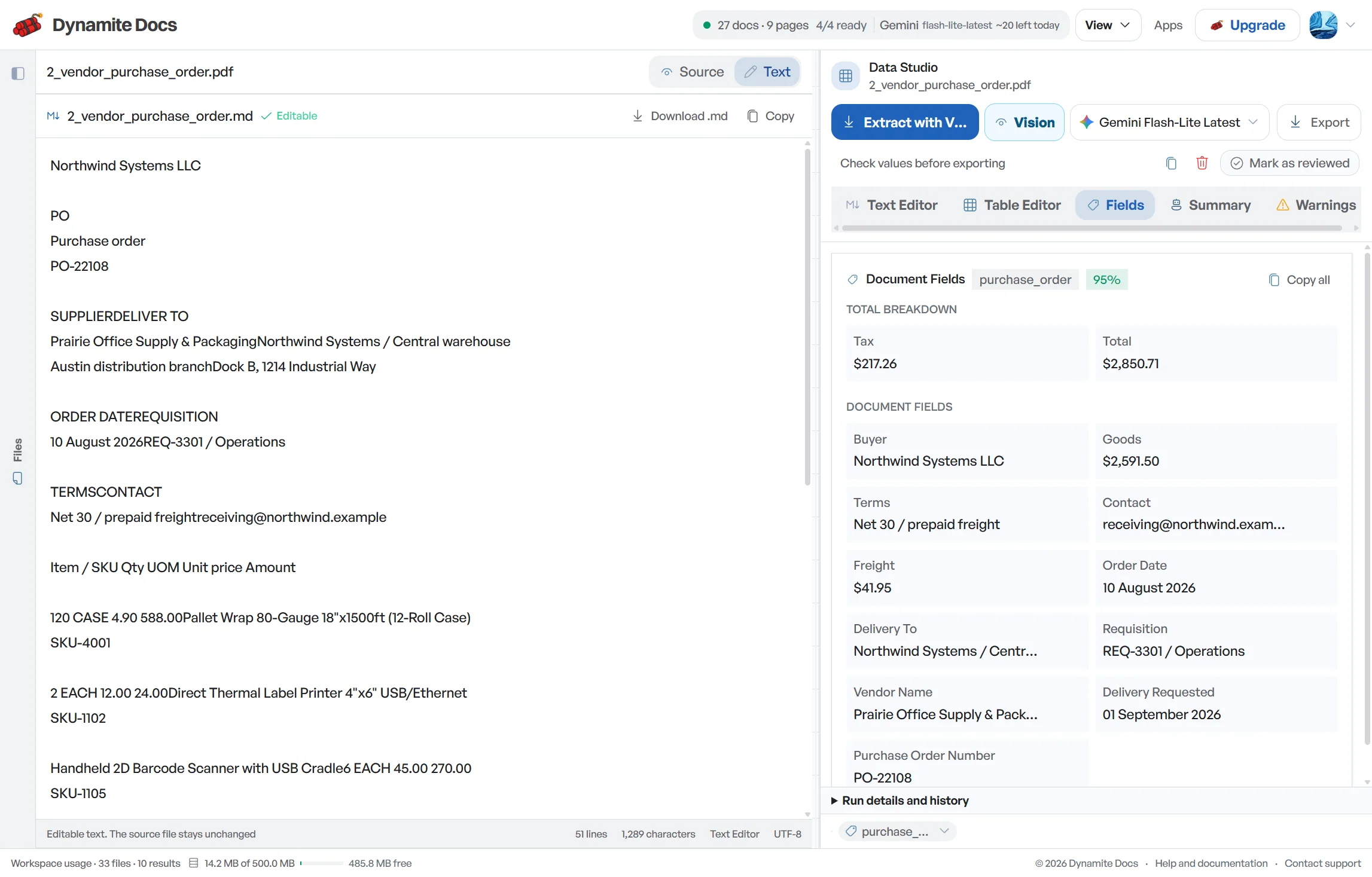
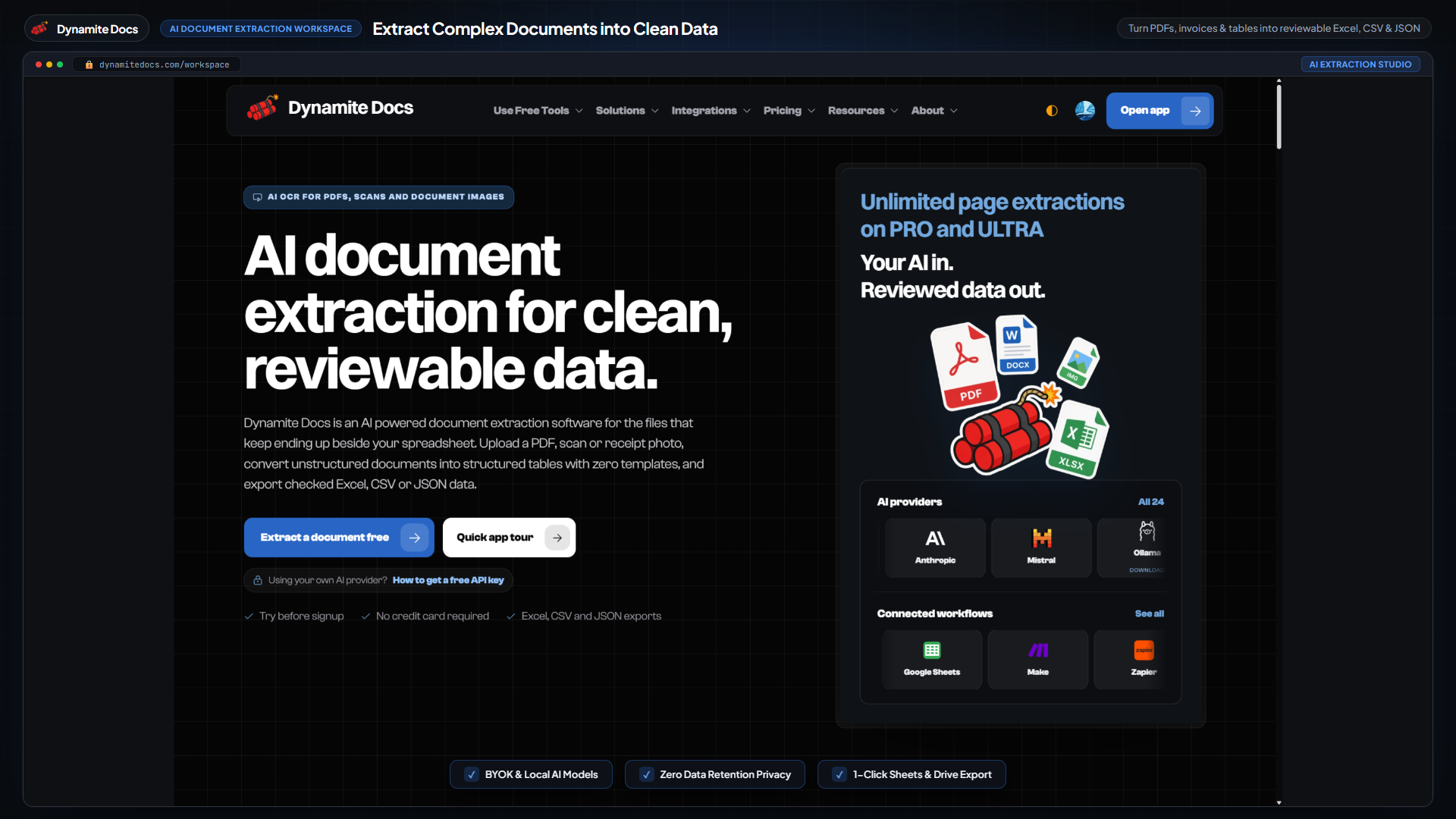
If you enter GST bills in BUSY, the slow part is usually getting clean source data before voucher entry. Dynamite Docs extracts party GSTINs, bill numbers, dates, HSN or SAC codes, line items, taxable values and GST splits into reviewable rows. Check those values against the invoice, then map them to the masters, units, voucher series and tax categories in your BUSY company. The workflow cuts retyping, but it does not create or post native BUSY vouchers.
Try a GST invoice or compare its storage, processing, and export limits.
Manual bill entry slows down BUSY bookkeeping
- [Purchase bills](/accounting/india/purchase-invoice-extraction) and sales invoices arrive with party details, GSTINs, HSN or SAC codes and tax splits that must be entered correctly.
- Email PDFs, paper scans and WhatsApp photos all use different layouts.
- One transposed GSTIN digit or swapped tax amount can create extra work during GST and ledger review.
- For an accounting team handling several companies, the same checks repeat across every client and voucher series.
Document types this workflow handles
- Purchase bills: supplier bills for goods and services
- Sales invoices: outward customer invoices
- Credit notes: reductions for product returns and discounts
- Debit notes: upward adjustments and supplementary billings
What gets extracted from an invoice
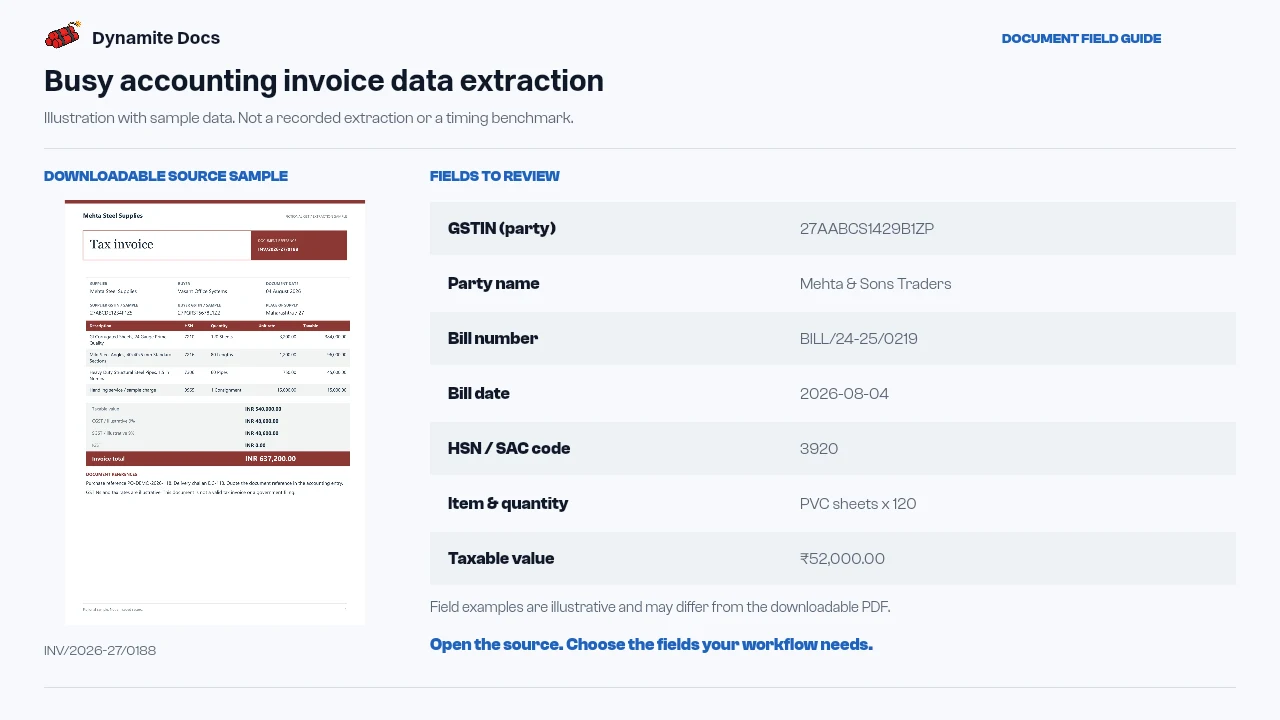
A typical BUSY invoice extraction includes the fields below:
- GSTIN (party): 27AABCS1429B1ZP
- Party name: Mehta & Sons Traders
- Bill number: BILL/24-25/0219
- Bill date: 2026-08-04
- HSN / SAC code: 3920
- Item & quantity: PVC sheets x 120
- Taxable value: ₹52,000.00
- CGST amount: ₹4,680.00
- SGST / IGST amount: ₹4,680.00 / ₹10,440.00
- Bill total (incl. tax): ₹61,360.00
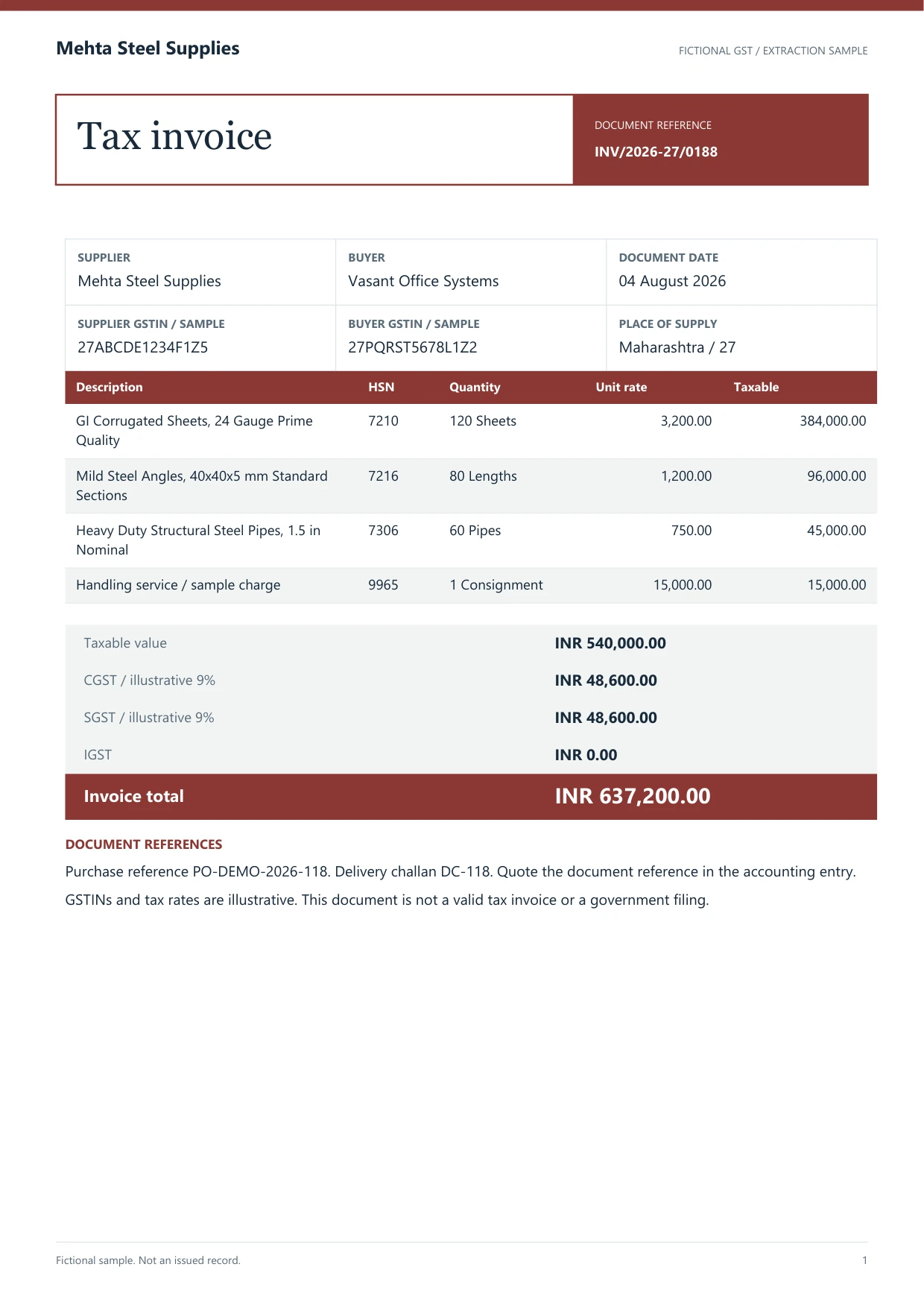
A realistic example
Sample data. Not a real invoice or filing record.
A reviewed batch can be exported as rows like these for your BUSY bookkeeping workflow:
| Bill # | Date | Party | GSTIN | HSN/SAC | Item | Qty | Taxable value | CGST | SGST | IGST | Total |
|---|---|---|---|---|---|---|---|---|---|---|---|
| BILL/24-25/0219 | 2026-08-04 | Mehta & Sons Traders | 27AABCS1429B1ZP | 3920 | PVC sheets | 120 | ₹52,000 | ₹4,680 | ₹4,680 | Not applicable | ₹61,360 |
| INV/24-25/0157 | 2026-08-06 | GreenLeaf Interiors | 07AAECU4471L1ZF | 8467 | Ceiling fan | 10 | ₹38,000 | Not applicable | Not applicable | ₹6,840 | ₹44,840 |
What to validate before export
Validation issue
Review party, item, tax, and voucher fields before BUSY entry.
Limitation
The product does not create or post BUSY vouchers.
Reviewed by Dynamite Docs content team. Last verified 2026-09-11.
Prepare reviewed invoice data for BUSY
Clean rows save time only when the handoff into BUSY is controlled. Export the reviewed invoice fields to Excel, CSV or JSON, then map those columns to the company's own import template or use them beside manual voucher entry.
Build that mapping around the masters already in the BUSY company. An invoice gives you party name, GSTIN, bill number, item text, HSN or SAC, quantity, rate, discount, taxable value and GST amounts. BUSY may also need an account or item master, unit, sale or purchase type, material centre, tax category and voucher series. Keep those identifiers in a reviewed mapping table. Do not create a new master just because one supplier used a different spelling.
Check document identity before voucher entry. Match the party GSTIN, preserve the full supplier bill number and keep the supplier date separate from the BUSY voucher date when the posting period differs. Send unmatched GSTINs, possible duplicates and dates outside the open period to an exception list. Changing the source fields until they fit the master data only hides the problem.
Choose how each line should be accounted for. A stocked product may need item, unit, quantity, rate, batch and material centre. A service bill may need an expense ledger and SAC context without a stock quantity. Keep freight, round-off, discounts and tax collected at source in separate fields instead of burying them in the description.
Test the first mapped bill in a non-production company or enter it manually. Compare taxable value, CGST and SGST or IGST, other charges and the final payable amount with the invoice. Confirm the expected purchase type and tax ledgers. Dynamite Docs extracts source data; it does not generate or post a native BUSY voucher.
Confidence scores help you choose where to look first, but the invoice remains the source of truth. Check that an intra-state bill has the expected CGST and SGST, an inter-state bill uses IGST, and every tax amount reconciles to the taxable value and final total.
Choose the model and review every bill
Every signed-in plan can connect a supported provider key. On Free and Hobby, own-key pages still use the monthly PE allowance. Pro and Ultra own-key runs use 0 PE, though provider charges and file limits still apply.
A digital PDF may provide embedded text. Scans and photos need visual extraction. Dense tables and weak print can trip up either path, so both need source review.
Saved corrections can help with a supplier layout you see often. Bill numbers, dates, totals and tax splits still change on every document and still need checking.
Questions, answered
Does Dynamite Docs connect directly to Busy accounting software?
No. Dynamite Docs exports reviewed invoice data as Excel, CSV or JSON rows. Map those columns to your BUSY import template, or keep them beside the source during voucher entry.
Does it handle both purchase bills and sales invoices?
Yes. Purchase bills and sales invoices use the same reviewed schema, with the document type kept as a separate field.
Does it separate CGST, SGST, and IGST tax amounts?
Yes. Taxable value, CGST, SGST, IGST and the bill total appear in separate columns. Check each amount against the source before voucher entry.
Can I export bills to Excel, CSV, or JSON?
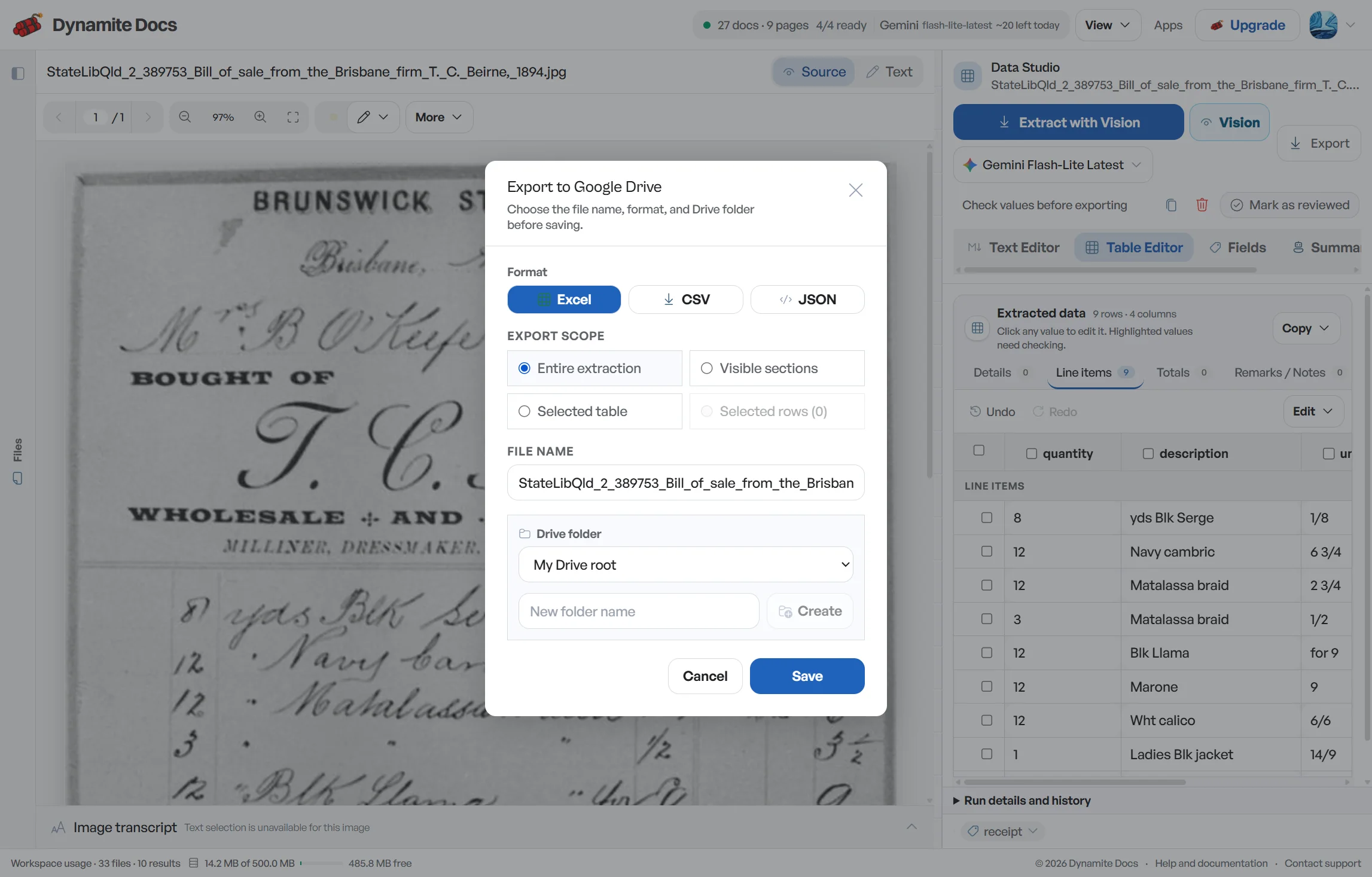
Yes. You can export reviewed extractions to Excel, CSV, JSON, or Google Sheets.
Related document workflows
Related extraction articles
Open the document extraction workspace, no credit card required.