GST invoice to Excel with human review
By Dynamite Docs. Published . Updated .
Turn GST invoices into clean, reviewed data for Excel and Tally.
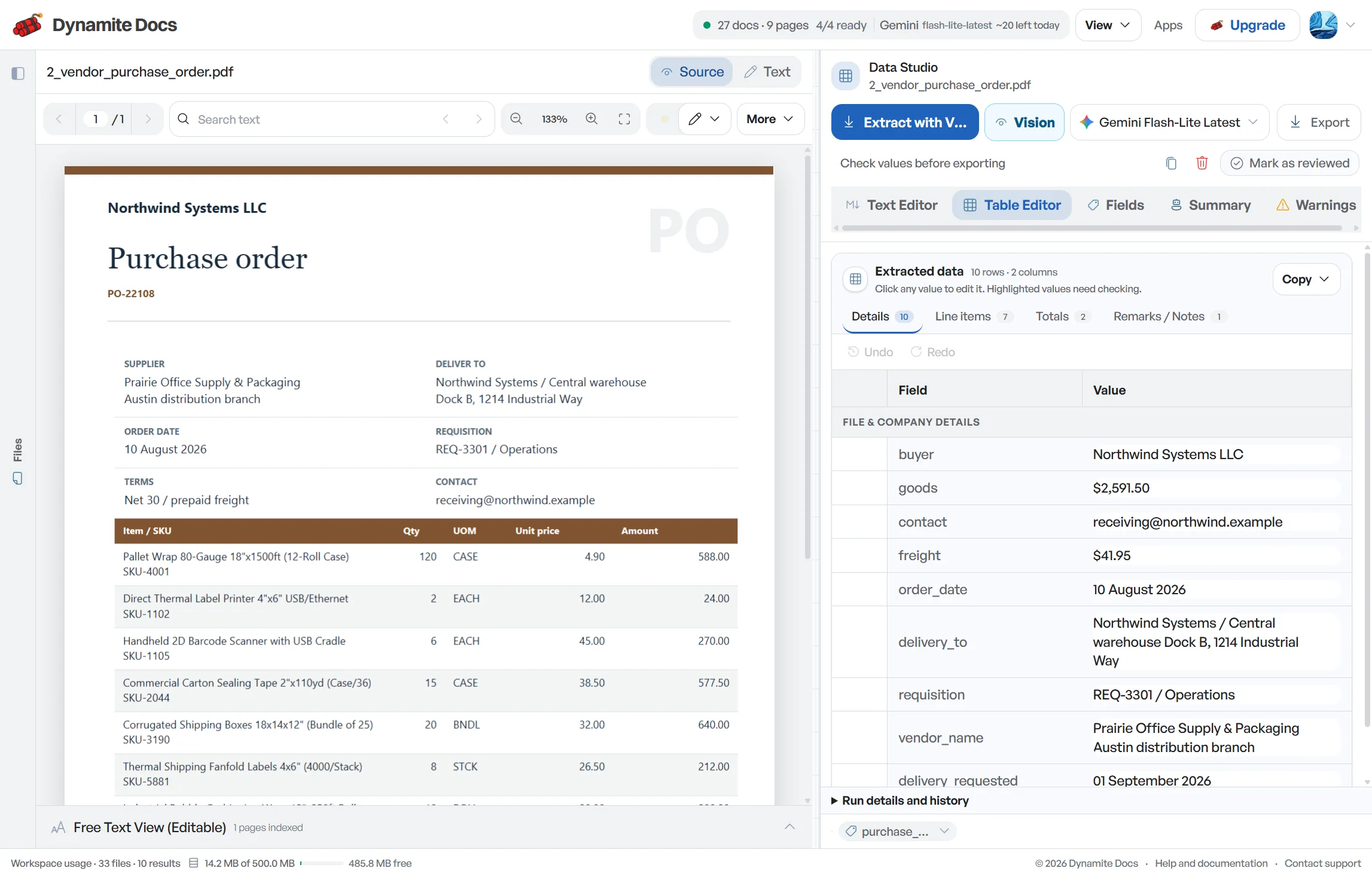
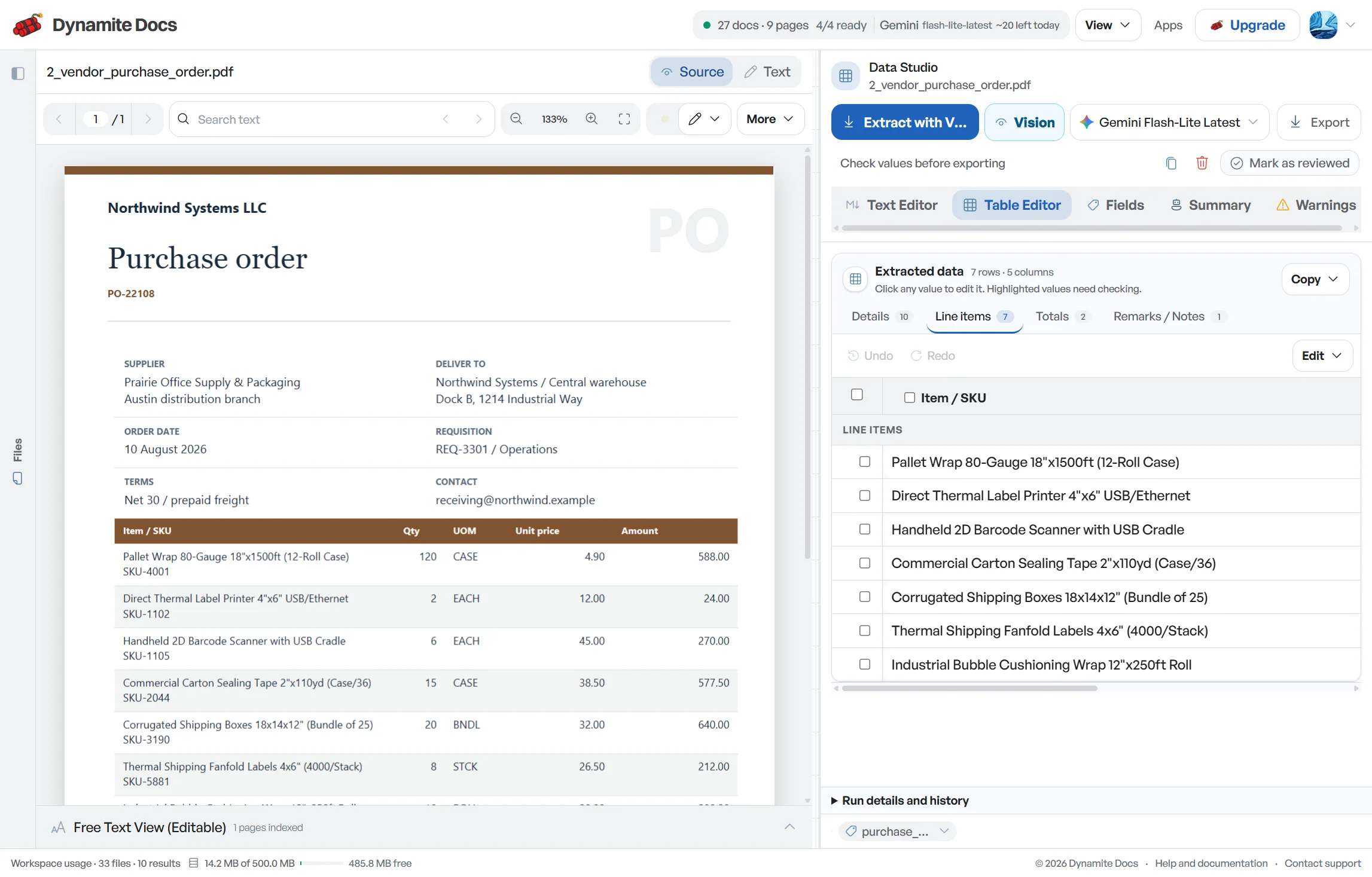
Converting a GST invoice to Excel is useful only when the workbook preserves both invoice-level fields and repeating item rows. Dynamite Docs proposes GSTINs, document references, HSN or SAC, taxable [values and tax components](/accounting/india/gst-invoice-fields-extraction), then lets a reviewer compare them with the PDF or image before export. XLSX can keep document fields and line items in separate sheets; CSV is flatter. Either way, confirm the destination’s column names, date format, amount signs and import rules before treating the file as accounting-ready.
Try a GST invoice or compare its storage, processing, and export limits.
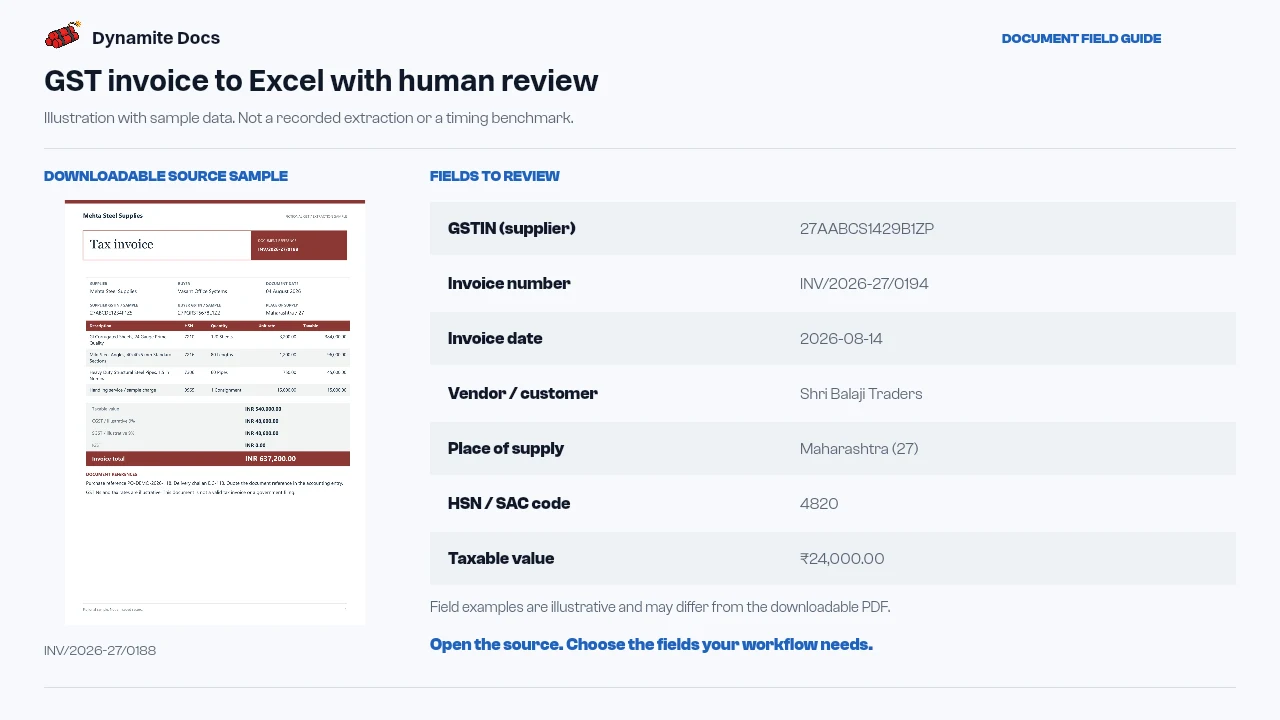
Manual entry into Excel is repetitive and error prone
- Typing invoice details into Excel means reading the GSTIN, HSN/SAC, taxable value, and tax breakdown for every bill. Doing that for a hundred invoices takes days of focused effort.
- Invoices from different vendors use different column orders unless someone standardizes them by hand.
- CSV files can sometimes display garbled text if character encoding is missing. Dynamite Docs includes proper encoding so Indian rupee symbols and vendor names open cleanly in Excel.
- Spreadsheets serve as the bridge to your accounting software, making accurate column extraction essential.
Document types this workflow handles
- GST invoice PDFs: digital supplier invoices converted to XLSX
- Scanned invoice copies: scans and mobile photos read via visual OCR
- Credit & debit notes: adjustments extracted as separate rows
- E-way bills: transport records alongside purchase invoices
What lands in the workbook columns
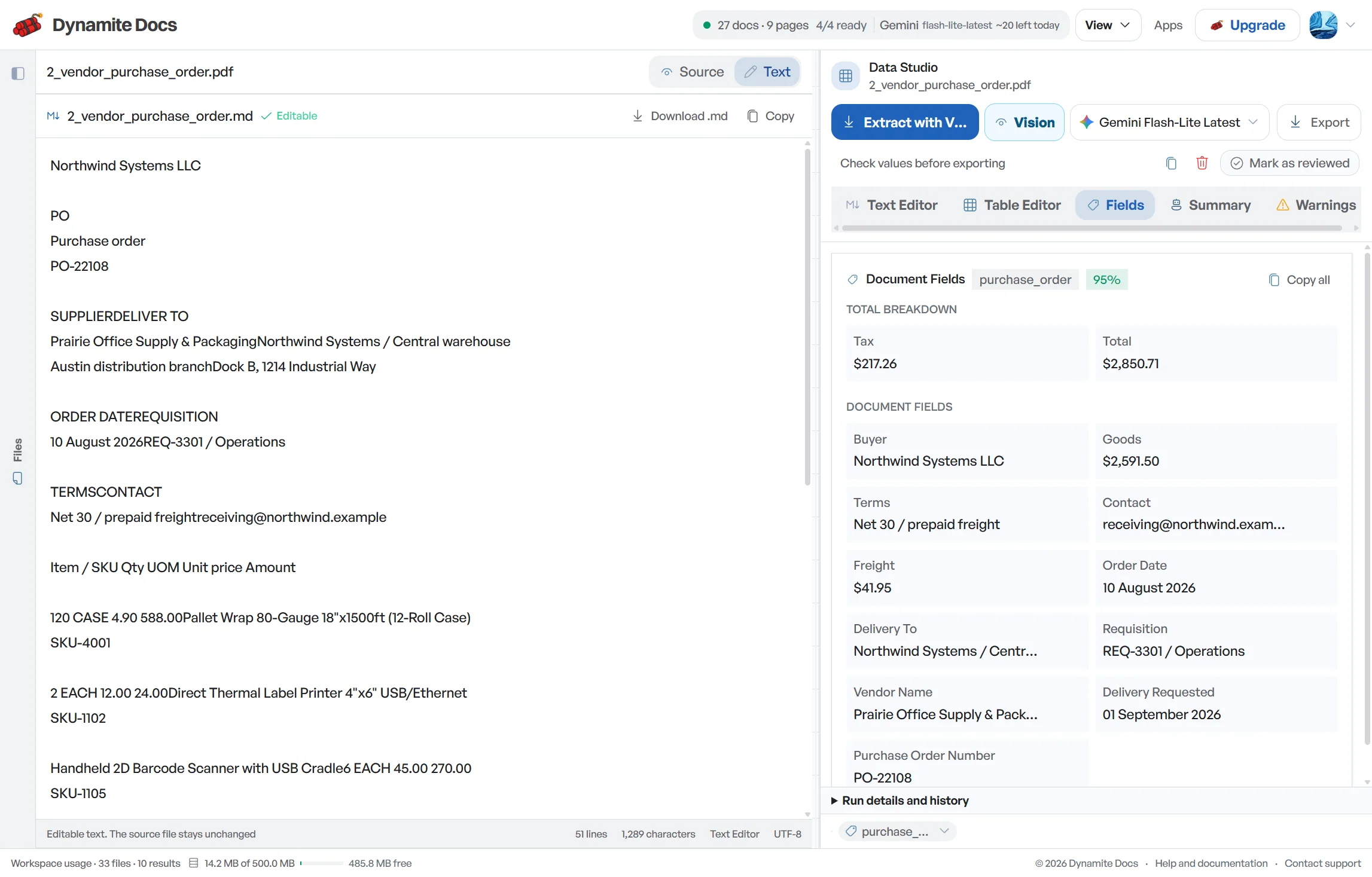
Each invoice becomes a row with standardized columns across every vendor in the batch:
- GSTIN (supplier): 27AABCS1429B1ZP
- Invoice number: INV/2026-27/0194
- Invoice date: 2026-08-14
- Vendor / customer: Shri Balaji Traders
- Place of supply: Maharashtra (27)
- HSN / SAC code: 4820
- Taxable value: ₹24,000.00
- CGST (rate · amount): 9% · ₹2,160.00
- SGST (rate · amount): 9% · ₹2,160.00
- Invoice total (incl. tax): ₹28,320.00
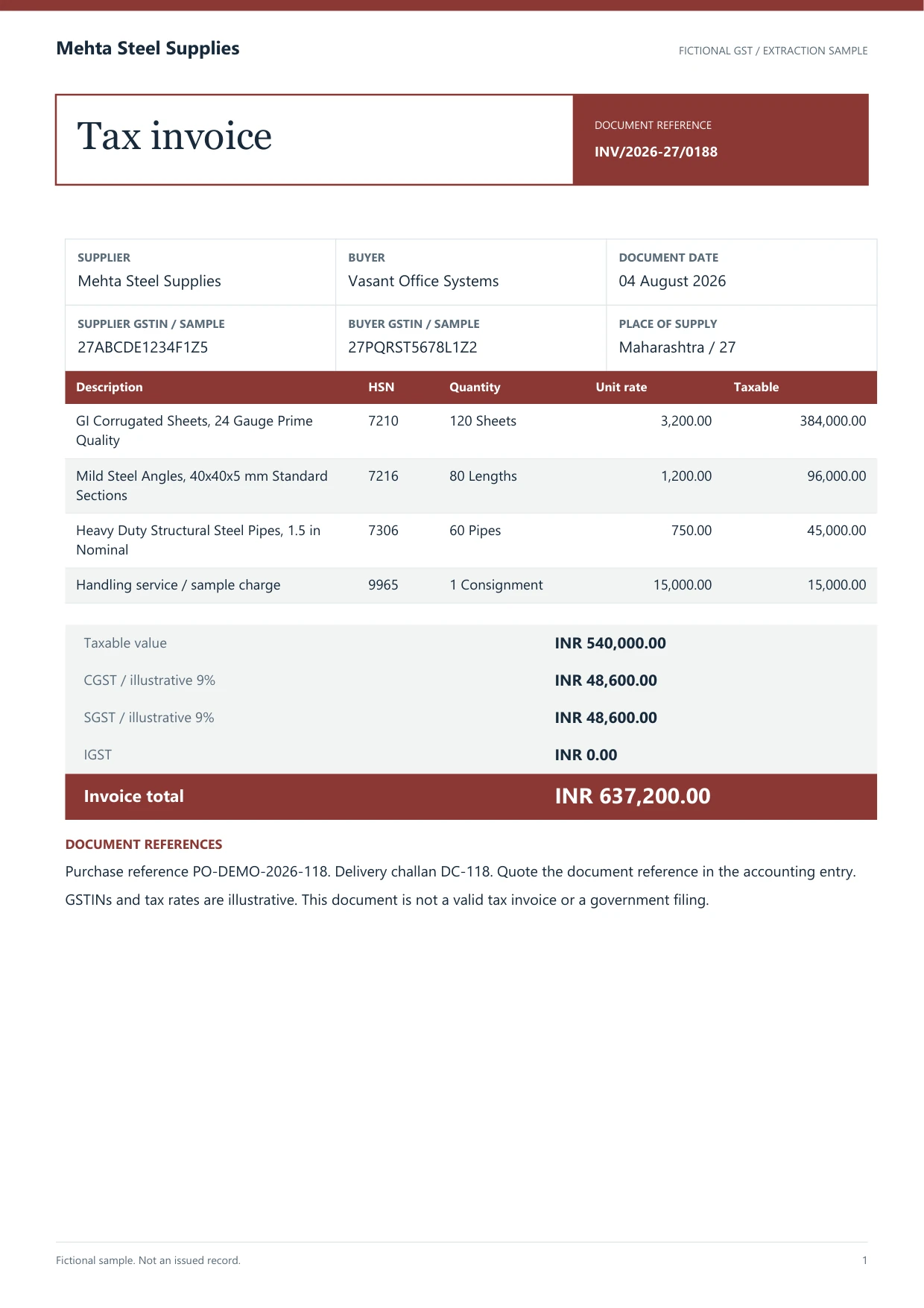
A realistic example
Sample data. Not a real invoice or filing record.
A reviewed invoice extraction exports with rows like these, ready for accounting import:
| Invoice # | Date | Vendor | GSTIN | HSN/SAC | Item | Taxable value | CGST | SGST | IGST | Total |
|---|---|---|---|---|---|---|---|---|---|---|
| INV/2026-27/0194 | 2026-08-14 | Shri Balaji Traders | 27AABCS1429B1ZP | 4820 | A4 copier paper | ₹24,000 | ₹2,160 | ₹2,160 | Not applicable | ₹28,320 |
| INV/2026-27/0196 | 2026-08-15 | Kaveri Engineering Co. | 33AABCC3456C1ZD | 8467 | Rotary hammer | ₹1,86,000 | Not applicable | Not applicable | ₹33,480 | ₹2,19,480 |
| DN-0031 | 2026-08-16 | Mehta Steel Supplies | 27AABCT1429P1ZM | 7210 | Debit note (returns) | ₹12,000 | ₹1,080 | ₹1,080 | Not applicable | ₹14,160 |
What to validate before export
Validation issue
Check column types and tax totals before using the workbook downstream.
Limitation
The workbook is not formatted or validated for direct GST Portal filing.
Reviewed by Dynamite Docs content team. Last verified 2026-09-11.
Standardized Excel output for smooth bookkeeping
Design the workbook around its next use. A purchase register may need one row per invoice, while item analysis needs one row per line. Repeating invoice totals on every item row can cause double counting, so keep document fields in a separate sheet or make the relationship explicit with a stable invoice key.
Store identifiers as text. GSTINs, invoice numbers, HSN or SAC codes and references can contain letters, slashes or leading zeros. Excel may convert date-like invoice numbers or long codes unless the export and the receiving workbook preserve their type. Review the cell value, not only what the screen displays.
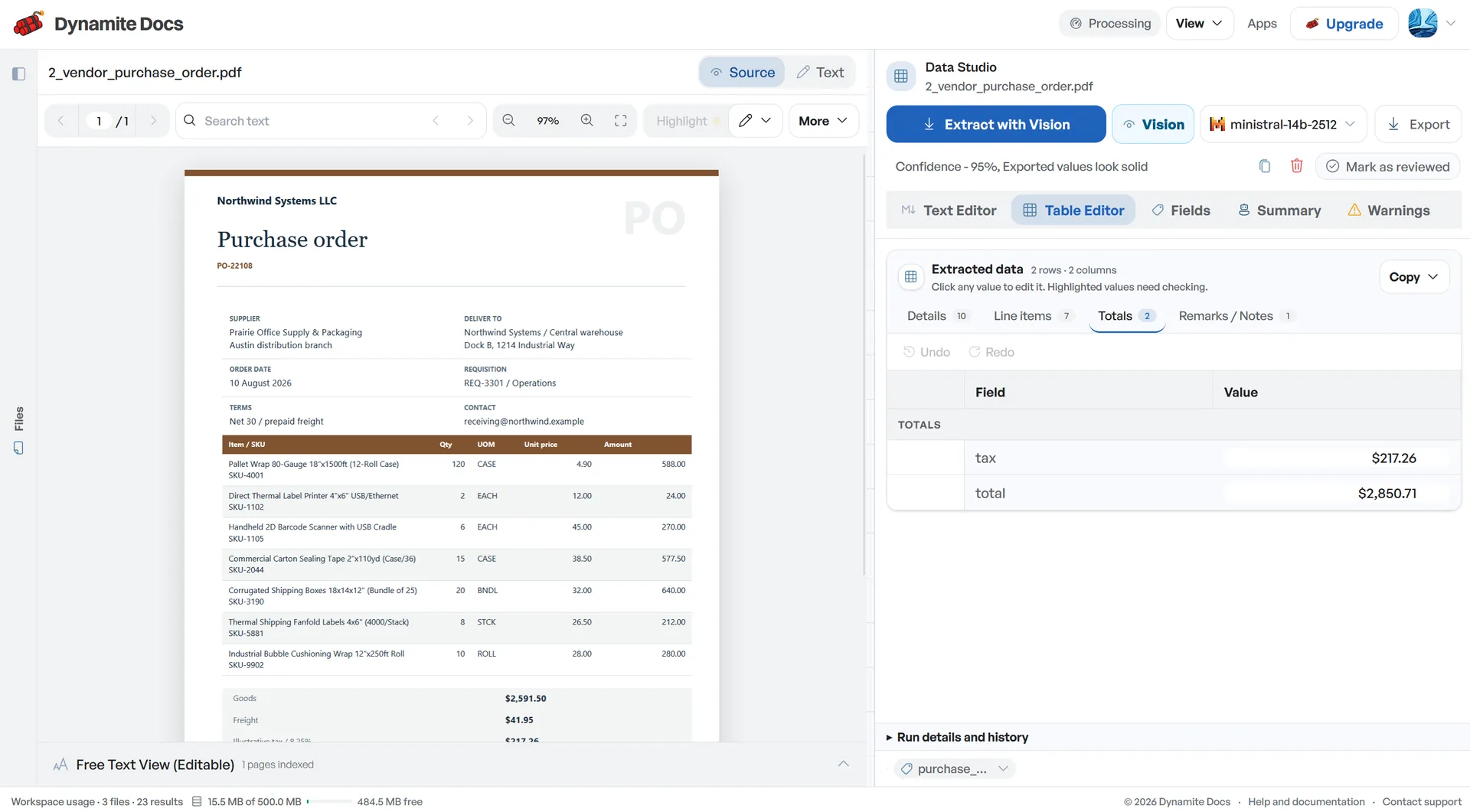
Keep taxable value, each tax component, cess, discount, freight, rounding and invoice total in distinct columns when the source shows them. Recalculate the visible arithmetic before export. If the workbook does not tie out, record the exception rather than changing a source amount to make the total look clean.
Intra-state documents commonly show CGST with SGST or UTGST, while inter-state documents commonly show IGST. The spreadsheet should preserve what the invoice prints and provide the place-of-supply context needed for review. It does not decide whether the treatment or input tax credit is valid.
Credit notes and debit notes need a document-type column and, when present, the original-invoice reference. Preserve their sign and do not mix them with ordinary invoices merely because the columns match. The accounting import can then apply its own posting rules.
Before importing, test a small reviewed file in a non-production or draft workflow. Map supplier, invoice number, date, currency, taxable amount and tax columns, then inspect the result in the accounting software. A valid XLSX workbook is not the same thing as a valid Tally, Busy or ERP import template.
Dynamite Docs prepares reviewed Excel data. Your finance or tax professional remains responsible for vendor checks, account mapping, tax treatment, reconciliation, return preparation and filing.
Reliable spreadsheet conversion with model freedom
Excel retains reviewed numeric cells and workbook sheets, while CSV provides one flat table. Check identifiers, date formats and decimal values after opening the download in the software that will use it.
A digital PDF may provide machine-readable text. Scans and photos need a vision-capable model. Both source types still need field and row review before export.
Your supplier preferences and column adjustments remain saved in your private workspace for future batches.
Questions, answered
Does the exported Excel file display rupee symbols and Hindi text correctly?
Yes. XLSX files use standard Excel formatting, and CSV exports include a UTF-8 byte-order mark (BOM) so rupee symbols and Indian text render cleanly.
Can I also export to CSV, JSON, or Google Sheets?
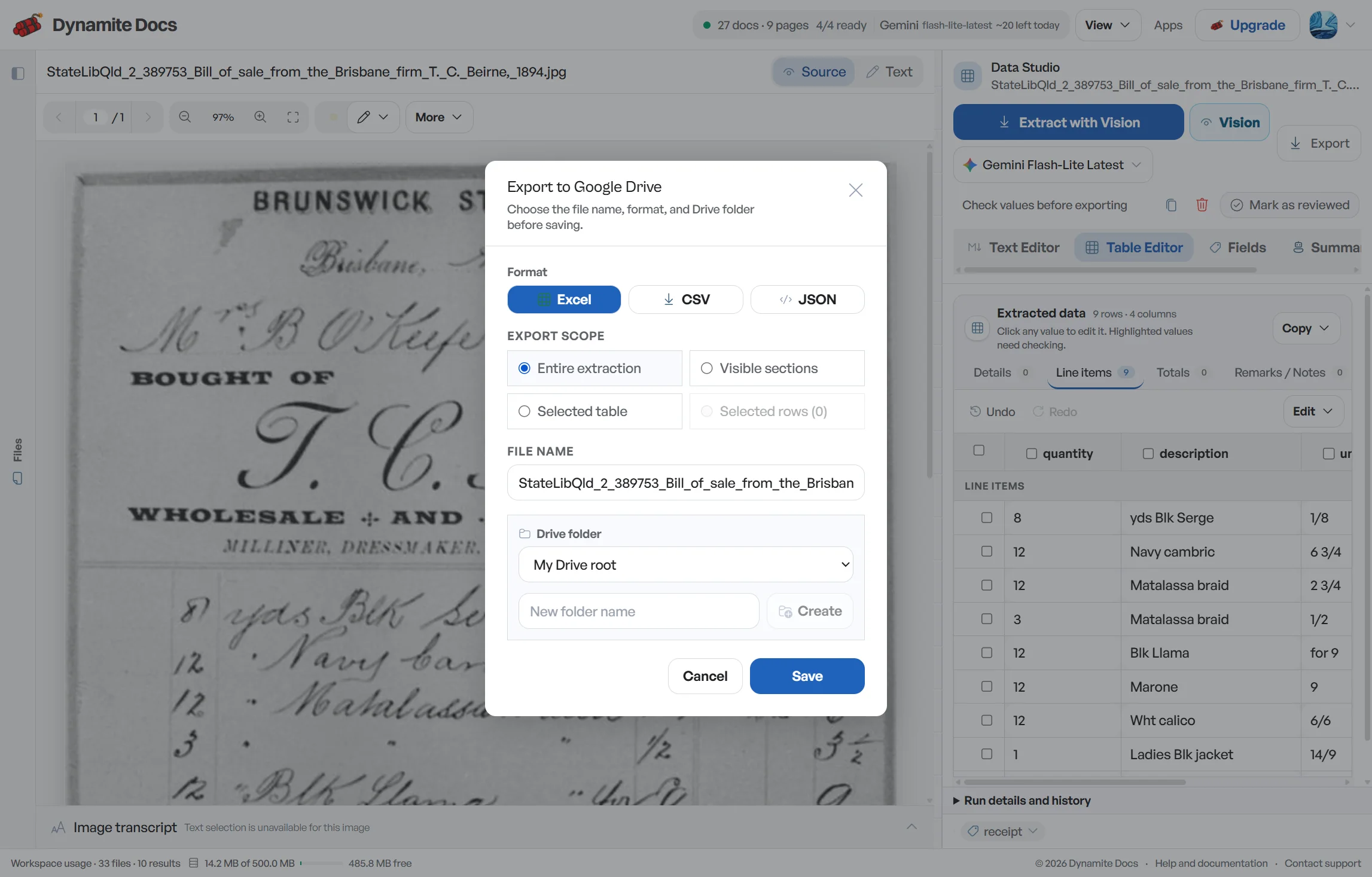
Yes. In addition to Excel XLSX files, you can export your data as CSV or JSON, or push records directly to Google Sheets.
Can I import the exported spreadsheet into Tally?
You can map the reviewed columns into a Tally import template or another accounting workflow. Dynamite Docs does not post vouchers directly, so test the mapping and required fields in your Tally setup before a production import.
How are multi-item invoices represented in Excel?
Individual line items are extracted into separate spreadsheet rows with their respective quantities, unit prices, and HSN/SAC codes, while invoice totals remain consistent.
Related document workflows
Related extraction articles
Open the document extraction workspace, no credit card required.