Tally invoice data extraction
By Dynamite Docs. Published . Updated .
Turn GST invoices into clean, reviewed data for Excel and Tally.
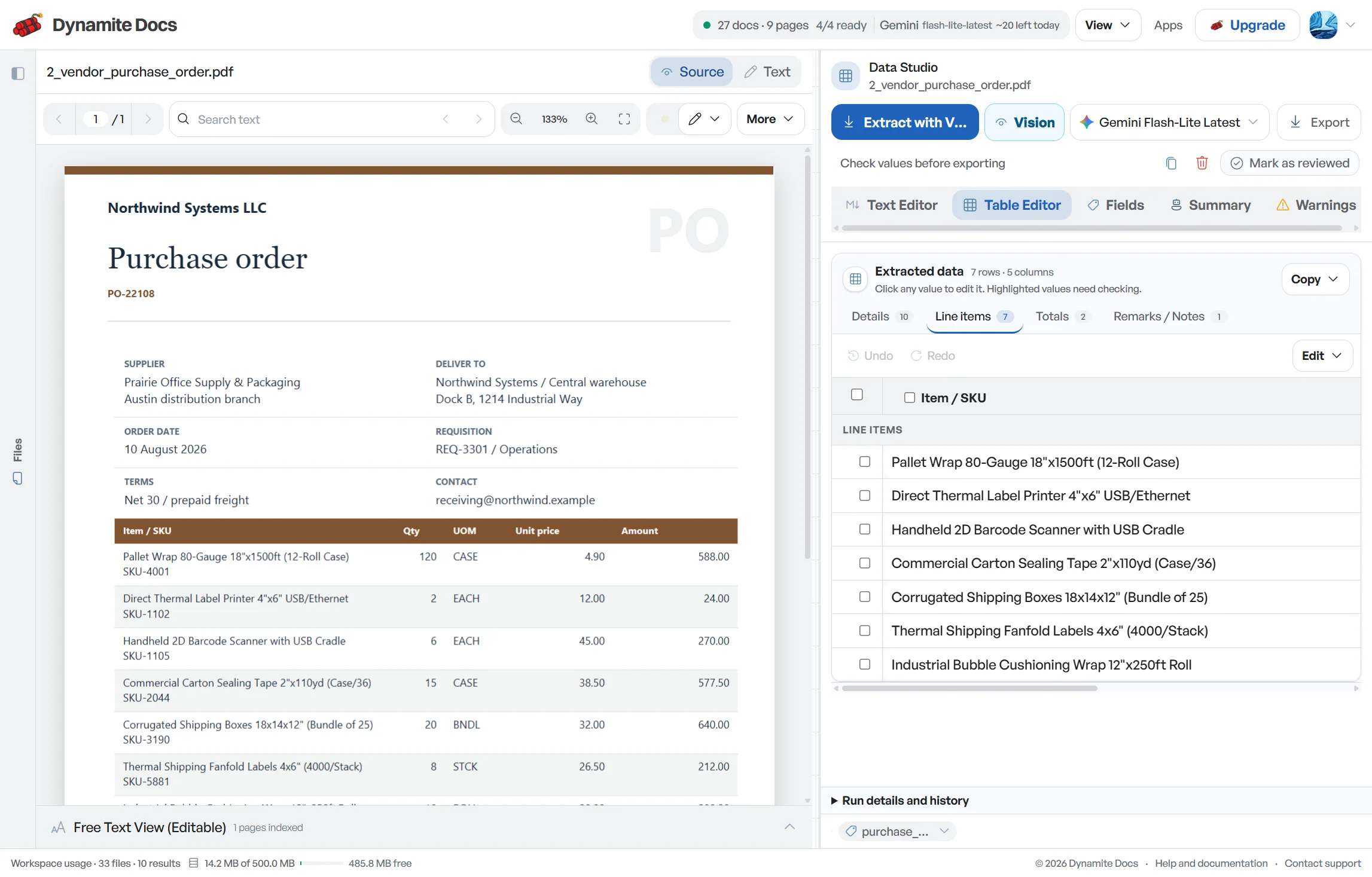
Tally invoice data extraction prepares source rows for voucher mapping; it does not post vouchers. Dynamite Docs proposes party names, GSTINs, [invoice](/accounting/india/gst-invoice-data-extraction) references, HSN or SAC, line items, taxable values and tax components from supplier or customer invoices. Review the fields beside each source, then map them to the party ledgers, voucher types, stock items, units, cost centres and tax ledgers defined in your Tally company. Export CSV, JSON or Excel only after the invoice arithmetic and mapping keys have been checked.
Try a GST invoice or compare its storage, processing, and export limits.
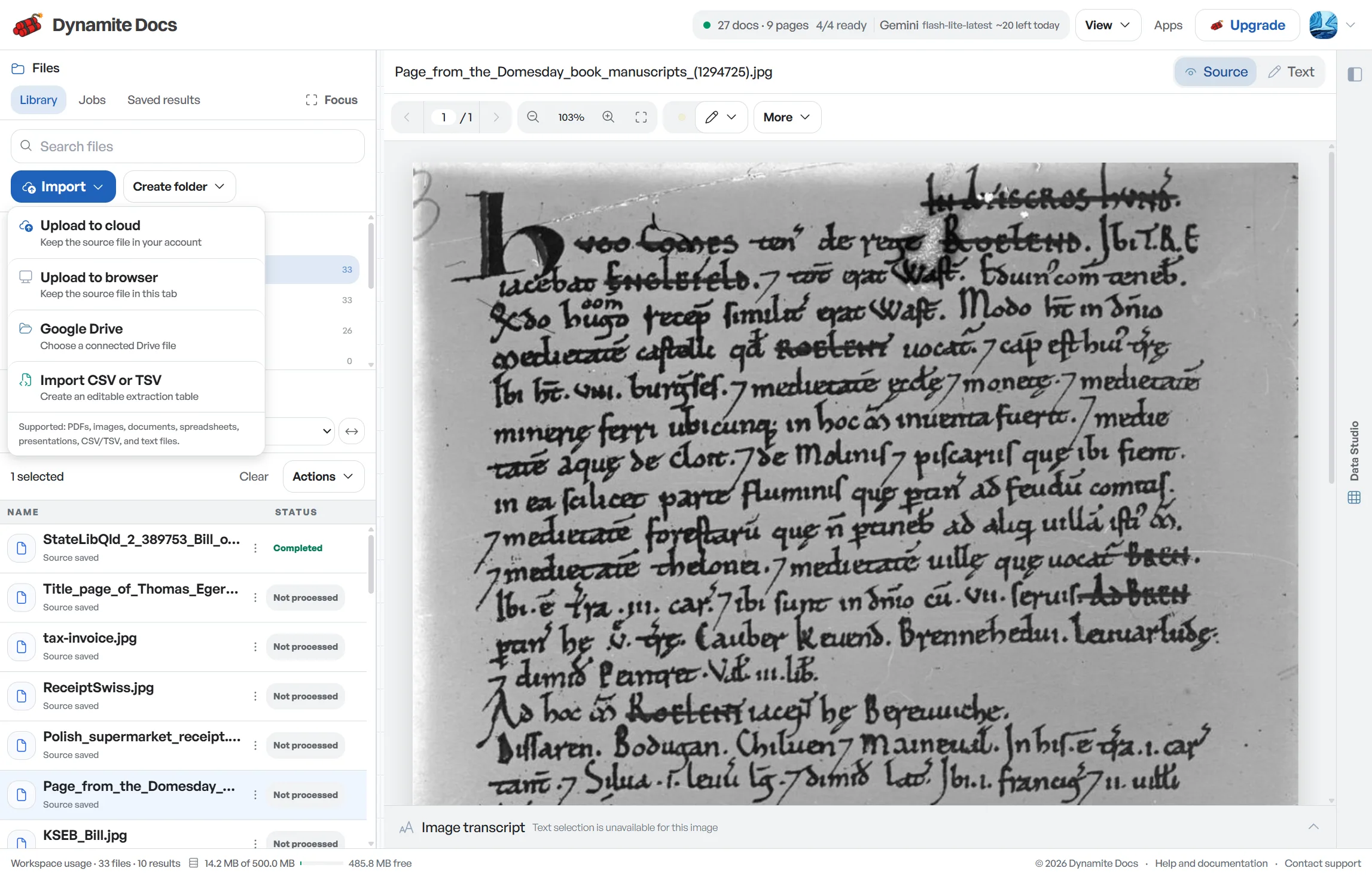
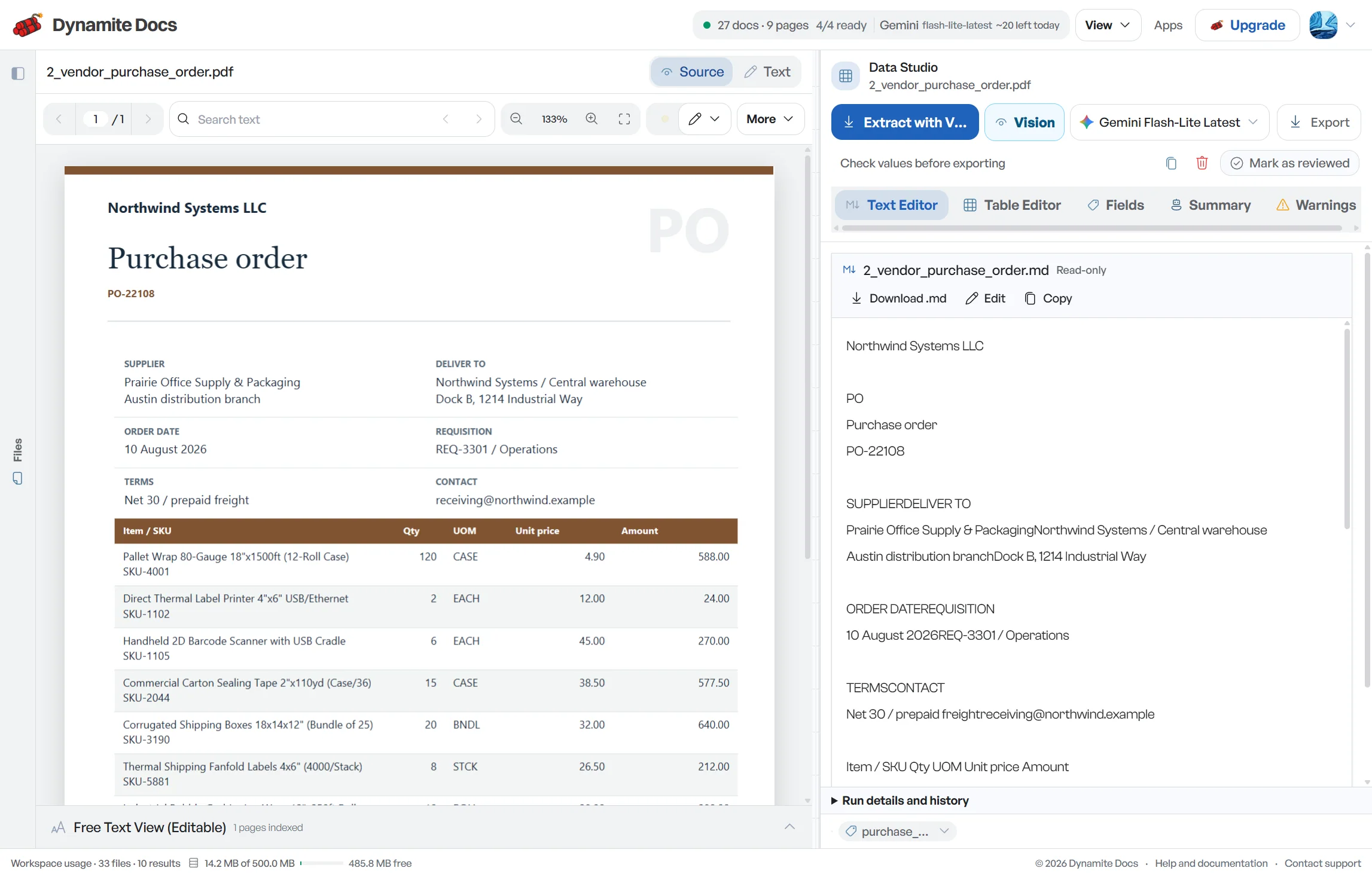
Manual invoice data entry slows down Tally bookkeeping
- Every [purchase invoice](/accounting/india/purchase-invoice-extraction) or sales invoice must be entered into Tally with party names, GSTINs, HSN/SAC codes, and tax breakdowns.
- Invoices arrive in various layouts, requiring accountants to locate the same fields in different corners of each page.
- Mistyping a GSTIN or swapping CGST and SGST amounts creates ledger errors that take time to trace.
- Manual data entry takes time away from financial analysis, advisory work, and client communication.
Document types this workflow handles
- Sales invoices: outward GST invoices to customers
- Purchase invoices: vendor bills for goods and services
- Credit notes: reductions for returns and adjustments
- Debit notes: upward price adjustments and supplementary charges
What gets extracted from a GST invoice
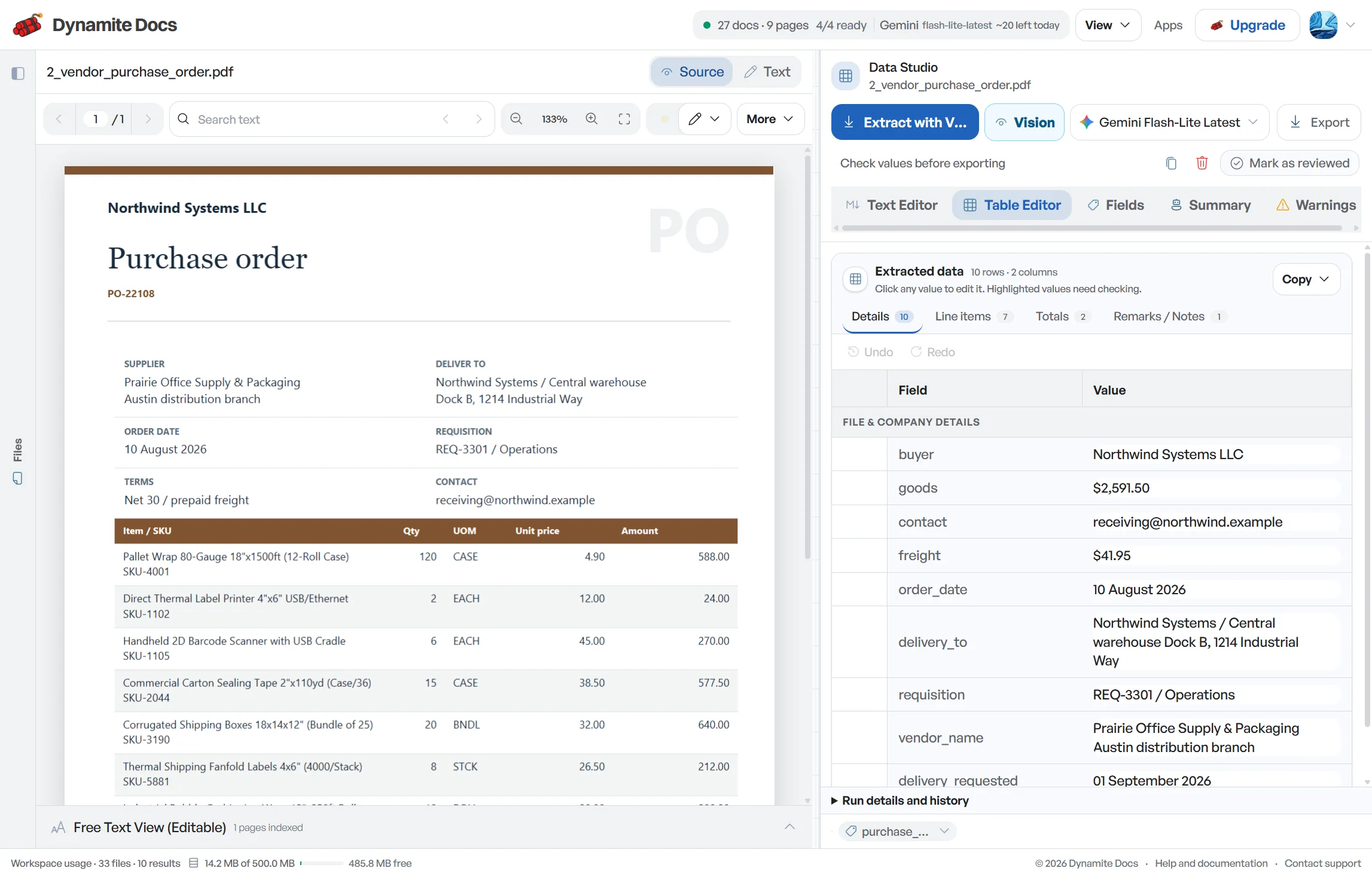
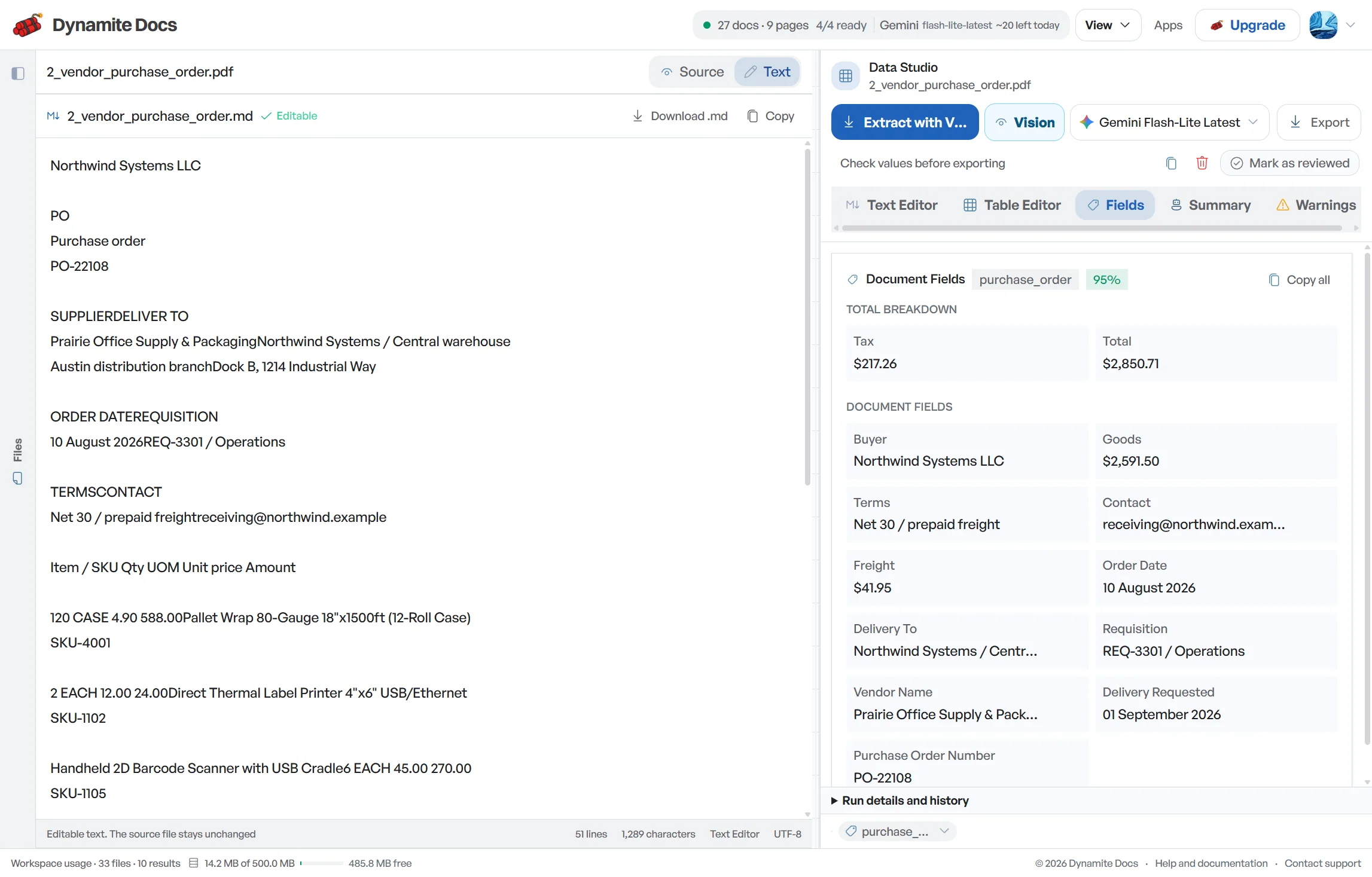
Fields are recognized from each invoice structure. A typical extraction provides:
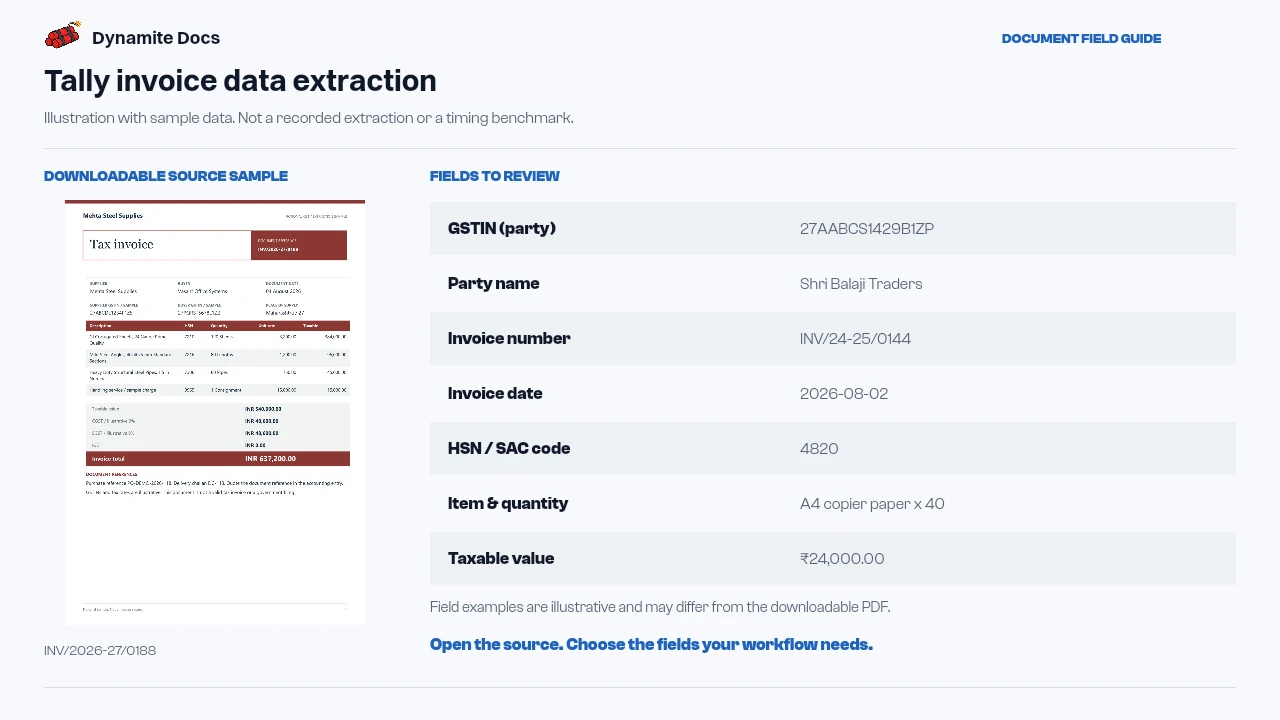
- GSTIN (party): 27AABCS1429B1ZP
- Party name: Shri Balaji Traders
- Invoice number: INV/24-25/0144
- Invoice date: 2026-08-02
- HSN / SAC code: 4820
- Item & quantity: A4 copier paper x 40
- Taxable value: ₹24,000.00
- CGST amount: ₹2,160.00
- SGST / IGST amount: ₹2,160.00 / ₹33,480.00
- Invoice total (incl. tax): ₹28,320.00
A realistic example
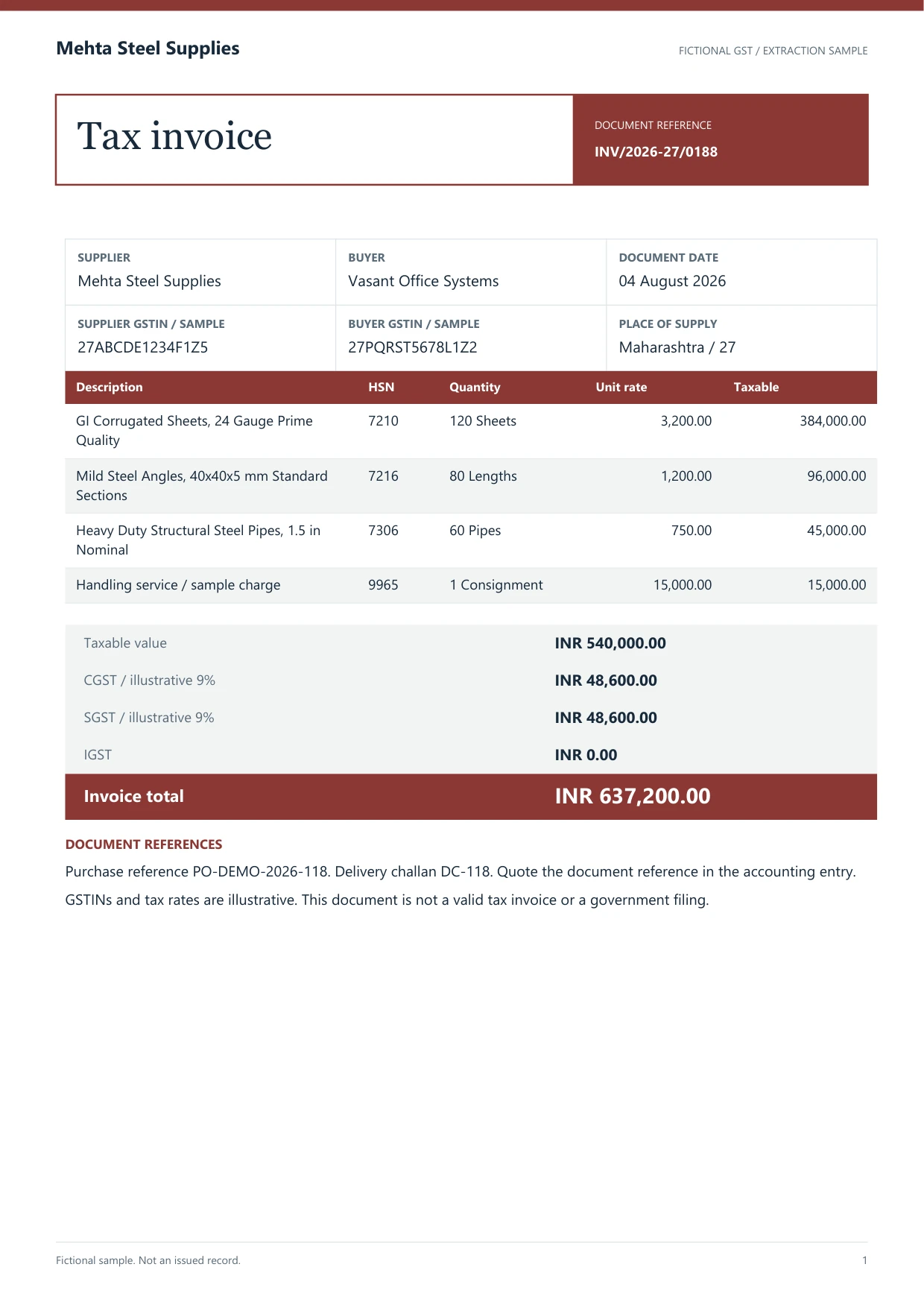
Sample data. Not a real invoice or filing record.
A batch of GST invoices extracts into organized rows like these, ready for review and accounting export:
| Invoice # | Date | Party | GSTIN | HSN/SAC | Item | Qty | Taxable value | CGST | SGST | IGST | Total |
|---|---|---|---|---|---|---|---|---|---|---|---|
| INV/24-25/0144 | 2026-08-02 | Shri Balaji Traders | 27AABCS1429B1ZP | 4820 | A4 copier paper | 40 | ₹24,000 | ₹2,160 | ₹2,160 | Not applicable | ₹28,320 |
| INV/24-25/0145 | 2026-08-03 | Kaveri Engineering Co. | 33AABCC3456C1ZD | 8467 | Rotary hammer | 6 | ₹1,86,000 | Not applicable | Not applicable | ₹33,480 | ₹2,19,480 |
What to validate before export
Validation issue
Verify ledger mapping inputs, tax split, and voucher totals before entry.
Limitation
The product does not create or post Tally vouchers.
Reviewed by Dynamite Docs content team. Last verified 2026-09-11.
Structuring invoice data for accounting voucher entry
Entering invoices into Tally begins with having the party details, GSTINs, HSN/SAC codes, and tax amounts clearly organized. Extracting this data directly from invoices into a structured spreadsheet eliminates the need to retype numbers line by line.
Dynamite Docs exports clean, standardized columns in Excel, CSV, or JSON. You can map these columns to your specific Tally XML or Excel import format, or use them as a structured reference during manual voucher entry.
Treat extraction columns and Tally voucher fields as two different schemas. The source invoice can state a supplier name, GSTIN, invoice number, line description, HSN or SAC code, quantity, rate, taxable value, and tax split. A Tally company may require a particular party ledger, purchase ledger, stock item, unit, cost centre, voucher type, tax ledger, and bill-wise reference. Those Tally names belong to the company configuration, so they should come from an approved mapping table instead of an AI guess.
Start the mapping with voucher identity. Preserve the supplier invoice number exactly, including slashes, leading zeros, and financial-year prefixes. Decide which date becomes the voucher date and which remains the supplier document date. Match the supplier GSTIN to one approved party ledger. If there is no match, route the row for master-data review. Creating a near-duplicate party name is harder to repair than pausing one voucher.
Map each invoice line only after its accounting treatment is known. Goods may require a stock item and unit, while a service bill may post directly to an expense or purchase ledger. Freight, discounts, round-off, withholding, and reverse-charge amounts should not be forced into the item description. Give them dedicated columns so the import template can place them in the expected ledger entries.
Before entry, tie the mapped voucher back to the source. Sum taxable lines, apply the extracted CGST and SGST or IGST amounts, include other charges, and compare the result with the invoice total. Then inspect debit and credit orientation in a test company or a draft import. Dynamite Docs produces the reviewed source rows. It does not create native Tally XML, select ledgers, or post a voucher.
Use the Tally-ready export page when the extraction has already been reviewed and the remaining job is column preparation. Use this page when the main task is reading invoices and building a source dataset for Tally entry. A clean extraction can still fail an import if ledger names, voucher types, or company-specific fields are wrong.
Keep the mapping version with the export. A Tally administrator may rename a ledger, add a cost centre, change a voucher series, or revise the stock-item master after the first test. Record which company, financial year, voucher type, and mapping revision produced each file. If an import rejects a row, save the row number and Tally error beside the source invoice so the correction changes the mapping rule rather than the extracted evidence.
A useful pilot covers more than one easy invoice. Include a local goods purchase with CGST and SGST, an interstate bill with IGST, a service invoice with SAC, a bill with freight or discount, and a credit note. Check voucher counts and ledger totals after import, then compare a sample voucher with its source image. This catches orientation, rounding, and master-data problems before a full month of documents is prepared.
Review confidence scores before export, then check the printed CGST and SGST or IGST values against place of supply and your accounting treatment. Confidence measures extraction certainty, not whether the voucher or tax decision is correct.
Efficient invoice processing with full model control
Any signed-in plan can connect a supported provider key. Pro and Ultra BYOK runs do not spend Dynamite Docs PE, though provider and file-size limits still apply.
Digital PDFs may provide machine-readable text, while scans and photos need visual OCR. Both formats require structured field review before Tally mapping.
Extracted rows and custom column settings remain saved in your private workspace for future batches.
Questions, answered
Does Dynamite Docs connect directly to Tally?
No. Dynamite Docs extracts invoice data into standardized Excel, CSV, or JSON rows. You can map these clean columns into your Tally import template or use them to speed up voucher entry.
Can it read invoices exported from Tally itself?
You can upload PDF invoices exported from Tally or other billing software. A text-layer PDF may avoid image OCR, but the proposed rows still need source and mapping checks.
Does it separate CGST, SGST, and IGST tax amounts?
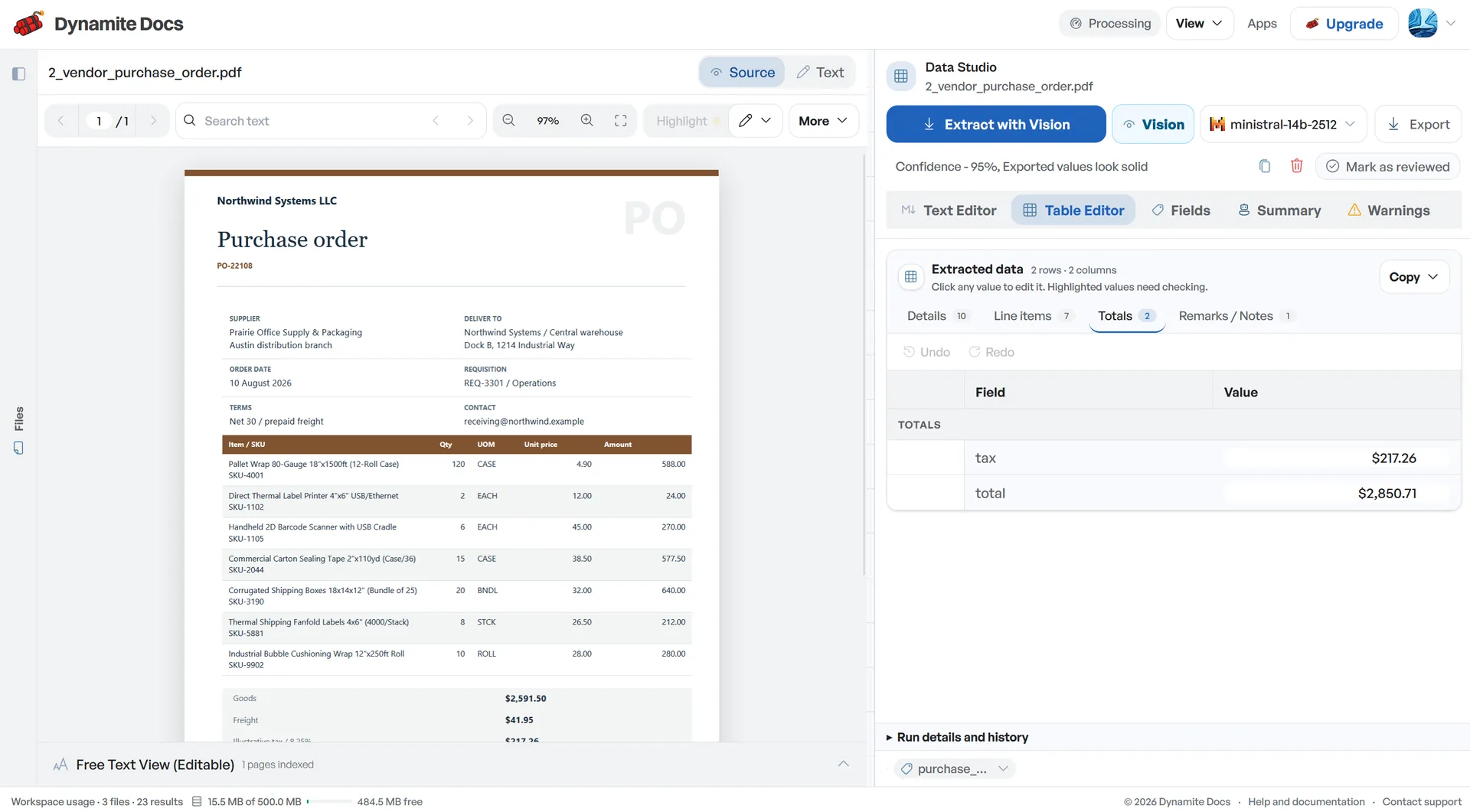
Yes. Taxable value, CGST, SGST, and IGST, and total invoice amounts are extracted into separate columns with confidence scores for easy verification.
Can I export invoice records to Excel or CSV?
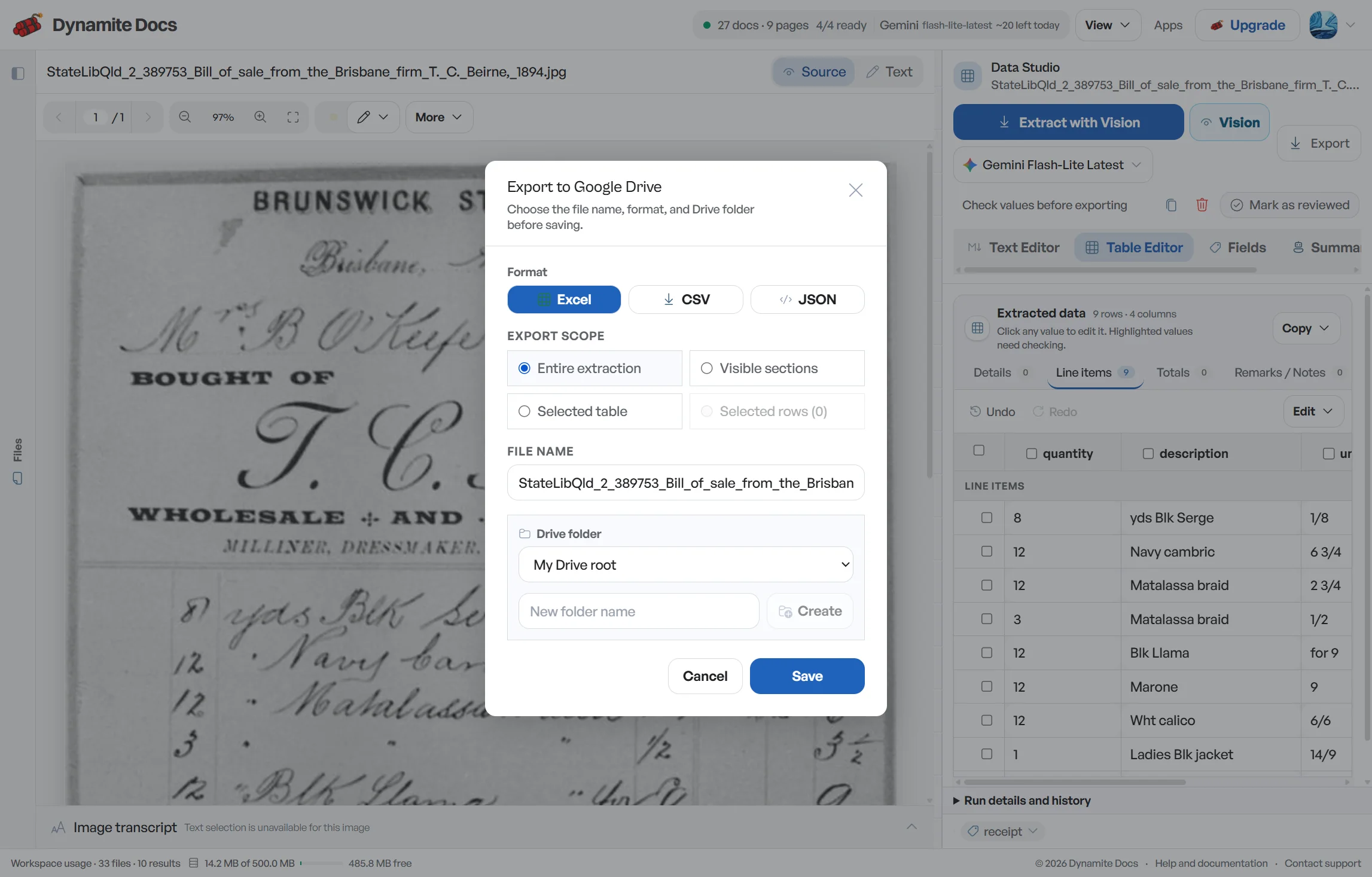
Yes. You can export reviewed extractions to Excel, CSV, JSON, or Google Sheets.
Related document workflows
Related extraction articles
Open the document extraction workspace, no credit card required.