GST e-invoice data extraction and IRN verification
By Dynamite Docs. Published . Updated .
Turn GST invoices into clean, reviewed data for Excel and Tally.
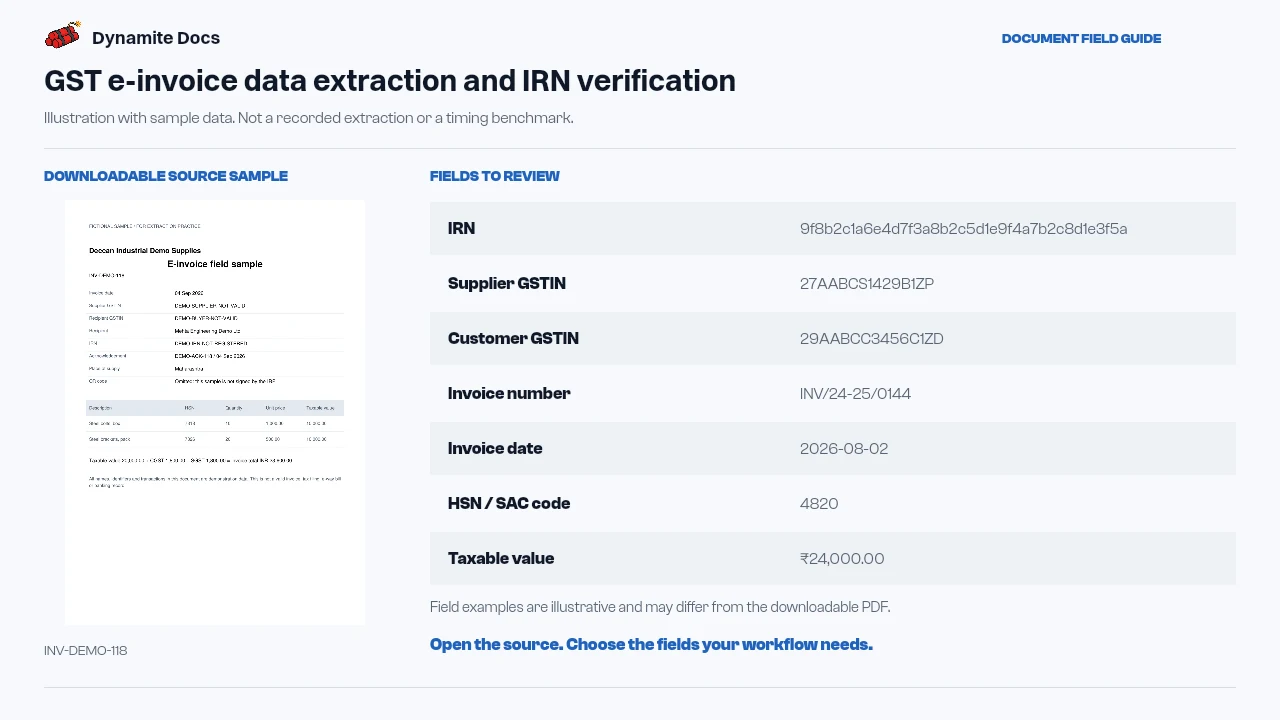
GST e-invoice data extraction pulls the visible IRN, supplier and recipient [GSTIN](/accounting/india/gstin-extraction)s, invoice identity, item rows and tax values from a rendered PDF, image or structured source file. Dynamite Docs puts those values into confidence-scored rows for review. Extraction is not portal verification: a person or connected compliance process must still confirm that the IRN and signed QR data belong to the same invoice and that the document fits the business’s records. Export the checked fields to Excel, CSV, [JSON](/accounting/india/gst-invoice-to-json) or Google Sheets for accounting and reconciliation work.
Try a GST invoice or compare its storage, processing, and export limits.
E-invoices are digital, but manual entry still happens
- An e-invoice is identified by its unique 64-character IRN, which must be captured alongside standard invoice fields for audit tracking.
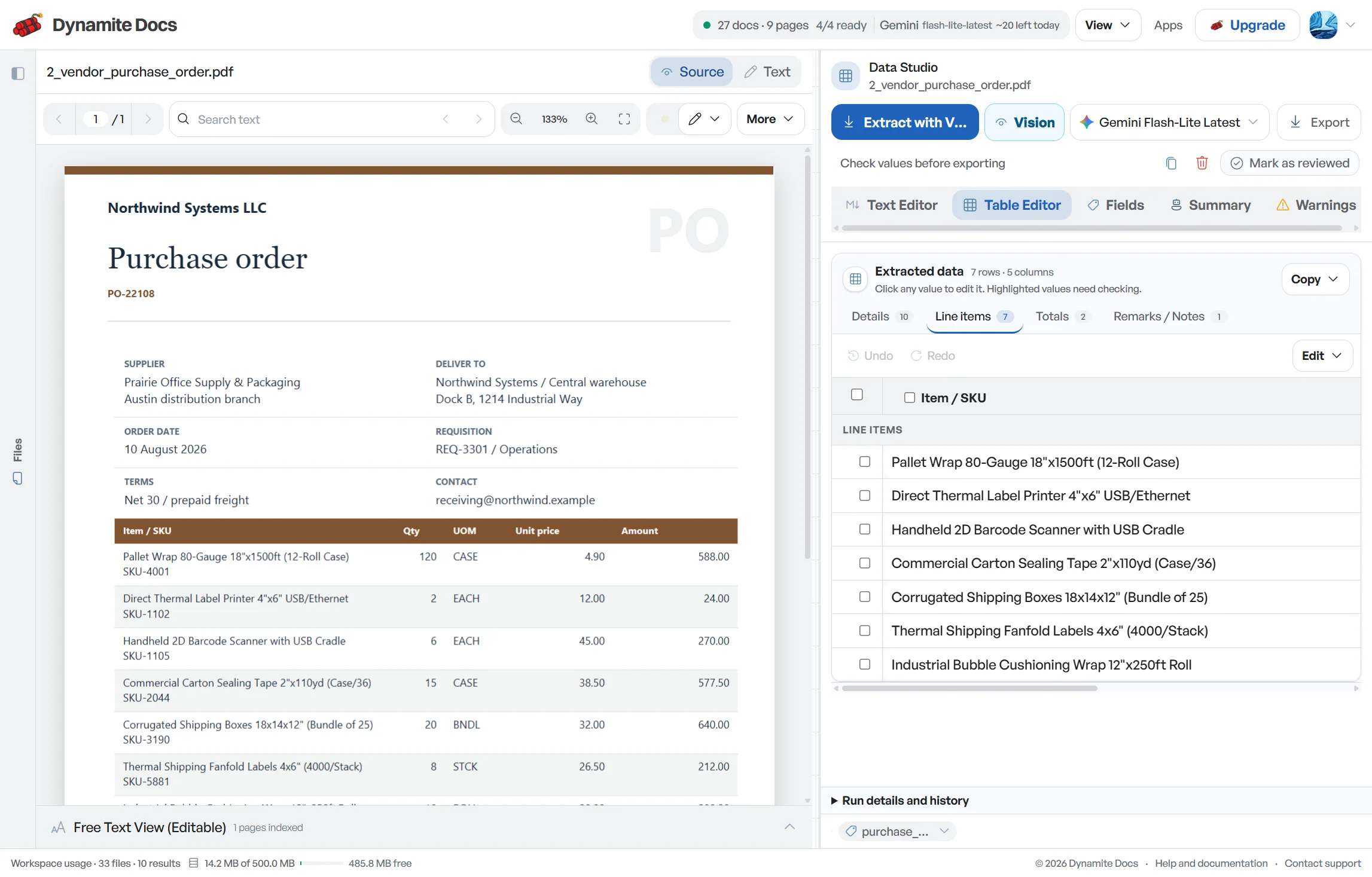
- While e-invoice data is encoded in a signed QR code, businesses receive rendered PDF files that still require data entry.
- Verifying that supplier GSTINs, taxable amounts, and tax splits [match your purchase records](/accounting/india/gstr-2b-reconciliation) is essential before posting entries.
- E-invoices frequently accompany e-way bills during goods transport, requiring matching between invoice values and transport documents.
Document types this workflow handles
- GST e-invoice PDFs: IRN-verified electronic invoices with embedded text
- Signed QR code images: embedded e-invoice QR codes and JSON summaries
- E-way bills: goods transport records for the same transaction
- Supplier reconciliation files: monthly purchase files to match against e-invoices
What gets extracted from a GST e-invoice
Fields are recognized from standard e-invoice layouts. A typical extraction provides:
- IRN: 9f8b2c1a6e4d7f3a8b2c5d1e9f4a7b2c8d1e3f5a
- Supplier GSTIN: 27AABCS1429B1ZP
- Customer GSTIN: 29AABCC3456C1ZD
- Invoice number: INV/24-25/0144
- Invoice date: 2026-08-02
- HSN / SAC code: 4820
- Taxable value: ₹24,000.00
- CGST / SGST amount: ₹2,160.00 / ₹2,160.00
- IGST amount: ₹0.00
- Invoice total (incl. tax): ₹28,320.00
A realistic example
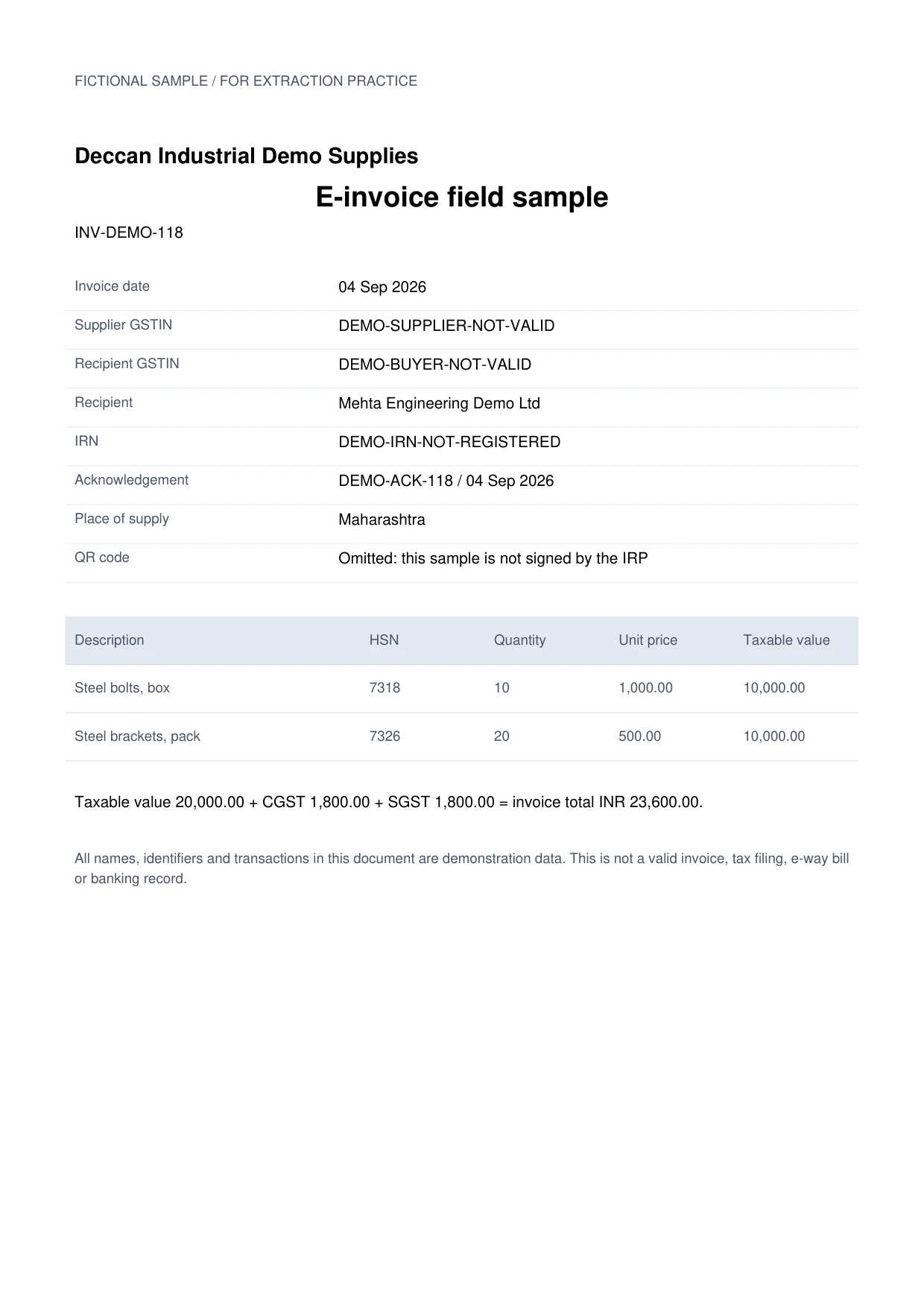
Sample data. Not a real invoice or filing record.
E-invoices extract into structured rows like these, with IRN references captured for easy audit tracking:
| IRN (first 16) | Invoice # | Date | Supplier GSTIN | HSN/SAC | Item | Taxable value | CGST | SGST | IGST | Total | Status |
|---|---|---|---|---|---|---|---|---|---|---|---|
| 9f8b2c1a6e4d7f3a | INV/24-25/0144 | 2026-08-02 | 27AABCS1429B1ZP | 4820 | A4 copier paper | ₹24,000 | ₹2,160 | ₹2,160 | Not applicable | ₹28,320 | Matched |
| 7c1d9f4e2b8a3c5d | INV/24-25/0145 | 2026-08-03 | 33AABCC3456C1ZD | 8467 | Rotary hammer | ₹1,86,000 | Not applicable | Not applicable | ₹33,480 | ₹2,19,480 | Matched |
| Not available | BILL-118 | 2026-08-05 | 29AABCC3456C1ZD | 4820 | Desk stationery | ₹4,500 | ₹405 | ₹405 | Not applicable | ₹5,310 | No IRN: flagged for review |
What to validate before export
Validation issue
Verify IRN and QR-derived values against the signed invoice data.
Limitation
The extractor does not generate, cancel, or validate an IRN with the IRP.
Reviewed by Dynamite Docs content team. Last verified 2026-09-11.
Understanding GST e-invoices in your accounting workflow
Keep the complete IRN as text. Do not shorten it in the accounting record, convert it to a number or use only the visible first characters as a match key. The short value in the example table is for display; production exports should retain the full source value.
Compare the IRN with supplier GSTIN, recipient GSTIN, invoice number, date and total. A correctly read string can still be attached to the wrong PDF when files were renamed or merged. That identity check comes before line-item review.
Treat the e-invoice and e-way bill as different records. The e-invoice concerns invoice registration, while the e-way bill supports the movement-of-goods process. They may share invoice references and values, but one does not replace the other. Preserve each document’s number, date and status separately.
A missing IRN needs context. It may indicate a standard invoice, an unreadable field, an incomplete source or a document outside the e-invoice process. Extraction cannot determine the reason. Mark the value as missing or unresolved instead of declaring the invoice invalid.
Review line items and tax totals as you would on any GST invoice. Keep HSN or SAC, quantity, unit, taxable value, CGST, SGST, IGST, cess, rounding and gross total in separate fields where present. Reconcile the visible arithmetic and record any difference for a tax reviewer.
Dynamite Docs extracts and organizes e-invoice data. Portal checks, supplier reconciliation, amendments, tax treatment and return filing remain with your finance team, tax professional or connected compliance system.
Accurate e-invoice extraction with full data ownership
The IRN is an important reference. Preserve the complete text with the invoice identity and tax values, then verify it through the process your organization uses for e-invoice records.
Digital e-invoice PDFs may provide machine-readable text, while scans or QR images need visual processing. Both paths need review and do not replace portal validation.
All extracted rows remain saved in your private workspace, ready for export to Excel, CSV, JSON, or Google Sheets.
Questions, answered
What is the IRN and why is it important?
The Invoice Reference Number (IRN) is a unique 64-character hash generated by the Invoice Registration Portal (IRP) that validates an e-invoice. Dynamite Docs extracts the IRN so your purchase records link directly to official e-invoice filings.
Can it read e-invoices with QR codes?
You can upload e-invoice PDFs, images and structured files. Review any value proposed from visible QR content against the invoice and use the official or connected verification process when authenticity matters.
Does it validate e-invoice data against vendor records?
It extracts the essential matching fields (supplier GSTIN, invoice details, taxable value, tax split, and total) into clean spreadsheet rows so your team can verify them against vendor masters and purchase orders.
How does an e-invoice differ from an e-way bill?
An e-invoice is a tax invoice validated through the IRP, while an e-way bill is a goods transport document. Dynamite Docs provides dedicated extraction workflows for both document types.
Related document workflows
Related extraction articles
Open the document extraction workspace, no credit card required.