Extract bank transaction histories into reconciliation rows for bookkeepers
By Dynamite Docs. Published . Updated .
Stop typing invoices into spreadsheets.
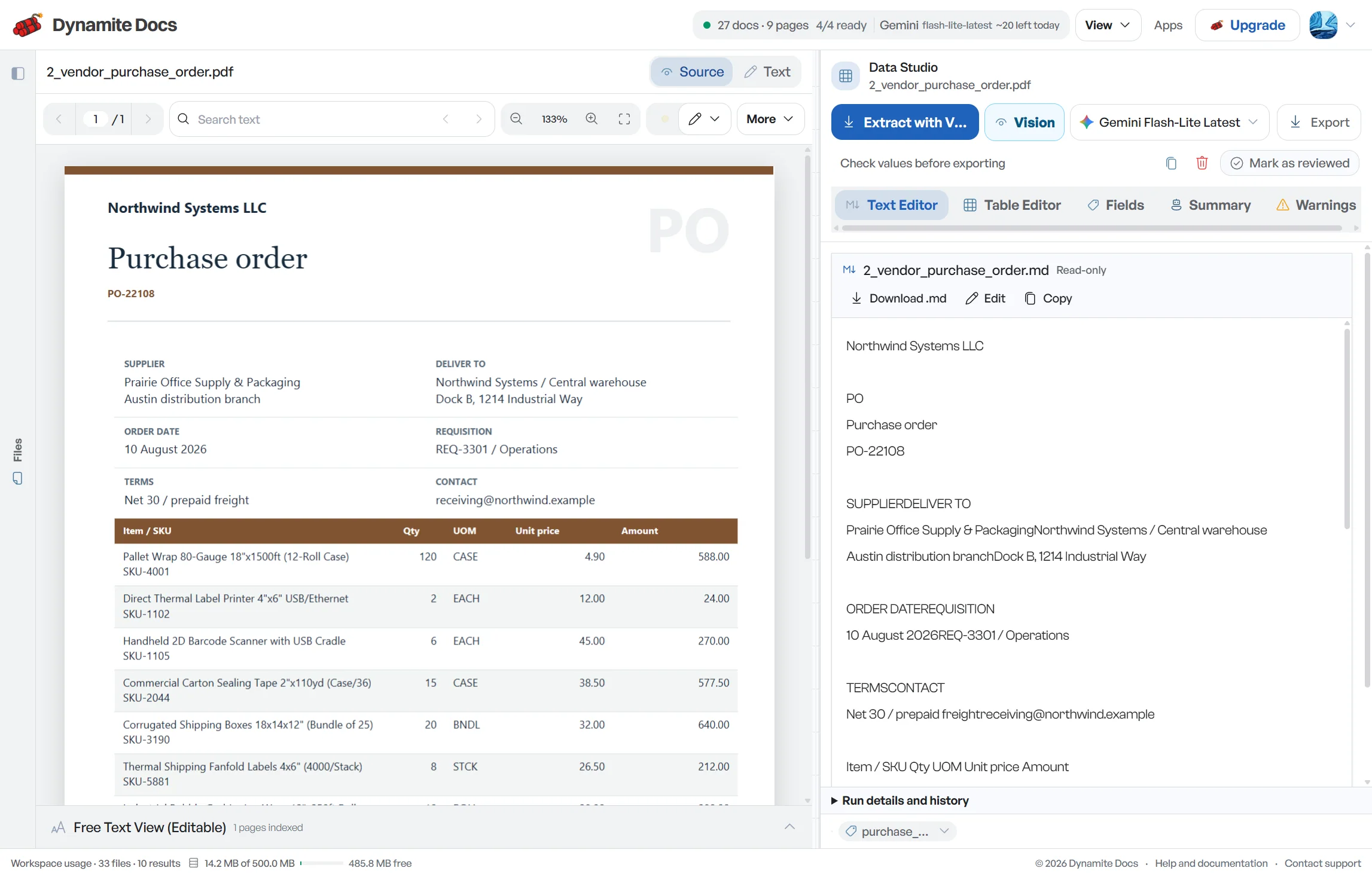
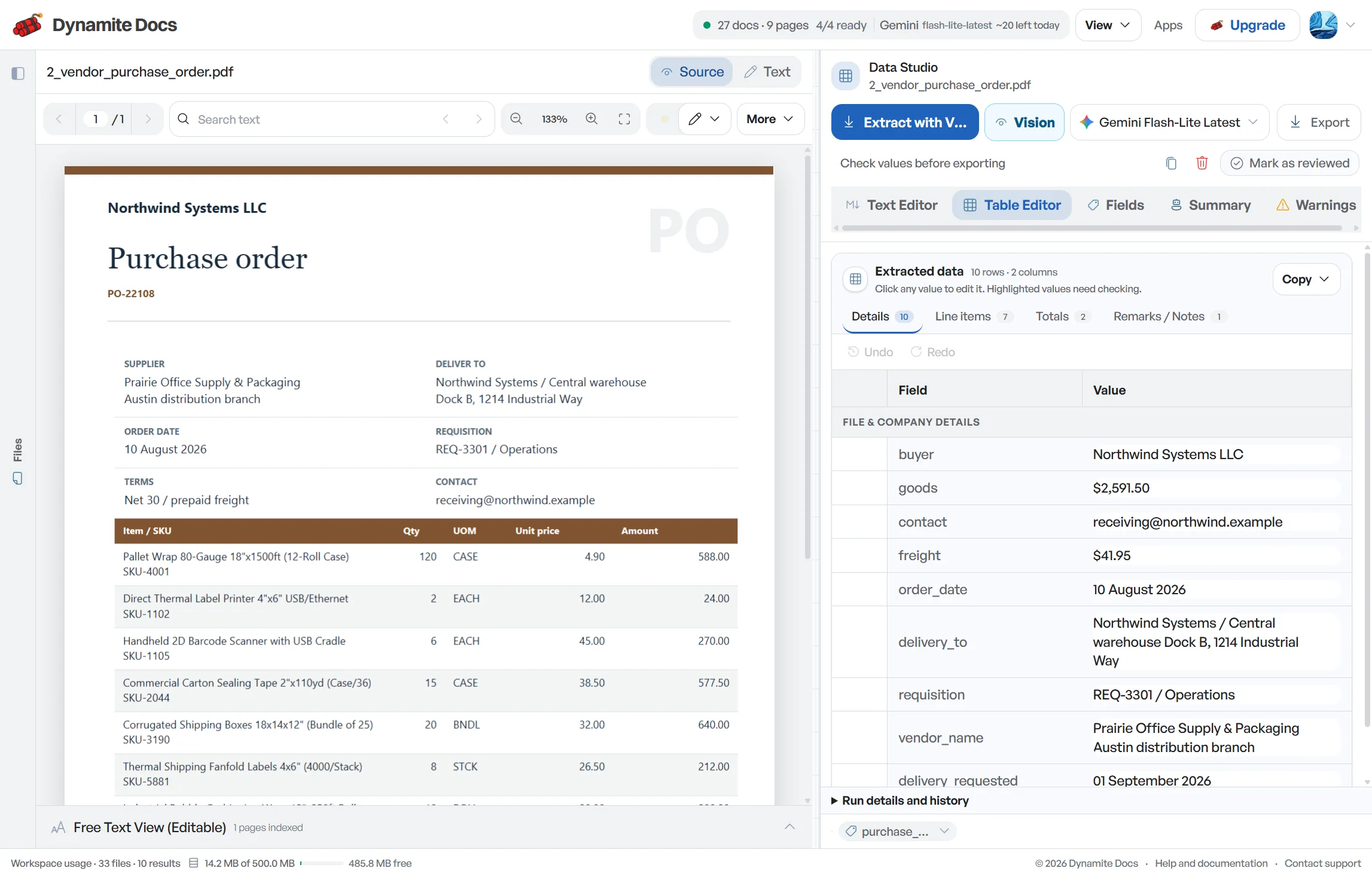
Bank statement extraction turns transaction pages into rows you can check before reconciliation. Dynamite Docs proposes dates, descriptions, references, debits, credits and running balances from digital PDFs or scans, then keeps the [statement](/ai-ocr-software-for-document-data/extract-bank-statements-using-ai) close to the table for review. Confirm the account period and opening balance first. Check unclear amounts and wrapped descriptions next, and only export after the balance sequence agrees with the source. Excel, CSV and JSON give you different handoff options, but none of them marks a transaction as reconciled on its own.
Try a bank statement or compare its storage, processing, and export limits.

Bank statements are formatted for reading, not accounting
- Every financial institution lays out transaction dates, descriptions, check numbers, and balances differently.
- Scanned paper statements have no selectable text, preventing standard copy and paste.
- Retyping long lists of transactions often leads to small errors, like transposed digits or skipped lines, that cause balance mismatches.
- Accountants and bookkeepers managing multiple clients have to navigate several different bank layouts every week.
Document types this workflow handles
- Digital bank statement PDFs: e-statements downloaded from online banking
- Scanned paper statements: paper records read with optical character recognition
- Multi-page statements: statements spanning multiple pages
- International statements: formats from US, UK, European, Australian, and Indian banks
What gets extracted from a bank statement
Fields are identified from each statement structure. A typical extraction provides:
- Transaction date: 2026-07-28
- Description: ACH DEP PINNACLE MARKETING
- Type: Debit
- Amount: $248.90
- Running balance: $34,581.30
- Reference: ACH-48199
- Opening / closing balance: $14,180.20 / $40,909.01
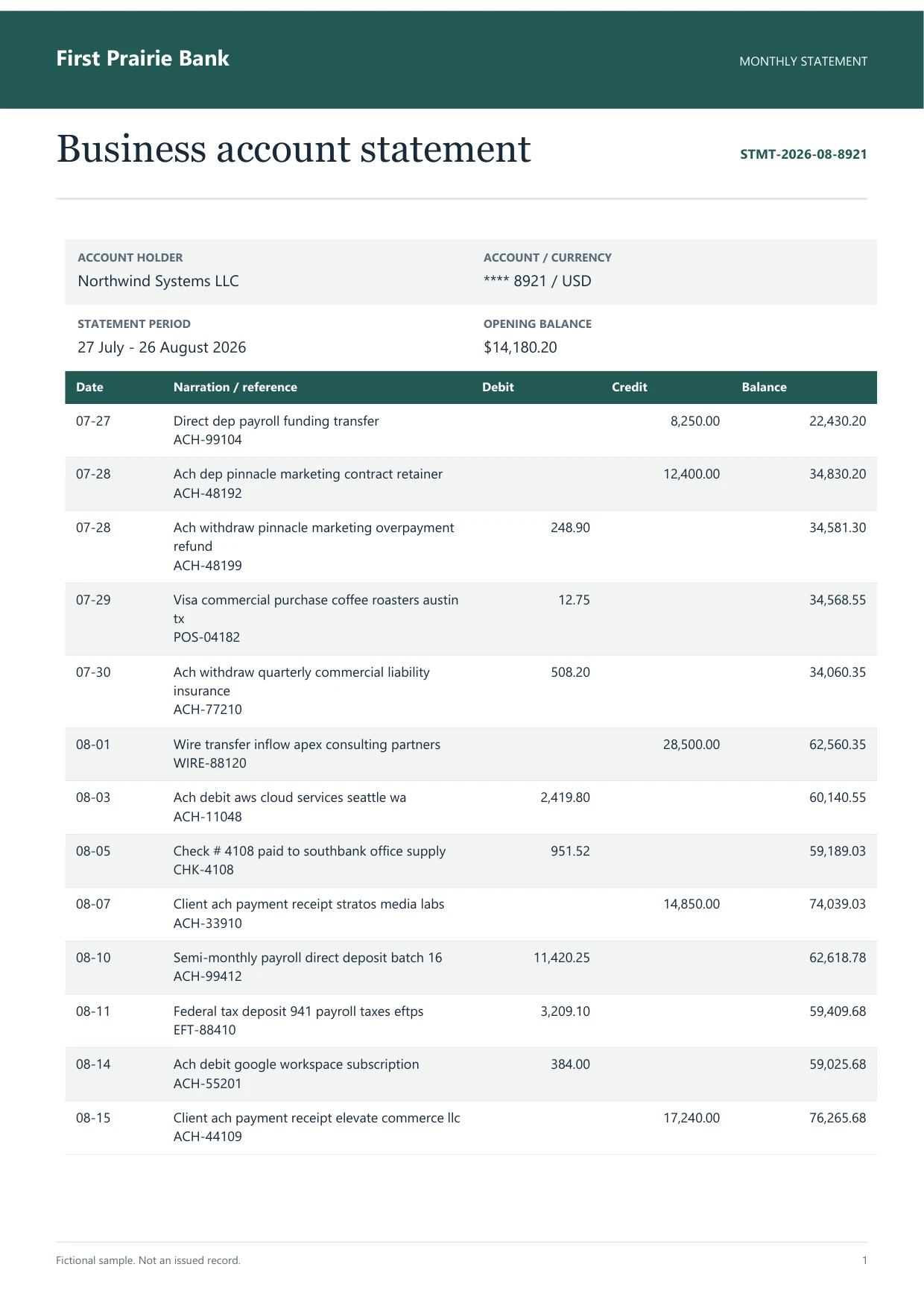
A realistic example
Sample data. Not a real invoice or filing record.
A bank statement extracts into organized rows like these, ready to reconcile against your books:
| Date | Description | Type | Amount | Balance |
|---|---|---|---|---|
| 2026-07-27 | DIRECT DEP PAYROLL FUNDING TRANSFER | Credit | +$8,250.00 | $22,430.20 |
| 2026-07-28 | ACH DEP PINNACLE MARKETING CONTRACT | Credit | +$12,400.00 | $34,830.20 |
| 2026-07-28 | ACH WITHDRAW PINNACLE MARKETING REFUND | Debit | -$248.90 | $34,581.30 |
| 2026-07-29 | VISA COMMERCIAL PURCHASE COFFEE ROASTERS | Debit | -$12.75 | $34,568.55 |
| 2026-07-30 | ACH WITHDRAW QUARTERLY INSURANCE | Debit | -$508.20 | $34,060.35 |
What to validate before export
Validation issue
Opening balance plus net activity must reconcile to the closing balance.
Limitation
The output does not reconcile accounts or assign ledger codes automatically.
Reviewed by Dynamite Docs content team. Last verified 2026-09-11.
Why accurate statement data speeds up month-end close
A useful statement table preserves the accounting sequence alongside the visible words. Start with the statement period, account identity, opening balance and closing balance. If a page is missing, the transaction rows may look plausible while the period is incomplete. Hold the export until those document-level checks are settled.
Banks present money in several ways. Some use separate debit and credit columns. Others use one signed amount, a transaction-type marker or parentheses for withdrawals. Decide how the destination expects direction to be represented, then review reversals and refunds carefully. Turning every visible amount into a positive number destroys information that reconciliation needs.
Descriptions often wrap onto a second line, especially for card settlements, bank transfers and international payments. That continuation belongs with the transaction above unless the statement shows a new date or reference. Repeated headers, page totals and carried-forward balances are page furniture, not new activity. Remove them before counting rows.
Use the running balance as a control when the statement provides one. Take the opening balance, apply each debit and credit in order, and compare the calculated result with the printed balances. A break in the sequence can expose a dropped row, a wrong sign or an OCR digit error. It cannot prove that the matching ledger entry is correct, but it tells you whether the statement table is internally consistent.
After review, choose the export for the next job. Excel is convenient for filters, formulas and multi-sheet workbooks. CSV is better for a flat import with stable headers. JSON keeps field and row structure for software mapping. Check the receiving system's date, decimal, sign and account-column rules before treating any download as import-ready.
For recurring work, test one complete statement from each bank and account type. Record how that source expresses transaction dates, value dates, debit and credit direction, references and balances. Saved corrections can help when the same layout returns, but reviewers should still confirm the period and opening-to-closing control on every statement.
Security and accuracy for financial statements
Bank statements contain sensitive financial information. Use the policy settings to restrict eligible providers, or run model inference on your computer with the Ollama companion on Starter, Pro and Scale. Review the selected provider's terms before processing confidential records.
A digital PDF may provide machine-readable text. Scanned statements need a vision-capable model. Both formats still require structured extraction and review because reading characters does not settle row boundaries, amount direction or page furniture.
You can review the extracted transaction records and export the accepted rows to a spreadsheet or accounting import workflow.
Questions, answered
Can Dynamite Docs read statements from international banks?
You can test statements with different currencies, date formats and column arrangements without building a fixed bank template first. Review date interpretation, decimal separators, debit and credit direction, and balance order before export.
How does it handle scanned paper statements?
Scans and photo copies are processed using optical character recognition (OCR) to read the printed text. Any faint or unclear figures are flagged for quick verification.
How do I transfer the data into my accounting software?
Download CSV, Excel or JSON, or push reviewed data to Google Sheets. Then map the columns in your accounting system's import flow. Dynamite Docs does not post or reconcile bank transactions directly in QuickBooks, Xero, Sage or another ledger.
How does this differ from credit card statement processing?
Bank statements track operating checking and savings accounts with deposits and withdrawals. Credit card statement processing focuses on merchant purchases, cardholder names, and interest charges. Both workflows are supported.
Related extraction articles
Open the document extraction workspace, no credit card required.