Sections09
Reading time9 min
EvidenceProduct comparison

Answer in 30 seconds

Keep the accounting system you already use. Test invoice extraction, review and export before changing the wider AP workflow.

Use the fit register and decision table together. The strongest option is the one that matches your documents, review controls, delivery path, and operating model.

Rillion and Dynamite Docs overlap at invoice capture, but they solve different jobs. Rillion is an accounts payable platform with coding, approvals, purchase-order matching, contract automation and US vendor payments. Dynamite Docs extracts data from invoices and other business documents, keeps the source beside the result and sends checked rows to spreadsheets or software.

Choose based on the process you need to replace. If the project includes approval matrices, purchase requisitions and payment execution, Rillion is the closer fit. If the project starts with difficult files, custom fields, mixed document types or an API, test the focused extraction workflow in Dynamite Docs.

Best fit
Extraction before accounting or operations
First test
One document in the browser
AI route
Hosted, own key or local Ollama
Product boundary
No payment or approval execution

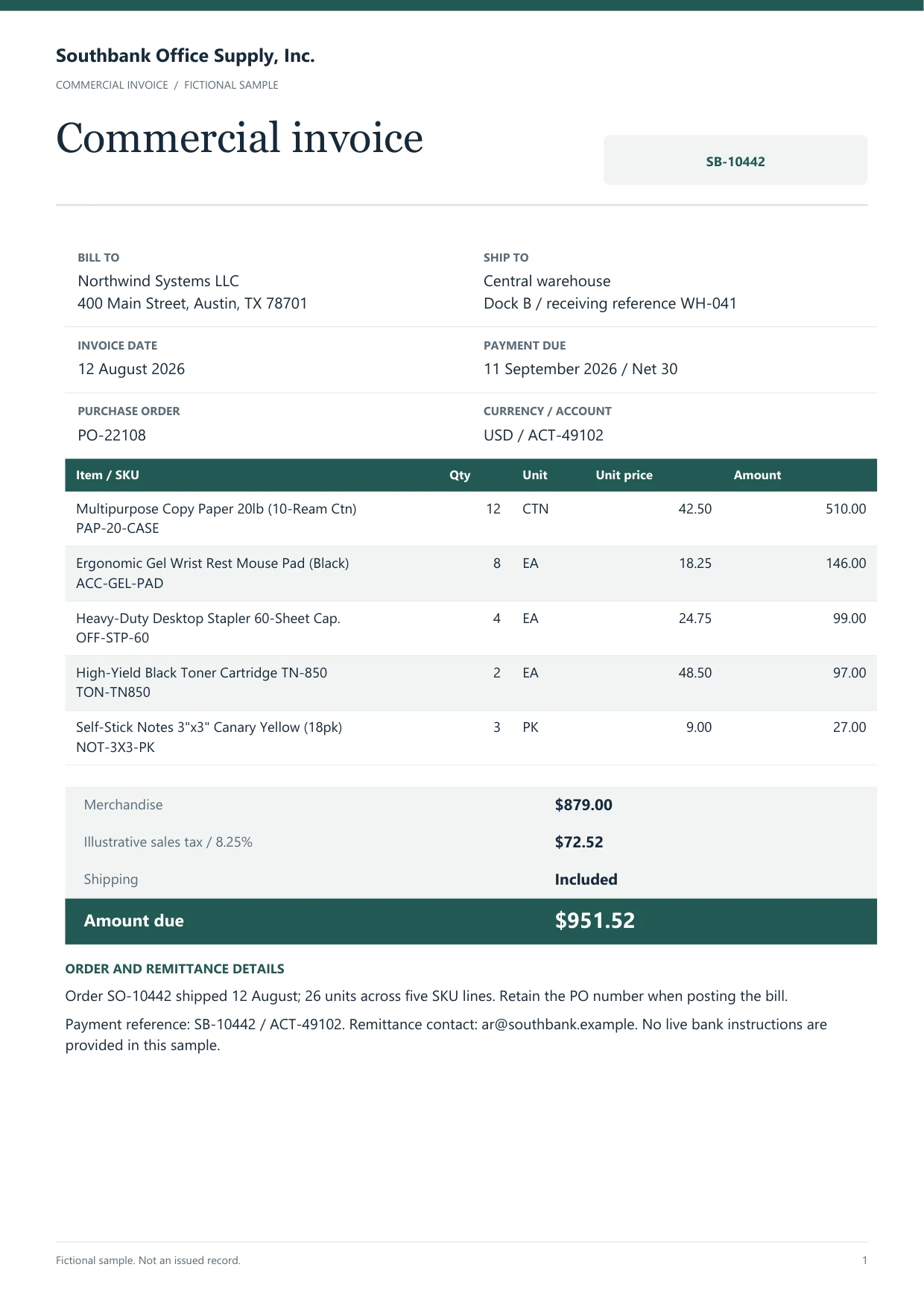
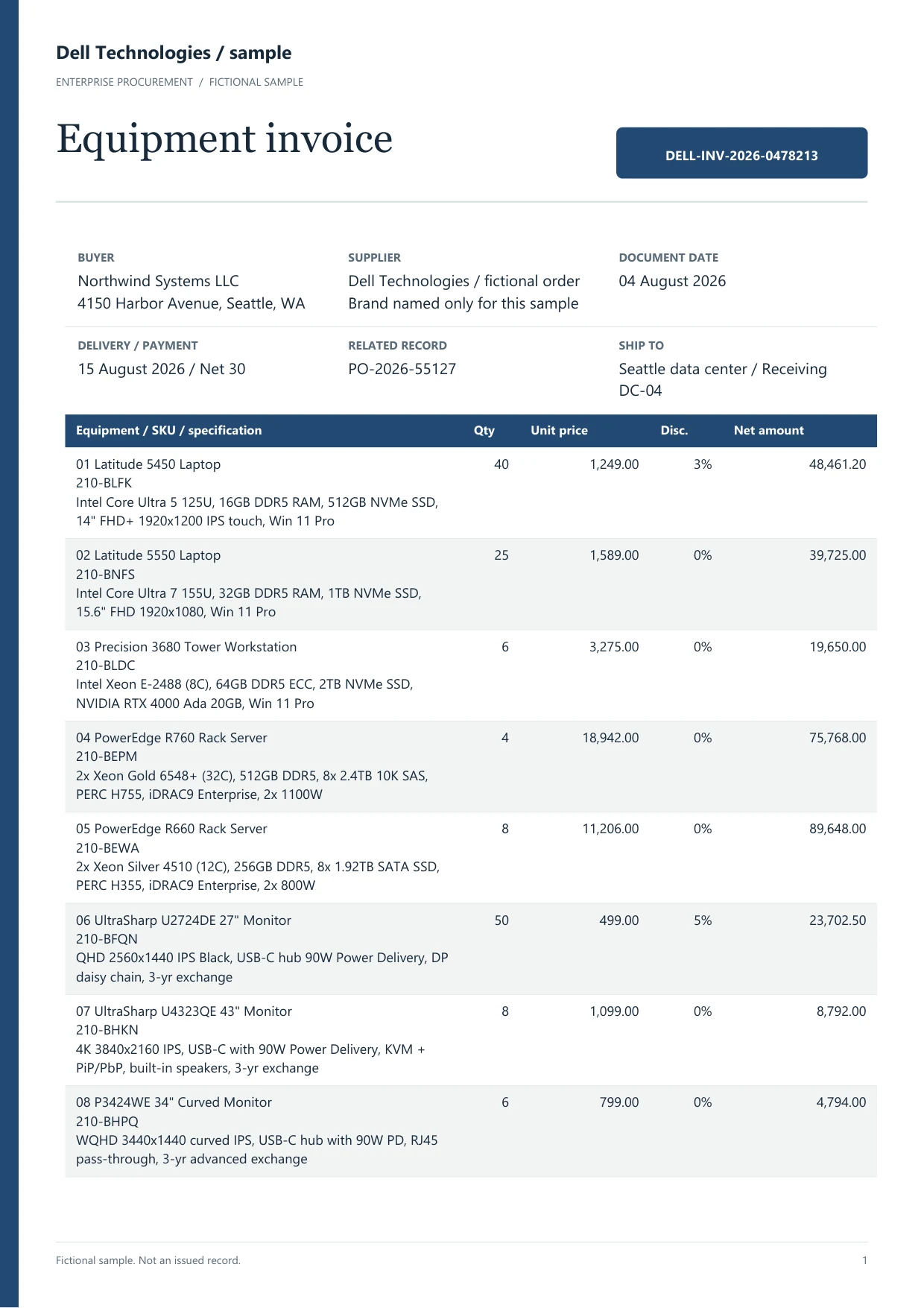
Check document extraction results with Dynamite Docs with these sample files

Fit register

Start with the system decision, not the OCR checklist

Both products can read invoices. The useful question is what should happen after the values leave the page.

Use Dynamite Docs for a focused extraction layer

Keep your ERP, spreadsheet or internal application. Extract the fields you need, review uncertain values and hand the checked data to the next system.

Use Rillion for an AP transformation project

Rillion is built for formal invoice coding, approval routing, PO matching, recurring invoices, multi-entity control and payment operations.

Use Dynamite Docs for mixed business documents

Run invoices, statements, receipts, contracts, purchase orders and certificates through the same schema, review and export workflow.

Use Rillion when implementation support is part of the purchase

Rillion sells structured onboarding, ERP configuration, user training, customer success and higher-tier service management.

How we maintain this comparison

Written and maintained by the Dynamite Docs team. We sell one of the products compared here. Fit recommendations are our assessment, not an independent ranking.

We reviewed the linked vendor product and pricing pages on November 9, 2026. Dynamite Docs allowances and capabilities come from our current plan definitions. We have not run a shared head-to-head accuracy, speed or cost benchmark.

Compare extraction, review, intake, delivery, deployment and total cost separately. A feature that we could not confirm remains unconfirmed. Vendor statements describe published capabilities, not results we have reproduced.

Check the quoted plan and implementation scope before purchase. The owner reviews these comparisons every month, with the next review due December 9, 2026, or earlier after a material product or pricing change.

Decision table

Rillion and Dynamite Docs compared by buying decision

Published by Dynamite Docs. This table compares published capabilities, not measured performance. Rillion sources were checked October 9, 2026. Confirm plan-specific features and add-ons with Rillion.

Swipe horizontally to compare every column

DecisionDynamite DocsRillion
Primary jobDocument extraction and reviewEnd-to-end accounts payable automation (vendor source (opens in a new tab))
Public pricingFree, $13, $59 and $259 monthly plansCustom quote based on needs and invoice volume (vendor source (opens in a new tab))
Setup scopeTest a file before account creationFull AP implementation, including integration and customization, typically 12 to 14 weeks (implementation FAQ (opens in a new tab))
AI provider choiceHosted routing, BYOK on every plan, custom endpoints and local OllamaRillion-managed AI inside the AP platform (vendor source (opens in a new tab))
Invoice controlsField review, confidence, correction patterns and exportsApprovals; coding, contracts and analytics by plan; PO matching is an add-on (package details (opens in a new tab))
PaymentsNo payment executionUS payment add-on with ACH, cards, eChecks and wires (payment scope (opens in a new tab))
Other documentsCustom schemas for finance and operations filesDocument management available within the AP product family (vendor source (opens in a new tab))
Integration modelFile downloads on Free; REST API, webhooks, Drive and Sheets on paid plansMulti-ERP connectors and implementation services (vendor source (opens in a new tab))
Test an invoice

Try one invoice in the browser. Check the line items and totals before choosing a plan.

Compare price, usage units and included work using Dynamite Docs

USD pricing as of November 9, 2026. Monthly and annual billing are shown separately. A page, document credit and workflow block are different units. These entry plans do not establish equivalent capacity or total cost.

Swipe horizontally to compare every column

ProductEntry price and billingIncluded usage or unitWhat to confirm
Dynamite DocsFree 28-day trial; Starter $13/month or $130/year, billed once every 12 months100 monthly PE on Starter; 25 monthly PE during the free trialCSV, JSON, XLSX downloads on Free. Starter adds 500 MB storage, Google integrations, API and webhooks. Provider charges are separate for BYOK.
RillionCustom quote (opens in a new tab)Quote depends on invoice volume and requirementsCapture, PO matching and US payments are listed as add-ons. Confirm implementation, ERP setup and contract terms.

Check all Dynamite Docs prices and limits. Successfully processed hosted and local no-AI pages use one PE each; failed pages cost zero. Free and Starter own-key runs use the same allowance; Pro and Scale own-key runs cost zero PE. Monthly caps are hard. Provider and file-size limits still apply.

Plan a migration test before switching

Decide who still owns invoice controls

Before testing an extraction alternative, map the journey of an invoice after capture. Name the system that holds supplier records, approval limits, purchase orders and payment status. If Rillion owns those controls today, an extraction workspace alone leaves that work uncovered. Keep the existing controls or choose another AP system before moving the capture step.

Use one PO invoice and one non-PO invoice in the pilot. Add a credit note and a duplicate invoice. Check whether the output contains the identifiers needed by the accounting system, then follow each exception to the person responsible for resolving it. A correctly read total does not prove that an invoice is approved or safe to pay.

Pilot capture without losing the accounting history

Define the new output columns and keep a source reference for every exported row. Compare supplier identifiers, invoice numbers, currency, tax and line-item totals against a checked reference. Recreate the actual import into a test destination. Include any account coding or tax mapping performed outside the extraction workspace in the measured effort.

Do not cancel the current process because one sample exported successfully. Agree who resolves failed files, who checks duplicate submissions and where historical approvals remain accessible. Retain a rollback path during the pilot. Dynamite Docs does not import Rillion approval matrices or recreate its payment history.

Working procedure

What a focused extraction rollout looks like

Dynamite Docs logoDynamite Docs
The handoff
Supplier invoice: Approval or extraction?Bring one real invoice. Inspect the proposed schema. Review the evidence. Choose the handoff. Illustrative example, not extracted customer data.FROM SOURCE FILE TO A RESULT YOU CAN USESupplierinvoiceReview workspaceApproval orextraction?1Bring one realinvoice2Inspect theproposed schema3Review theevidence
  1. 01Bring one real invoice
  2. 02Inspect the proposed schema
  3. 03Review the evidence
  4. 04Choose the handoff
Compare the review and approval steps. Illustrative example.
  1. 01

    Bring one real invoice using Dynamite Docs

    Use the supplier layout that causes the most typing or correction work today.

  2. 02

    Inspect the proposed schema

    Keep useful header fields and line-item columns. Remove anything the next system does not need.

  3. 03

    Review the evidence

    Compare identifiers, dates, tax, totals and flagged cells with the source document.

  4. 04

    Choose the handoff

    Export to Excel, CSV, JSON, Sheets or Drive, or connect the API and webhooks to your application.

Dynamite Docs logoDynamite Docs
The review
Supplier invoice: Approval or extraction?It does not approve invoices or enforce an approval matrix.. It does not perform two-way or three-way PO matching.. It does not onboard vendors, move money or reconcile payments.. Illustrative example, not extracted customer data.SOURCE DOCUMENTSupplier invoiceBest fitExtraction before…First testOne document in the…AI routeHosted, own key or local…Review before exportBest fitExtraction beforeaccounting or…Compare with the source on the leftAccept after reviewCompare the review and approvalsteps.Original stays…
Best fit
Extraction before accounting or operations
First test
One document in the browser
AI route
Hosted, own key or local Ollama
Compare the review and approval steps. Illustrative example.

Provider independence

Do not make one model vendor part of every document decision

Dynamite Docs separates the review workspace from the model account. Use hosted processing for a quick start, connect a provider account on any plan, or route model inference through the local Ollama companion on Hobby, Pro or Ultra.

Free and Hobby own-key runs use monthly PE. Pro and Ultra own-key runs do not spend PE. BYOK has no per-document tier cap, though provider and file-size limits still apply.

Compare every AI route

Hosted

Use the platform allowance and start without a provider account.

BYOK

Use your provider account, model access and direct provider billing.

Local

Run model inference through Ollama on the user computer.

Custom

Connect an OpenAI-compatible endpoint when the standard list is not enough.

What Dynamite Docs does not replace

A smaller product is useful only when the boundary is clear. Dynamite Docs prepares and moves reviewed document data. It does not run the accounts payable ledger.

  • 01It does not approve invoices or enforce an approval matrix.
  • 02It does not perform two-way or three-way PO matching.
  • 03It does not onboard vendors, move money or reconcile payments.
  • 04It does not post into Rillion or a generic ERP without a customer or partner integration. The built-in QuickBooks Online and Xero connectors create reviewed invoices and bills, but they do not run approvals, payments or reconciliation.

Sources and review date

Questions

Check the edge cases before you buy

Is Dynamite Docs a full replacement for Rillion?+

No. It is an alternative when the required job is extraction, review and data handoff. Rillion is the stronger fit when the project also requires approval workflows, PO matching, contract automation or supplier payments.

Does Rillion publish its price?+

Rillion publishes Essential, Professional and Premium packages but asks buyers to book a demo for a quote. Its pricing page says quotes depend on needs and invoice volume. Dynamite Docs publishes monthly and yearly plan prices.

Can Dynamite Docs extract invoice line items?+

Yes. It can infer header fields and repeating line-item rows. Check quantities, unit prices, tax and totals against the invoice before export.

Can I use my own AI provider?+

Yes on every plan. Free and Hobby own-key runs use monthly PE; Pro and Ultra own-key runs are unlimited. Hobby, Pro and Ultra can also use local Ollama inference.

First document

Test the file that makes the current process slow.

Test an invoice

Try one invoice in the browser. Check the line items and totals before choosing a plan.

Can we save optional cookies?

Essential cookies keep you signed in. With your permission, optional analytics cookies and masked session replays help us understand usage and diagnose errors. Privacy policy. Change your choice anytime in Cookie settings.