





01
Infer the structure
The model separates document fields, repeating rows, totals, and notes based on the file in front of it.

Organize fixed asset registers and capital equipment schedules into spreadsheets to monitor historical cost bases, depreciation, and net book values.
28-day Free trial · 25 page-equivalents · 5 hosted pages/document
Try extraction without an account. Sign up free to download CSV, Excel, or JSON.
CSV, Excel and JSON downloads are included on Free after signup, within Free plan limits. See Free limits
Anonymous originals stay in browser storage, not cloud file storage. Extraction may send document content to the selected AI provider.
fixed asset register
Free · No account required
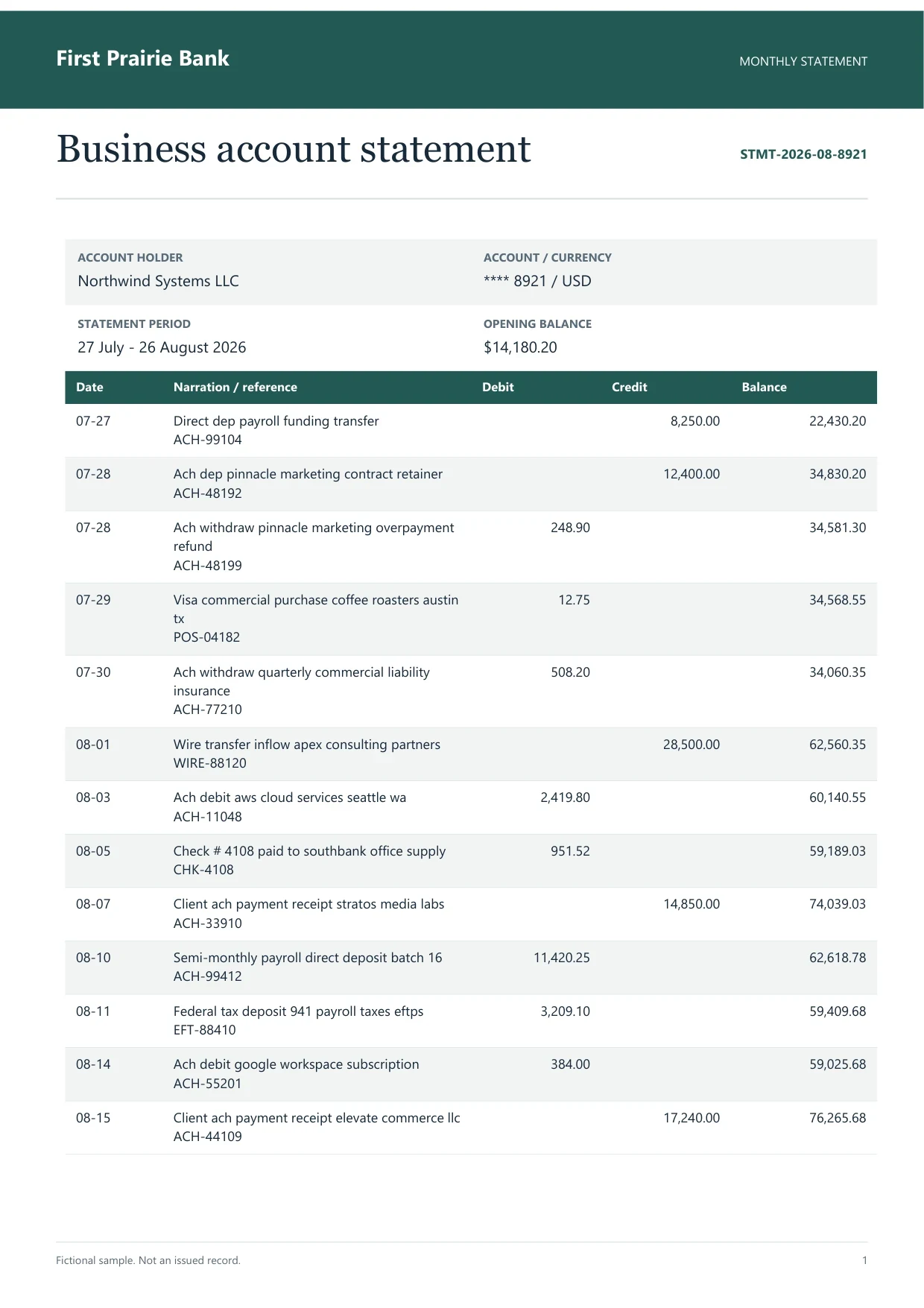
Sample bank statement
Source document(drag to dropzone)Page 1
Sample extracted data3 fields
Download or stream clean structured data to
Content reviewed
Upload capital expenditure ledgers, plant and machinery inventories, building improvement schedules, or accumulated depreciation registers in PDF or scanned formats. The AI vision engine extracts physical barcode tag identifiers, serial numbers, capitalized asset descriptions, placed-in-service dates, historical cost bases, salvage values, depreciation conventions (such as straight-line, declining-balance, or MACRS), and net book values directly into formatted Excel spreadsheets.
The full workflow
 Dynamite Docs
01
The model separates document fields, repeating rows, totals, and notes based on the file in front of it.
02
The source remains visible while you edit cells, rename columns, inspect warnings, and mark the result reviewed.
03
Download Excel-ready fixed asset schedule, or move a recurring workflow into Google Sheets, Drive, webhooks, or the API.
Dynamite DocsChoose the AI route
Open AI & Processing, choose Connect Provider, and pick a provider. The setup screen links to that provider's key page. Create a free key where the provider offers one, paste it into Dynamite Docs, verify it, then select a model for the run.
Your provider key is encrypted before it is stored.
Switch between hosted, own-key, privacy-restricted, and local models.
The same source-first review screen works whichever route you choose.
Rely on Fixed Asset Register to Excel to convert machinery listings, property registers, and amortization schedules for balance sheet roll-forward reconciliation. It places capitalized asset tags, historical costs, and write-downs into designated spreadsheet cells.
For enterprise balance sheets and full statutory accounts, see Financial Statements to Excel. For capital purchase agreements, see Purchase Order to Excel.
Upgrade path
This free converter processes a single document at a time in memory. When you need to process folders of files, export to clean spreadsheets, or automate handoffs, choose the right tier:
Test single files directly in your browser tab without creating an account.
Keep documents saved, export to Excel, and remember column rules.
Batch processing, direct Google Sheets sync, webhooks, and unlimited BYOK.
The 28-day Free trial includes 25 page-equivalents per month shared by hosted and own-key processing, 5 hosted pages per document, and 5 documents per day. Anonymous trials have separate daily limits.
Yes. Tangible asset groupings, facility locations, and parent category headers are captured alongside detail asset records, keeping subcategory summaries distinct from individual machinery lines.
Capitalization dates, in-service milestones, and amortization percentages are formatted as date and numeric cells to support automated recalculation in capital allowance working papers.
Yes. Scanned paper printouts, physical tag audit sheets, and warehouse equipment checklists are transcribed into structured spreadsheet records with serial numbers intact.
Convert balance sheets, P&L statements, and cash flow reports into structured Excel workbooks.
Convert purchase orders into structured Excel rows, then review items beside the source.
Transcribe general ledger trial balances into structured spreadsheets to evaluate debit and credit equilibrium.
Starter and above add stored files, batch jobs and connected exports. Email intake requires Pro or Scale. File and processing limits depend on your plan.
Can we save optional cookies?
Essential cookies keep you signed in. Optional analytics and masked session replays help diagnose errors. Change your choice in Cookie settings. Privacy policy.