Automated ledger mapping for Tally from GST invoice data
Automated ledger mapping for Tally matches each extracted invoice to ledgers that already exist in the TallyPrime company. Dynamite Docs reads the supplier GSTIN and name from the invoice, finds the party ledger by GSTIN or normalised name, proposes CGST, SGST or IGST tax ledgers, and checks that every ledger exists before a purchase voucher is posted.
By Dynamite Docs. Published . Updated .
Review and export GST data



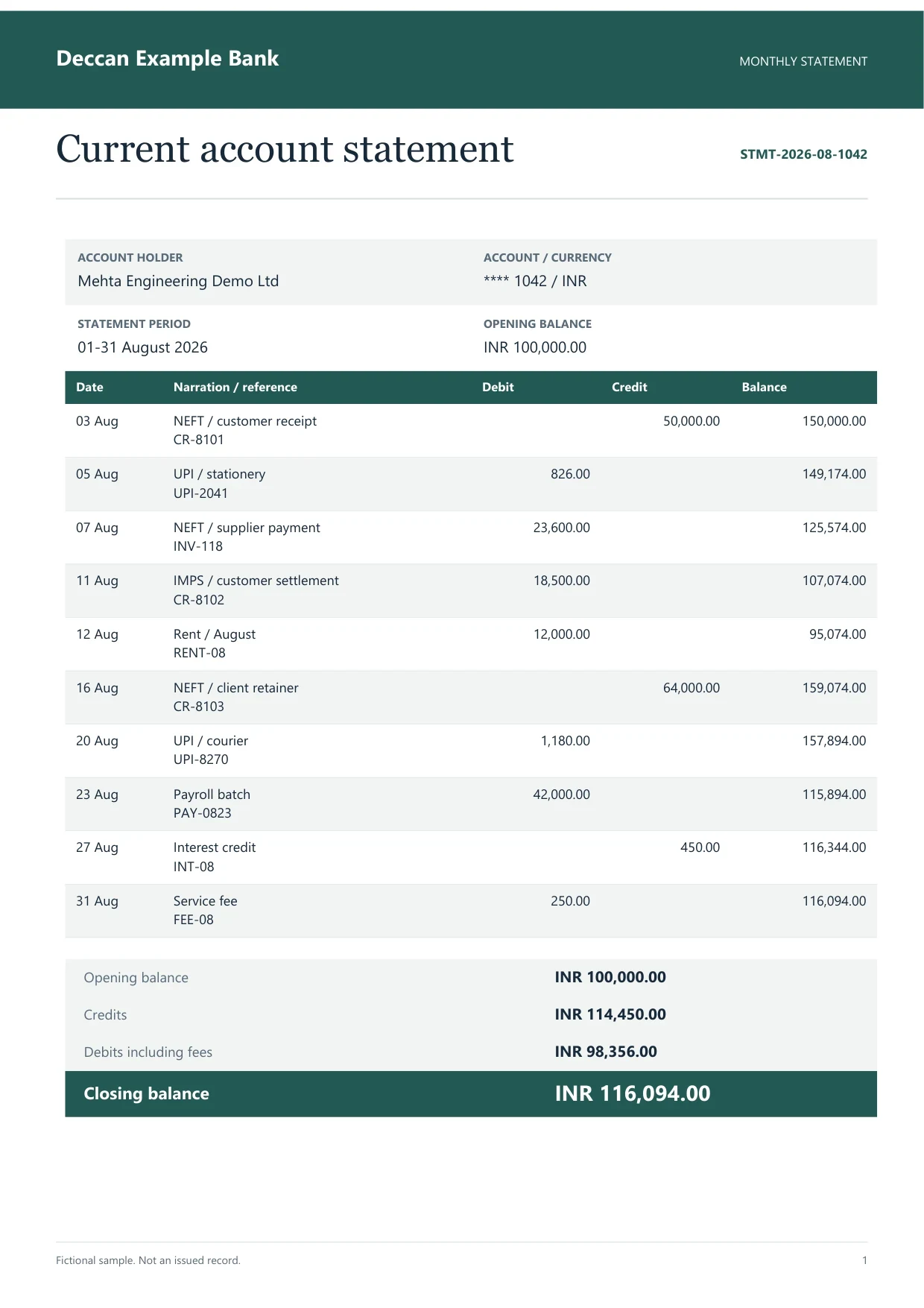
Sample indian bank statement
Source document(drag to dropzone)Page 1
Sample extracted data3 fields
- Account number
- **** 1042
- Statement period
- 01-31 August 2026
- Opening balance
- INR 100,000.00
Answer in 30 seconds
Match supplier GSTINs to TallyPrime party ledgers, set tax and round-off ledgers, and check masters before posting purchase vouchers with Dynamite Docs.
How automated ledger mapping works with TallyPrime

Extract the purchase invoice
Upload the bill and review the supplier name, supplier GSTIN, invoice number, date, taxable value and tax split beside the source.

Read ledgers from the company
With the Windows companion connected to TallyPrime on port 9000, Dynamite Docs reads ledgers from the selected company. Without the companion, paste ledger names or use saved suggestions.

Match or create the supplier ledger
The supplier GSTIN is matched against GSTINs stored on party ledgers, then the name is compared with suffixes such as Pvt, Ltd and LLP ignored. If nothing matches, you can create a ledger under a Sundry Creditors group with GSTIN, state, registration type and effective date.
Confirm tax and round-off ledgers
Choose slab-specific tax ledger names such as "Input IGST @ 18%" or generic names such as "Input IGST". If the voucher total differs from the computed total, name a round-off ledger before posting.
Invoices this mapping handles
B2B purchase invoices Intra-state billsInter-state billsItem invoices
Values used to map an invoice to Tally ledgers
 Dynamite Docs
- Supplier GSTIN
- 27AABCS1429B1ZP
- Supplier name as printed
- Shri Balaji Traders
- Matched party ledger
- Shri Balaji Traders Pvt Ltd
Each staged invoice carries the source values and the ledger chosen for each:

Requirements for Tally ledger mapping
Tally XML export and ledger mapping are available on Starter and above. Posting directly to TallyPrime needs the Windows companion running on the same machine as TallyPrime, with the TallyPrime HTTP server enabled on port 9000 and the target company open. See the local TallyPrime connector on port 9000 for setup and checks.
Without the companion you can still download purchase or sales voucher XML and import it in TallyPrime. Every ledger named in the XML must already exist in the company.
Paid invoice intake · PRO and Scale
Fetch invoices from email.
Forward invoice attachments to your private Dynamite Docs address. They are stored in your account, extracted automatically, and placed in the dashboard for review and export.
- 01Invoice arrives
- 02Forward attachment
- 03Extract and review
- 04Export to your workflow
Questions, answered
GSTIN first. If no party ledger carries the supplier GSTIN, it compares names after removing case, punctuation and suffixes such as Pvt, Ltd and LLP. Confirm name-based matches before posting.
Yes, through the Windows companion, under an existing group below Sundry Creditors, with GSTIN, state, registration type and effective date. It refuses if the name or GSTIN is already used.
The companion stops before import and names the missing ledger, so you can fix the mapping or create the master in TallyPrime.
No. Choose the purchase or expense ledger yourself. The ledger list read from the company helps you pick an existing name.
Extraction guides


Related document workflows


From the blog

Build a Tally invoice import workflow using AI-extracted data
Build a Tally import workflow with AI-extracted GST invoices from Dynamite Docs. Map reviewed rows to masters and voucher fields, then test and reconcile.

Match GSTR-2B records against AI-extracted purchase invoice data
Learn GSTR-2B matching with AI-extracted Indian invoices using Dynamite Docs. Review GSTINs, dates, values, tax, and missing or partial matches.

Map one supplier invoice to Tally ledgers
Upload a purchase invoice, connect the Windows companion to a TallyPrime test company, and confirm the supplier and tax ledgers before posting.