

Overview
Why Tally teams care about the XML shape
TallyPrime can import vouchers from XML when the company, ledgers and amounts are already correct. A hand-built file fails when debits and credits do not balance, when a ledger name does not exist in the open company, or when a duplicate reference is already in the Day Book.
The format is therefore a contract between the export tool and Tally masters. Changing a tag name or amount sign without understanding Tally rules creates silent posting errors.
Practice with the document described here
PDF + reviewed results
How a Tally XML voucher import is assembled
 Dynamite Docs
- ENVELOPE Import Data
- Keep the source reference
- VOUCHER + ledgers
- Keep the source reference
- Day Book verify
- Keep the source reference
A Dynamite Docs batch export builds an XML document that starts with an ENVELOPE whose HEADER requests Import Data. The BODY carries IMPORTDATA with the target company in STATICVARIABLES and one or more TALLYMESSAGE blocks in REQUESTDATA. Each message contains a VOUCHER with DATE, VOUCHERTYPENAME, VOUCHERNUMBER, REFERENCE, PARTYLEDGERNAME, NARRATION and ledger lines. Each ledger line is an ALLLEDGERENTRIES.LIST entry with LEDGERNAME, ISDEEMEDPOSITIVE, ISPARTYLEDGER and AMOUNT. Item invoices can also include ALLINVENTORYENTRIES.LIST stock lines. Debit and credit paise totals must match before the file is written.
On eligible plans, the Windows companion can post reviewed purchase vouchers to the TallyPrime HTTP server on 127.0.0.1 port 9000 after the same master and Day Book checks. Account sign-in and the workspace stay hosted, so this path is local posting, not a fully offline product.
- 01
Review invoice fields and map company ledgers in the workspace
- 02
Generate balanced VOUCHER XML inside an Import Data ENVELOPE
- 03
Import the file in TallyPrime, or post purchase vouchers through the companion
- 04
Confirm each voucher in the Day Book before the next batch
Input Document Fragment
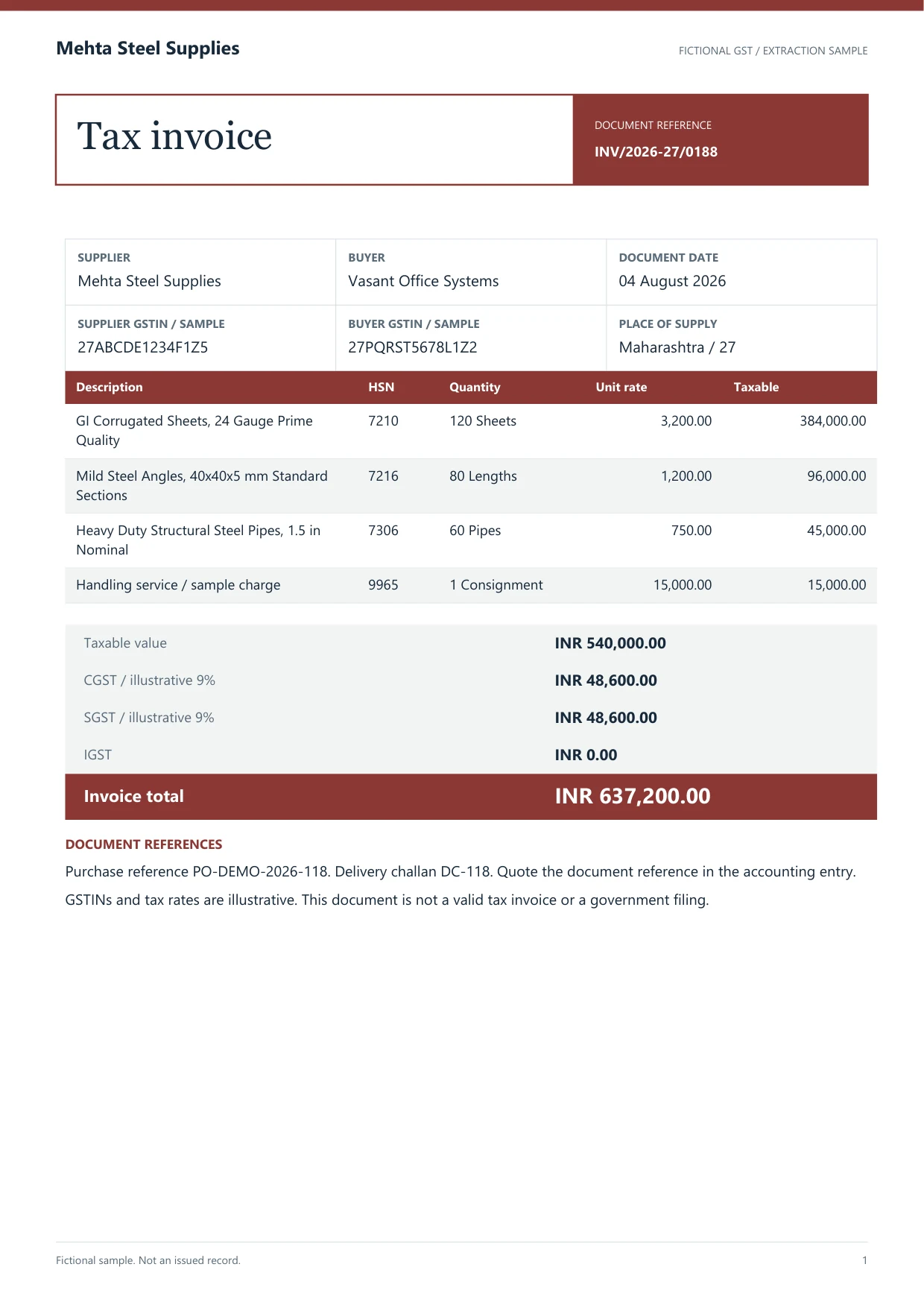
Reviewed purchase invoice INV/24-25/0144 for Shri Balaji Traders
Extracted Structured Rows
ENVELOPE Import Data → TALLYMESSAGE → VOUCHER VCHTYPE Purchase with PARTYLEDGERNAME and balancing ALLLEDGERENTRIES.LIST amounts
Tags and balance rules follow the Dynamite Docs Tally batch builder. Test on a sample company first.
What Tally XML voucher format is
Tally XML voucher format is the structured markup TallyPrime expects when vouchers arrive through Import Data or a local HTTP post. The outer ENVELOPE declares the request type. Inside, each VOUCHER names its type, such as Purchase or Sales, and carries the date, voucher number, party ledger and narration. Money movement is expressed as repeating ALLLEDGERENTRIES.LIST nodes. In the Dynamite Docs builder, a debit amount is negative with ISDEEMEDPOSITIVE set to Yes, and a credit amount is positive with ISDEEMEDPOSITIVE set to No. Party lines can include BILLALLOCATIONS.LIST when a bill reference is required. Item-mode vouchers add ALLINVENTORYENTRIES.LIST with stock item, quantity, rate and accounting allocation. The builder refuses a voucher whose debit and credit totals differ, and a batch is limited to 1 to 50 vouchers. That XML is an export of reviewed values. It does not create missing ledgers by guesswork, decide GST treatment or replace the person who confirms the Day Book after import.
Manual entry, generic converters and reviewed Tally XML
Compare the paths teams use to get invoices into TallyPrime.
| Path | Master checks | Balance checks | Day Book verify |
|---|---|---|---|
| Manual F9 / F8 entry | Operator picks ledgers | Tally enforces on save | Operator opens the voucher |
| Generic XML dump | Often none before import | May fail or post unbalanced | Manual after the fact |
| Reviewed Dynamite Docs XML | Mapped ledgers required | Builder refuses unbalanced vouchers | Companion can re-read Day Book on purchase push |
Edge cases before you trust a batch import
Dynamite Docs- 01Read the source
- 02Review the named values
- 03Export checked data
Duplicate voucher keys (type, date, party and reference) should stop a push. Missing stock items or units break item invoices. Tax ledger names must match the open company exactly, including rate labels such as Input CGST @ 9%.
Bank statement XML, contra vouchers and payment vouchers are outside the current Dynamite Docs Tally voucher builder, which covers Purchase and Sales. For bank PDFs, export reviewed rows and map them separately. See the Tally invoice import workflow and the port 9000 connector.
Frequently asked questions about Tally XML vouchers
What is inside a Tally XML voucher?
A VOUCHER element with type, date, numbers, party ledger, narration and balancing ALLLEDGERENTRIES.LIST lines, wrapped in an Import Data ENVELOPE.
Which voucher types can Dynamite Docs build?
Purchase and Sales vouchers from reviewed invoice data. Contra, payment and receipt bank vouchers are not generated by this builder.
Is the port 9000 connector fully offline?
No. Model extraction and review use the hosted workspace. The companion posts locally to TallyPrime and still needs a valid local token from Dynamite Docs.
Do I need Starter to download Tally XML?
Plan limits apply to storage, jobs and the companion. Confirm current entitlements on the pricing page before promising a client a posting path.
Review one purchase voucher XML on a test company
Extract a single GST purchase bill, map the party and tax ledgers, download or post the XML, then open the Day Book in a test company. Expand the batch only when the verified voucher matches the source invoice.
Evidence register
Sources checked for this note
Continue reading
Next notes in the file

Build a Tally invoice import workflow using AI-extracted data
Build a Tally import workflow with AI-extracted GST invoices from Dynamite Docs. Map reviewed rows to masters and voucher fields, then test and reconcile.

Match GSTR-2B records against AI-extracted purchase invoice data
Learn GSTR-2B matching with AI-extracted Indian invoices using Dynamite Docs. Review GSTINs, dates, values, tax, and missing or partial matches.

What is OCR?
OCR turns images into text. See how optical character recognition differs from structured document extraction and when a reviewer still checks the source.